
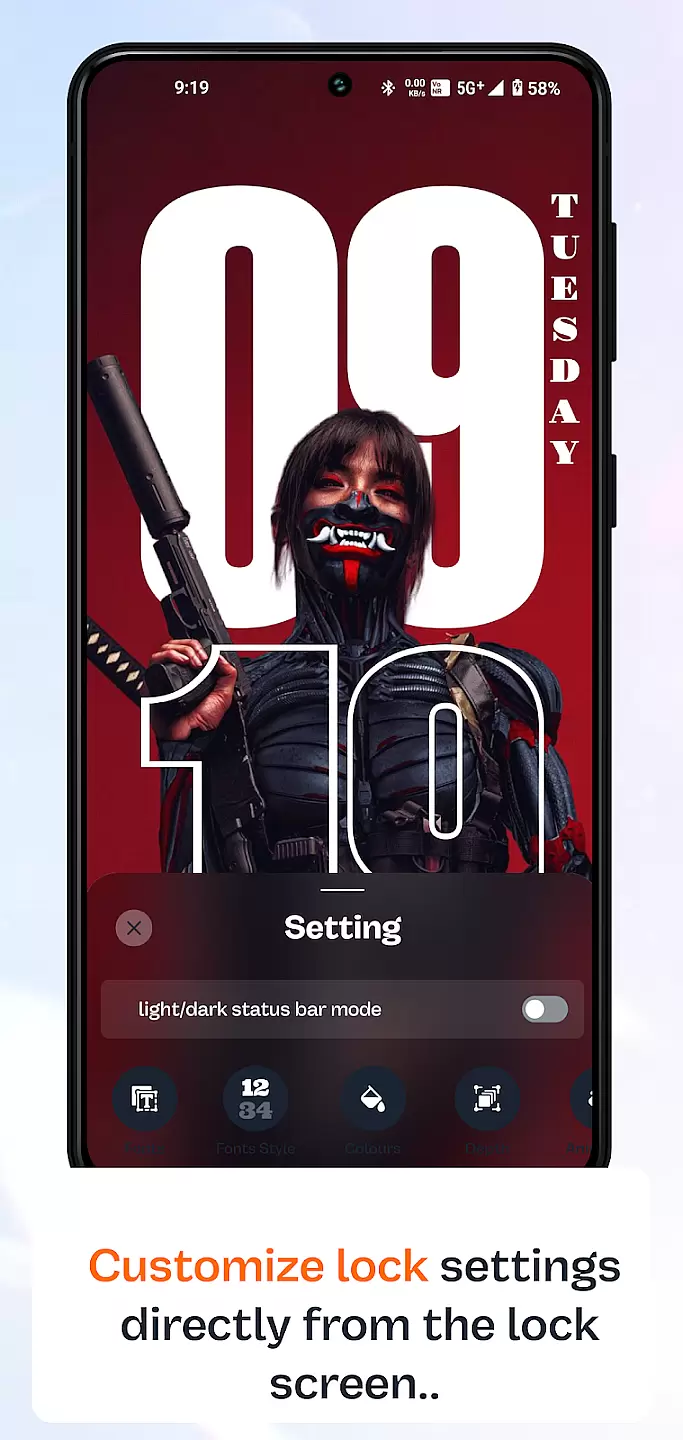
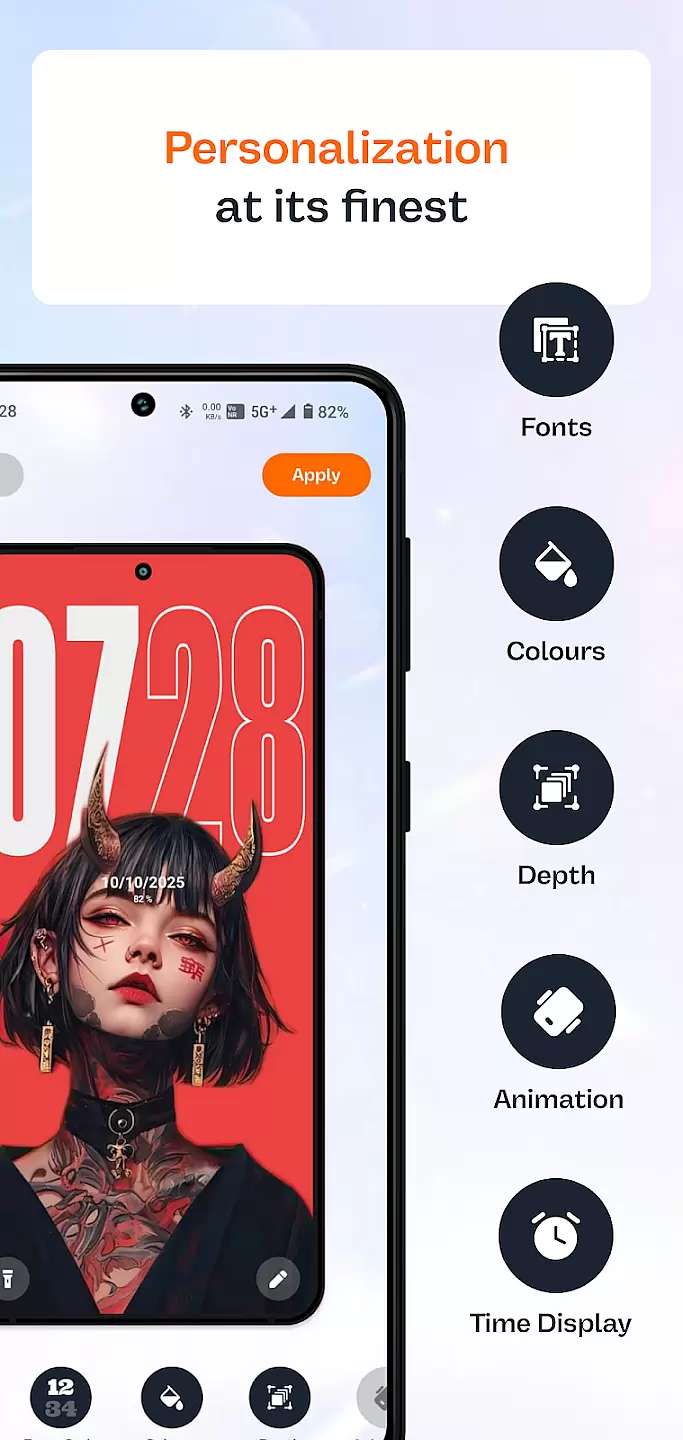
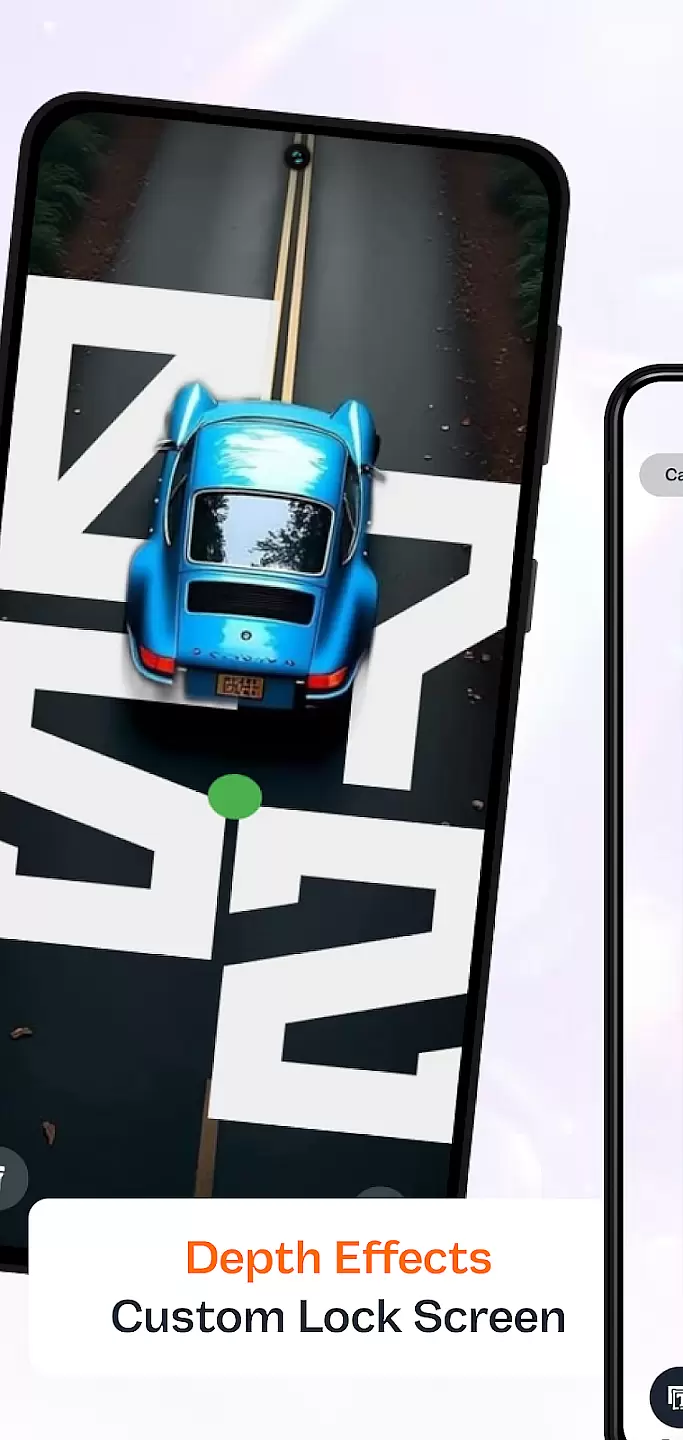
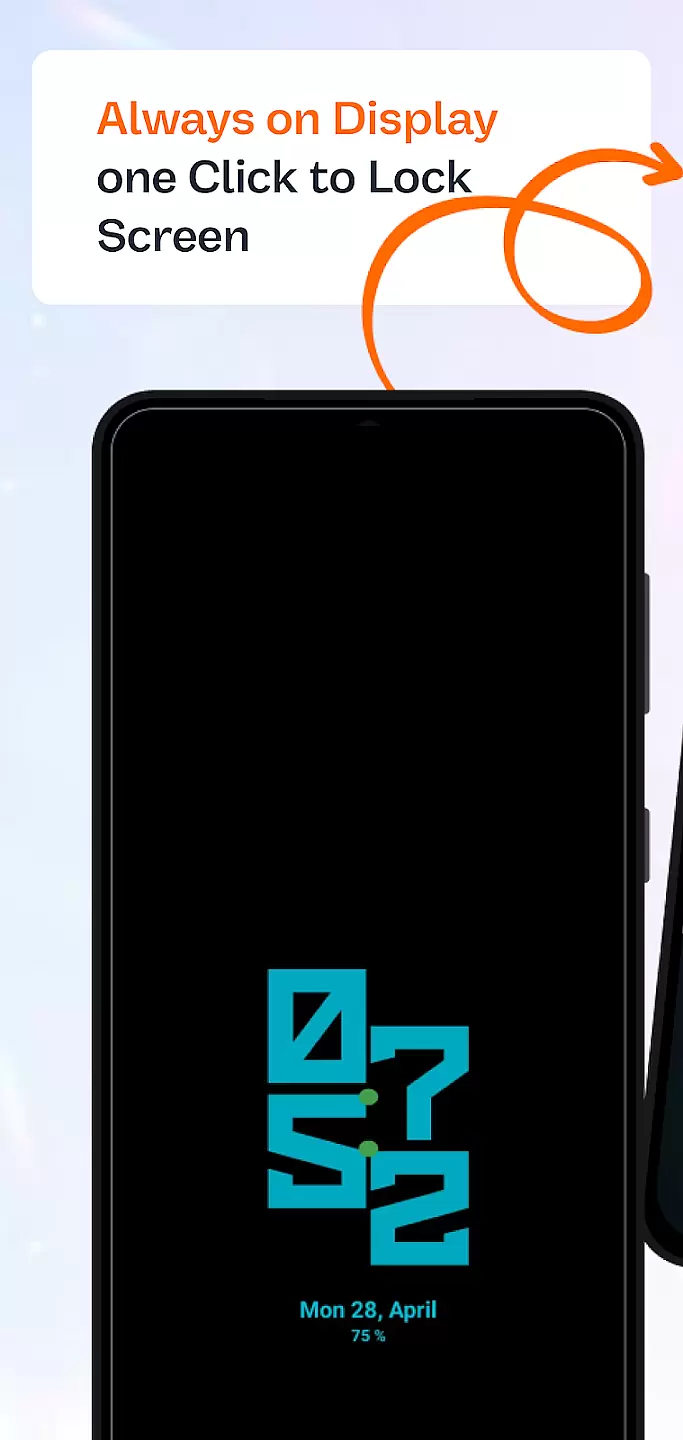
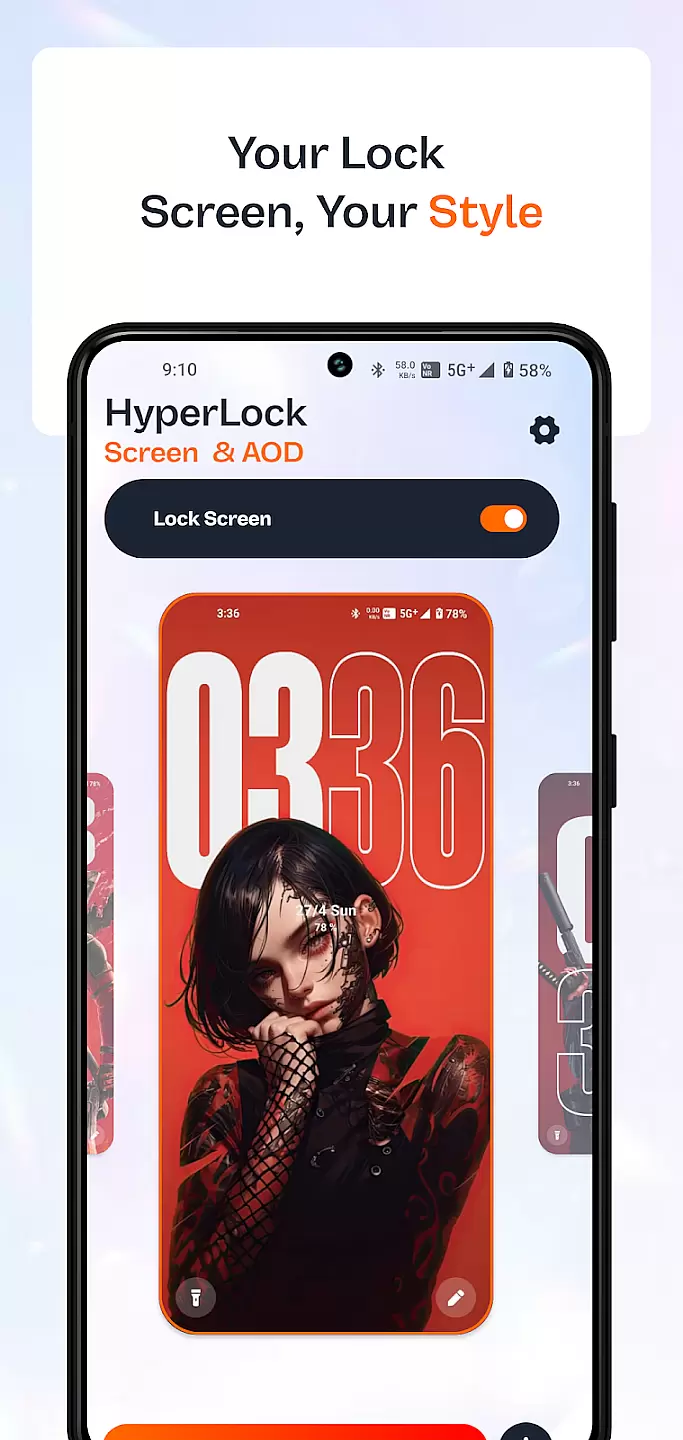
HyperLock Screen & AOD is a personalization app designed to enhance your device's lock screen and always-on display. It offers a variety of customization options, allowing users to personalize their device's appearance with unique designs and features. With HyperLock, you can enjoy both aesthetic enhancements and practical functionalities such as notifications, weather updates, and more directly on your lock screen.
This app is perfect for users who want to make their devices stand out while maintaining useful functionalities. Whether you're looking to customize your phone for personal satisfaction or to impress friends, HyperLock provides the tools necessary to create a unique user experience.
HyperLock Screen & AOD stands out with its extensive range of customization features. Users can choose from a variety of themes, fonts, and colors to design a lock screen that suits their style. The app also supports interactive widgets, enabling quick access to frequently used apps and functions without unlocking the device.
Another notable feature is the always-on display functionality, which shows essential information at a glance, even when the screen is off. This includes time, date, battery status, and notifications. Additionally, HyperLock ensures that these features are optimized for battery efficiency, providing a balance between aesthetics and performance.
Customization is at the heart of personalizing your device to truly make it yours. HyperLock Screen & AOD offers a wide array of customization options that allow users to tailor their device's lock screen and always-on display to match their personal style.
The app provides numerous themes, fonts, and color schemes, ensuring that every user can find something that resonates with their aesthetic preferences. Whether you prefer a minimalist look or something more vibrant and dynamic, this application caters to all tastes.
Users benefit from the ability to tweak every element on their screen, from clock styles to notification formats. This level of detail ensures that your device doesn't just function as a tool but becomes an extension of your personality.
Ultimately, the vast variety of customization options available in HyperLock Screen & AOD empowers users to maintain a personalized experience that enhances both usability and enjoyment of their device.
Theme compatibility is crucial for ensuring that any customization applied to your device looks seamless and professional. HyperLock Screen & AOD excels in providing themes that are fully compatible with a wide range of devices and operating systems.
This application guarantees that each theme you choose will fit perfectly onto your screen without any distortion or loss of quality. The developers have meticulously crafted each design to adapt to different screen sizes and resolutions.
By prioritizing compatibility, HyperLock Screen & AOD ensures that switching between themes is smooth and hassle-free. Users won't experience any glitches or inconsistencies when they decide to refresh their device's appearance.
In essence, the robust theme compatibility offered by HyperLock Screen & AOD allows users to enjoy a consistently high-quality visual experience across various devices, enhancing overall satisfaction with their personalized settings.
User-friendly interface
Extensive customization options
Always-on display functionality
Interactive widgets support
Battery-efficient design
Limited free themes
Premium features require subscription
Some widgets may not work on all devices
Occasional bugs reported
High system resource usage

Stunningly Different look with Line Icons and Neon Colors
 4.60
4.60
Capture moments that pass like a storm, second by second.
4.3
Beautiful realistic hybrid watch face with numerous customization options.
4.50
Winter's Journey: digital watch face for Galaxy Watch & Wear OS
4.80
Ultimate widget creator. Design custom widgets for a truly unique home screen!
3.90
Customizable screen pets that play, climb, and keep you company.
4.50
Crystal-clear, square icon provides a sleek and sophisticated visual upgrade
4.00
Your home screen, just the way you like it.
3.80
Custom ringtones songs, music ringtones for Android phones
4.60
Only for Wear OS devices!
4.90
One 8 icons glass color version
4.80
400+ Beautifully crafted widgets inspired by NOTHING.
4.70
Bring adorable pets to life on your screen. Playful, interactive and full of fun
4.60
Over 28,000 high quality icons to bring color & homogeneity to your phone.
4.60
Want to make your phone more special than ever?
4.60
Art & Emoji Keyboard with Cool Fonts, Cute Themes and Custom Designs.
4.40
Wear Os Watch Face - Seasonal - Animated Snow Effect - 9 Animals
4.20
Magic fluids wallpaper 4D: Relax with stunning fluid simulation wallpaper app
4.20
Transform your phone with stunning video wallpapers and a unique, personal touch
3.80


User Reviews