
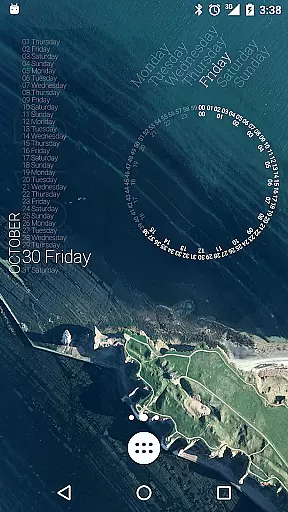
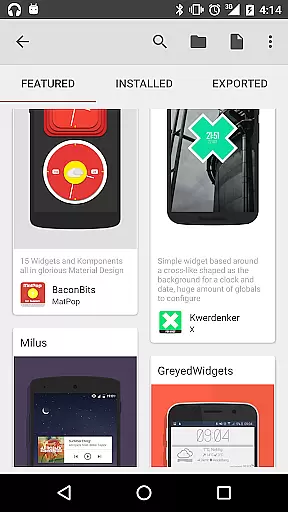
KWGT Kustom Widget Maker is the ultimate tool for Android users seeking complete control over their home screen widgets. This powerful app allows you to design custom widgets from scratch, offering a level of personalization that goes far beyond standard presets.
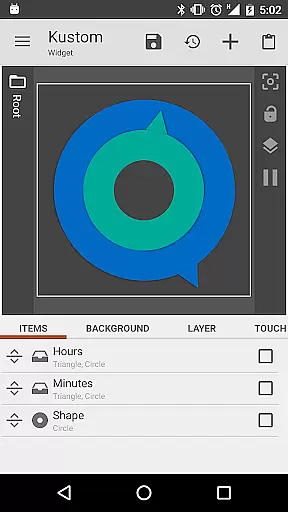
The app features an advanced WYSIWYG editor that gives you full creative freedom. You can customize every aspect of your widgets, including text styles, shapes, images, and interactive elements. Whether you want to create aesthetic photo galleries, detailed weather displays, or sophisticated system monitors, KWGT provides all the tools you need.
For power users, KWGT offers complex logic programming, dynamic data integration through HTTP requests, and seamless Tasker support. These features make it possible to build highly functional widgets that display real-time information and interact with other apps and system functions.
KWGT stands out with its comprehensive set of design tools and customization options. The app's WYSIWYG editor lets you manipulate layers, apply gradients and color filters, and add advanced effects like blur and saturation overlays.
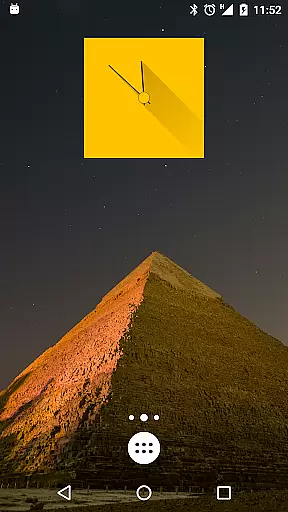
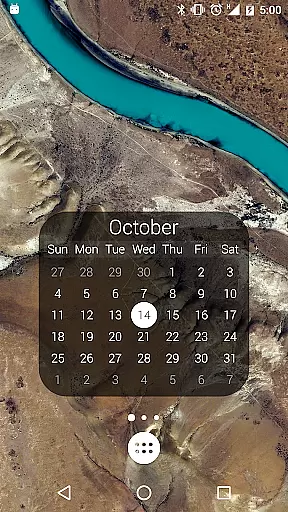
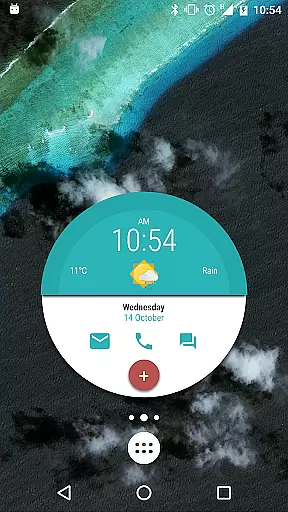
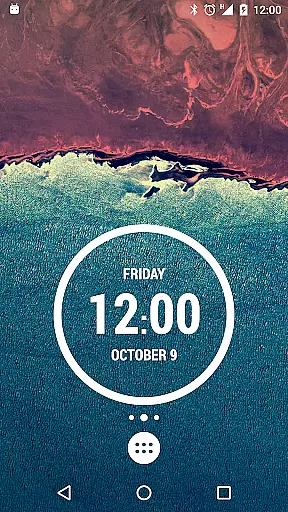
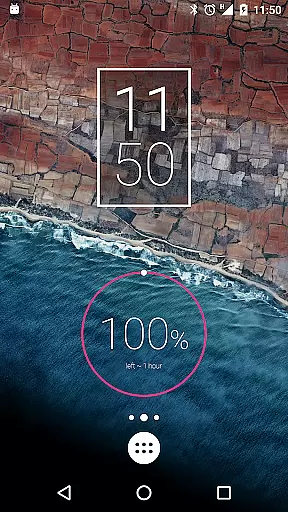
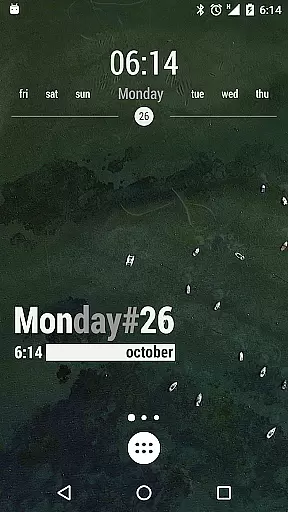
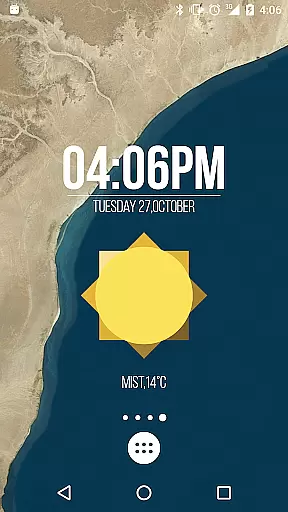
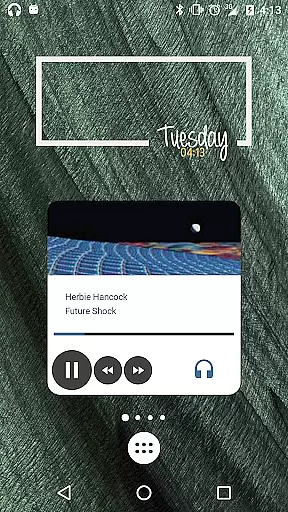
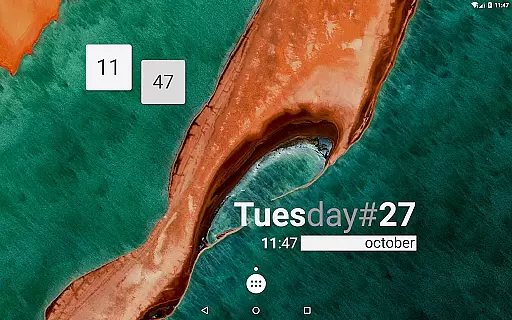
One of the key strengths of KWGT is its versatility in widget creation. You can build various types of widgets including digital and analog clocks, music players, fitness trackers, and calendar displays. The app supports multiple data sources and providers, allowing you to create widgets that show detailed weather information, system statistics, and even live maps.
Advanced users will appreciate the app's support for complex programming logic, global variables, and conditionals. The integration with Tasker enables sophisticated automation scenarios, while the ability to parse RSS feeds and XML data opens up endless possibilities for creating dynamic, information-rich widgets.
Customization is at the heart of KWGT Kustom Widget Maker, offering users an extensive array of options to tailor their Android home screens. With its powerful WYSIWYG editor, users can manipulate every aspect of their widgets' appearance and functionality.
The level of customization KWGT provides is unparalleled. Users have the freedom to choose from a vast selection of fonts, colors, sizes, and effects such as 3D transformations, curved text, and shadows for text widgets. For visual elements, shapes like circles, rectangles, and triangles are available alongside support for various image formats including PNG, JPG, WEBP, and SVGs, ensuring that creativity is limitless.
Moreover, KWGT's sophisticated layering system allows for pro-level design work. Users can stack objects, apply gradients and color filters, and add overlay effects like blur and saturation, akin to professional photo editing software. This flexibility enables the creation of visually stunning and interactive widgets that can launch apps, toggle settings, or trigger actions, providing both aesthetic appeal and functional utility.
Theme compatibility in KWGT Kustom Widget Maker ensures that the widgets you create will not only be personalized in function but also in form, matching the visual theme of your device seamlessly. Whether you prefer a minimalist design or a vibrant, data-rich interface, KWGT supports a cohesive look and feel across your home screen.
KWGT excels in creating widgets that cater to various thematic needs. From aesthetic photo widgets and detailed weather displays to custom digital and analog clocks, the app provides the tools necessary to ensure that each widget is thematically consistent with the user's personal style or the overall design language of their device.
Additionally, KWGT's adaptability extends to more complex creations such as system monitors, music players, and fitness trackers. Each widget type can be customized to align with specific themes, making KWGT an indispensable tool for those looking to achieve a harmonized and personalized smartphone experience without sacrificing the functional aspects they rely on daily.
Highly customizable
Powerful WYSIWYG editor
Extensive widget options
Advanced logic support
Active community support
Steep learning curve
Requires technical knowledge
Paid pro version needed
May drain battery
Complex interface

Beautiful realistic hybrid watch face with numerous customization options.
 4.50
4.50
Adult video chat, dating, making friends, random matching
4.20
Art & Emoji Keyboard with Cool Fonts, Cute Themes and Custom Designs.
4.40
Unique Fonts, typefaces and stylish text. Fonts for Instagram, Whatsapp & others
4.20 4.50
4.50
⭐ OneUI inspired Fluffy Icon Pack – Soft. Stylish. Standout. ⭐
4.3
Vibrant Adaptive Icons with Material You and Enhanced Monet Colors.
4.50
Transform your device in a game console
4.40
Create stunning widgets with Widget 2026: Aesthetic Widgets for Android!
4.60
Sparkle your screen with Glitter Wallpapers For Girls and Cute Backgrounds!
4.80
Gun Chase - Let the chase begin.
4.80
Unique Android Launcher
4.60
Try creating your own keyboard with "Keyboard theme for android" app now!
4.50
Your home screen, just the way you like it.
4.30
Wear Os Watch Face - Seasonal - Animated Snow Effect - 9 Animals
4.20
Organize and manage your photos and videos effortlessly with Photo Gallery
4.20
More than 3000+ themes and 9000+ wallpapers for everybody!
4.10
Transfer your live wallpapers from Windows to Android using Wallpaper Engine!
4.00
Adorable pets roam and play right on your phone screen!
3.30


User Reviews