
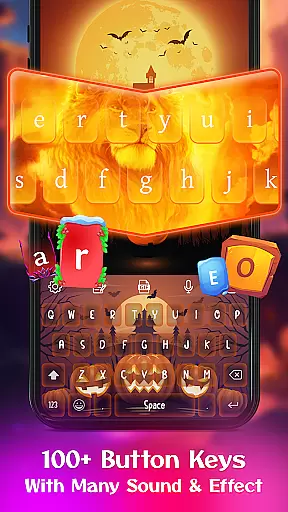
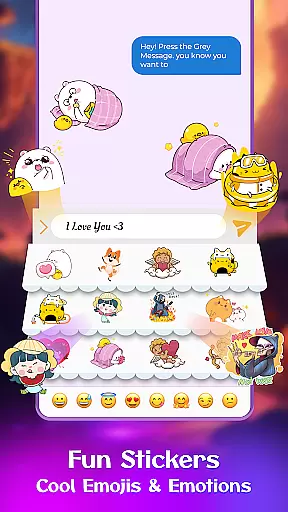
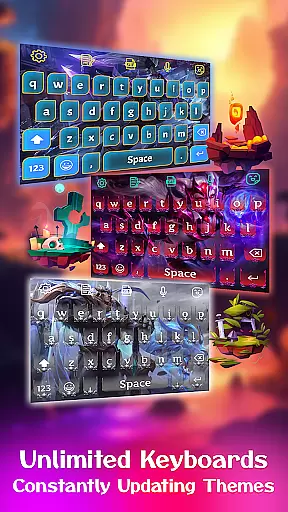
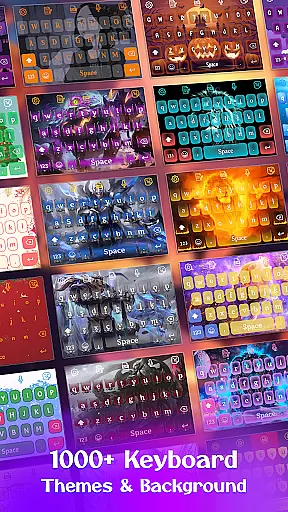
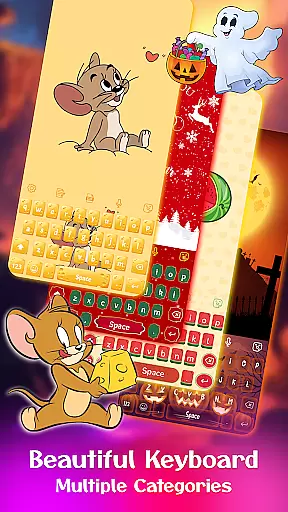
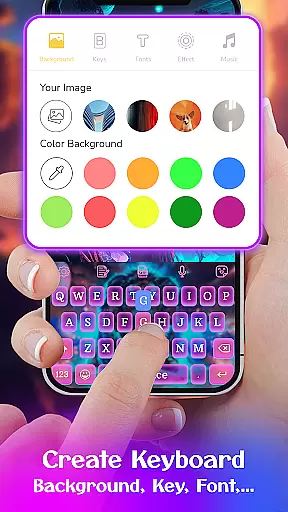
Keyboard Maker is a feature-rich keyboard application designed to enhance your typing experience on Android devices. With support for 150+ languages and advanced features like smart autocorrect, word prediction, and voice input, it ensures fast and accurate typing.
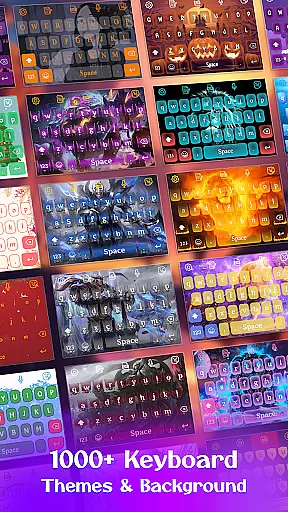
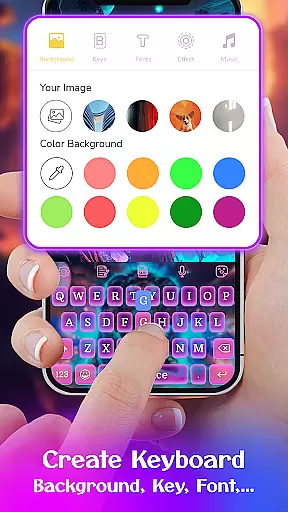
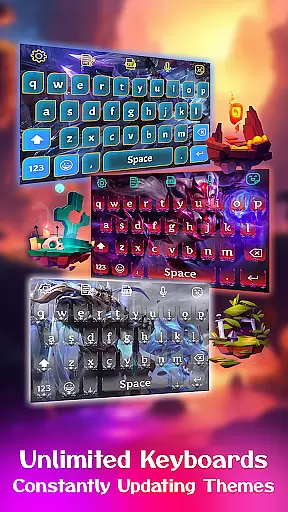
The app offers extensive customization options including 500+ free keyboard themes such as LED, Neon, and Anime styles. Users can also create their own unique keyboard designs using personal photos and custom settings.
Ideal for those seeking both functionality and personalization, Keyboard Maker allows you to design a keyboard that perfectly matches your style while maintaining optimal usability.
Keyboard Maker stands out with its comprehensive feature set tailored for both efficiency and customization. The app supports various typing methods including gesture typing and QUERTY keyboards, along with practical functions like clipboard management and note editing directly from the keyboard.
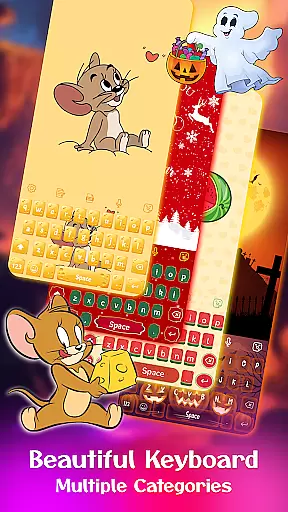
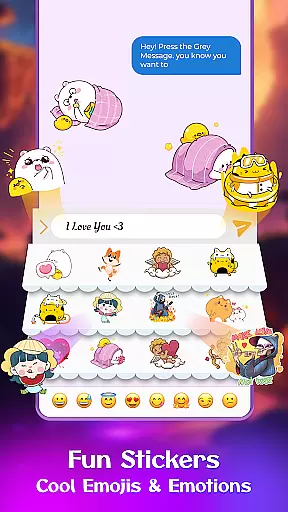
Users can choose from hundreds of themes across different categories or create their own custom designs. The app provides numerous emojis, GIFs, stickers, and unique fonts, making communication more expressive and fun.
Advanced settings allow detailed adjustments including number row configuration, vibration feedback, auto-capitalization, and resizing options. These features ensure the keyboard adapts perfectly to individual preferences and device specifications.
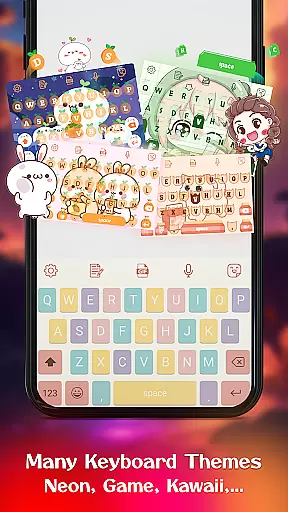
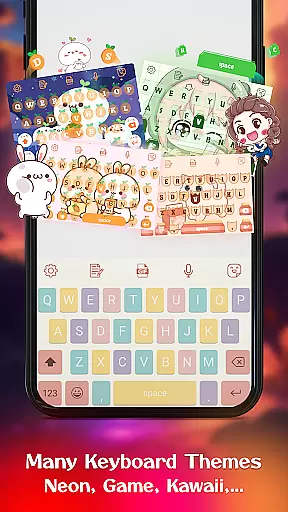
Customization is at the heart of Keyboard Maker, offering users an extensive array of options to tailor their typing experience. This app provides hundreds of themes that cater to different tastes and moods, from simple and colorful themes to more specific ones like Led, Neon, and Anime keyboards.
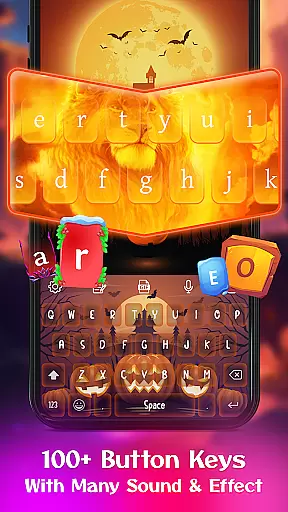
Users can express their individuality not only through a vast selection of keyboard themes but also with customizable fonts, effects, and sounds. The ability to add personal photos as keyboard backgrounds adds another layer of personal touch, making each keyboard truly unique to its user.
Beyond aesthetics, Keyboard Maker supports over 150 languages, ensuring that users from different linguistic backgrounds can enjoy a personalized and comfortable typing experience. With features such as gesture typing, voice input, and smart autocorrect, customization extends into functionality, enhancing both style and substance.
The true value lies in empowering users to design a keyboard that resonates with their personal style while meeting their functional needs. Whether it's for professional communication or casual chatting, Keyboard Maker ensures every keystroke feels personal and intuitive.
Theme compatibility is a crucial aspect of Keyboard Maker, ensuring that every selected theme flawlessly integrates with the app's interface and maintains visual consistency across devices. Users can switch between themes like iOS keyboard, Black keyboard, or Kawaii keyboard without worrying about layout disruptions or functionality issues.
This seamless integration is achieved through meticulous design and testing, allowing users to enjoy a cohesive look and feel regardless of the theme they choose. Whether opting for a vibrant and eye-catching design or a minimalistic approach, the app guarantees that all visual elements align perfectly with user expectations.
Moreover, Keyboard Maker goes beyond static themes by incorporating dynamic elements such as animated GIFs and emojis that blend naturally within any chosen theme. This flexibility ensures that users can maintain their preferred aesthetic while enjoying modern typing enhancements.
Ultimately, Keyboard Maker's commitment to theme compatibility offers peace of mind to users who wish to personalize their typing experience without compromising on quality or performance. It's this attention to detail that makes switching themes not just an option, but a delightful feature.
Highly customizable
Wide language support
Variety of themes
Smart typing features
User-friendly interface
May overwhelm new users
Some features redundant
Occasional lag reported
Ads in free version
Complex settings menu

Stunningly Different look with Line Icons and Neon Colors
 4.60
4.60
Realistic animated snow on your wrist, with 10 images landscapes to choose from
4.00
Themes - Widget & Wallpaper: Customize home screen, icon changer w unique themes
4.30
Personalize your phone with stunning HD and 4K wallpapers!
4.70
The definitive Icon pack maker and editor
4.30
Wallpaper HD 4K Live - Thousands of high-quality Anime backgrounds for you.
4.80
Run multiple accounts of the same app on a single device
4.10
Your go to Weather App & Home Screen. Get your weather at a swipe of a finger!
3.80
Your home screen, just the way you like it.
4.30
Dark icon pack based on One 8
4.80
One 8 icons glass color version
4.80
Glass style colourful icons with a One UI look and feel
4.60
A retro cartoon style watch face and a punch right in the face of the copyright
4.60
Unique Android Launcher
4.60
Bring adorable pets to life on your screen. Playful, interactive and full of fun
4.60
Handcrafted pixel art icons, widgets & wallpapers
4.60
Aesthetic Widgets, HD Wallpapers, Themes in Mico Widget for Home and Lock Screen
4.50 3.50
3.50
Modern Glass Icon Pack with glossy icons, clean minimal theme & aesthetic style
4.3


User Reviews