
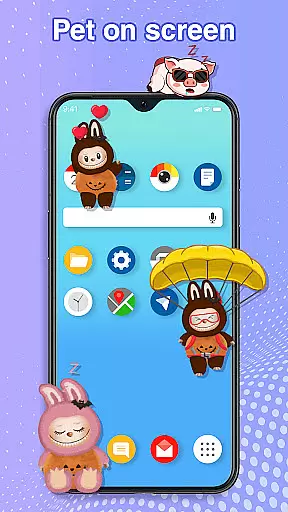
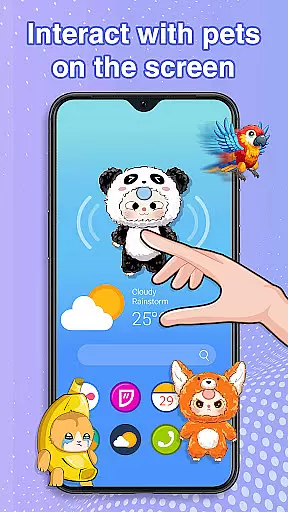
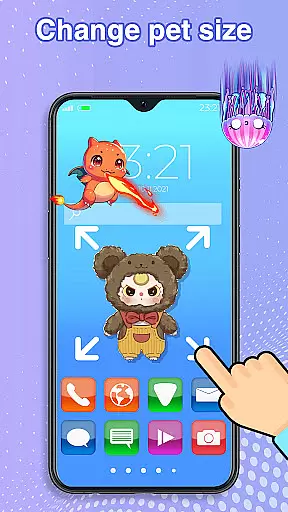
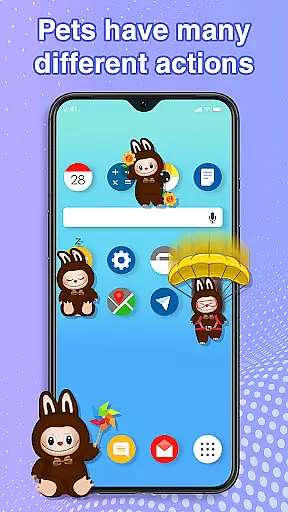
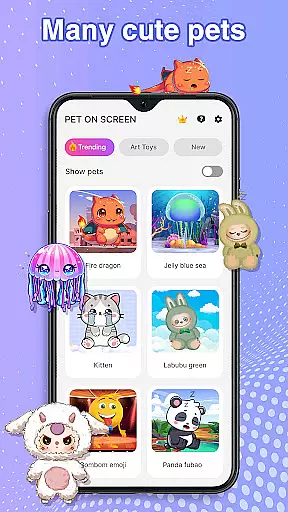
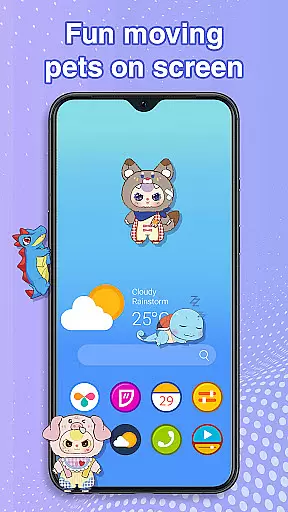
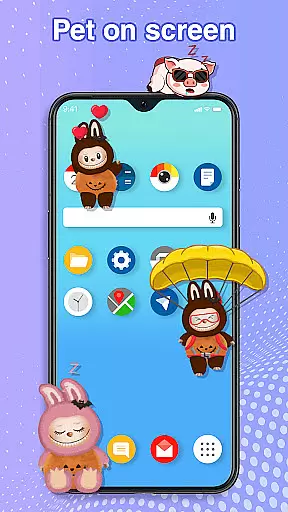
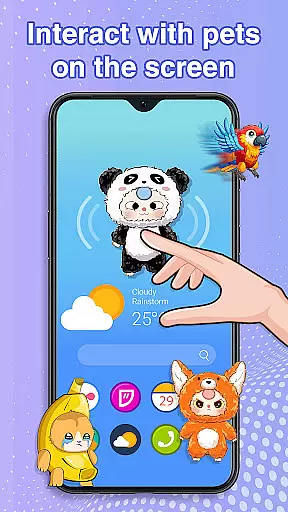
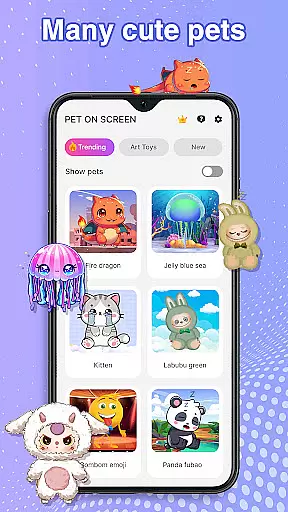
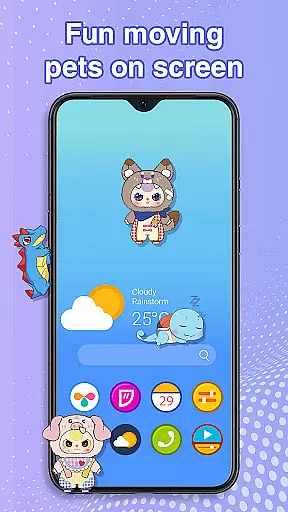
Pet On Screen - Desktop Pet is a delightful personalization app that brings charming virtual pets to your mobile screen. With an extensive collection of unique and colorful creatures, this app allows users to customize their phone experience with playful companions such as Jellyfish, Fire Dragon, Labubu, Panda, Turtle, and Parrot.
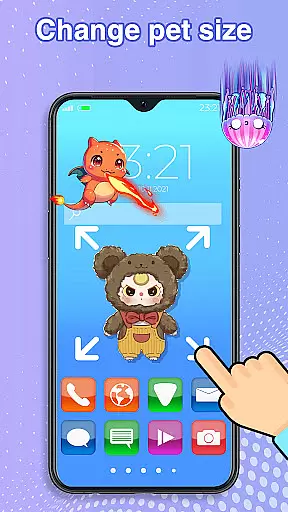
The app offers interactive features like drag-and-drop functionality, responsive touch interactions, and customizable pet behaviors. Whether you need a calming presence or a lively friend, these pets adapt to your mood and preferences. The ability to adjust size and movement speed ensures seamless integration into your daily routine without disrupting work or entertainment.
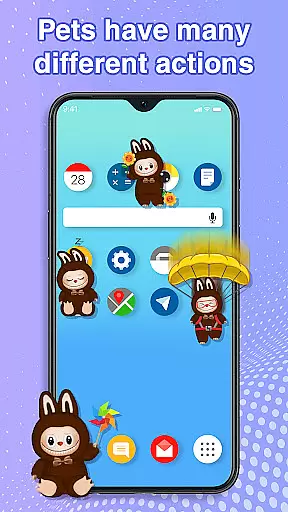
This personalization app stands out with its diverse range of interactive pets. Each pet has unique animations and behaviors, responding to user interactions such as tapping and dragging across the screen. The app's customization options allow users to modify pet size, movement speed, and switch between different pets effortlessly.
A key feature is the Accessibility Permission, which enables pets to move freely across the home screen and status bar. This creates an immersive experience where virtual companions appear to live within your device. The app maintains smooth performance while running in the background, ensuring that your digital pets remain active without affecting device functionality or battery life.
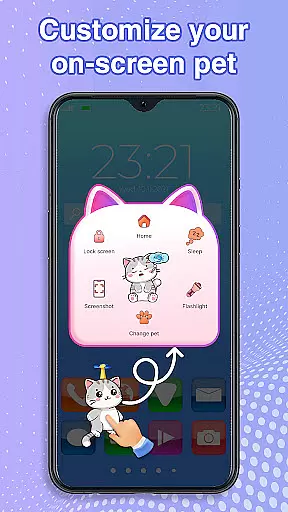
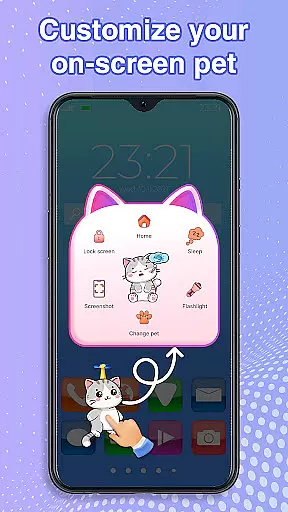
Customization is at the heart of Pet On Screen - Desktop Pet, allowing users to tailor their experience with a wide array of options.
This app offers an extensive selection of pets, each with unique characteristics and animations, ensuring that every user can find a companion that suits their personality. From majestic Fire Dragons to playful Labubus, customization extends beyond just choosing a pet.
Users can adjust the size and movement speed of their virtual companions, creating a personalized environment that fits their lifestyle and preferences. This flexibility ensures that your pet remains a delightful addition to your digital life without becoming intrusive.
The ability to switch between pets effortlessly adds another layer of customization, keeping the experience fresh and engaging over time.
Pet On Screen - Desktop Pet excels in theme compatibility, seamlessly integrating with various device themes and interfaces.
Whether you prefer a minimalist design or a vibrant, colorful interface, these digital pets adapt to your chosen aesthetic. The app's smooth performance ensures that pets move naturally across different screen types and themes without disrupting your workflow or entertainment.
Accessibility features are thoughtfully incorporated, requiring permission to draw over other apps, which enhances the thematic experience by allowing pets to interact with your entire device interface.
This compatibility extends to both home screens and status bars, maintaining visual consistency across all device areas and providing a cohesive, immersive experience.
User-friendly interface
Wide variety of pets
Customizable pet settings
Smooth performance
Interactive features
Requires accessibility permission
May distract some users
Limited free options
Potential battery usage
Occasional glitches

AI-powered Copilot. Personalized keyboard with gifs, stickers & themes
 4.40
4.40
Art & Emoji Keyboard with Cool Fonts, Cute Themes and Custom Designs.
4.40
Want to make your phone more special than ever?
4.60
⭐ OneUI inspired Fluffy Icon Pack – Soft. Stylish. Standout. ⭐
4.5
Your go to Weather App & Home Screen. Get your weather at a swipe of a finger!
3.80
Handcrafted pixel art icons, widgets & wallpapers
4.60
Enjoy a variety of amazing live wallpapers and colorful EDGE lighting borders!
4.80
Create stunning widgets with Widget 2026: Aesthetic Widgets for Android!
4.60
Install amazing sticker packs: endless styles, always cool.
4.70
One 8 icons glass color version
4.80
Sparkle your screen with Glitter Wallpapers For Girls and Cute Backgrounds!
4.80
A retro cartoon style watch face and a punch right in the face of the copyright
4.60
300+ Beautifully crafted widgets inspired by OneUI.
4.60
Ninja Turtles Cowabunga SE watch face for Wear OS
4.50 4.50
4.50
Themes - Widget & Wallpaper: Customize home screen, icon changer w unique themes
4.30
Organize and manage your photos and videos effortlessly with Photo Gallery
4.20
Transform your phone with stunning video wallpapers and a unique, personal touch
3.80
Modern Glass Icon Pack with glossy icons, clean minimal theme & aesthetic style
4.3


User Reviews