
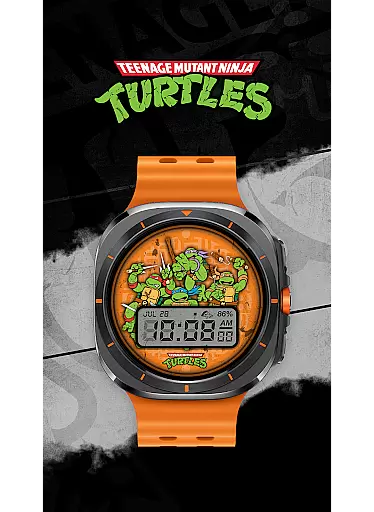
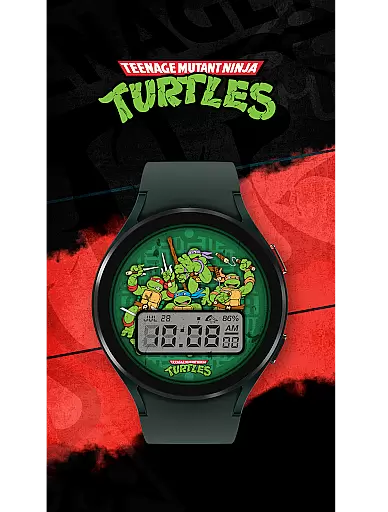
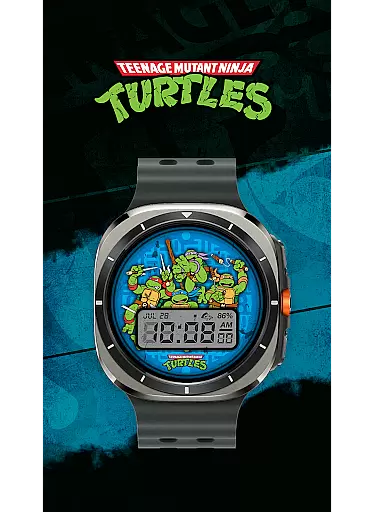
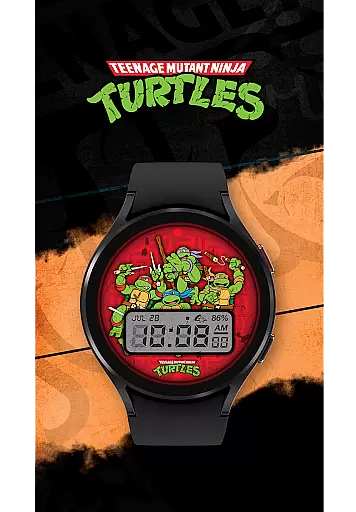
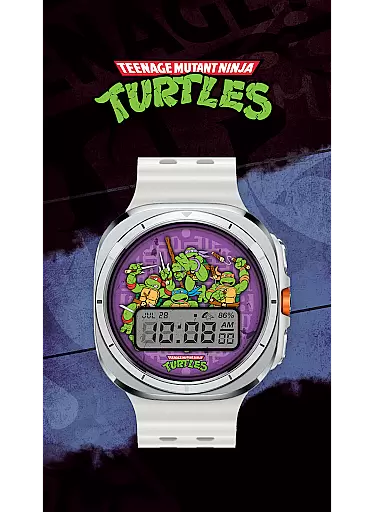
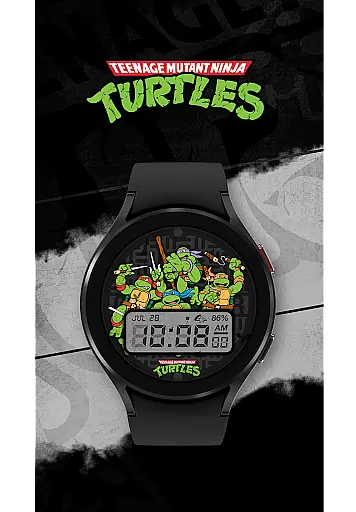
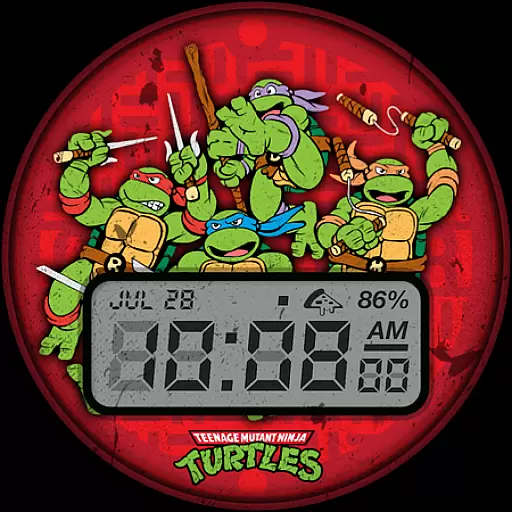
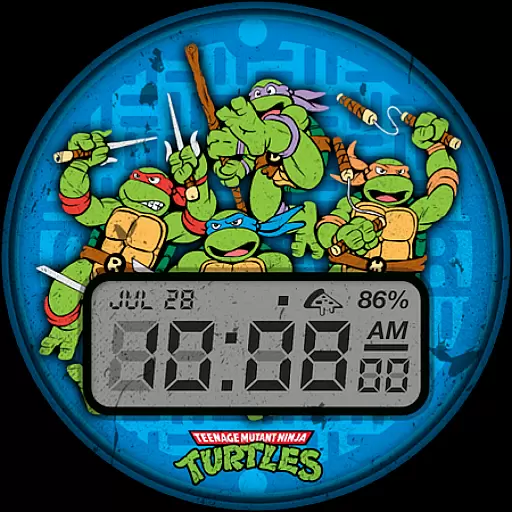
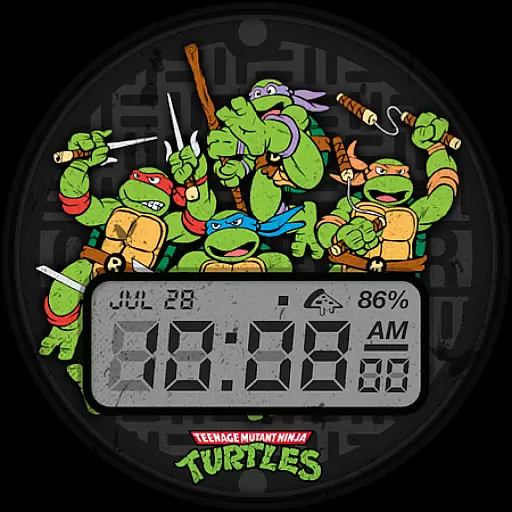
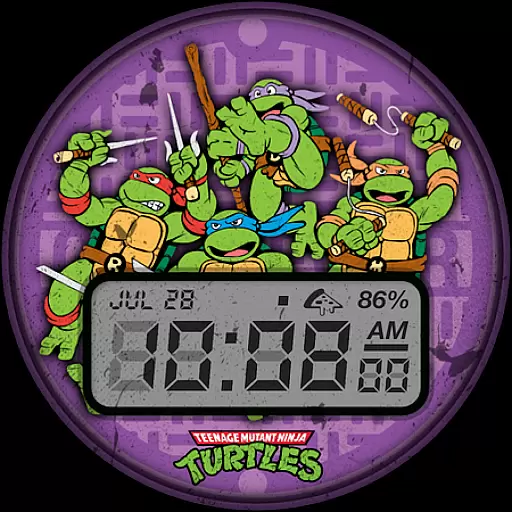
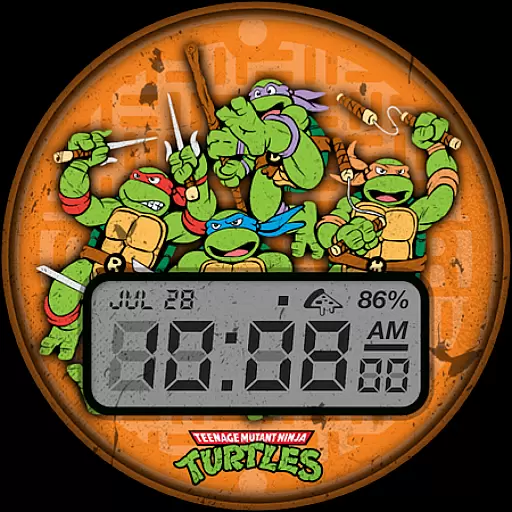
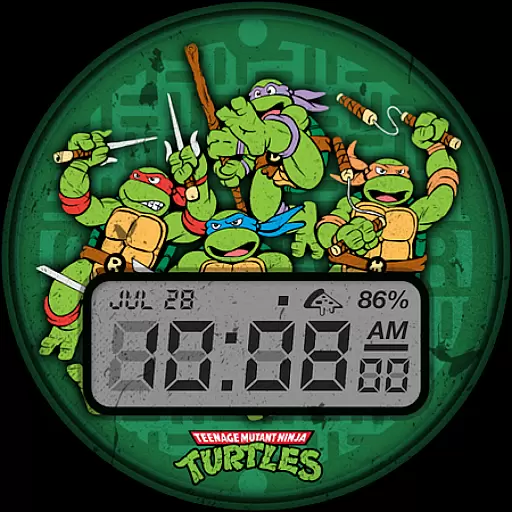
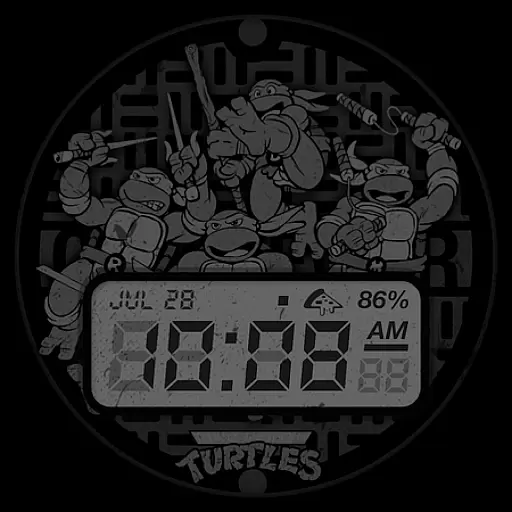
TMNT - Cowabunga SE Watch Face brings a retro-style experience to your Wear OS smartwatch, including Galaxy Watch7 and Ultra. Designed for fans of classic aesthetics, this watch face provides essential information at a glance while maintaining a sleek design.
The app features a digital clock with 12h/24h format, date display, battery level indicator, and customizable complications. With six color options available, users can personalize their watch face to match their style. Whether you're tracking time or monitoring your device's status, TMNT - Cowabunga SE ensures both functionality and flair.
TMNT - Cowabunga SE Watch Face stands out with its unique combination of retro visuals and modern functionality. The digital clock supports both 12h and 24h formats, catering to user preferences across regions. A clear date display and real-time battery level indicator enhance daily convenience.
Customization is key, allowing users to modify complications such as day and date. With six vibrant color options, personalizing your watch face has never been easier. This blend of practicality and style makes TMNT - Cowabunga SE an ideal choice for those seeking a versatile Wear OS experience.
Customization is at the heart of personalizing your smartwatch experience, and TMNT - Cowabunga SE Watch Face excels in this area. With six distinct color options available, users can tailor the watch face to match their style or mood. This flexibility ensures that your Wear OS device remains a true reflection of your personality.
In addition to color options, the watch face features a customizable complication. By default, it displays the day and date, but users have the freedom to adjust this setting according to their preferences. Whether you need quick access to your calendar or want to highlight upcoming events, this feature allows for practical personalization.
The ability to switch between 12-hour and 24-hour digital clock formats further enhances its appeal. This attention to detail ensures that the watch face caters to both casual users and those who prefer military time. Such comprehensive customization options make TMNT - Cowabunga SE a versatile choice for all Wear OS smartwatches.
Theme compatibility is crucial for ensuring a seamless integration with various Wear OS devices, including Galaxy Watch7 and Ultra. TMNT - Cowabunga SE Watch Face has been meticulously designed to work harmoniously across different smartwatch models. This universal compatibility guarantees that users will enjoy a consistent experience regardless of their device.
Beyond just working on multiple devices, the watch face maintains visual consistency while offering essential information at a glance. The retro-style design incorporates a digital clock, date, and battery level indicators without cluttering the display. This thoughtful arrangement ensures that users can quickly access important details without compromising aesthetics.
Moreover, the developers have prioritized user feedback and troubleshooting. If any compatibility issues arise, users can directly contact support@facer.io for assistance. This commitment to customer satisfaction demonstrates the developer's dedication to maintaining high standards of theme compatibility and overall user experience.
Compatible with Wear OS
Six color options
Customizable complications
Battery level display
Retro-style design
Limited to Wear OS
No advanced features
Few customization options
Basic design elements
Requires smartwatch

3D, live, and moving wallpapers & themes in 4K and HD for your device.
 4.50
4.50
Make your phone look simple & luxury, like iDevice
4.60
Adult video chat, dating, making friends, random matching
4.20
Add cute Shimeji pets to screen, interact with them and relax with cute motions
4.60
Ultimate widget creator. Design custom widgets for a truly unique home screen!
3.90
Try creating your own keyboard with "Keyboard theme for android" app now!
4.50
Unique Fonts, typefaces and stylish text. Fonts for Instagram, Whatsapp & others
4.20
350+ widgets with a premium glass-style finish, perfect for home & lock screens.
4.70
Cool custom fonts & keyboard themes! Symbols & font changer for Instagram
4.50
Wallpaper HD 4K Live - Thousands of high-quality Anime backgrounds for you.
4.80
A minimalist productivity launcher. One-hand-friendly. Zero ads.
4.70
Classic analogue watch face. For wear os devices.
4.60
Bring adorable pets to life on your screen. Playful, interactive and full of fun
4.60
Zip lock screen with magic wallpaper to decorate your phone with fun zipper lock
4.60
Customize your home screen with stunning themes, blur, widgets & icons.
4.60
Choose your keyboard with RGB colors effect, themes, fonts, emojis.
4.60
Transform your device in a game console
4.40
A light in the dark, a unique style and an andless cutomization!
4.30
The definitive Icon pack maker and editor
4.30


User Reviews