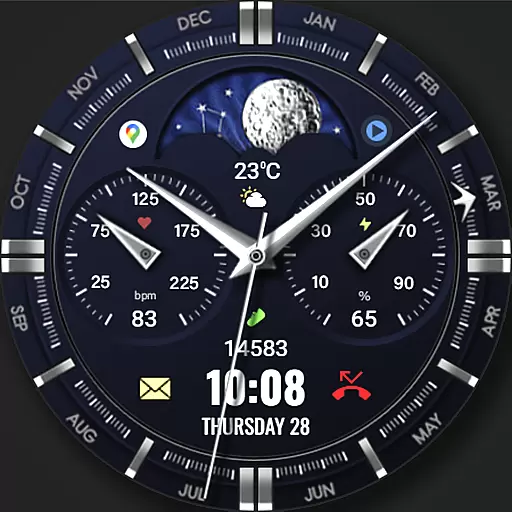
Classic analogue watch face. For wear os devices.
 4.60
4.60
Transform your phone with Launcher iOS 26 - Smooth & elegant iOS experience
4.50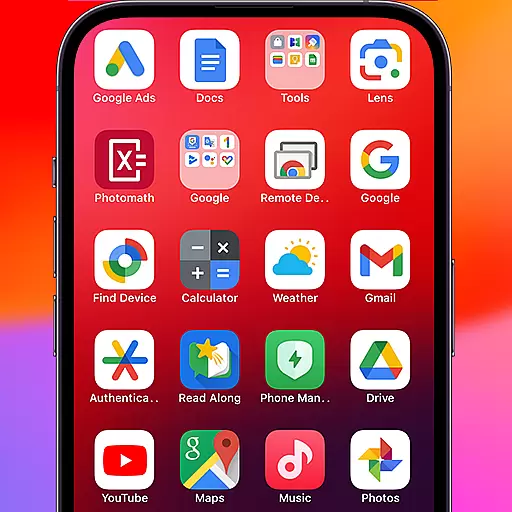
Make your phone look simple & luxury, like iDevice
4.60 3.50
3.50
Adaptive Dot Style IconPack with Light & Dark Theme.
3.70
Crystal-clear, square icon provides a sleek and sophisticated visual upgrade
4.00
Transform your phone with stunning video wallpapers and a unique, personal touch
3.80
Transform your phone with stylish zipper lock themes and 4D live wallpaper
4.10
Cool custom fonts & keyboard themes! Symbols & font changer for Instagram
4.50
100+ Stylish Fonts, Emojis, Symbols keyboard for Instagram & TikTok!
4.80
300+ Stunning and well-designed widgets inspired by NOTHING.
4.70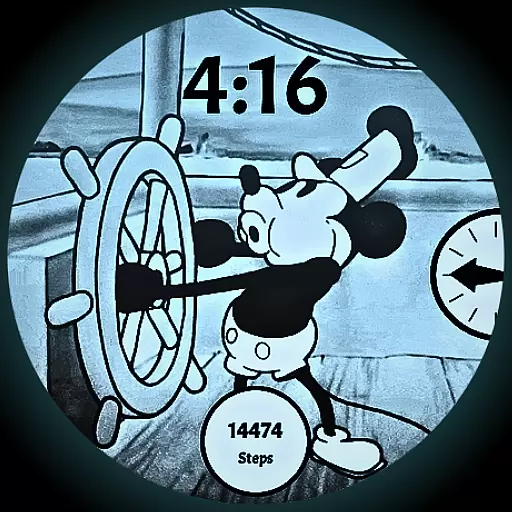
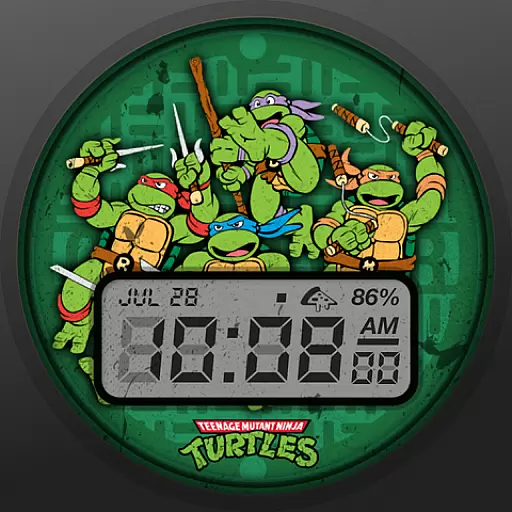
A retro cartoon style watch face and a punch right in the face of the copyright
4.60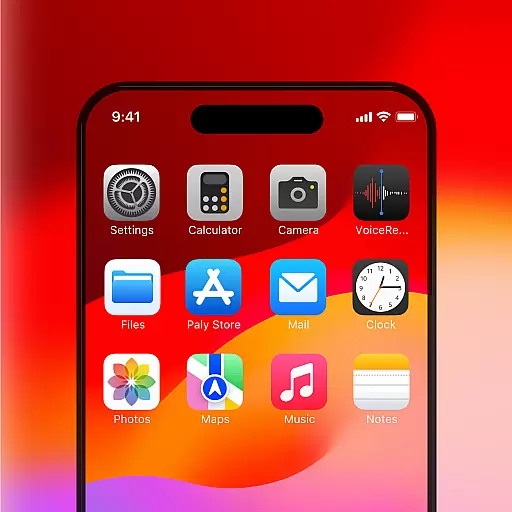
Unique Android Launcher
4.60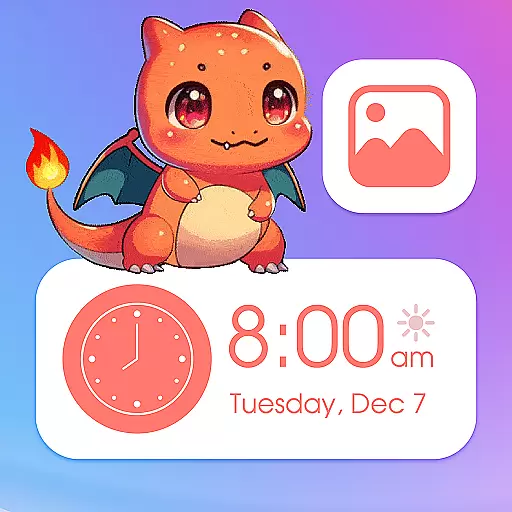
Bring adorable pets to life on your screen. Playful, interactive and full of fun
4.60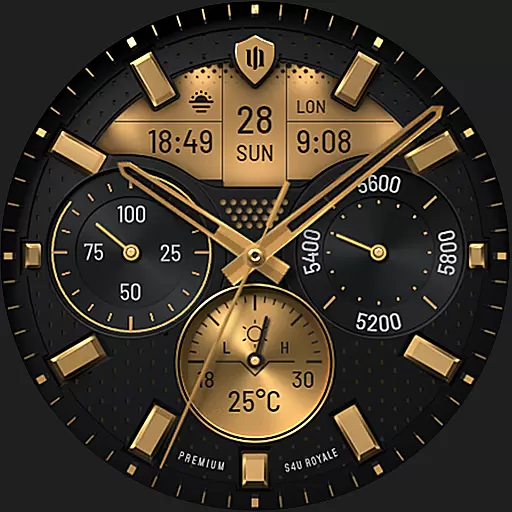
Beautiful realistic hybrid watch face with numerous customization options.
4.50
Transform your device in a game console
4.40
Ultimate widget creator. Design custom widgets for a truly unique home screen!
3.90
Interactive Miniature Painting Catalogue
3.30
Struggling to find apps? Use this app to locate and open any app on your phone!
2.20


