
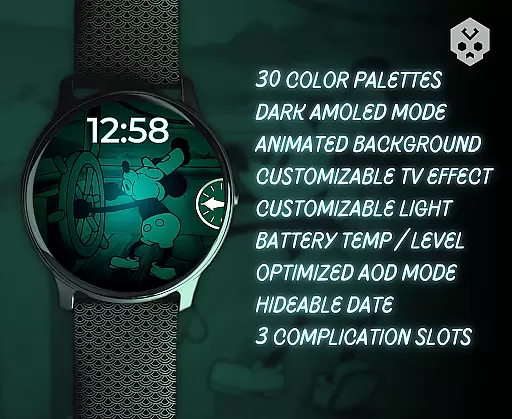
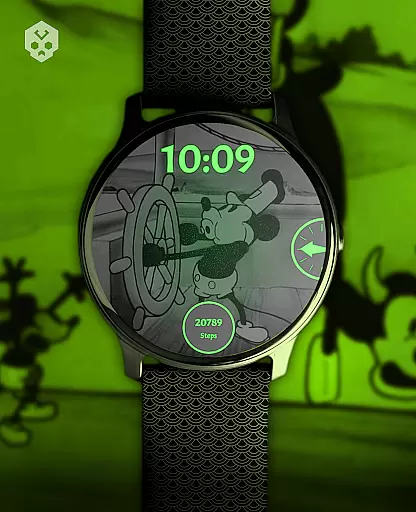
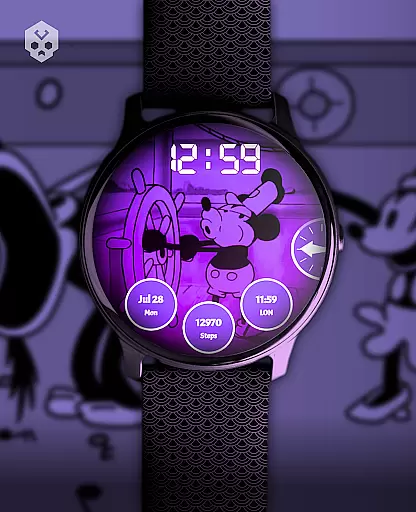
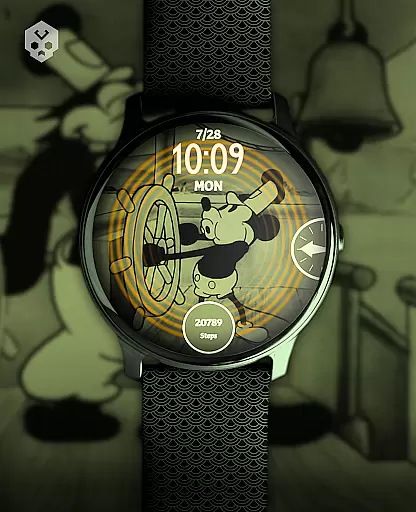
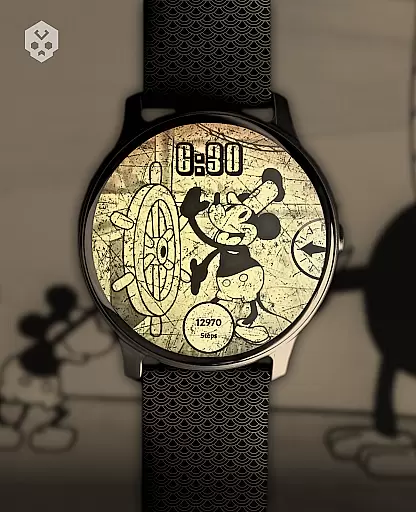
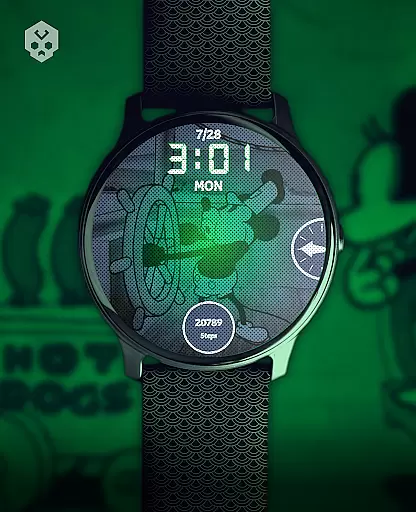
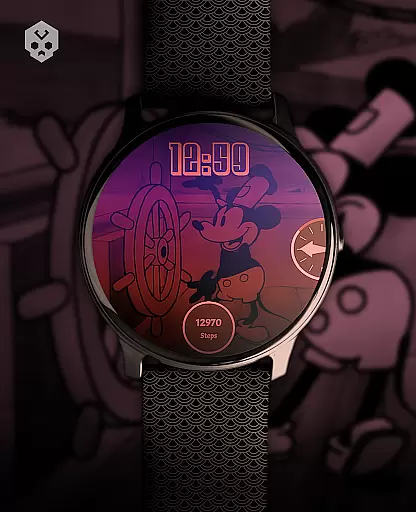
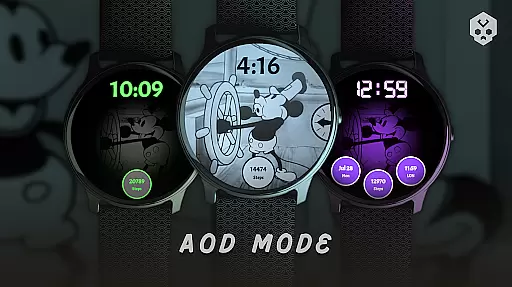
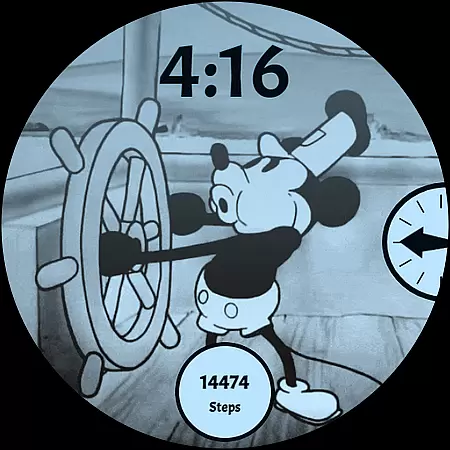
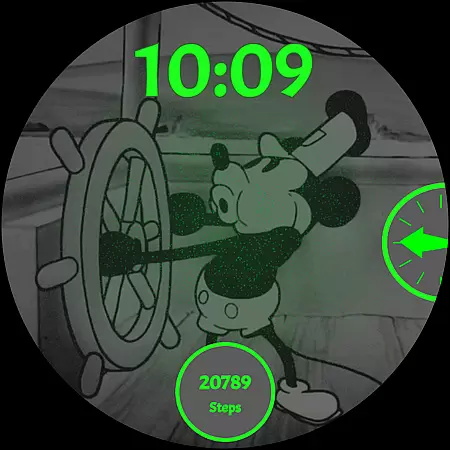
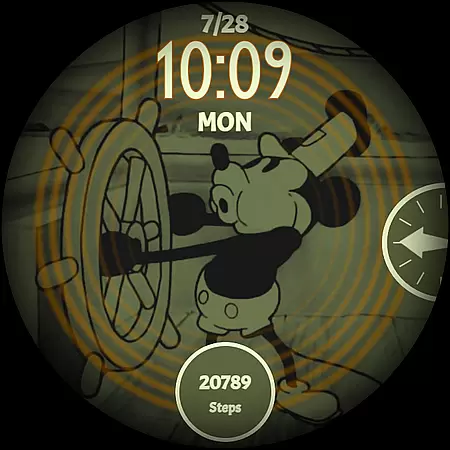
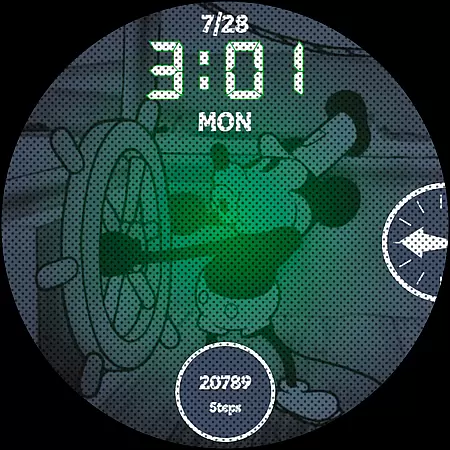
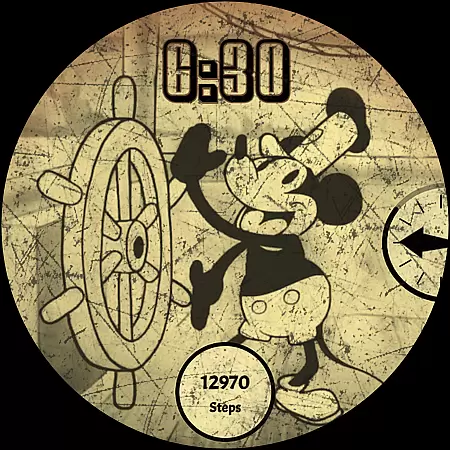
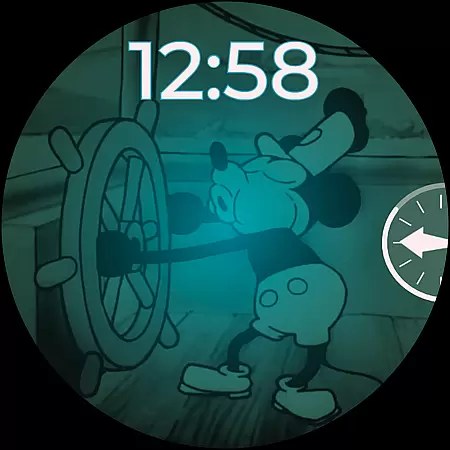
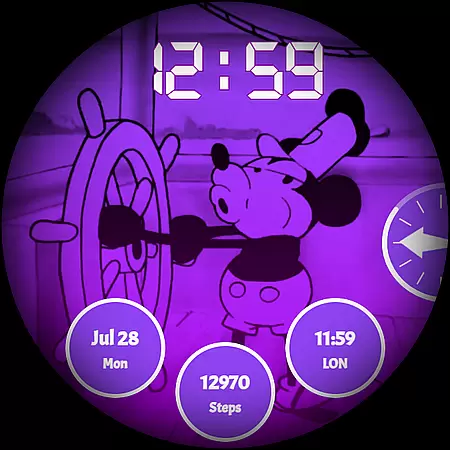
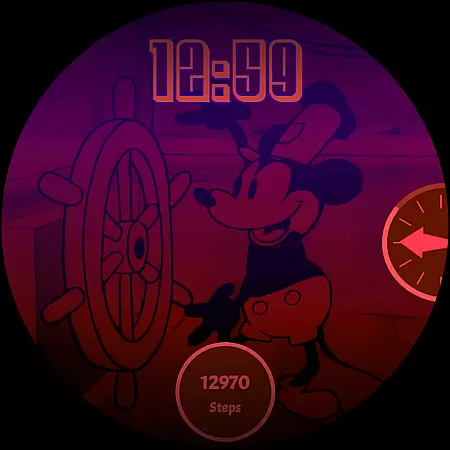
Steamboat Mouse Watch Face brings the iconic Steamboat Willie character to your smartwatch with a retro cartoon-inspired design. This highly customizable watch face is packed with information and features, making it both functional and nostalgic. Compatible with various Wear OS devices, it offers users a unique blend of vintage style and modern technology.
The watch face stands out with its 30 color schemes, high readability mode, and support for 12/24-hour formats. Users can customize overlays, backgrounds, and enjoy three complications. With additional features like battery status at a glance and reactions to low battery, this app provides both aesthetics and utility for smartwatch users.
Steamboat Mouse Watch Face offers an array of distinctive features that enhance user experience. The app includes 30 color schemes, allowing users to personalize their watch faces extensively. It supports both 12 and 24-hour time formats and provides a high readability mode, ensuring clarity in various lighting conditions.
Customization extends to the overlay and background, enabling users to tailor the appearance to their preferences. The minimal and vintage style is complemented by practical features such as battery temperature display and status indicators. Additionally, the easy-to-use companion app simplifies installation and management, providing a seamless user experience.
Customization is at the heart of the Steamboat Mouse Watch Face, offering users an extensive array of options to tailor their smartwatch experience. With 30 distinct color schemes available, wearers can choose a look that best suits their style or mood, ensuring their watch face remains personal and unique.
Beyond colors, the watch face supports both 12 and 24-hour time formats, catering to user preference and enhancing global accessibility. The customizable overlay and background features further allow for a personalized touch, making each watch face truly one-of-a-kind.
This level of customization extends to functional elements as well, including high readability modes and reactive features to low battery, which ensure that practicality is not sacrificed for aesthetics. Users can also view their battery's temperature and status at a glance, marrying form with function seamlessly.
Ultimately, the Steamboat Mouse Watch Face empowers users by placing control firmly in their hands, allowing them to craft a wearable technology piece that is as individual as they are, while maintaining ease of use and clear information display.
The Steamboat Mouse Watch Face shines in its theme compatibility, designed to bring a beloved retro cartoon-inspired aesthetic to a wide range of Wear OS devices. This native standalone watch face integrates smoothly with numerous smartwatches from brands like Samsung, Mobvoi Ticwatch, Fossil, Oppo, and Xiaomi, among others.
Its broad compatibility ensures that regardless of the device, users will enjoy a consistent and high-quality experience. The design leverages the capabilities of Wear OS, providing a harmonious visual and functional presentation across different hardware specifications.
In addition to supporting various devices, the watch face maintains visual consistency through its minimal and vintage style. It reacts dynamically to system statuses such as low battery, demonstrating adaptability within its artistic framework without compromising the thematic integrity.
By focusing on universal compatibility and coherent design language, the Steamboat Mouse Watch Face guarantees that users receive not only an attractive interface but also one that retains its charm and utility across the diverse ecosystem of Wear OS smartwatches.
Highly customizable
Vintage aesthetic
Wide device compatibility
Unique design
Practical features
Premium price point
Wear OS only
Complex setup
Limited free options
Requires companion app

Sparkle your screen with Glitter Wallpapers For Girls and Cute Backgrounds!
 4.80
4.80
Shimeji adds cute animated characters to your screen, lively and fun.
4.70
Aesthetic Widgets, HD Wallpapers, Themes in Mico Widget for Home and Lock Screen
4.50 4.50
4.50
Color phone with cool effects for call screen, flash alert & ringtones music
4.50
HappyLighting is a Bluetooth lamp control software.
3.40
300+ Beautifully crafted widgets inspired by OneUI.
4.60
Struggling to find apps? Use this app to locate and open any app on your phone!
2.20
Transform your device in a game console
4.40
Only for Wear OS devices!
4.90
A minimalist productivity launcher. One-hand-friendly. Zero ads.
4.70
Unique Android Launcher
4.60
Want to make your phone more special than ever?
4.60
Zip lock screen with magic wallpaper to decorate your phone with fun zipper lock
4.60
Icons made of colorful linear lines
4.60
300+ widgets inspired by Material You and Material 3 expressive design.
4.60
Fingerprint Lock Screen & Live Animations with 4K Wallpapers as Live Wallpaper
4.40
Create unique, fun emojis with Funny Emoji Maker! Unlimited creativity!
4.00
Modern Glass Icon Pack with glossy icons, clean minimal theme & aesthetic style
4.3


User Reviews