
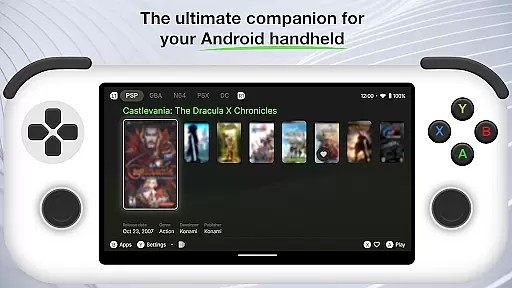
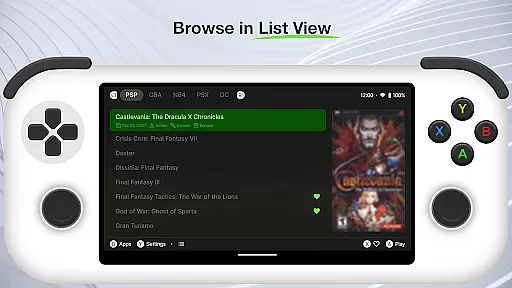
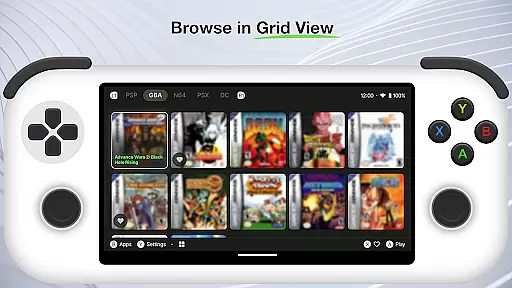
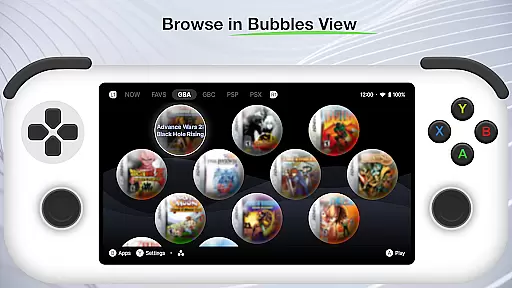
Beacon Game Launcher is an innovative Android launcher specifically designed for retro gaming enthusiasts. This application allows users to organize and enhance their classic gaming libraries by integrating with various emulators.
The app's key feature is its ability to automatically retrieve cover art and metadata, creating a visually appealing and well-organized game collection. Users can conveniently launch their favorite retro games directly from the app interface.
Ideal for gamers who value both functionality and aesthetics, Beacon transforms the mobile gaming experience by bringing order and visual enhancement to classic game collections.
Beacon Game Launcher offers several distinctive features that set it apart in the personalization category. The app provides seamless integration with multiple emulator platforms, allowing users to consolidate their retro gaming libraries in one place.
A notable feature is the automatic scraping of game information including cover art and metadata. This creates a professional-looking game library that enhances the overall user experience while maintaining accurate game information.
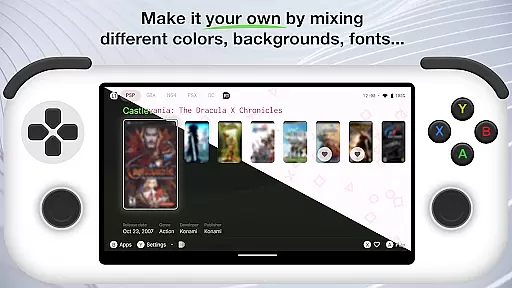
The launcher interface itself is highly customizable, enabling users to personalize their gaming dashboard according to their preferences. This combination of functionality and customization makes Beacon a valuable tool for retro gaming enthusiasts.
Customization is at the heart of Beacon Game Launcher, allowing users to tailor their gaming experience. This Android launcher provides a versatile platform for classic gaming enthusiasts to organize and access their game library with ease.
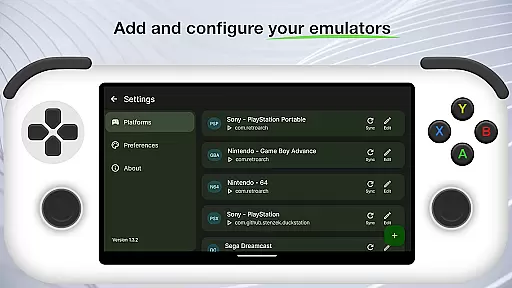
The app supports adding various emulators, giving users the freedom to choose their preferred platforms. By curating a personal retro game collection, players can relive the nostalgia of their favorite titles while discovering new ones.
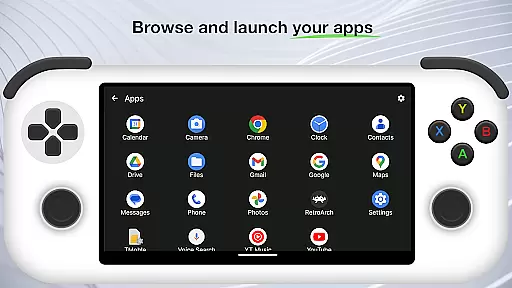
Beacon enhances user engagement by enabling direct game launches from the app interface. This seamless integration simplifies the process of accessing games, making it quicker and more intuitive for users to dive into their gaming sessions.
Theme compatibility in Beacon Game Launcher ensures a cohesive visual experience across the app. Users can enjoy a consistent look and feel that aligns with their personal style or mood, enhancing the overall appeal of their gaming setup.
The launcher automatically scrapes cover art and metadata, enriching the retro game library with visually appealing information. This feature not only improves aesthetics but also helps in quickly identifying games within a collection.
By focusing on theme compatibility, Beacon Game Launcher offers an immersive environment that complements the classic gaming experience. The result is a personalized and visually satisfying interface that resonates with both nostalgic and modern gaming preferences.
User-friendly interface
Automatic metadata retrieval
Customizable dashboard
Seamless emulator integration
Visually appealing design
No built-in games
Requires manual setup
Limited to retro gaming
Needs emulator installation
Metadata dependent on sources

Ultra realistic gold analog watch face with lots of customization options.
 4.50
4.50
Only for Wear OS devices!
4.90
Glass style colourful icons with a One UI look and feel
4.60
Ultra realistic high quality analog watch face for Wear OS.
4.60
A retro cartoon style watch face and a punch right in the face of the copyright
4.60 4.50
4.50
Custom edge gestures for volume control, brightness, apps, and shortcuts.
4.3
Choose your keyboard with RGB colors effect, themes, fonts, emojis.
4.60
Customize phone with anime themes, 3D icons, aesthetic widgets & wallpapers
4.80
Personalize your phone with stunning HD and 4K wallpapers!
4.70
300+ Stunning and well-designed widgets inspired by NOTHING.
4.70
Classic analogue watch face. For wear os devices.
4.60
Want to make your phone more special than ever?
4.60 4.50
4.50
200+ Material Inspired Widgets
4.50
Customize glowing edges, wallpapers, and caller screen with EdgeAura.
3.50 3.50
3.50
Adorable pets roam and play right on your phone screen!
3.30
Struggling to find apps? Use this app to locate and open any app on your phone!
2.20


User Reviews