
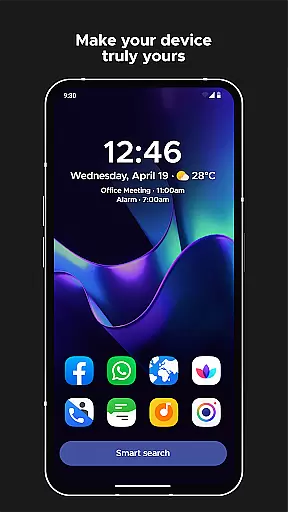
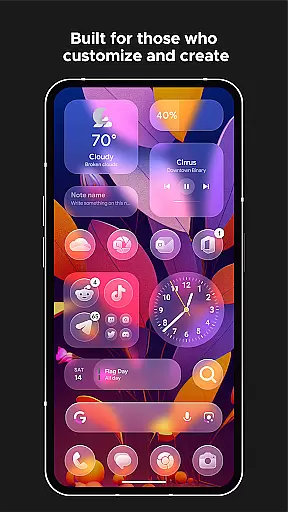
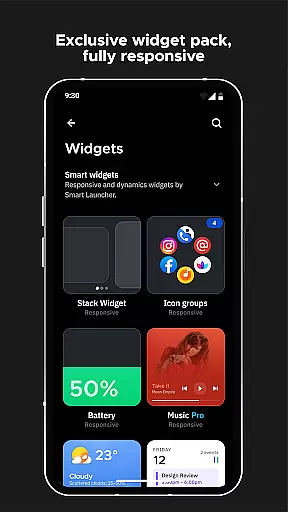
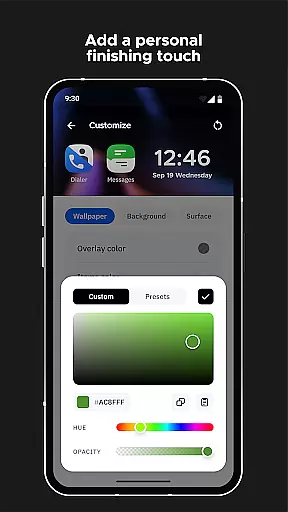
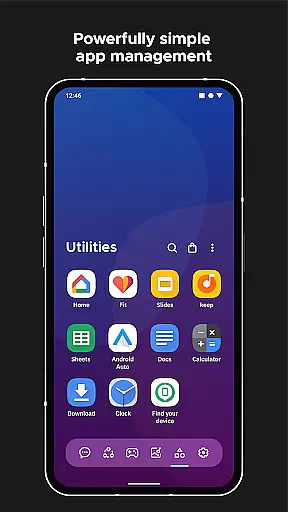
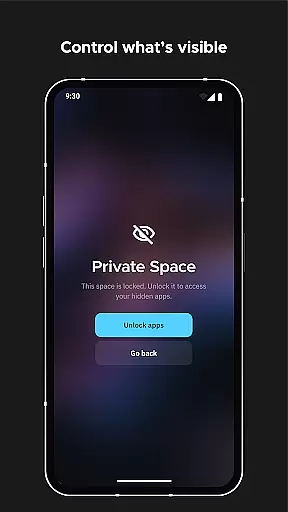
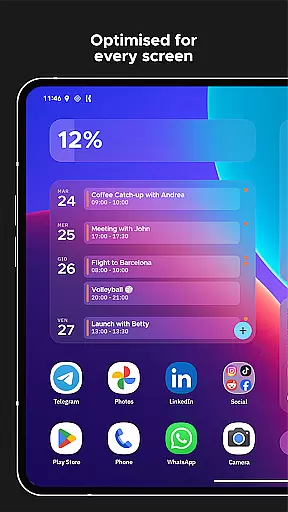
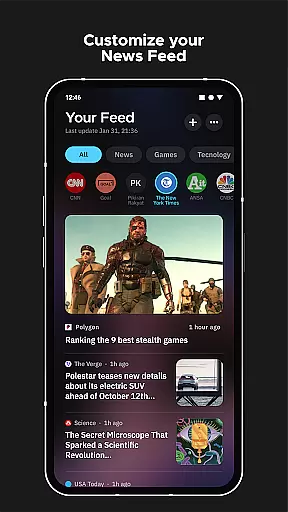
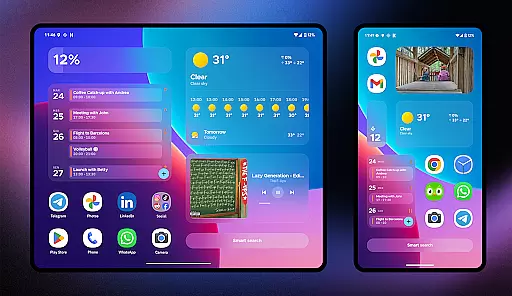
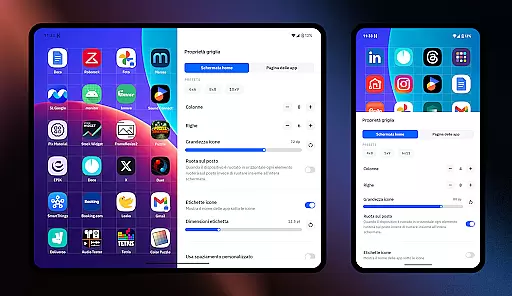
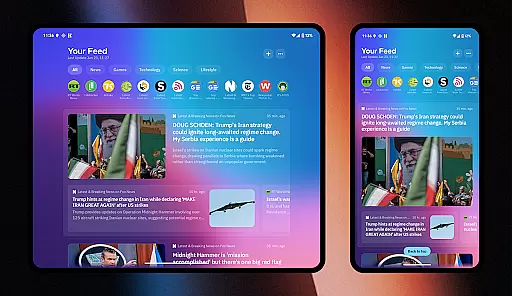
Smart Launcher 6 is a revolutionary home screen replacement app designed to enhance the Android experience. It introduces an innovative interface that automatically sorts apps into categories, saving users from the hassle of manual organization. The app features a powerful search engine for quick access to apps and information, while its ambient theme dynamically matches wallpaper colors.
The launcher is optimized for one-handed use with essential items positioned within easy reach. It includes responsive built-in widgets, customizable themes with infinite color combinations, and supports adaptive icons for a modern look. With smart gestures, on-screen notifications, and ultra-immersive mode, Smart Launcher 6 offers a highly functional and visually appealing alternative to traditional launchers.
Smart Launcher 6 stands out with its automatic app sorting feature, which intelligently categorizes applications similar to Apple's App Library. The ambient theme system dynamically adjusts colors based on your wallpaper choice, creating a cohesive visual experience. Its one-handed optimization places frequently used functions at the bottom of the screen.
The app includes a complete set of responsive widgets and extensive customization options. Users can modify theme colors, change fonts from Google Fonts, and enjoy adaptive icons on any Android device. Advanced features include smart search capabilities, configurable gestures and hotkeys, on-screen notifications, and an ultra-immersive mode that hides the navigation bar for maximum screen real estate.
Smart Launcher 6 offers an extensive range of customization options that allow users to tailor their home screen to their personal preferences. This includes the ability to modify every single color within the theme, unlocking infinite possibilities for color combinations.
In addition to color customization, users can also change fonts on the home screen. With access to thousands of fonts from Google Fonts, personalizing the look and feel of your device has never been easier or more comprehensive.
The launcher supports adaptive icons, which means not only customizable shapes but also larger and more visually appealing icons. This feature enhances both aesthetics and usability, providing a fresh and modern interface.
With these robust customization features, Smart Launcher 6 empowers users to create a unique and personalized smartphone experience that truly reflects their individual style and enhances their interaction with the device.
Theme compatibility in Smart Launcher 6 ensures that all visual elements on your home screen work together harmoniously. The Ambient Theme feature automatically adjusts the colors of your interface to match your wallpaper, creating a cohesive and aesthetically pleasing environment.
This dynamic theming extends across various UI components, ensuring that changes in one area are reflected throughout the entire system. Whether it's the hue of your app categories or the shade of your widgets, everything is synchronized with your chosen background.
Moreover, this level of integration provides a seamless transition when switching between different themes or wallpapers, maintaining visual consistency without manual adjustments. It simplifies the process for users who wish to frequently update their device's appearance while retaining a polished look.
By prioritizing theme compatibility, Smart Launcher 6 delivers an intuitive and unified user experience that adapts to each useru2019s aesthetic choices effortlessly.
Automatic app sorting
Ambient theme matching
One-handed optimization
Responsive widgets included
Extensive customization
Premium version costly
Feature learning curve
Occasional bugs reported
Some features require root
Performance may vary

Beautiful realistic hybrid watch face with numerous customization options.
 4.50
4.50
Unique Android Launcher
4.60
Shimeji adds cute animated characters to your screen, lively and fun.
4.70
Aesthetic Widgets, HD Wallpapers, Themes in Mico Widget for Home and Lock Screen
4.50
Vibrant Adaptive Icons with Material You and Enhanced Monet Colors.
4.50
Unleash Your Creativity and Connect with Loved Ones with Lockscreen Drawing!
4.20
Modern Glass Icon Pack with glossy icons, clean minimal theme & aesthetic style
4.3
set a new experience for the Android mobile phone
4.20
Amazing letter fonts in your messages and social statuses
4.70
Nothing Icon pack with more than 3750+ highly crafted icons.
4.70
300+ Beautifully crafted widgets inspired by OneUI.
4.60
Try creating your own keyboard with "Keyboard theme for android" app now!
4.50
200+ Material Inspired Widgets
4.50
Launcher OS™ Pro without ads help make your phone simple and pretty
4.30
More than 3000+ themes and 9000+ wallpapers for everybody!
4.10
Realistic animated snow on your wrist, with 10 images landscapes to choose from
4.00
Crystal-clear, square icon provides a sleek and sophisticated visual upgrade
4.00
Transform your phone with stunning video wallpapers and a unique, personal touch
3.80
Struggling to find apps? Use this app to locate and open any app on your phone!
2.20


User Reviews