
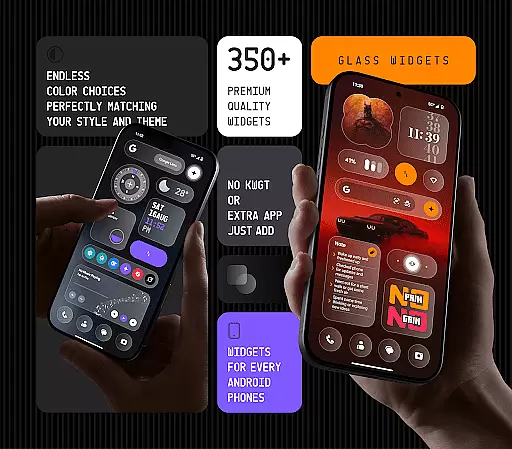
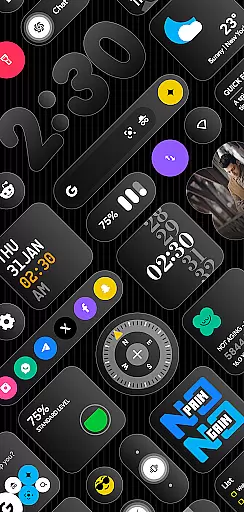
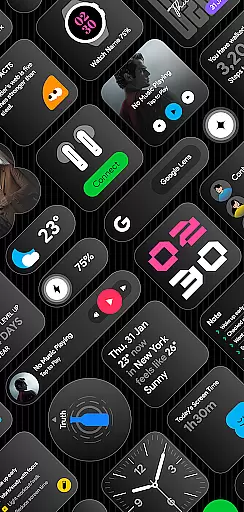
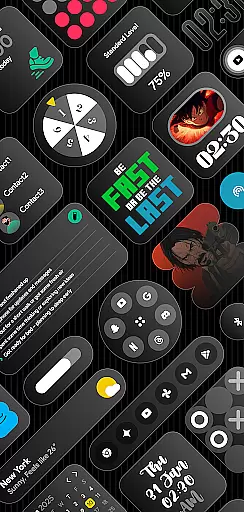
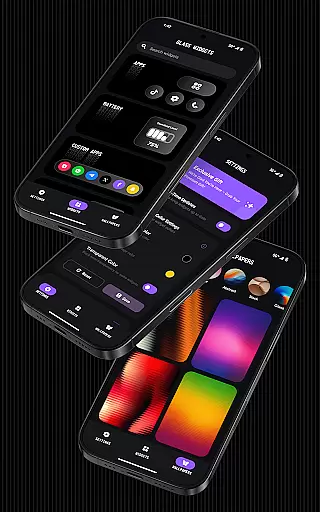
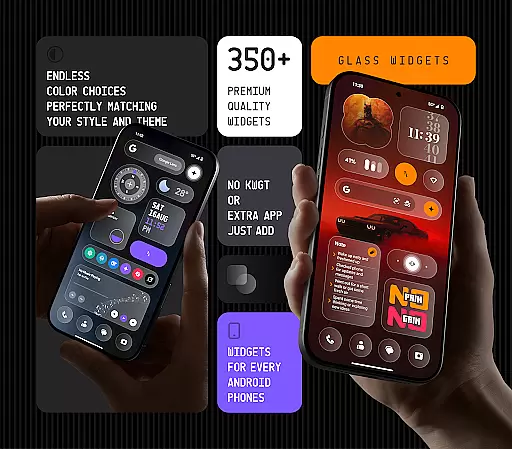
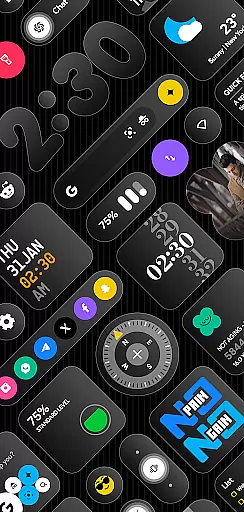
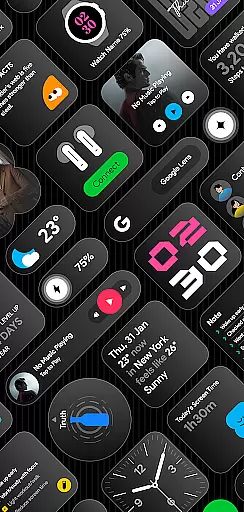
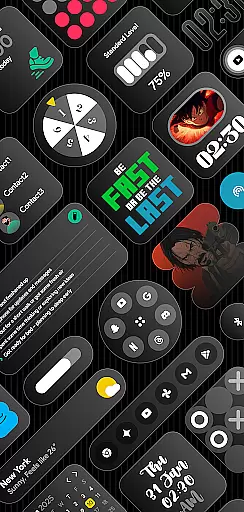
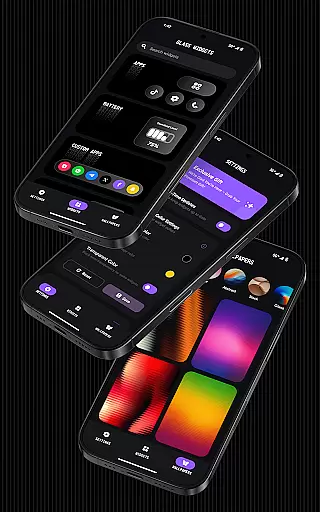
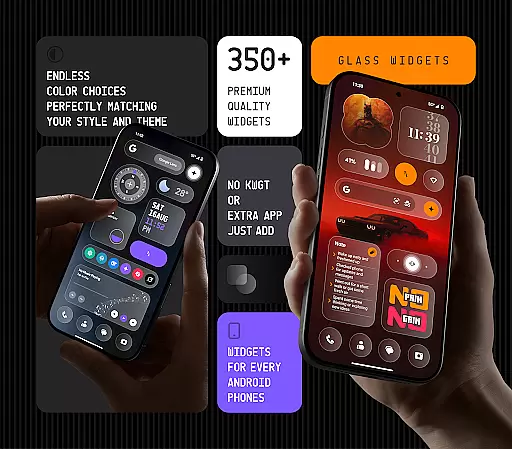
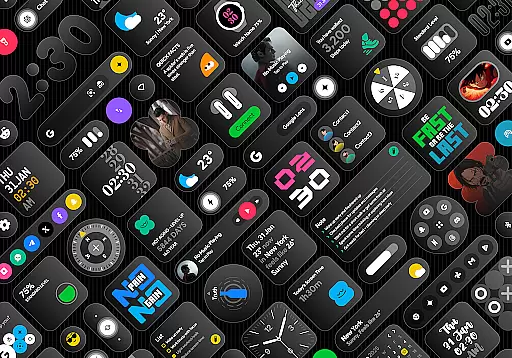
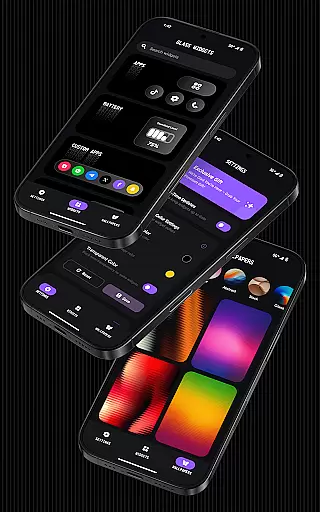
Glass Widgets offers a stunning collection of 350+ beautifully designed, glass-style widgets that are compatible with any Android device. These sleek, transparent widgets allow users to upgrade their home screens and lock screens with modern designs that include clocks, weather updates, calendars, battery indicators, step counters, quotes, compasses, and more.
What sets Glass Widgets apart is its commitment to customization and ease of use. Users can personalize colors, choose from minimal or stylish designs, and enjoy both home screen and lock screen support without needing additional apps like KWGT. The app also features battery-friendly optimization, regular updates with new widget options, and complementary glass-effect wallpapers for a cohesive look.
Ideal for those who value aesthetics and functionality, Glass Widgets provides a seamless way to enhance your Android experience while maintaining optimal performance. Whether you want quick access to essential information or simply desire a visually appealing interface, this app delivers both style and substance.
The standout feature of Glass Widgets is its extensive library of over 350 customizable widgets, each crafted with a sleek glass finish that adds a touch of elegance to any Android device. These widgets cover a wide range of functionalities including timekeeping, weather tracking, calendar management, fitness monitoring through step counters, motivational quotes, and even compass navigation.
Customization is at the heart of Glass Widgets. Users have the freedom to adjust widget colors, ensuring they match their personal preferences or existing themes on their devices. The app supports both home screen and lock screen displays, offering flexibility in how and where these widgets are used. Additionally, it includes unique options such as photo widgets, AI shortcuts, music controls, notes, lists, and much more.
Beyond aesthetics, Glass Widgets prioritizes performance. It operates efficiently without draining battery life, thanks to its optimized design. Regular updates ensure that users always have access to fresh content and features, keeping their interfaces dynamic and engaging. With dedicated customer support and an easy refund policy, Glass Widgets ensures user satisfaction while delivering a top-notch personalization experience.
Customization is at the heart of Glass Widgets, offering users an extensive range of options to tailor their home and lock screens. With over 350 beautifully crafted glass-style widgets, this application allows for personal adjustments in both aesthetics and functionality.
The app provides a diverse selection of widget types including clocks, weather, calendar, and more, ensuring that every user finds something suited to their needs. Each widget can be customized with different colors, making it easy to match your device's theme or personal style.
Glass Widgets supports both home and lock screens, enhancing the overall user experience by providing seamless integration across all device interfaces. This flexibility ensures that important information is always accessible, regardless of how you interact with your device.
By offering such a wide array of customization possibilities, Glass Widgets empowers users to create a personalized digital environment that reflects their unique preferences and enhances their daily routines.
Theme compatibility is a crucial aspect of any personalization app, and Glass Widgets excels in this area. Designed to blend seamlessly with any Android theme, these widgets ensure that your device maintains a cohesive look regardless of your chosen aesthetic.
The transparent glass finish of the widgets allows them to integrate smoothly with various backgrounds and themes. Whether you prefer minimalistic designs or vibrant, colorful layouts, Glass Widgets adapt effortlessly to maintain visual harmony.
In addition to their adaptable appearance, the widgets also offer functional consistency. Users can rely on accurate real-time updates and smooth performance, ensuring that their personalized setup remains both beautiful and practical.
With regular updates introducing new widgets and features, Glass Widgets continues to expand its compatibility with emerging design trends. This commitment to ongoing improvement guarantees that your device will always feature the latest in theme-compatible personalization options.
User-friendly interface
Extensive widget variety
Highly customizable options
Regular feature updates
Efficient performance
Limited iOS compatibility
Advanced features may require learning
Some widgets need constant updates
Premium version costs extra
Occasional bugs reported

Realistic animated snow on your wrist, with 10 images landscapes to choose from
 4.00
4.00
Transform your phone with Launcher iOS 26 - Smooth & elegant iOS experience
4.50
Add cute Shimeji pets to screen, interact with them and relax with cute motions
4.60
Turn your lock screen into fun with smile live wallpapers & animated wallpapers!
2.50
More than 3000+ themes and 9000+ wallpapers for everybody!
4.10
Want to make your phone more special than ever?
4.60
Icons made of colorful linear lines
4.60
300+ Beautifully crafted widgets inspired by OneUI.
4.60
A minimalist productivity launcher. One-hand-friendly. Zero ads.
4.70
100+ Stylish Fonts, Emojis, Symbols keyboard for Instagram & TikTok!
4.80
A launcher for Samsung Good Lock and Good Guardians modules without ads
4.70
Glass style colourful icons with a One UI look and feel
4.60
Ultimate Gallery Lock App - Hide Pictures, Videos and Lock Apps Instantly!
4.60
Stylish Pink Cute Hippo keyboard with 10000+ customized keyboard themes!
4.60 4.50
4.50
App Icon Changer & Shortcut Creator. Customize your icons without any watermarks
4.30
Organize and manage your photos and videos effortlessly with Photo Gallery
4.20
Transfer your live wallpapers from Windows to Android using Wallpaper Engine!
4.00
Emoji Maker app - Design custom emojis and effortlessly blend them with Mixer
3.80


User Reviews