
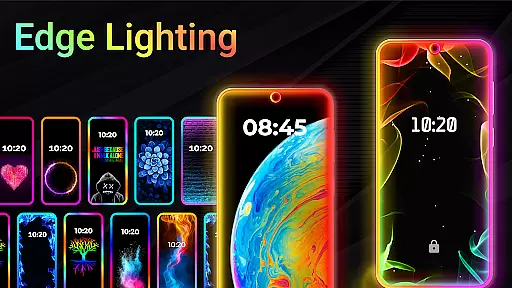
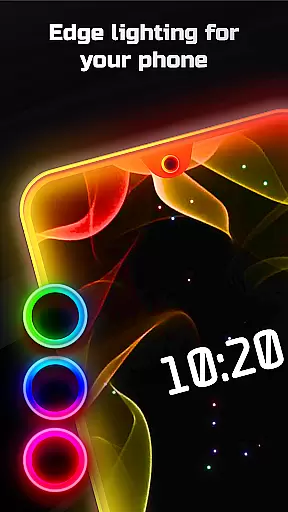
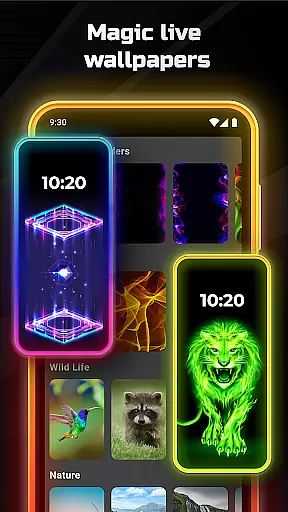
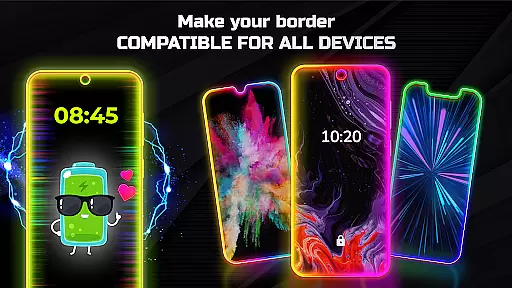
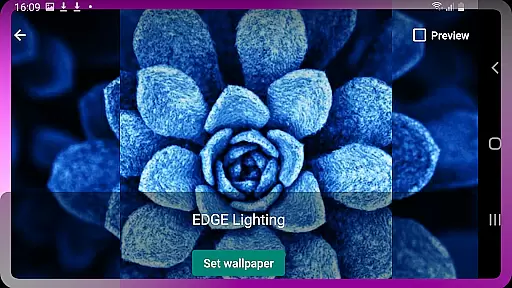
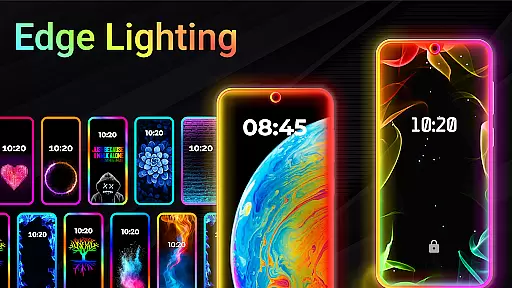
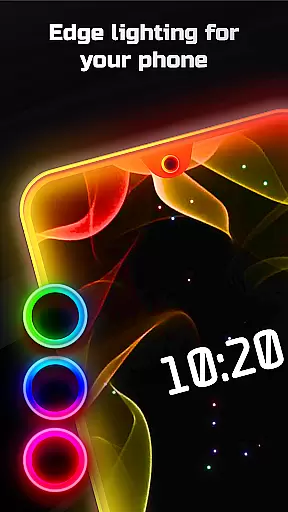
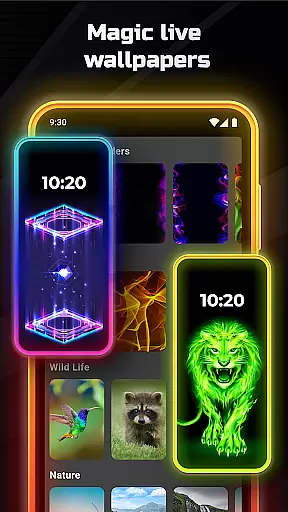
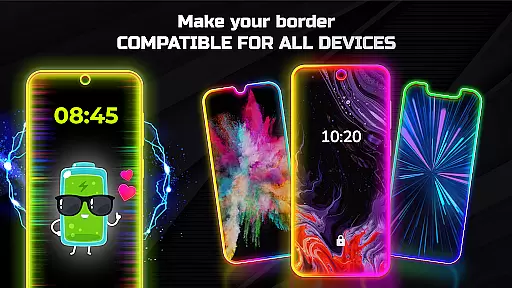
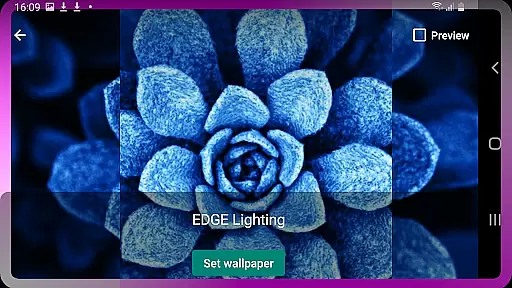

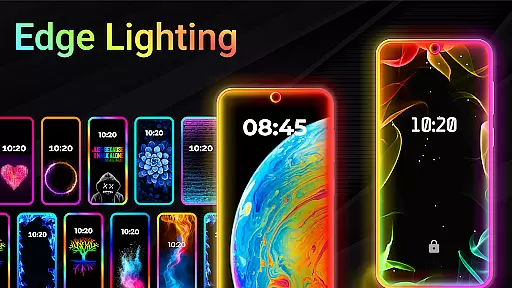
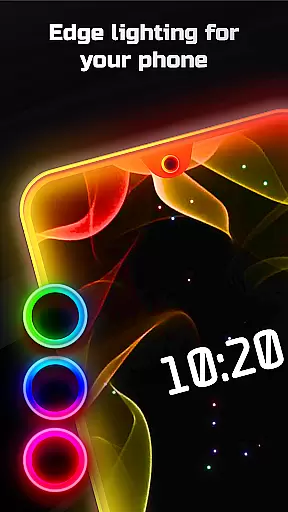
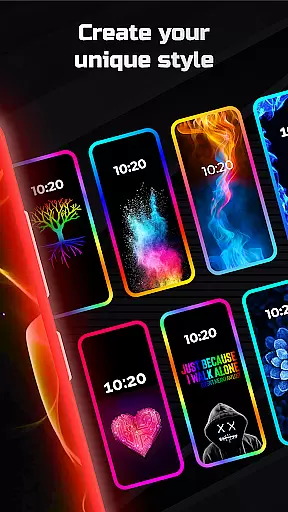
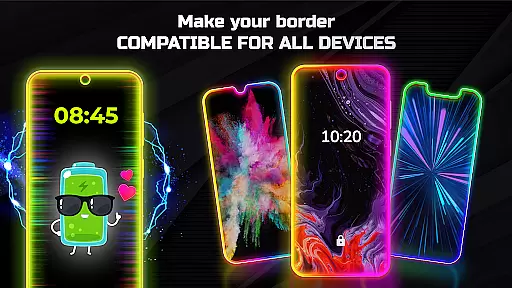
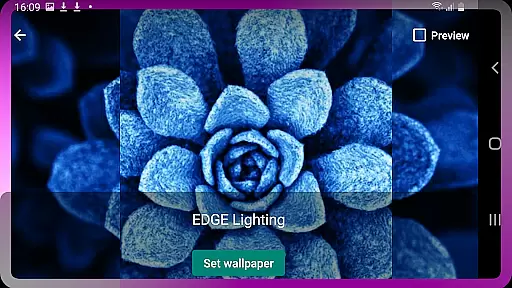
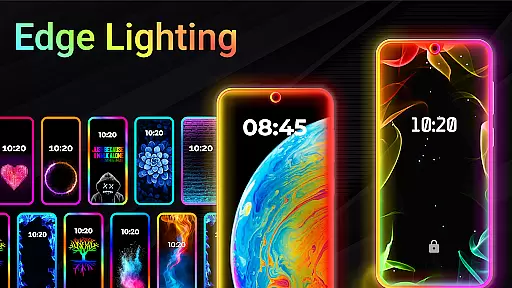
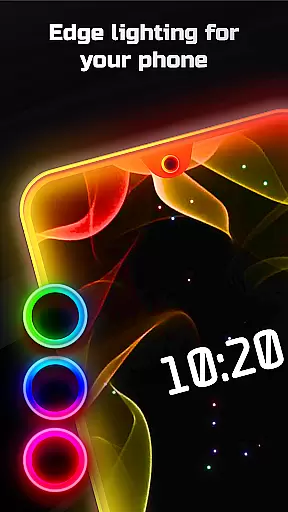
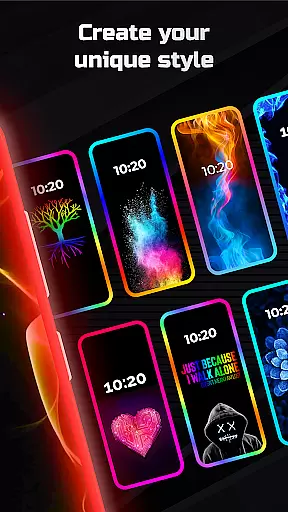
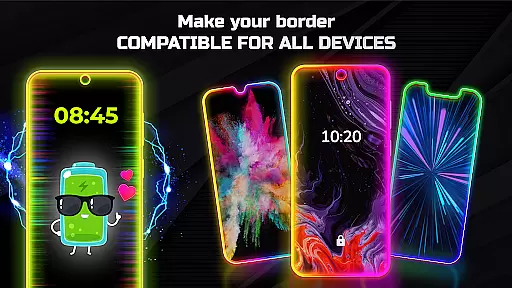
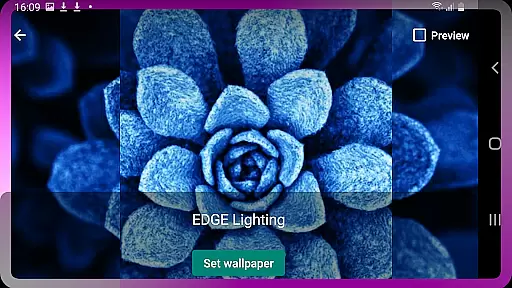
Edge Lighting is a versatile personalization app designed to enhance the visual appeal of Android devices. The application allows users to add stunning curved edge lighting effects to both their home screen and lock screen, creating an aesthetically pleasing interface. With support for all types of screens including Infinity displays and notched designs, this app ensures compatibility across various devices such as Samsung Galaxy, OnePlus, Xiaomi, and more.
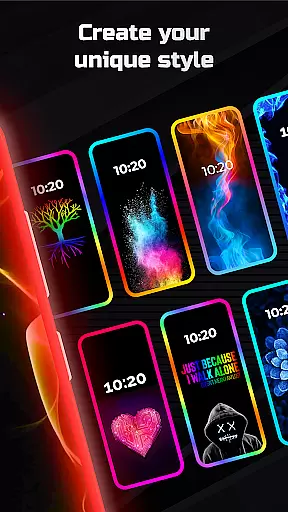
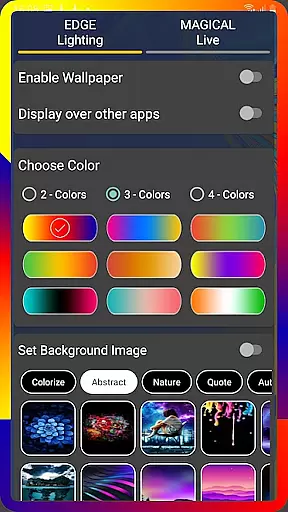
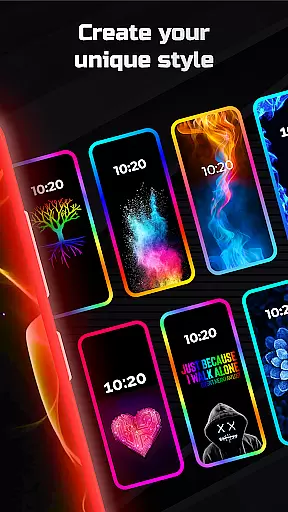
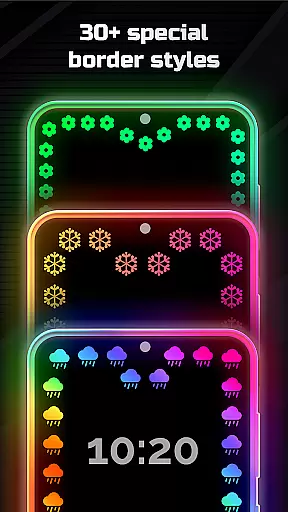
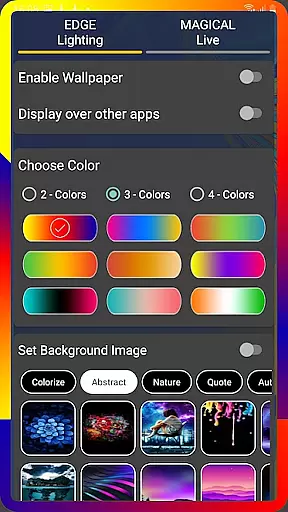
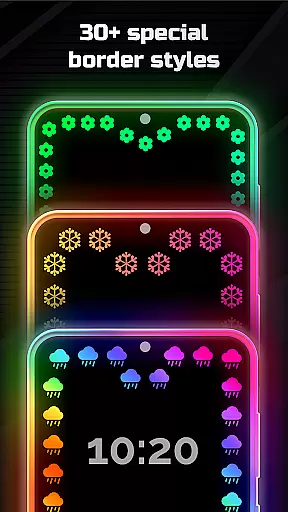
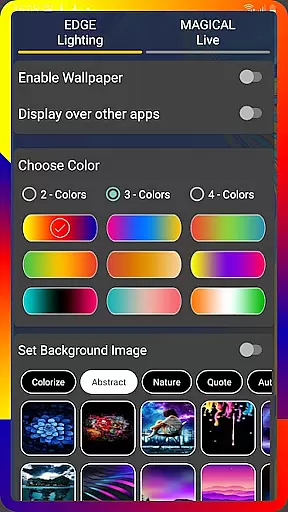
The true power of Edge Lighting lies in its extensive customization options. Users can modify colors, adjust the width, and choose from over 15 border types like hearts, suns, and stars. Additionally, the app offers magical lighting effects in multiple colors, 4K background wallpapers, and the ability to use personal photos within the lighting display. These features collectively provide a unique way to personalize smartphones while maintaining functionality through display-over-app capabilities.
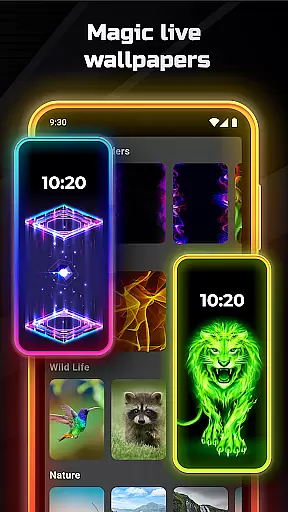
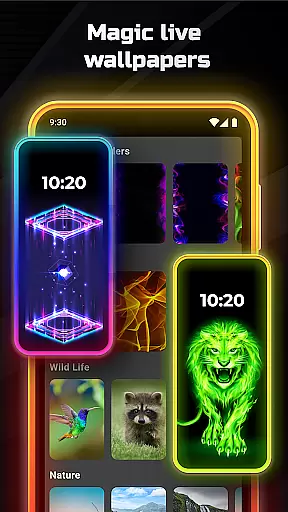
Edge Lighting stands out with its comprehensive feature set tailored for device personalization. One of the key highlights is the ability to set colorful round edge lighting as live wallpaper, which can be customized in terms of color, animation speed, and curve radius. The app provides precise control over display notch settings, allowing users to perfectly match the lighting to their specific device model.
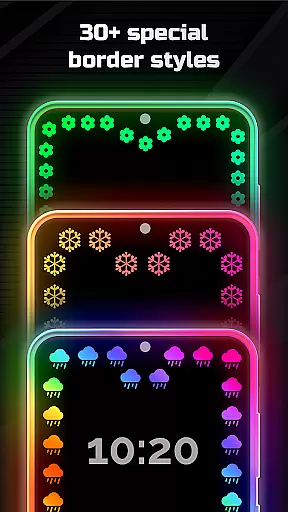
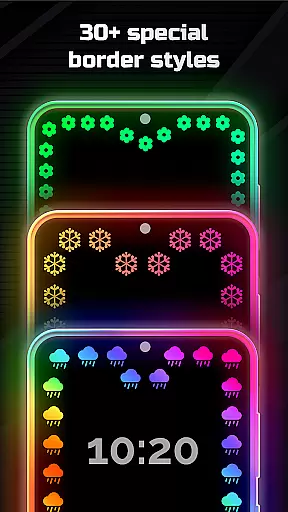
Another remarkable aspect is the diverse selection of over 30 magical edge lighting effects that can be applied to both home and lock screens with just one click. The application also supports high-quality 4K backgrounds and user-selected photos as wallpapers within the edge lighting frame. Furthermore, its display-over-apps functionality ensures that these beautiful effects remain visible across all applications, enhancing the overall user experience without compromising usability.
Customization is at the heart of EDGE Lighting, allowing users to tailor their device's aesthetics with precision. This application offers a diverse range of customization options that cater to personal preferences and device compatibility. Users can modify the color, width, and type of the EDGE lighting border, ensuring that their mobile home screen and lock screen reflect their unique style.
The app provides over 15 types of borders, including creative designs like Heart, Bird, Sun, and more, accommodating various tastes and themes. Additionally, it supports specific display notches, adapting its settings to align perfectly with the user's device model. With adjustable animation speed and curve radius, individuals have granular control over how the lighting behaves on their screen.
By integrating personal photos as wallpapers within the EDGE Lighting frame or selecting from available 4K backgrounds, users enhance their experience further. Such comprehensive customization not only beautifies the interface but also maintains usability by allowing adjustments based on individual comfort and visibility needs.
EDGE Lighting stands out in its ability to seamlessly blend with various device themes, offering unparalleled theme compatibility. Whether your Android phone features an Infinity U, V, O display or a standard notch, this app ensures that its lighting effects complement your deviceu2019s native design elements without any compromise on aesthetics or functionality.
Users can choose from more than 30 magical EDGE lighting effects designed for both home and lock screens, setting them up instantly with just one click. These effects are crafted to maintain visual harmony across different devices such as Samsung Galaxy models, One Plus, Xiaomi Mi series, among others. This versatility guarantees a consistent look and feel regardless of the smartphone brand or model you use.
Moreover, the option to display EDGE Lighting over other apps enhances user engagement while preserving the thematic integrity of your deviceu2019s UI. By prioritizing cross-device synchronization reliability, EDGE Lighting delivers a cohesive aesthetic experience that adapts fluidly to changes in system-wide themes or wallpapers, making sure your customization remains intact through updates or theme switches.
Highly customizable
Versatile device support
Unique border designs
Live wallpaper integration
Display-over-apps feature
May impact battery life
Some features might be overwhelming
Premium options available
Performance varies by device
Occasional stability issues

Classic analogue watch face. For wear os devices.
 4.60
4.60
3D, live, and moving wallpapers & themes in 4K and HD for your device.
4.50
Themes - Widget & Wallpaper: Customize home screen, icon changer w unique themes
4.30
Sparkle your screen with Glitter Wallpapers For Girls and Cute Backgrounds!
4.80
Ultimate widget creator. Design custom widgets for a truly unique home screen!
3.90
⭐ OneUI inspired Fluffy Icon Pack – Soft. Stylish. Standout. ⭐
4.3
300+ widgets inspired by Material You and Material 3 expressive design.
4.60
Create stunning widgets with Widget 2026: Aesthetic Widgets for Android!
4.60
Install amazing sticker packs: endless styles, always cool.
4.70
Wallpaper HD 4K Live - Thousands of high-quality Anime backgrounds for you.
4.80
A launcher for Samsung Good Lock and Good Guardians modules without ads
4.70
400+ Beautifully crafted widgets inspired by NOTHING.
4.70
Ultra realistic high quality analog watch face for Wear OS.
4.60
Make your phone look simple & luxury, like iDevice
4.60
Try creating your own keyboard with "Keyboard theme for android" app now!
4.50
Adult video chat, dating, making friends, random matching
4.20
Run multiple accounts of the same app on a single device
4.10
HappyLighting is a Bluetooth lamp control software.
3.40
Custom edge gestures for volume control, brightness, apps, and shortcuts.
4.0


User Reviews