
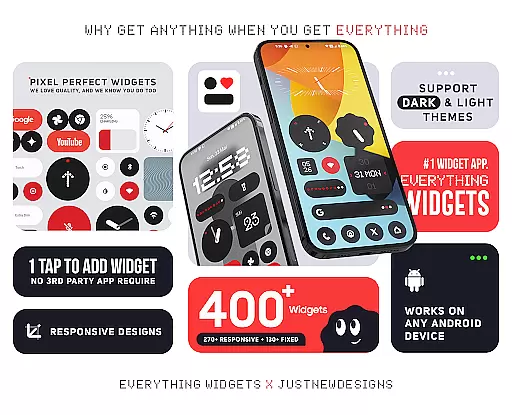
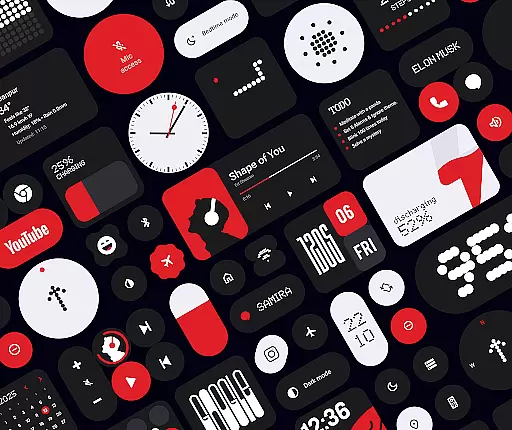
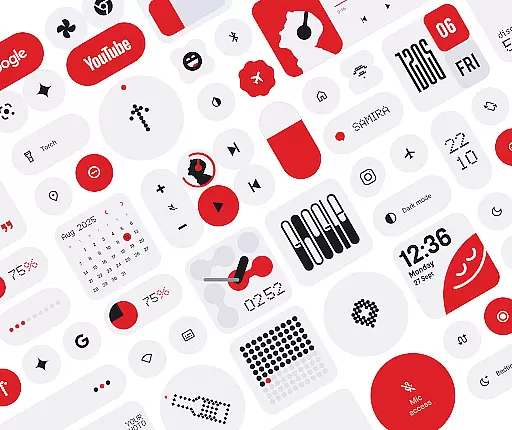
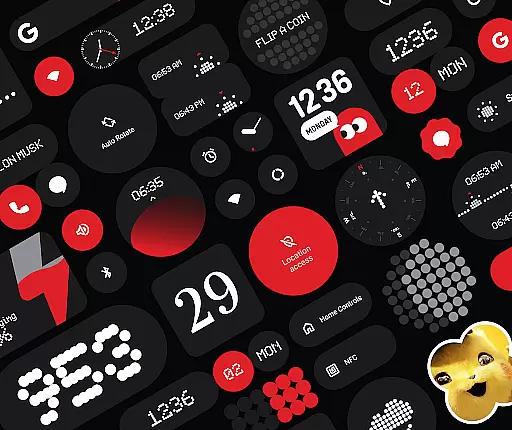
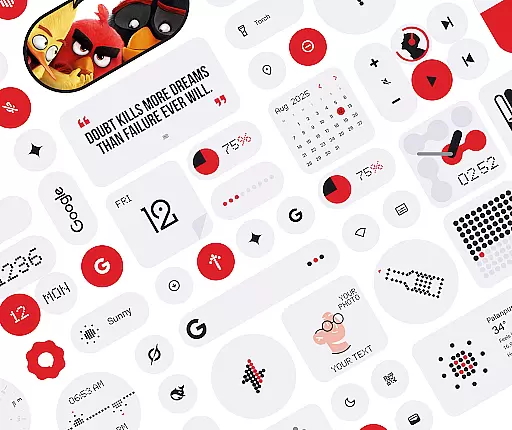
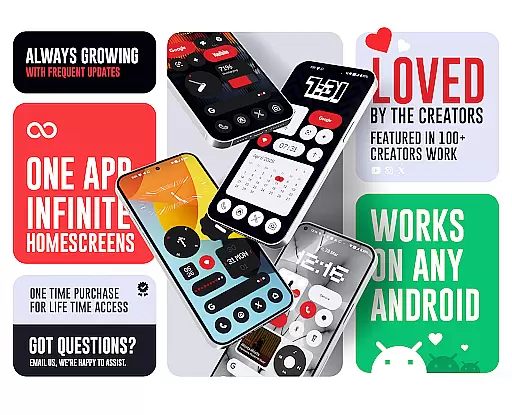
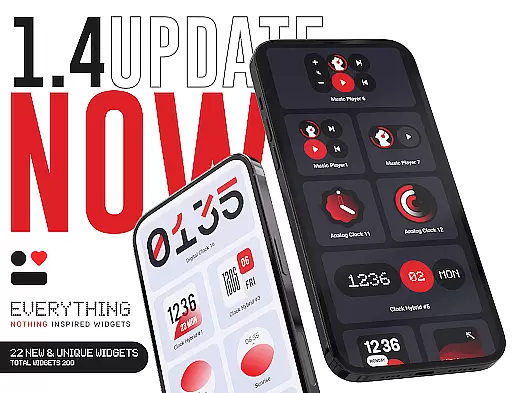
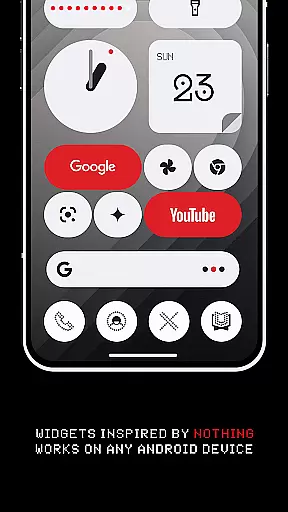
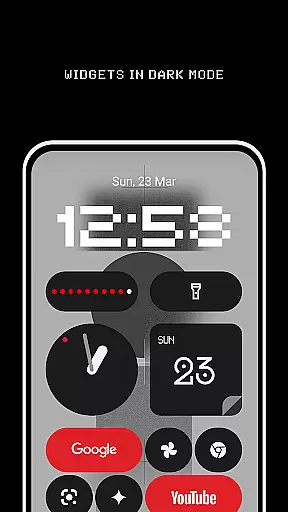
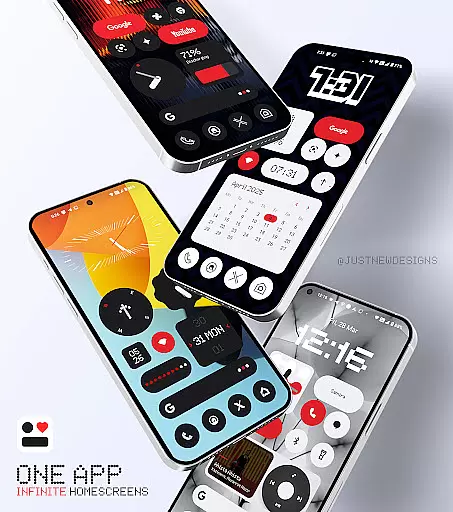
Everything Widgets offers a comprehensive suite of over 400 beautifully designed widgets inspired by the Nothing OS aesthetic, allowing users to customize their Android home screens without the need for additional apps. The widgets are fully resizable and responsive, ensuring a perfect fit for any screen size and layout preference.
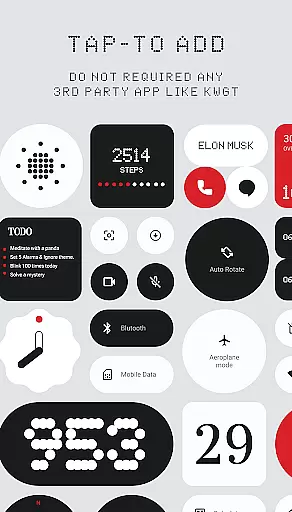
This widget pack includes a diverse range of functionalities such as clock and calendar widgets, battery indicators, weather updates, quick settings toggles, contact shortcuts, photo displays, Google app integrations, utility tools, productivity enhancers, pedometer, inspirational quotes, and even game widgets. With regular updates focused on quality over quantity, Everything Widgets ensures that each addition is both useful and creatively designed.
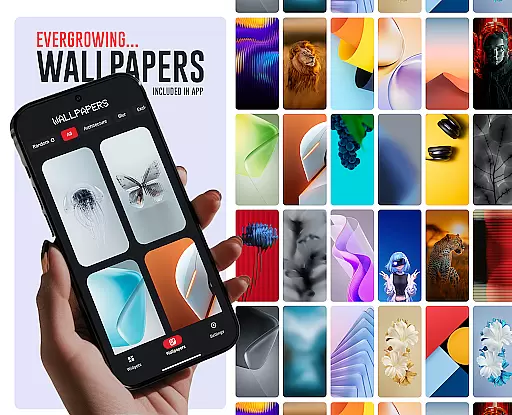
The inclusion of matching wallpapers further enhances the customization experience, providing users with exclusive designs to complement their widget choices. Whether you're looking to boost productivity, monitor device status, or simply beautify your home screen, Everything Widgets delivers a unique and functional solution tailored to your needs.
One of the standout features of Everything Widgets is its native functionality, eliminating the need for third-party apps like KWGT. Users can effortlessly add widgets with a simple tap and instantly customize their home screens. This seamless integration provides an intuitive user experience that prioritizes ease of use.
The widget collection spans various categories including elegant clocks, stylish calendars, minimalist battery indicators, detailed weather forecasts, quick setting toggles, contact shortcuts, photo displays, Google app integrations, essential utility tools, productivity enhancers, step counters, inspirational quotes, and entertaining games. Each widget is crafted to offer both aesthetic appeal and practical utility, enhancing the overall user interaction with their devices.
Additionally, Everything Widgets offers over 100 matching wallpapers, completing the visual transformation of the home screen. These wallpapers are designed to complement the widgets, ensuring a cohesive and visually pleasing interface. With ongoing updates and a commitment to quality, Everything Widgets continues to expand its offerings while maintaining high standards of design and functionality.
Everything Widgets offers an extensive range of customization options, ensuring users can tailor their home screens to reflect personal style and functionality preferences. With over 400 widgets available, the app covers various categories including Clock & Calendar, Battery, Weather, Quick Settings, and more.
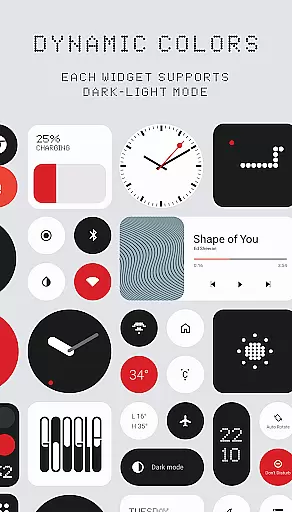
The true power of customization lies in the details. Users can choose from digital or analog clocks, battery indicators with minimalist designs, and weather widgets that provide not just current conditions but also forecasts and moon phases. The app's responsive design allows most widgets to be fully resizable, accommodating different screen sizes and layout preferences.
Personalization extends beyond mere aesthetics. Everything Widgets includes utility widgets like a compass and calculator, productivity enhancers such as to-do lists and notes, and even playful elements like the iconic Snake game. This diversity ensures that users can create a home screen that is both visually appealing and functionally robust.
Moreover, the app provides matching wallpapers to complement the widgets, completing the personalized look. Whether you're aiming for a sleek modern interface or something more vibrant and fun, Everything Widgets empowers you to make your smartphone truly yours.
Theme compatibility is a crucial aspect of any personalization app, and Everything Widgets excels in this area by offering widgets that seamlessly integrate with various themes. Inspired by the Nothing OS aesthetic, these widgets ensure visual consistency across different Android devices without requiring additional apps.
One of the standout features is the native functionality of the widgets. Unlike other packs that might need third-party support, Everything Widgets operates independently, providing a smooth experience right out of the box. This means whether you prefer dark mode or light themes, the widgets adapt effortlessly to maintain a cohesive appearance.
In addition to theme compatibility, the app supports functional integration. For instance, quick settings widgets allow users to toggle WiFi, Bluetooth, and flashlight with a single tap, all while maintaining the deviceu2019s current theme. Contact widgets also follow suit, presenting favorite contacts in a stylish manner consistent with the overall design language.
Ultimately, Everything Widgets bridges the gap between form and function. By focusing on quality over quantity, it delivers a selection of widgets that are not only visually compatible with diverse themes but also enhance usability. This dual focus ensures that users enjoy a harmonious and efficient home screen experience.
User-friendly interface
Wide variety of widgets
No extra apps required
Fully resizable options
Regular updates
Limited to Android
Some features basic
Design not for everyone
Occasional bugs
Refund policy strict

Customizable Glass widgets. Over 360+ stunning widgets and more!
 4.70
4.70
Transform your phone with Launcher iOS 26 - Smooth & elegant iOS experience
4.50
Color phone with cool effects for call screen, flash alert & ringtones music
4.50
HappyLighting is a Bluetooth lamp control software.
3.40
Choose your keyboard with RGB colors effect, themes, fonts, emojis.
4.60
Adorable pets roam and play right on your phone screen!
3.30
A minimalist productivity launcher. One-hand-friendly. Zero ads.
4.70
Amazing letter fonts in your messages and social statuses
4.70
Install amazing sticker packs: endless styles, always cool.
4.70
Only for Wear OS devices!
4.90
Dark icon pack based on One 8
4.80
100+ Stylish Fonts, Emojis, Symbols keyboard for Instagram & TikTok!
4.80
Unique Android Launcher
4.60
Customizable screen pets that play, climb, and keep you company.
4.50 4.50
4.50 4.50
4.50
A light in the dark, a unique style and an andless cutomization!
4.30
Themes - Widget & Wallpaper: Customize home screen, icon changer w unique themes
4.30
Customizable flower power digital watch face for Wear OS watches.
4.00


User Reviews