
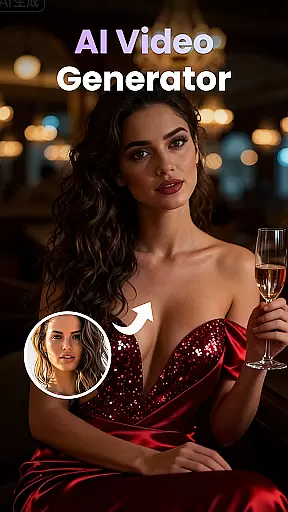
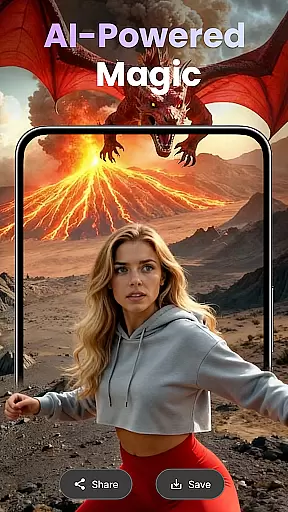
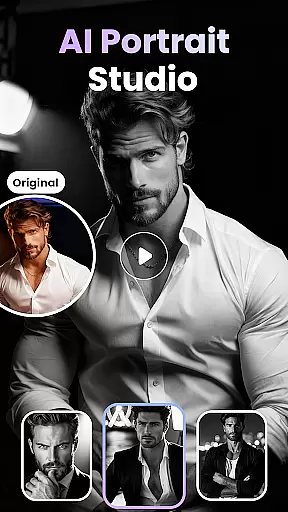
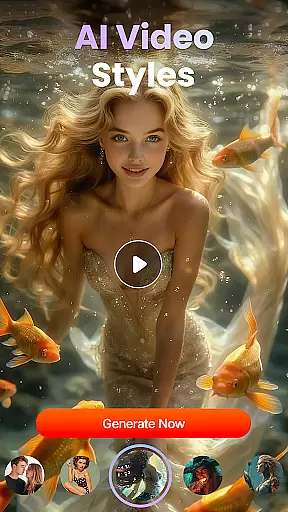
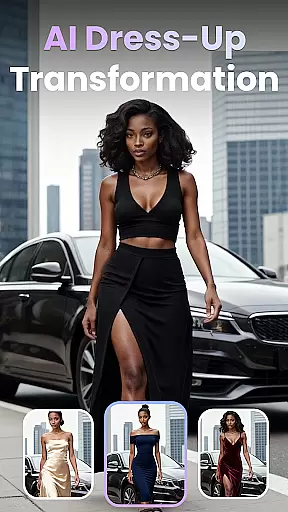
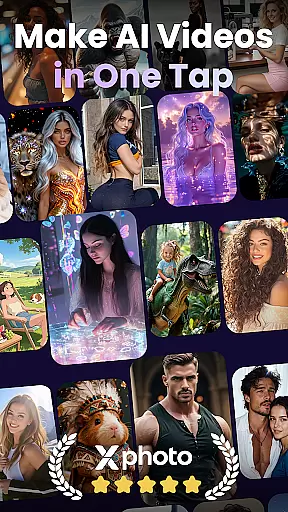
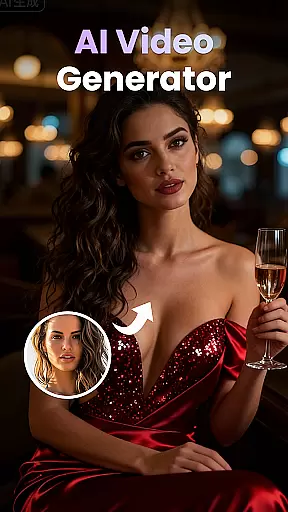
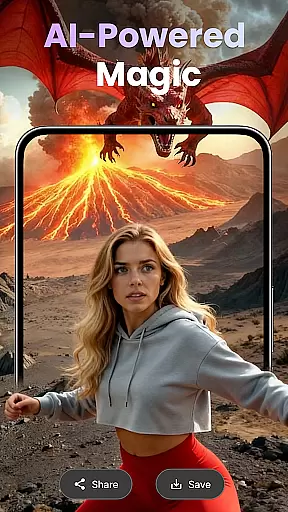
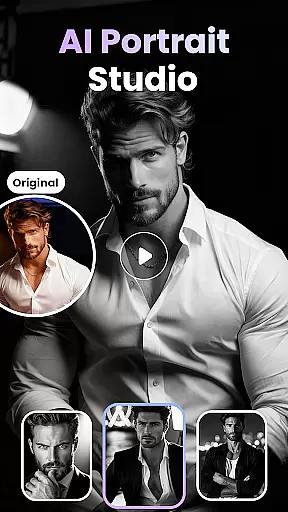
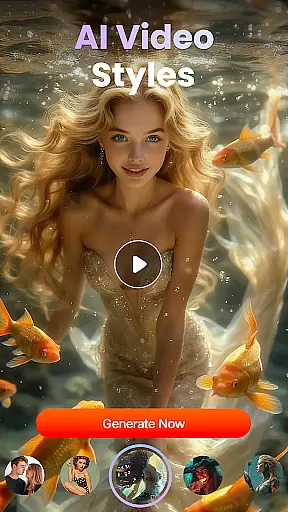
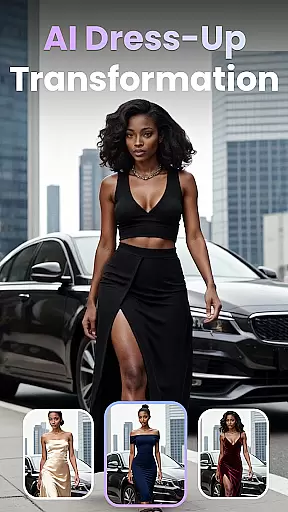
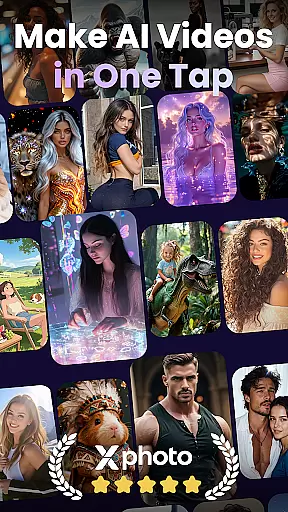
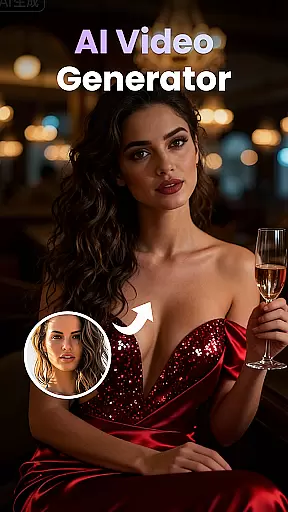
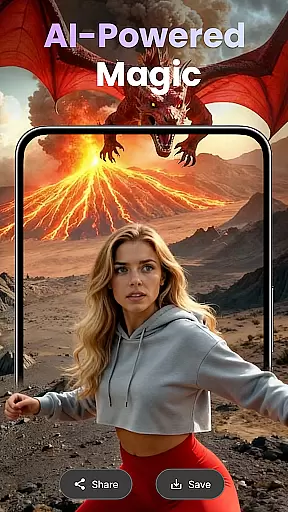
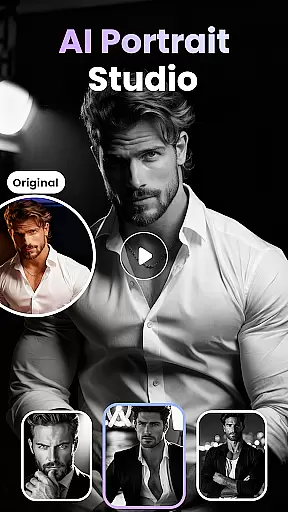
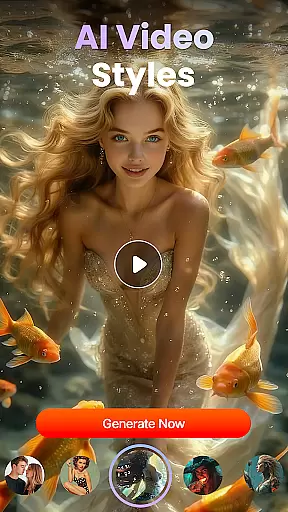
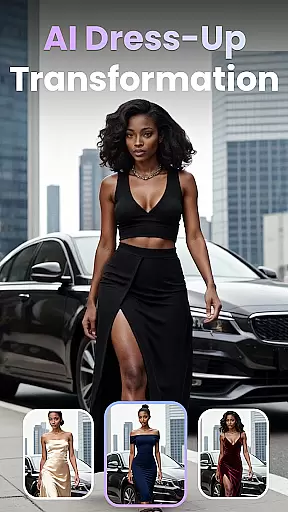
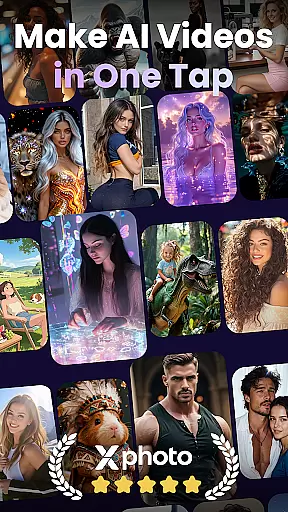
XPhoto is an advanced AI-powered creative studio designed to transform your ideas into professional-grade visual content. With its cutting-edge AI technology, the app allows users to generate cinematic videos and stunning artwork from simple text prompts. It also offers tools to animate photos, apply face swap effects, and create viral trends effortlessly.
Perfect for content creators, influencers, and artists, XPhoto supports multiple creative needs such as TikTok, Instagram Reels, and YouTube Shorts. Its intuitive interface ensures it's beginner-friendly while still offering powerful features for professionals. Whether you're crafting short videos or telling a story through visuals, XPhoto provides all the necessary tools in one place.
The app's standout feature is its ability to produce high-quality visuals quickly, making it ideal for those who need fast yet stunning results. By exporting in HD or 4K without watermarks, XPhoto ensures your creations are ready for any platform, empowering you to captivate audiences with ease.
XPhoto boasts a comprehensive suite of features tailored for modern content creators. One of its core functionalities is the AI Text to Video tool, which converts written descriptions into dynamic, cinematic videos. This feature is complemented by the Text to Image Generator, enabling users to craft breathtaking AI-generated art from simple phrases.
In addition to these, XPhoto includes Photo to Video Animation, allowing static images to be brought to life with emotion and movement. The Face Swap & AI Effects tool adds another layer of creativity, letting users experiment with viral trends and unique filters. Smart Editing Tools further enhance the experience by automating tasks like adding captions, background music, or voiceovers.
For those seeking convenience, XPhoto offers a library of Creative Video Templates that can be customized for various projects. All outputs can be exported in HD or 4K resolution without watermarks, ensuring professional-grade quality for every creation. These features collectively make XPhoto an indispensable tool for anyone looking to elevate their visual storytelling.
Customization is at the heart of XPhoto, allowing users to tailor their creative projects with precision. The app offers a wide array of customization options that cater to both beginners and professionals in the realm of visual content creation.
XPhoto's features such as AI Text to Video, Text to Image Generator, and Photo to Video Animation provide diverse tools for personalizing videos and images. Users can input simple text prompts to generate complex visual narratives or animate static images with emotional depth.
The inclusion of Face Swap & AI Effects adds another layer of personal touch, enabling creators to craft unique content that stands out. With Creative Video Templates and Smart Editing Tools, users have the freedom to modify templates and add elements like captions and music to fit their style.
This extensive variety in customization empowers users to produce professional-grade visuals without needing deep technical expertise, making it an invaluable tool for personalized storytelling and artistic expression.
Theme compatibility in XPhoto ensures that all creations maintain visual consistency across different formats and platforms. This feature is crucial for content creators who wish to uphold a uniform aesthetic throughout their work.
XPhoto supports high-definition exports up to 4K without watermarks, which means that whether it's for TikTok, Instagram Reels, or YouTube Shorts, your content will retain its intended look and feel. The appu2019s design prioritizes seamless integration with various social media platforms.
Moreover, the app's growing library of video templates is crafted to be adaptable to multiple themes, ensuring that no matter what kind of project you're working on, there's a template that fits your thematic needs. These templates are designed to complement rather than constrain creativity.
By focusing on theme compatibility, XPhoto not only enhances the user experience but also amplifies the impact of each piece of content created, ensuring that every visual story told is coherent and captivating across all digital mediums.
User-friendly interface
High-quality video export
Versatile creative tools
Fast rendering speeds
Beginner-friendly design
Limited free features
Premium subscription required
Occasional bugs reported
Internet connection needed
Learning curve for advanced tools

Stunningly Different look with Line Icons and Neon Colors
 4.60
4.60
Ultra realistic gold analog watch face with lots of customization options.
4.50
A retro cartoon style watch face and a punch right in the face of the copyright
4.60
Customizable flower power digital watch face for Wear OS watches.
4.00
Art & Emoji Keyboard with Cool Fonts, Cute Themes and Custom Designs.
4.40
Run multiple accounts of the same app on a single device
4.10
Transfer your live wallpapers from Windows to Android using Wallpaper Engine!
4.00
Stylish Pink Cute Hippo keyboard with 10000+ customized keyboard themes!
4.60
Crystal-clear, square icon provides a sleek and sophisticated visual upgrade
4.00
100+ Stylish Fonts, Emojis, Symbols keyboard for Instagram & TikTok!
4.80
One 8 icons glass color version
4.80
Classic analogue watch face. For wear os devices.
4.60
Ultimate Gallery Lock App - Hide Pictures, Videos and Lock Apps Instantly!
4.60
Zip lock screen with magic wallpaper to decorate your phone with fun zipper lock
4.60
Beautiful realistic hybrid watch face with numerous customization options.
4.50
Fingerprint Lock Screen & Live Animations with 4K Wallpapers as Live Wallpaper
4.40
AI-powered Copilot. Personalized keyboard with gifs, stickers & themes
4.40
Unique Fonts, typefaces and stylish text. Fonts for Instagram, Whatsapp & others
4.20
Turn your lock screen into fun with smile live wallpapers & animated wallpapers!
2.50


User Reviews