
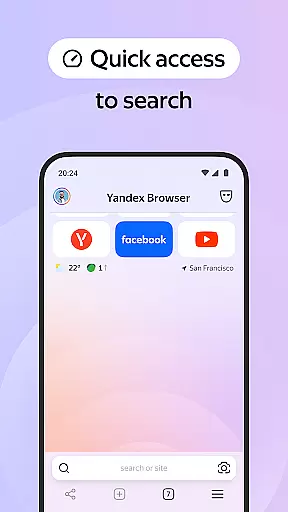
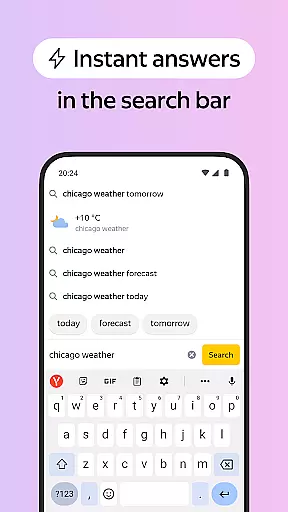

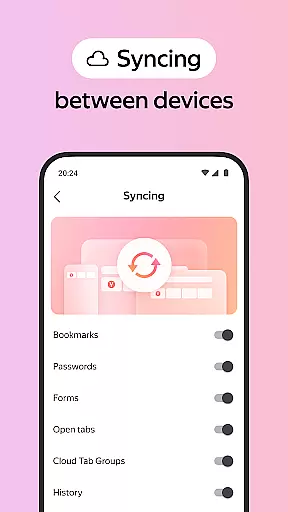
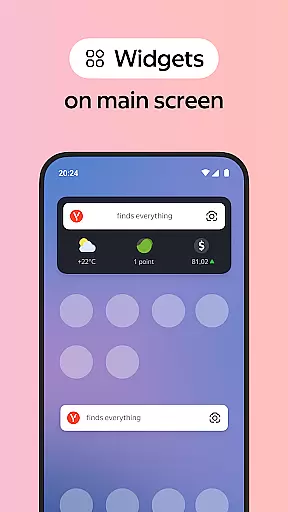
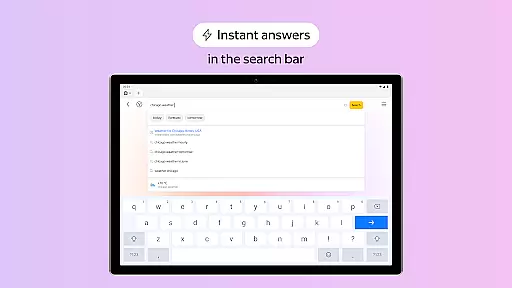
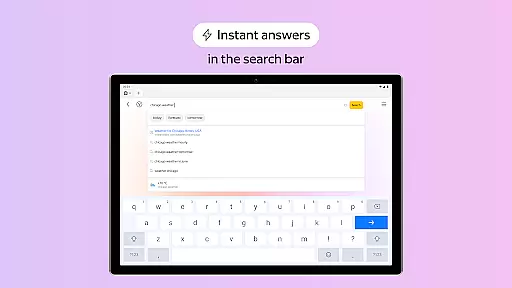
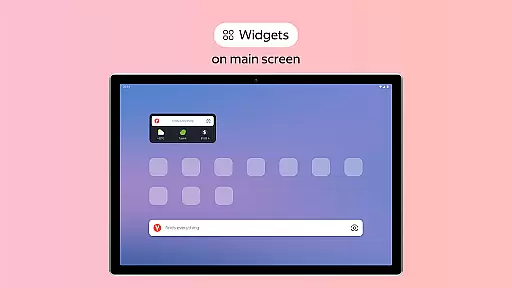
Yandex Browser with Protect is a stylish and secure mobile web browser that offers advanced features for an optimal browsing experience. The app includes voice search functionality, data compression technology, and an active security system called Protect that safeguards users' personal data on public Wi-Fi networks. Additionally, it provides an ad-blocking feature to eliminate intrusive ads, Reader Mode to declutter web pages, Incognito Mode for private browsing sessions, and cross-device syncing through Yandex account integration.
This browser is particularly useful for users who prioritize both aesthetics and security. Its customizable interface allows users to personalize their browsing environment with various backgrounds, while the integrated third-party blocking apps ensure a seamless and focused online experience. Whether you're accessing sensitive information over public networks or simply looking to streamline your daily web surfing, Yandex Browser with Protect delivers a comprehensive solution tailored to modern digital needs.
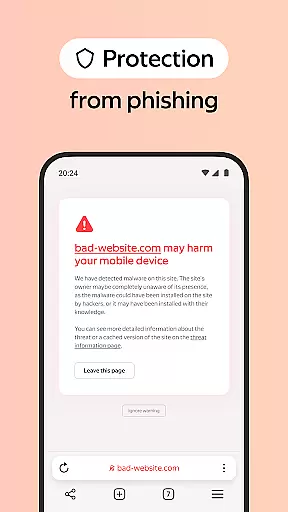
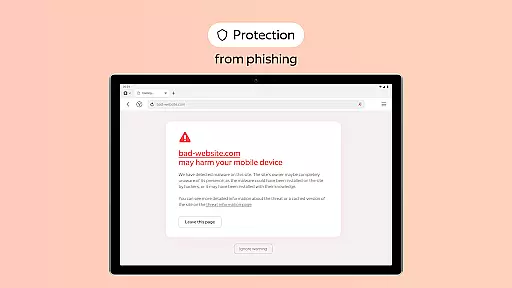
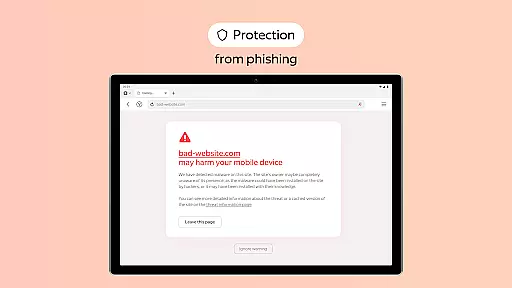
Yandex Browser with Protect stands out due to its rich set of features designed to enhance user convenience and safety. One notable feature is the Protect security system, which actively shields users from harmful or fraudulent websites, especially when connected to public Wi-Fi networks. This ensures that personal data remains confidential and secure at all times.
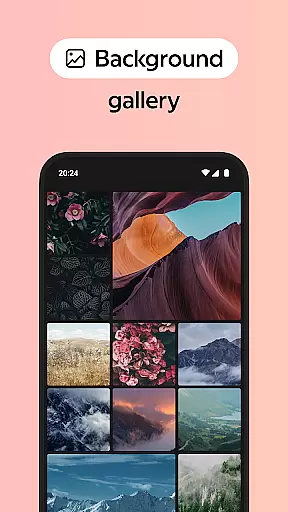
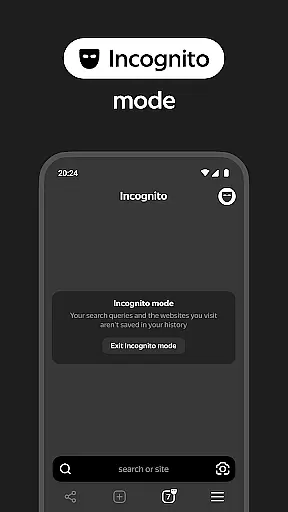
In addition to security, the browser offers practical tools such as Reader Mode, which removes unnecessary interface elements like ads and menus, allowing users to focus solely on the content they are interested in. The Incognito Mode further enhances privacy by preventing the storage of passwords, search queries, and browsing history. Moreover, the browser supports extensive customization options, enabling users to tailor the appearance with a wide selection of wallpapers and themes. These features collectively create a versatile and user-friendly browsing environment that caters to diverse preferences and requirements.
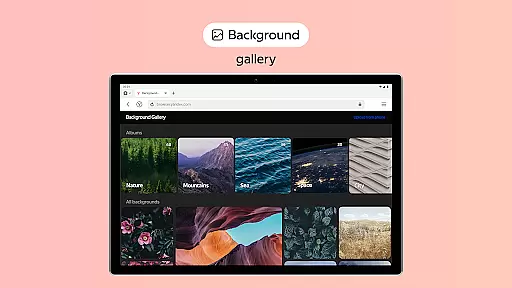
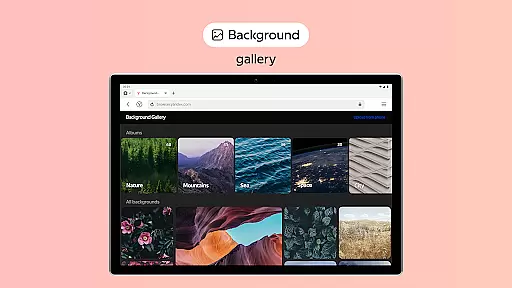
Customization is at the heart of a personalized browsing experience, and Yandex Browser excels in providing diverse options to tailor your browser to your unique style. With an extensive wallpaper library, users can choose from a wide array of backgrounds that suit their personal preferences or mood, making every browsing session visually pleasing.
In addition to aesthetic customization, the browser offers features like Reader Mode, which allows users to hide unrelated interface elements such as ads, site menus, buttons, or widgets. This leaves only the essential text and accompanying images on the screen, creating a clean and focused reading environment tailored to individual content consumption habits.
Furthermore, Yandex Browser supports third-party blocking apps with ad blocking capabilities, giving users the power to get rid of annoying ads on websites. This level of control over the browsing interface ensures that each user can create an environment that best suits their online activities and aesthetic desires.
Theme compatibility is crucial for ensuring a seamless and visually cohesive browsing experience across different platforms and devices. Yandex Browser guarantees that its themes and customizations are fully compatible, offering a consistent look and feel whether you're accessing the browser on a smartphone, tablet, or desktop computer.
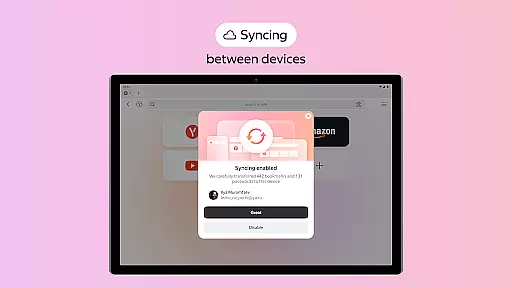
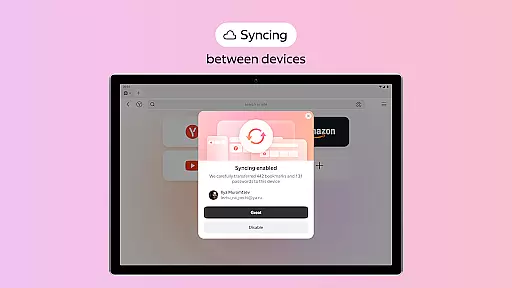
Users can synchronize their data via their Yandex account, allowing them to access their favorite websites and bookmarks on any device while maintaining the same customized appearance. This cross-device compatibility ensures that all personalized settings, including background themes and functional adjustments, are preserved and function correctly regardless of where or how you browse.
Moreover, the browser's active security system Protect integrates smoothly with its theme offerings, ensuring that users don't have to compromise on safety for aesthetics. This harmonious blend of security features with customizable themes provides both protection and personalization without sacrificing one for the other.
Advanced security features
Voice search capability
Data compression technology
Customizable interface
Cross-device syncing
Limited third-party extensions
Higher memory usage
Occasional slow performance
Privacy concerns with syncing
Ads in default mode

Vertically oriented rectangular icons
 4.70
4.70
Over 28,000 high quality icons to bring color & homogeneity to your phone.
4.60
Interactive Miniature Painting Catalogue
3.30
Zip lock screen with magic wallpaper to decorate your phone with fun zipper lock
4.60 4.50
4.50
Design your screen with unique, vibrant clocks
3.80
Adorable pets roam and play right on your phone screen!
3.30
Handcrafted pixel art icons, widgets & wallpapers
4.60
Create stunning widgets with Widget 2026: Aesthetic Widgets for Android!
4.60
Customizable Glass widgets. Over 360+ stunning widgets and more!
4.70
400+ Beautifully crafted widgets inspired by NOTHING.
4.70
Ultimate Gallery Lock App - Hide Pictures, Videos and Lock Apps Instantly!
4.60
300+ widgets inspired by Material You and Material 3 expressive design.
4.60
Ultra realistic gold analog watch face with lots of customization options.
4.50
Try creating your own keyboard with "Keyboard theme for android" app now!
4.50
AI-powered Copilot. Personalized keyboard with gifs, stickers & themes
4.40
Themes - Widget & Wallpaper: Customize home screen, icon changer w unique themes
4.30
HappyLighting is a Bluetooth lamp control software.
3.40
⭐ OneUI inspired Fluffy Icon Pack – Soft. Stylish. Standout. ⭐
4.5


User Reviews