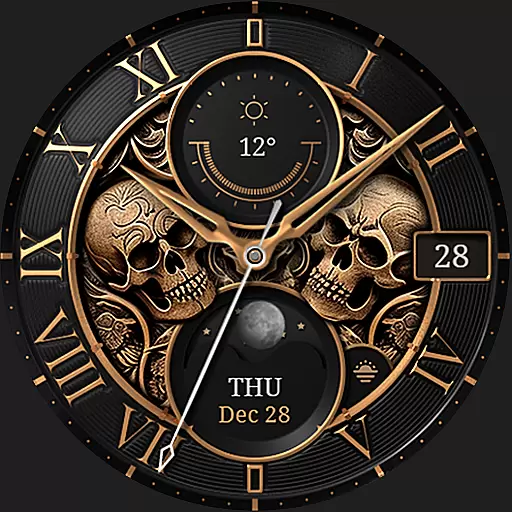
Ultra realistic gold analog watch face with lots of customization options.
 4.50
4.50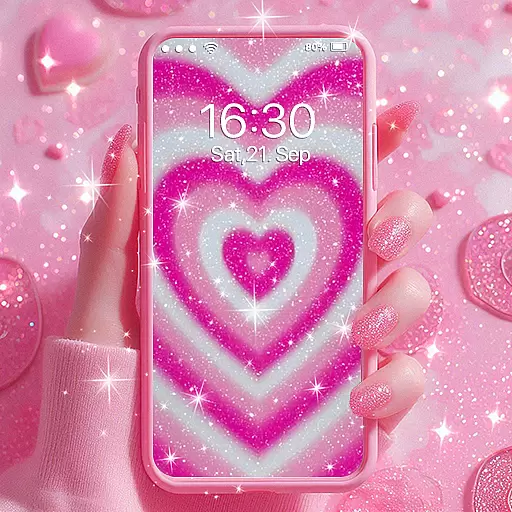
Sparkle your screen with Glitter Wallpapers For Girls and Cute Backgrounds!
4.80
Nothing Icon pack with more than 3750+ highly crafted icons.
4.70
Yandex Browser — stylish and secure, with voice search and data compression
4.40
Your home screen, just the way you like it.
4.30
Customize phone with anime themes, 3D icons, aesthetic widgets & wallpapers
4.80
Your home screen, just the way you like it.
3.80
Fast SMS & group chat - use GIFs and emojis from your home screen launcher.
4.50
Install amazing sticker packs: endless styles, always cool.
4.70
One 8 icons glass color version
4.80
Stunningly Different look with Line Icons and Neon Colors
4.60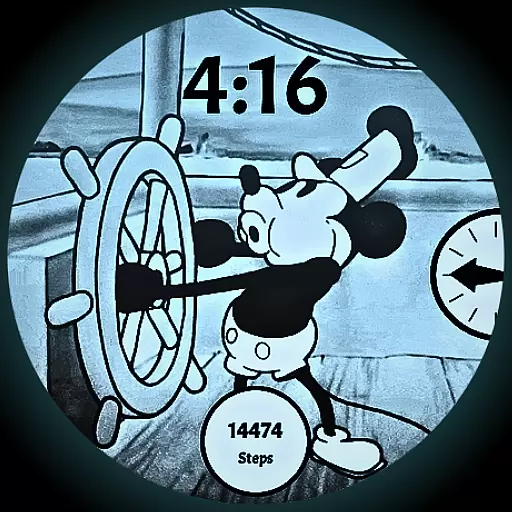
A retro cartoon style watch face and a punch right in the face of the copyright
4.60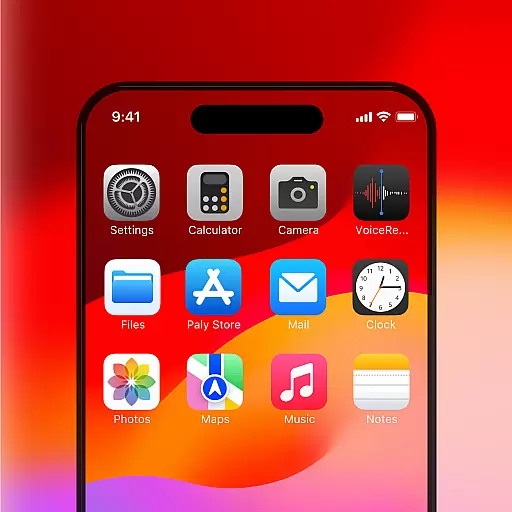
Unique Android Launcher
4.60
Icons made of colorful linear lines
4.60
Handcrafted pixel art icons, widgets & wallpapers
4.60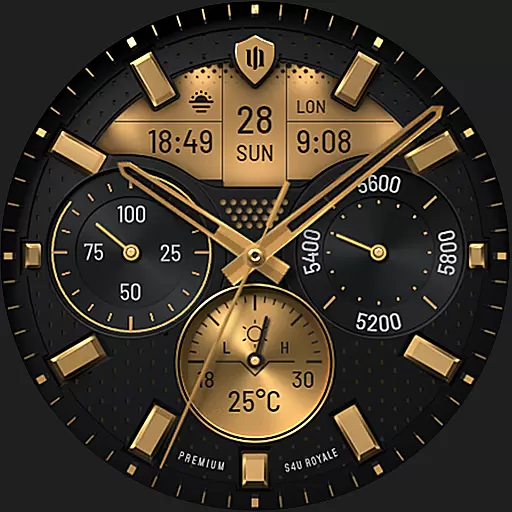
Beautiful realistic hybrid watch face with numerous customization options.
4.50
Transform your phone with Launcher iOS 26 - Smooth & elegant iOS experience
4.50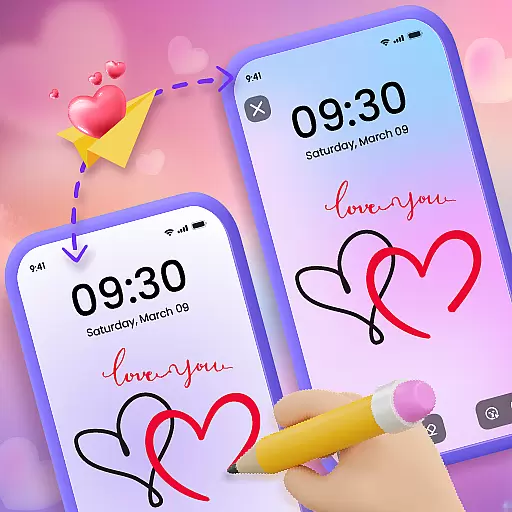
Unleash Your Creativity and Connect with Loved Ones with Lockscreen Drawing!
4.20
Run multiple accounts of the same app on a single device
4.10


