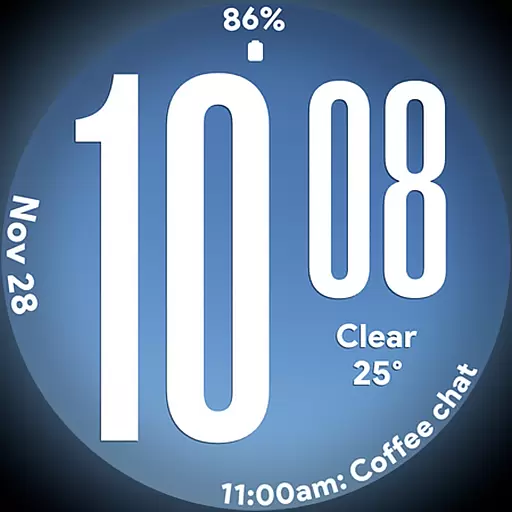
Big bold weather watch face with dynamic backgrounds and 3 complications
 4.3
4.3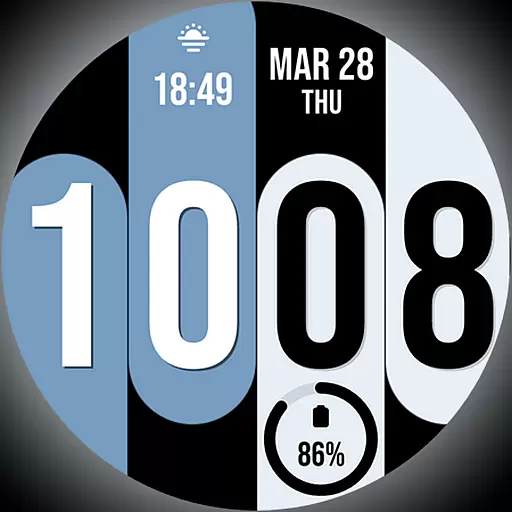
Unique Dual Colors with 6 Custom Complications for Wear OS watches!
3.40
Use your device sensors to detect energy and convert it into spoken words.
4.10
Smart & Healthy Living
4.60
Discover your Nationality, Family Origin, and Ancestry from one selfie
4.50
Make money, get paid cash rewards & gift cards for every survey. Earn today!
4.60
My Diary - Daily Journal with lock: Diary journal app and secret diary with lock
4.80
The App can control Roborock vacuum cleaners from anywhere with rich features.
4.60
The Wyze app is your gateway to a smarter life and a safer home.
4.40
Get the news, events and savings that matter to you with AARP Now.
4.80
Get roadside help, discounts, travel tools & more — AAA is with you everywhere.
4.80
Stay connected with your loved ones & vehicles | Share live GPS location updates
4.60
The go to app for taking unlimited notes!
4.50
Easily manage your child's playtime, spending messaging and more.
3.50
Turn your watch into a key fob for your Tesla
2.90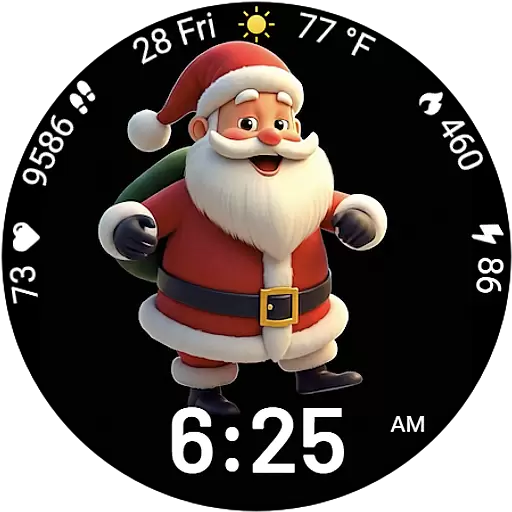
Designed to delight, impress and energize your festive spirit every single day
4.4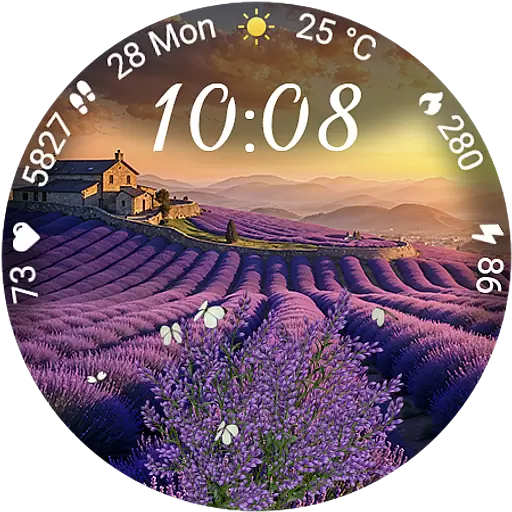
Immerse yourself in the serenity of lavender fields and white butterflies
4.1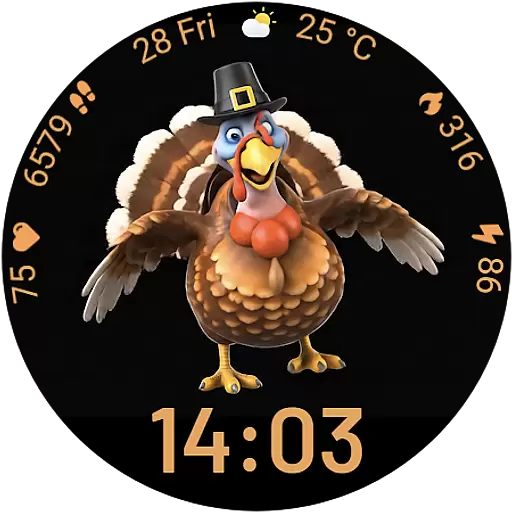
Cute animated Thanksgiving watchface for your WearOS smartwatch
4.2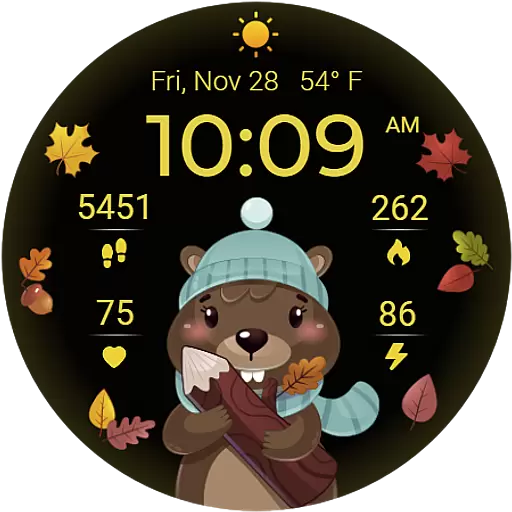
The cutest Autumn watchface featuring the adorable Mr. Squirrel
4.5


