
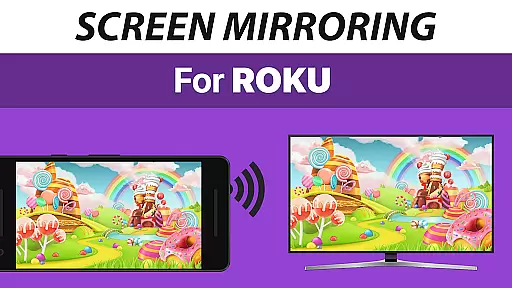
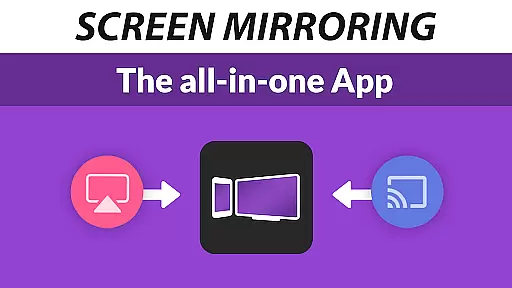
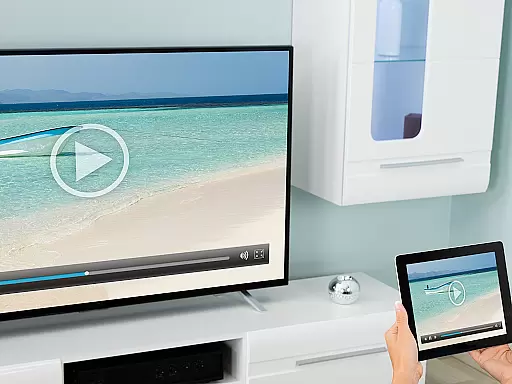
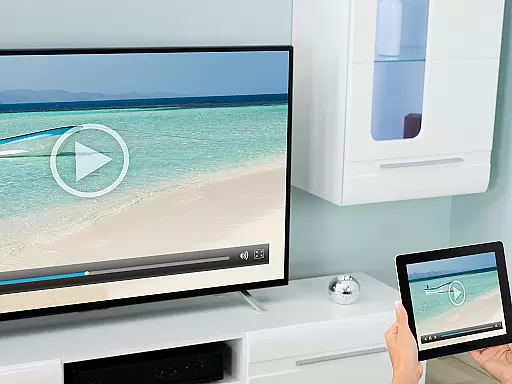
Screen Mirroring Pro for Roku is a powerful tool designed to mirror your Android device's screen to any Roku-enabled display seamlessly. With support for all Android devices running version 5.0 and above, this app allows users to share photos, videos, games, websites, apps, presentations, and documents in high-definition quality without the need for wires or complex configurations.
The standout feature of this application is its superior device compatibility and ease of setup across all supported platforms. Unlike Roku's built-in Miracast functionality, Screen Mirroring Pro offers an optimized user experience with faster performance and more reliable connectivity. Whether you're looking to entertain friends and family or collaborate with colleagues, this app ensures that your content is streamed smoothly and efficiently.
Ideal for both personal and professional settings, Screen Mirroring Pro enhances how you interact with your audience by providing a seamless way to cast your screen onto larger displays such as TCL TVs and Hisense TVs equipped with Roku technology.
One of the key highlights of Screen Mirroring Pro for Roku is its extensive device support, covering all Android devices from version 5.0 onwards and every type of Roku device including Sticks, Boxes, TVs, and even Roku Express models 3700/3710. This broad compatibility ensures that no matter what hardware you own, you can easily connect and start sharing your content.
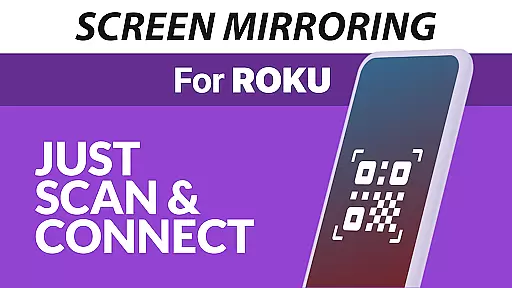
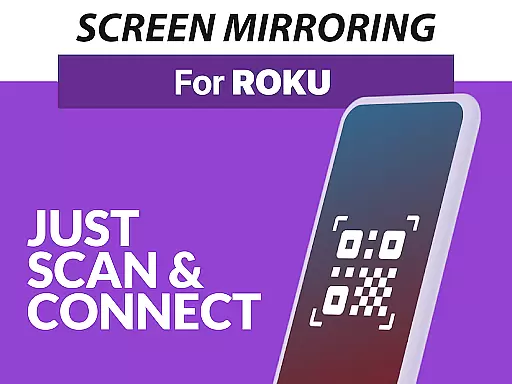
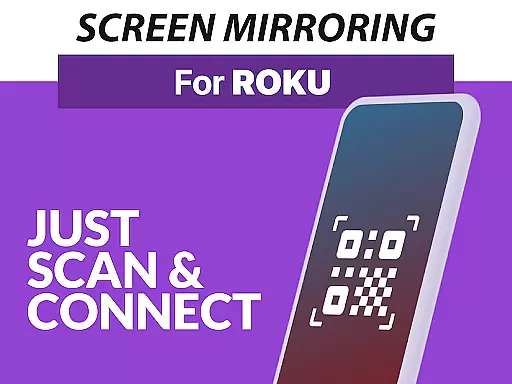
Another notable feature is the app's streamlined setup process which eliminates the need to adjust Android settings or Wi-Fi options manually. As long as both your Android device and Roku are connected to the same Wi-Fi network (preferably 5GHz for optimal performance), you're good to go. The simplicity of use extends further with clear instructions provided within the app itself.
Performance-wise, Screen Mirroring Pro excels when used under good Wi-Fi conditions, delivering crisp HD quality streams without lag. Additionally, it stands out against Roku’s native screen mirroring solution by offering enhanced stability and speed, making it perfect for presentations, gaming sessions, or simply enjoying media on a bigger screen.
Screen Mirroring Pro for Roku delivers exceptional core functionality by enabling seamless screen mirroring from Android devices to any Roku device. This includes Roku Sticks, Boxes, and TVs such as TCL and Hisense models.
The app supports all Android devices running version 5.0 and above, ensuring broad compatibility. Its performance is optimized under good Wi-Fi conditions, particularly when using a 5GHz network, which minimizes latency and maximizes video quality.
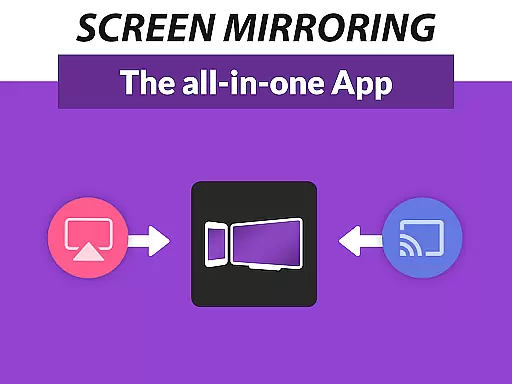
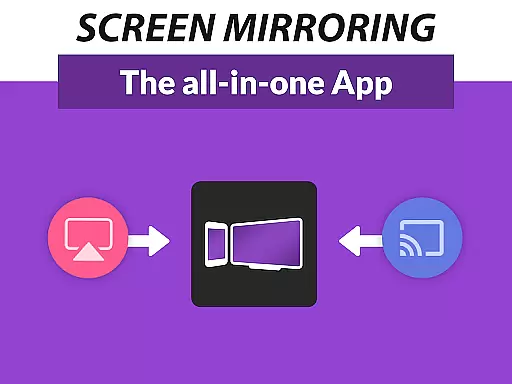
Unlike the built-in Roku Screen Mirroring based on Miracast, this app offers superior device support and ease of use. Users can share photos, videos, games, websites, apps, presentations, and documents effortlessly with friends, family, and co-workers.
By simplifying the setup process and eliminating the need for complex settings adjustments, Screen Mirroring Pro ensures that users can quickly and reliably mirror their screens in high-definition quality.
The interface of Screen Mirroring Pro for Roku is designed to be user-friendly and intuitive, making it accessible even for those who may not be tech-savvy. The unified setup process across all Android devices eliminates the need to change Android settings or Wi-Fi options, streamlining the user experience.
With clear instructions and straightforward navigation, users can connect their Android device to their Roku within minutes. Both devices need to be on the same Wi-Fi network, avoiding complications from VPNs, proxies, VLANs, and subnets.
This simplicity extends to its day-to-day usage where sharing content like photos, videos, and presentations becomes hassle-free. The app's design focuses on providing a fast and easy method to mirror your screen, enhancing both personal and professional interactions.
Overall, the app's intuitive interface ensures that users spend less time troubleshooting and more time enjoying their mirrored content on a larger display.
User-friendly interface
Wide device compatibility
Seamless HD streaming
Easy setup process
Reliable customer support
Requires stable Wi-Fi
No offline functionality
Premium version costs extra
Limited customization options
Occasional connection issues

 4.50
4.50
Clean the junk files on your device
3.40
Family Locator, Share location, StayConnect with your family in real time
3.90
Canon PRINT is a companion app for your Canon printer.
4.60
Enjoy smooth gameplay with Game Booster
4.90
App to pay for FUTO Keyboard
4.60
The Ultimate Flex Drivers Utility App - Convenient Tapping & Block Filters
4.70
NFC Tools can read and write NFC tags.
4.70
The ideal app to be the digital eye of your family
3.40
Learn the vast amount of system information about device and monitor it's state
4.70
Protect your device with antivirus, storage cleanup, and system monitoring
4.70
HD Camera captures every special moment.
4.60
Play your X-Box games remotely in 1080p with any controller and zero latency
4.60
Forza Tuning Calculator App for Forza Horizon 5, Motorsport and Earlier Titles
4.40
Fluid navigation gestures for all of us!
4.30
Making emulation easy for everyone!
4.30
A convenient photo, video, and file recovery tool.
4.00
Create your own live wallpaper or check out thousands already made presets
3.90
PDF Reader - Document Viewer: Read, Manage & Organize Your Documents
3.10


User Reviews