
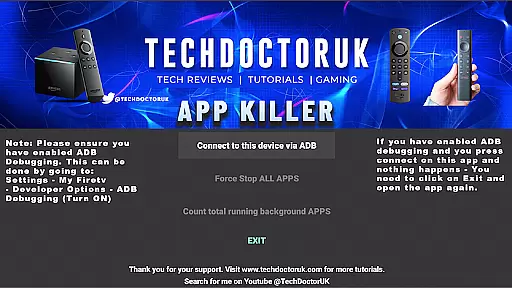
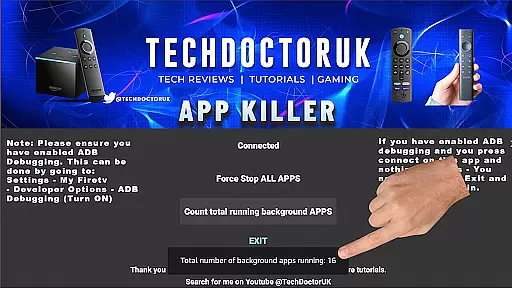
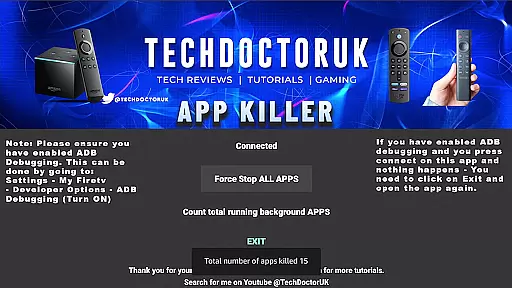
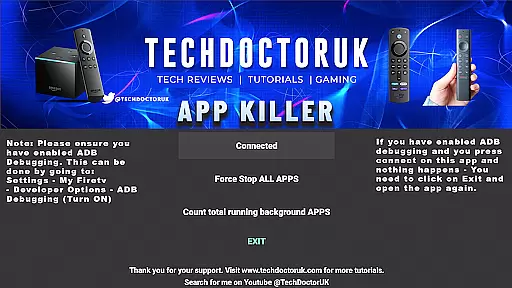
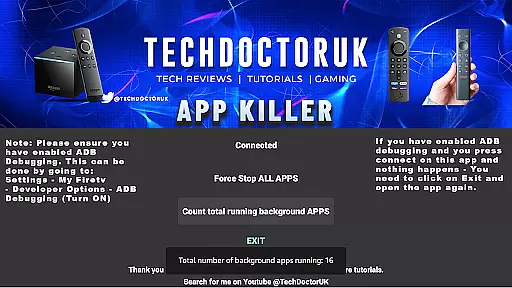
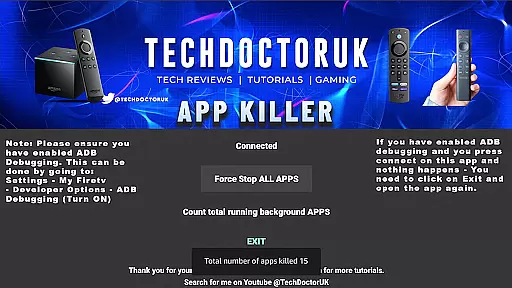
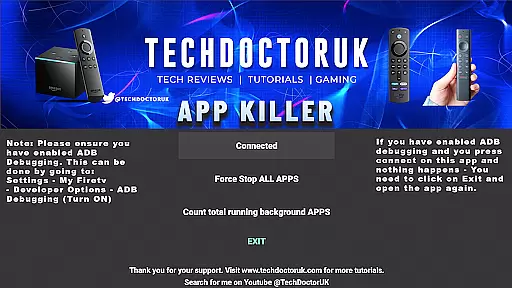
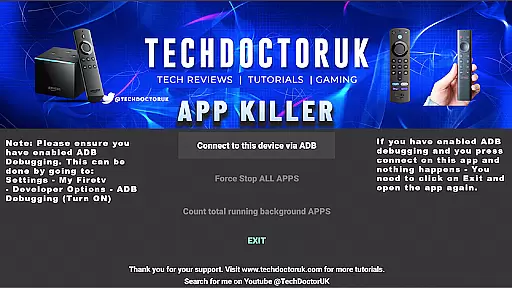
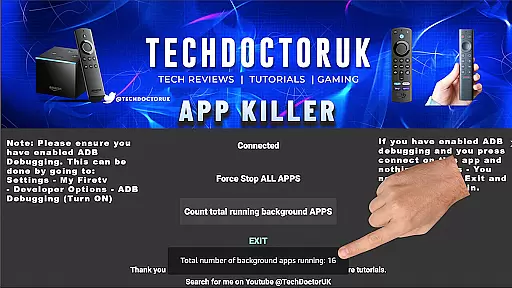
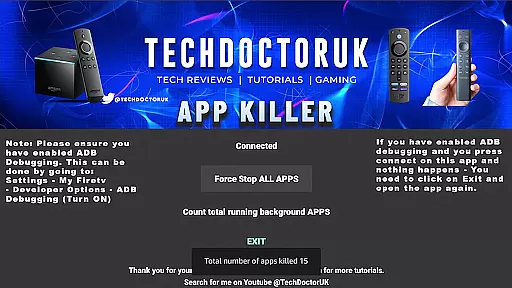
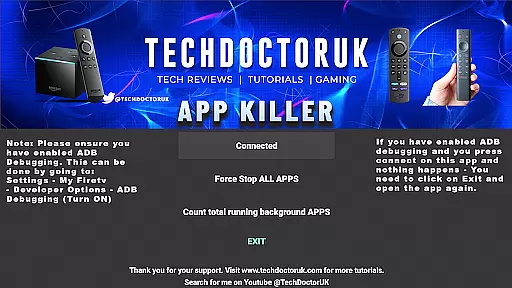
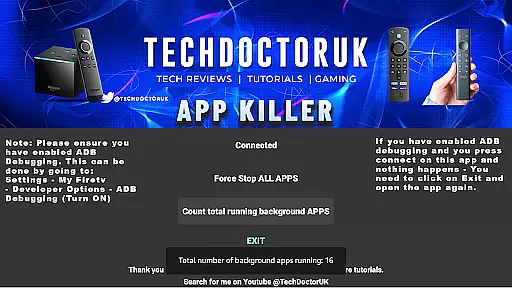
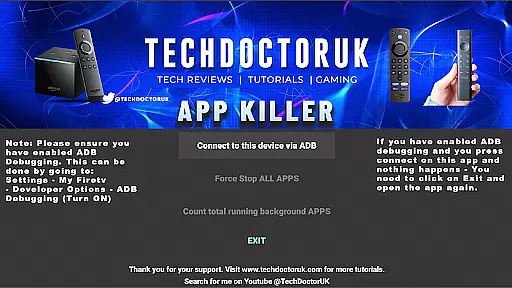
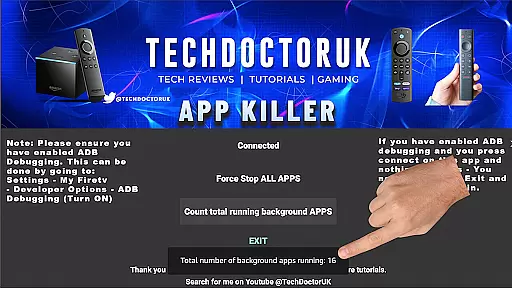
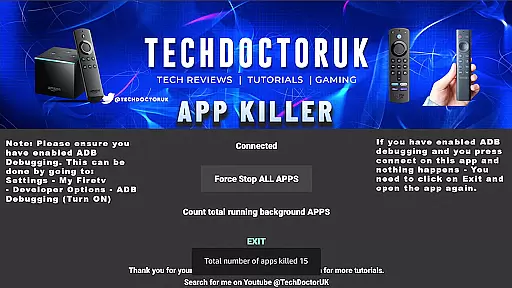
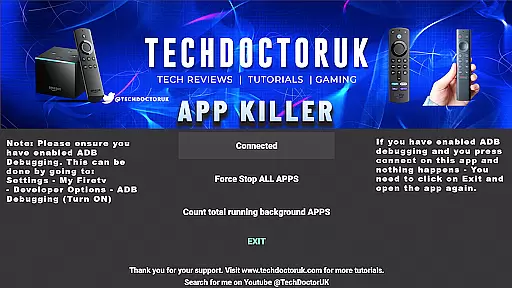
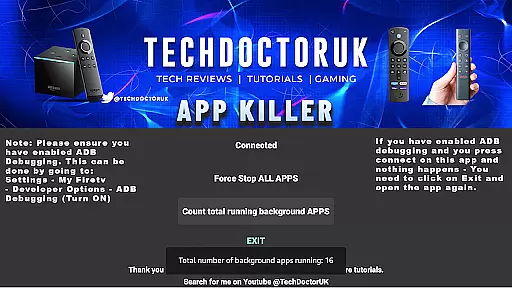
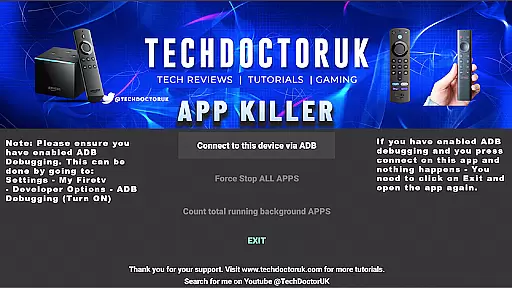
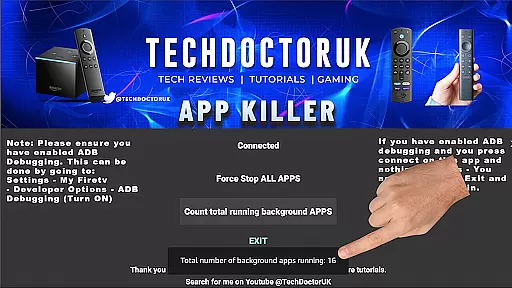
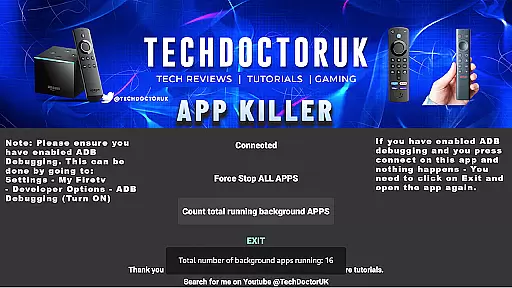
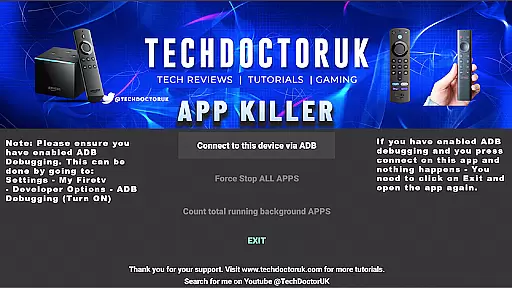
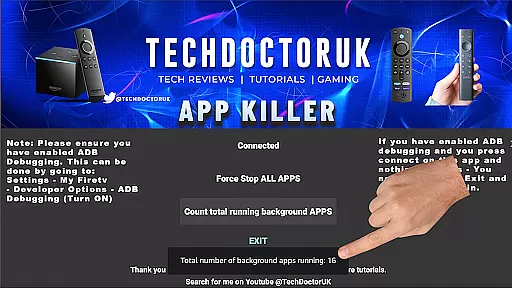
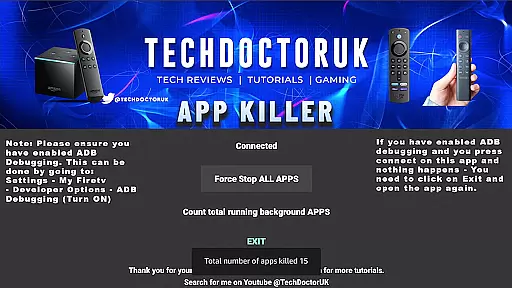
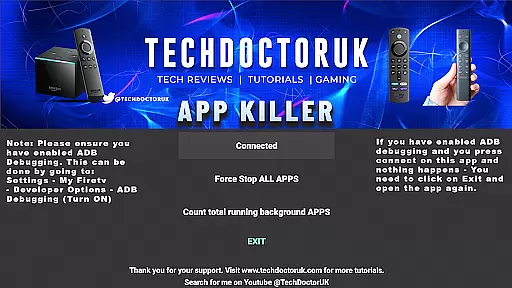
TDUK APP Killer is a powerful tool designed to optimize your device's performance by closing background apps with a single click. This app is essential for users who experience slowdowns due to unnecessary apps running in the background.
By ensuring that USB or TCP debugging is enabled, you can efficiently manage your device's memory and enhance its speed. TDUK APP Killer provides a simple yet effective solution to keep your device running smoothly.
One of the standout features of TDUK APP Killer is its one-click functionality, allowing users to close all background apps instantly. This feature helps in freeing up memory and improving device performance significantly.
In addition to its primary function, the app also offers a user-friendly interface that makes it easy to manage and monitor background processes. Users can customize settings to suit their preferences, ensuring optimal device management.
For any utility application, the precision and efficacy of its core functions are paramount. The TDUK APP Killer specializes in efficiently managing background apps that may slow down your device or consume unnecessary memory.
This app provides a one-click solution to close all background applications, ensuring your device runs smoothly and efficiently. By leveraging advanced process management techniques, it accurately identifies and terminates non-essential apps.
Users benefit from enhanced device performance and optimized memory usage. This leads to faster operation, prolonged battery life, and an overall improved user experience.
The true value lies in its ability to deliver these results without requiring technical expertise from the user. With clear instructions to enable USB/TCP Debugging, it ensures seamless functionality for users of all skill levels.
A straightforward and intuitive interface is crucial for ensuring that users can easily navigate and utilize an application's features. The TDUK APP Killer boasts a minimalistic design focused on ease of use.
Upon opening the app, users are greeted with a clean layout that highlights the one-click functionality prominently. Thereu2019s no need to navigate through complex menus or settings; everything is accessible from the main screen.
This simplicity translates into significant time savings and reduced learning curves for users. Whether you're tech-savvy or not, the app's design ensures that anyone can quickly grasp how to manage their background apps effectively.
By prioritizing user experience through an uncluttered interface, TDUK APP Killer makes device optimization accessible to everyone, enhancing both usability and satisfaction.
Efficient memory management
User-friendly interface
One-click app closure
Enhances device speed
Simple customization options
Requires USB debugging
Limited to Android devices
No automatic updates
Basic UI design
Manual operation needed

 4.50
4.50 4.50
4.50
Just one-tap to easy translate in any language after calls within seconds.
4.20
PDF Reader - Document Viewer: Read, Manage & Organize Your Documents
3.10
Safely recover deleted photos, videos, and files with a single easy tap.
3.70
Canon PRINT is a companion app for your Canon printer.
4.60
Excellent scientific calculator with symbolic algebra, integrals, derivatives
4.80
Game Booster, GFX Tool is now compatible with newer game update
4.50
Enhance your Beats
3.70
Remote Play with FSR upscaling, low latency & full controller support
4.80
HD Video player and downloader for all formats, fast & smooth 4K video playback.
4.60
App to pay for FUTO Keyboard
4.60
Planner and Tracker for Stardew Valley
4.60
Screen Mirroring for Roku Sticks, Roku TCL TV and Roku Hisense TV
4.50
Use your phone as a webcam on your computer over WiFi or USB.
4.40
Forza Tuning Calculator App for Forza Horizon 5, Motorsport and Earlier Titles
4.40
A powerful, easy-to-use flight computer on your phone or tablet!
3.80
Undelete and recover your lost or deleted files with DiskDigger!
3.40
Save any video in HD - paste the link, download fast and watch offline.
4.0


User Reviews