
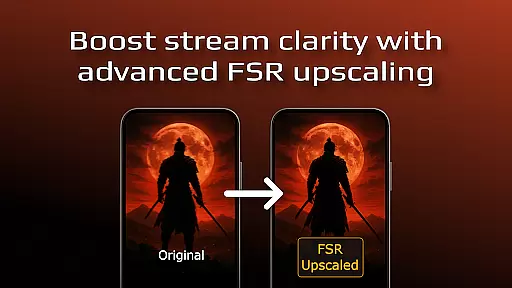
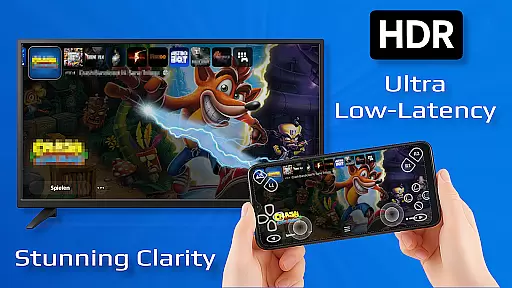
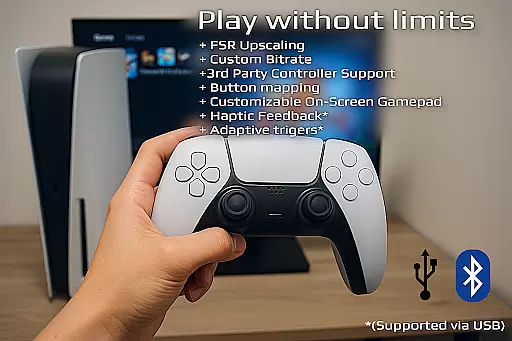
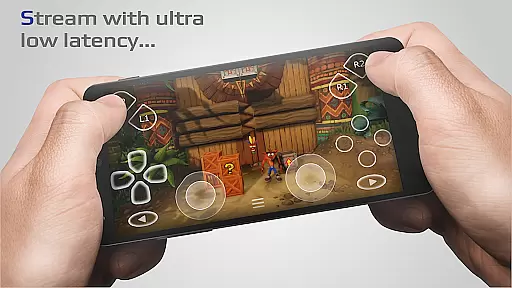
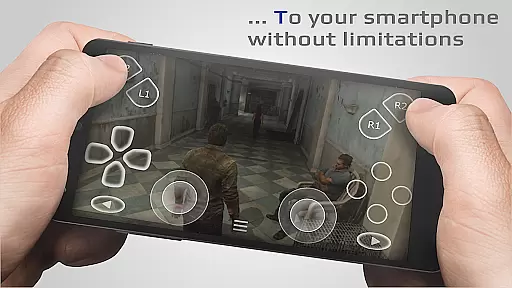
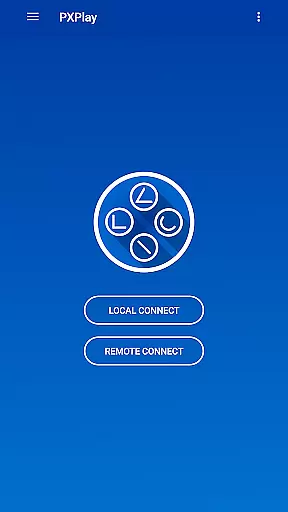
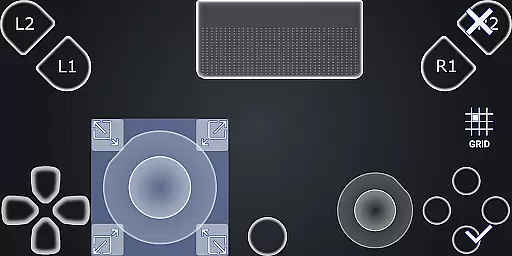
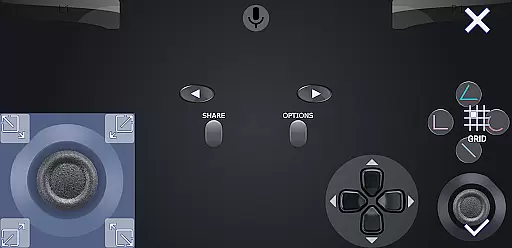
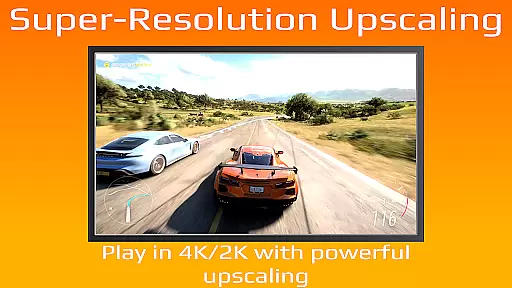
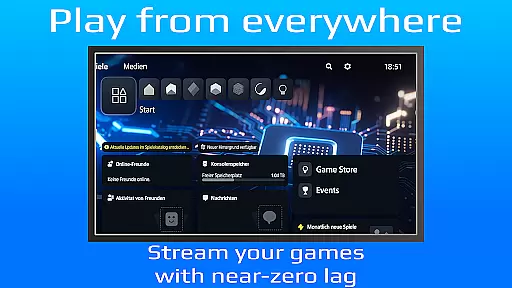
PXPlay is a powerful remote control application designed for gaming enthusiasts who want to access their gaming devices from anywhere. The app offers an optimized streaming experience with minimal latency, making it ideal for remote gameplay. It supports third-party controllers and works seamlessly over mobile data connections, ensuring you can game on the go. PXPlay also provides advanced features like FSR upscaling, customizable onscreen gamepad layouts, and Picture-In-Picture mode.
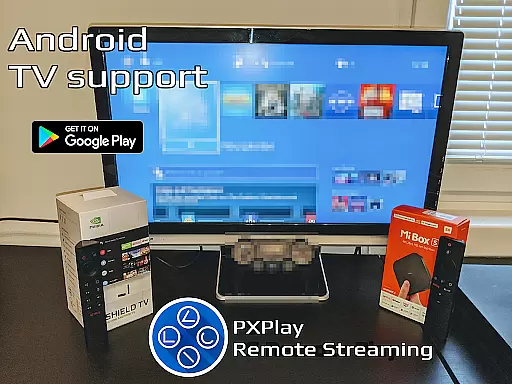
With support for Android TV and rooted devices, PXPlay caters to a wide range of users. Gamers can register multiple profiles and map gamepad buttons according to their preferences. Whether you're using PXPlay as a virtual controller or streaming games directly, this app ensures a smooth and responsive experience. Its compatibility with older firmware versions (from 5.05) makes it versatile for various gaming setups.
The app's hardware recommendations include a dual-core CPU, at least 2GB of RAM, and a high-speed internet connection with 15 Mbps upload/download speeds. For optimal performance, a wired internet connection for your gaming device and a 5GHz WiFi network are recommended. PXPlay is perfect for gamers who need reliable remote access to their consoles while maintaining high-quality streaming standards.
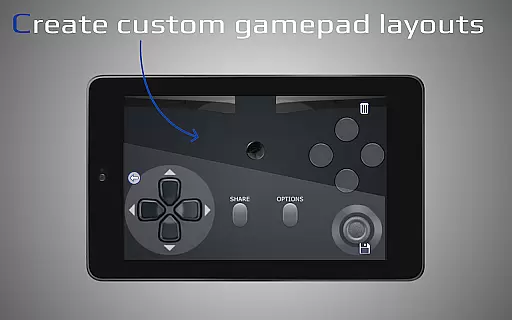
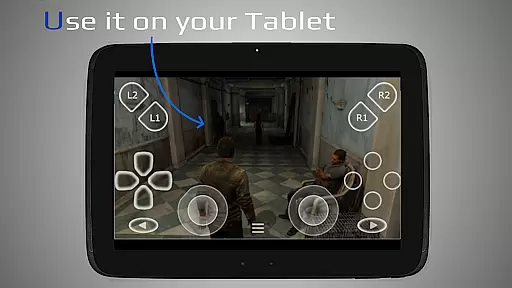
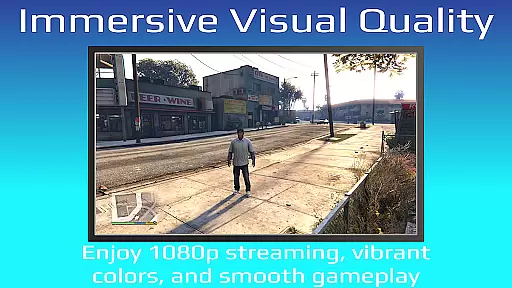
PXPlay stands out with its comprehensive feature set tailored for remote gaming. One of its key strengths is the ability to enhance video quality through FSR upscaling and sharpening, providing crisp visuals even during intense gaming sessions. The app supports third-party controllers across all Android devices, giving users flexibility in their choice of input devices. Additionally, PXPlay allows customization of onscreen gamepad layouts, enabling players to create personalized control schemes that suit their playstyle.
Another notable feature is the Picture-In-Picture mode, which requires Android 8.0 or newer. This functionality lets users multitask while gaming, such as monitoring other apps or taking notes without interrupting their gameplay. Multi-Window support (for Android 7.0 or newer) further enhances productivity by allowing simultaneous use of multiple applications. PXPlay also supports screen recording and capturing, although a third-party app is required for this feature.
PXPlay's versatility extends to its compatibility with various firmware versions, starting from 5.05. This backward compatibility ensures that users with older systems can still enjoy the benefits of remote play. The app's ability to function as a virtual controller adds another layer of utility, making it suitable for different gaming scenarios. Overall, PXPlay delivers a robust set of tools that cater to both casual and hardcore gamers looking for a seamless remote gaming experience.
PXPlay excels in delivering core functionalities that are both accurate and effective, ensuring an optimal remote gaming experience. The app supports third-party controllers across all Android devices, providing flexibility and precision in gameplay. With features like FSR upscaling and sharpening, PXPlay enhances video quality, making every streamed game visually impressive.
The application is designed to work seamlessly with various firmware versions, starting from 5.05, thus catering to a wide array of devices. Its support for rooted devices and customization options for on-screen gamepad layouts further amplifies its effectiveness. These capabilities ensure that users can tailor their experience according to personal preferences while maintaining high performance standards.
Moreover, PXPlay's low latency streaming technology offers real-time interaction without noticeable delays. This responsiveness is crucial for gamers who require immediate feedback during gameplay. By prioritizing these core functions, PXPlay ensures that users enjoy a reliable and immersive gaming session regardless of their location or device type.
PXPlay stands out by offering an interface that combines simplicity with intuitiveness, enhancing user engagement. The easy connection setup allows even novice users to quickly start streaming their favorite games without hassle. This straightforward approach reduces the learning curve typically associated with complex applications, making it accessible to a broader audience.
The appu2019s design incorporates multi-window support and picture-in-picture mode, which are available on Android 7.0 and 8.0 respectively. These features contribute to a more organized and efficient multitasking environment, allowing users to manage multiple tasks simultaneously without losing focus on their gaming activities. Such thoughtful integration demonstrates PXPlay's commitment to providing an intuitive user experience.
Additionally, PXPlay includes comprehensive customization options such as gamepad button mapping and profile registration. Users can adjust settings to match their unique play styles, ensuring comfort and familiarity. By focusing on these aspects, PXPlay creates an engaging yet simple interface that meets the needs of diverse gamers while maintaining ease of use throughout the application.
User-friendly interface
Low-latency streaming
Customizable controls
Wide device compatibility
Supports mobile data
Requires stable internet
Firmware limitations
Third-party app dependency
Controller setup complexity
High hardware requirements

Change your GPS location instantly. Simulate routes anywhere in the world.
 4.90
4.90
Complete kernel toolbox with features to manage and tweak your rooted device
4.30
Learn the vast amount of system information about device and monitor it's state
4.70
Unit and currency converter with easy and simple UI.
4.80
Clean the junk files on your device
3.40
Smart and comfortable browsing experience.
3.80
Navigate with Ease and Style
4.90
With videos, electrical calculators, and built-in ebook, Ugly’s has your answer.
4.50
Clean up your phone, find files, play media, and share files offline
4.50
Creation, Learning, Entertainment & More — The All-in-One AI Search Engine
4.70
Canon PRINT is a companion app for your Canon printer.
4.60
Keep track of your Palia friendships, tasks, and inventory with Palia Notebook
4.60 4.50
4.50
Use your phone as a webcam on your computer over WiFi or USB.
4.40
Detect hidden spy camera with advanced scanning {{ Premium version }}
4.00
Introducing Smart Printer, your ultimate destination for printing solutions!
4.00
Create your own custom widget with endless possibilities
3.90
A powerful, easy-to-use flight computer on your phone or tablet!
3.80
A non-root local ADB shell client. READ BELOW!
3.40


User Reviews