
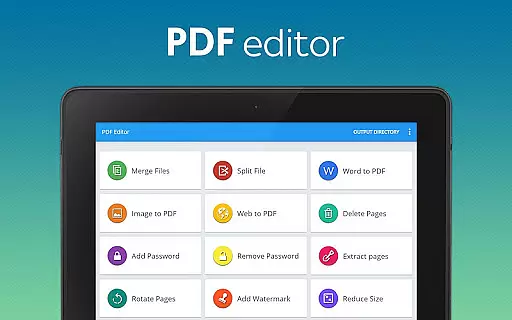
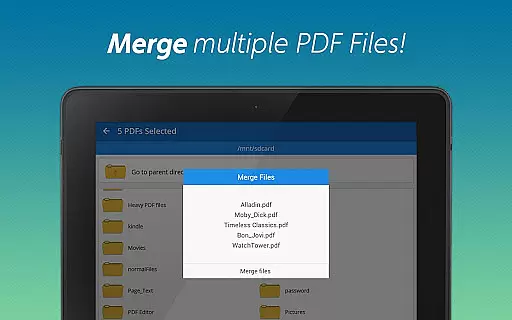
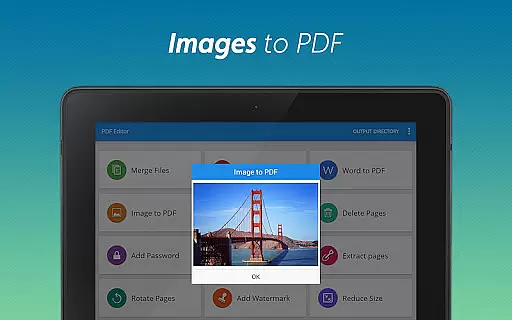
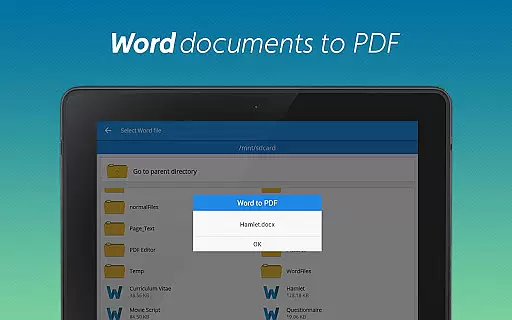
PDF Editor & PDF Converter Pro is a comprehensive document management tool designed to streamline your workflow. This all-in-one solution allows users to convert, edit, and optimize PDF files with remarkable ease. Key features include seamless conversion of Word documents to PDF, image to PDF transformation, and merging multiple PDFs into one organized file.
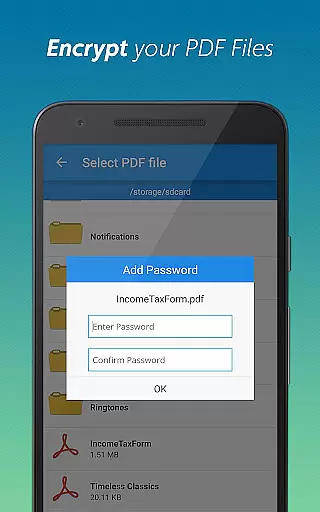
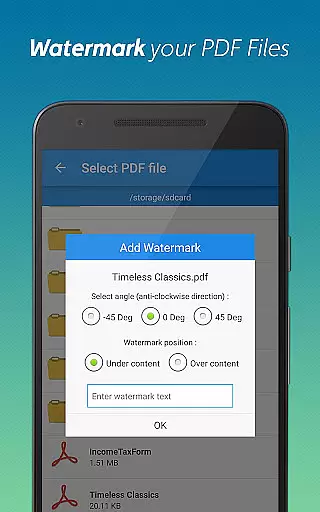
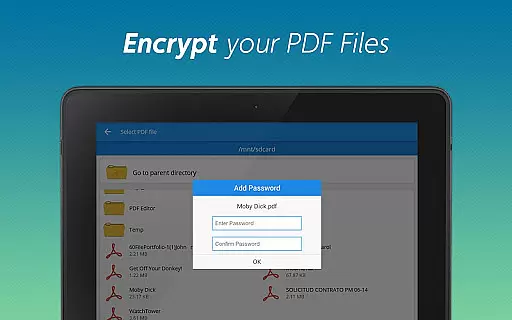
The app also provides advanced functionalities such as password protection, watermark addition, and page manipulation options like splitting, deleting, and rotating pages. Whether you need to secure sensitive documents or customize PDF layouts, this tool delivers the essential capabilities required for efficient document handling.
Ideal for professionals and students alike, PDF Editor & PDF Converter Pro ensures that managing digital documents becomes effortless and intuitive. With its user-friendly interface and robust feature set, the app significantly boosts productivity by simplifying complex tasks.
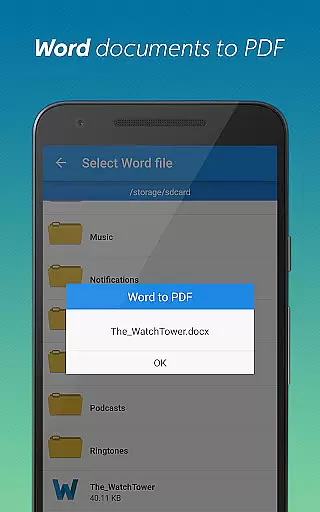
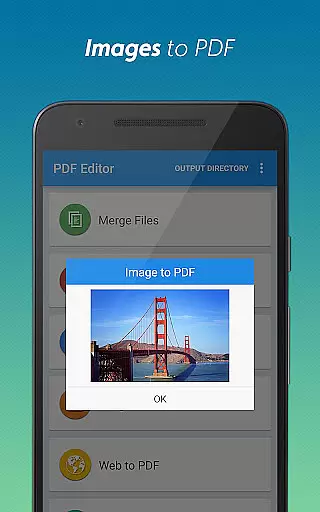
PDF Editor & PDF Converter Pro stands out with its extensive range of features tailored for efficient document management. One notable capability is the conversion of various file formats into PDFs, including Word documents and images, which can be done effortlessly on the go.
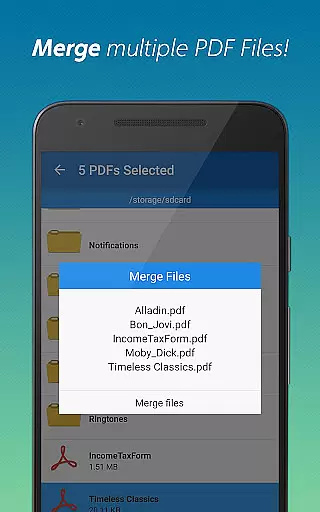
In addition to conversion tools, the app offers powerful editing functions. Users can merge multiple PDFs, split large documents, delete unnecessary pages, and extract specific sections as needed. Advanced security options are also available, allowing users to add or remove passwords and insert personalized watermarks for document identification.
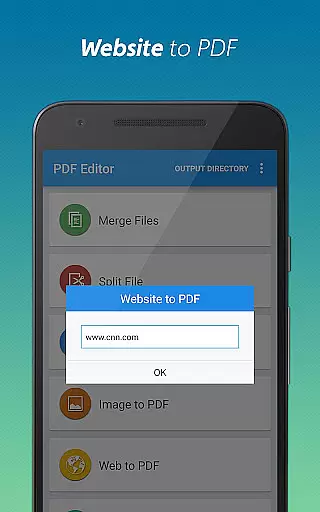
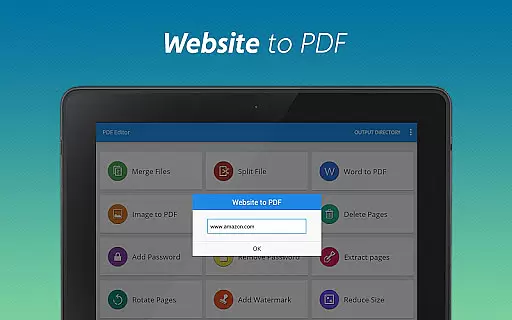
Furthermore, the app includes optimization features such as file compression and webpage saving, ensuring that PDFs are easy to share and store. These comprehensive tools collectively enhance both the functionality and accessibility of digital documents.
When it comes to document management applications, the precision and effectiveness of core functions are paramount. PDF Editor & PDF Converter Pro offers an extensive suite of tools that guarantee both. The app allows for seamless conversion between different file formats, such as Word to PDF and Image to PDF, with just a simple tap, ensuring that the integrity of the original documents is maintained.
In addition to conversion capabilities, the application provides advanced features like PDF merging, splitting, and page extraction. These functions have been developed to cater to the diverse needs of users who require efficient document handling. Whether combining multiple files into one or isolating specific pages from a larger document, the app delivers with remarkable accuracy.
The true effectiveness of this tool lies in its ability to enhance productivity without compromising on quality. Users can compress files for easier sharing, add watermarks for personalization, and even secure their documents with password protection. Each feature has been fine-tuned to ensure that tasks are not only completed swiftly but also yield professional-grade results every time.
A user-friendly interface is crucial for productivity tools, and PDF Editor & PDF Converter Pro excels in providing an intuitive experience. From the moment users access the app, they are greeted with a clean and organized layout that makes navigation effortless. Every tool and feature is merely a few taps away, streamlining the document editing process.
Despite the complexity of tasks it can handle, the app maintains simplicity at its core. Functions such as rotating pages, deleting unnecessary content, or adding watermarks are straightforward, allowing users to make quick adjustments without any hassle. This simplicity does not come at the cost of capability; rather, it enhances the overall usability of the application.
Furthermore, the app's design ensures that users of all skill levels can operate it effectively. With clear labels and logical grouping of related features, even those new to PDF editing will find themselves proficient in no time. By prioritizing interface intuitiveness, PDF Editor & PDF Converter Pro guarantees a smooth and frustration-free user experience.
User-friendly interface
Extensive format support
Advanced security options
Efficient file compression
Versatile editing tools
Paid premium features
Occasional bugs reported
Limited free usage
Ads in free version
Large app size

A convenient photo, video, and file recovery tool.
 4.00
4.00
Safely recover deleted photos, videos, and files with a single easy tap.
3.70
Small and simple app to Verify Root Access and BusyBox Install!
4.70
Navigate with Ease and Style
4.90
Monitor car performance in real time and troubleshoot malfunctions.
4.80
Game Booster, GFX Tool is now compatible with newer game update
4.50
Creation, Learning, Entertainment & More — The All-in-One AI Search Engine
4.70
A clean app.
4.50
fast and easy mp3 music downloader
4.80
Excellent scientific calculator with symbolic algebra, integrals, derivatives
4.80
The Ultimate Flex Drivers Utility App - Convenient Tapping & Block Filters
4.70
Canon PRINT is a companion app for your Canon printer.
4.60 4.50
4.50
The Ultimate Bluetooth Keyboard & Mouse. Securely control your PC, Mac, and more
4.50
Forza Tuning Calculator App for Forza Horizon 5, Motorsport and Earlier Titles
4.40
Mirror your screen to Fire TV - Super fast and simple
4.40
MS-DOS in your pocket. Play old DOS games anywhere you are ;)
4.10
A simple app to back up and restore SMS & MMS messages and call logs.
4.10
Automate everything from settings to photos, SMS to speech. ADC2 prize winner.
4.10


User Reviews