
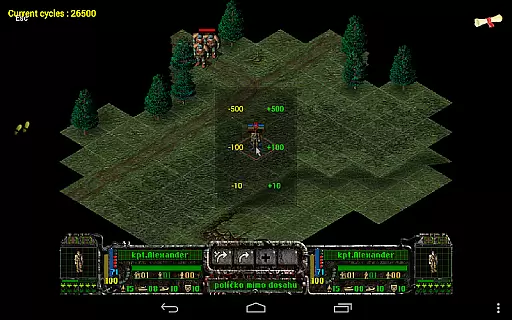
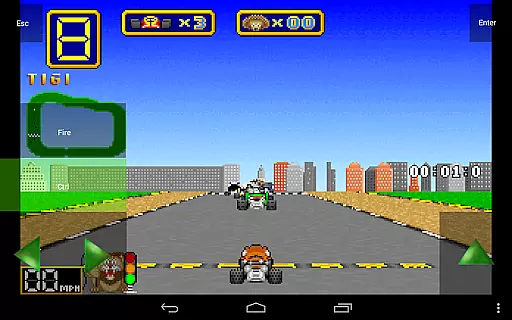
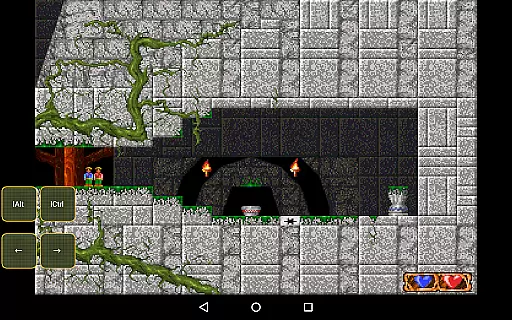
Magic DosBox is a highly optimized and fast DOSBox emulator for Android, designed to bring your favorite DOS and Windows games to your mobile device. With full support for mouse, keyboard, sound, and gamepads, this app allows you to play classic games anywhere without the need for external hardware.
The app features a unique control system tailored for touch devices, making it easy to enjoy gaming on the go. It supports IPX networking for multiplayer experiences and offers advanced customization options for controls and layouts. Whether you're revisiting nostalgic titles or discovering retro games for the first time, Magic DosBox provides a seamless and immersive experience.
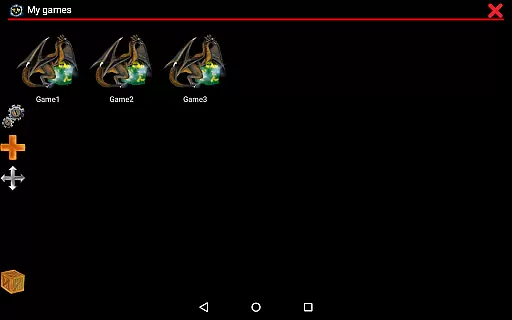
Magic DosBox stands out with its extensive feature set tailored for both casual gamers and enthusiasts. The app includes a game collection system where each game profile can be customized extensively, allowing users to tailor their gaming experience to their preferences.
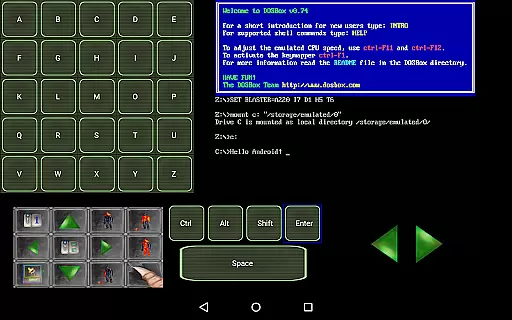
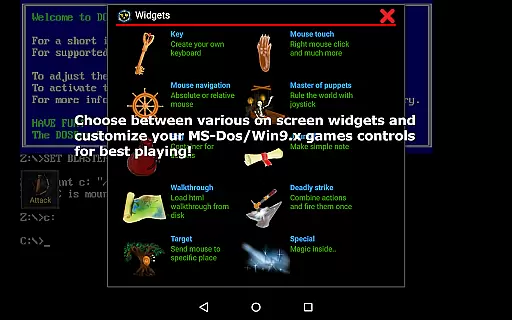
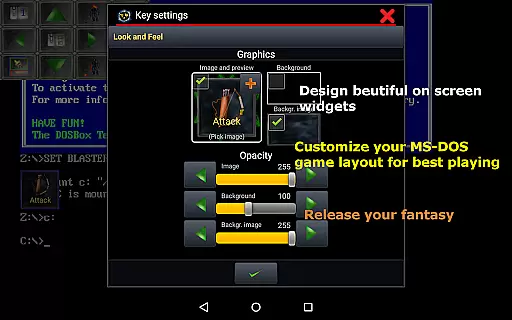
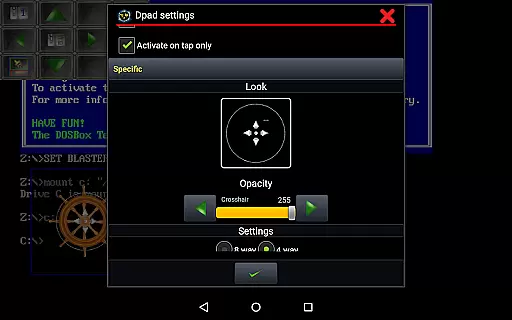
One of the key highlights is the ability to create on-screen widgets such as buttons, D-pads, and more, with over ten types available. These widgets are highly customizable in terms of appearance and functionality, supporting gestures like swipes, long presses, and double taps. Additionally, Magic DosBox supports various controllers, including Xbox 360 and NVIDIA Shield, as well as physical mice and Samsung stylus devices.
Other notable features include multi-language support, sound Blaster compatibility, ISO file support, and an in-game screenshot gallery. With continuous development and optimization, Magic DosBox ensures a smooth and enjoyable emulation experience on Android devices.
Magic DosBox is designed to emulate the DOS environment with precision, allowing users to run their favorite DOS and Windows games on Android devices. The core function of this app is its ability to provide full mouse, keyboard, sound, and gamepad support, ensuring that every interaction feels as responsive and accurate as playing on a traditional PC setup.
The emulator's effectiveness is highlighted by its optimization for touch devices, featuring an innovative control system that eliminates the need for external hardware. This makes it possible to enjoy classic games anywhere, without compromising on functionality or performance. With support for various input methods including virtual on-screen buttons, gestures, and external controllers, Magic DosBox delivers a seamless gaming experience tailored to user preferences.
Moreover, Magic DosBox offers advanced customization options for each game profile, enabling users to create shortcuts, export/import profiles, and design personalized layouts. These features not only enhance usability but also allow gamers to replicate the original gaming experience as closely as possible. By providing extensive configuration settings and supporting multiple languages, Magic DosBox ensures that all users can enjoy their retro games exactly how they remember them.
Magic DosBox excels in offering an intuitive interface that simplifies the process of setting up and playing DOS games on Android. Despite the complexity of emulation technology, the app manages to present a user-friendly environment where even beginners can easily navigate through different modes such as design mode and play mode.
The application provides over ten types of on-screen widgets, each highly customizable with dozens of settings. Users can resize, reposition, and style these widgets according to their needs, creating a personalized gaming setup that feels natural and comfortable. Whether itu2019s mapping swipes, configuring long presses, or adjusting double taps, Magic DosBox gives users complete control over their gaming experience.
In addition to customizable widgets, Magic DosBox supports orientation lock, resizable screens, and custom positioning, further enhancing the overall intuitiveness of the interface. These features ensure that players can adapt the app to fit their specific device and preferences, making it easier than ever to dive back into beloved classics from the DOS era. With comprehensive documentation available on their website, new users are guided smoothly through the initial setup, ensuring a hassle-free start to their nostalgic journey.
Highly optimized for Android
Extensive customization options
Supports multiple controllers
Unique touch controls
Active development and updates
No included games
Complex setup for beginners
Limited free version features
Occasional performance issues
Requires technical knowledge

 4.50
4.50
Learn the vast amount of system information about device and monitor it's state
4.70
Unit and currency converter with easy and simple UI.
4.80
This app unlocks the Pro features of the Central for DayZ app
3.60
Carry a FTP server in your pocket and avoid USB cables for file transfer
4.20
An easy-to-use calculator designed to save time calculating and bending conduit
4.30
Best leveling tool for your Android device. Hang paintings like a pro.
4.90
Introducing Smart Printer, your ultimate destination for printing solutions!
4.00
Enjoy a smooth mobile reading experience!
3.60
The ultimate tool for network analysis, wifi scanning and problem detection.
4.90
Excellent scientific calculator with symbolic algebra, integrals, derivatives
4.80
Small and simple app to Verify Root Access and BusyBox Install!
4.70
NFC Tools can read and write NFC tags.
4.70
Just swipe the edge to do something!
4.40
PC precision for mobile gaming: dominate with keyboard and mouse!
4.30
Making emulation easy for everyone!
4.30
A convenient photo, video, and file recovery tool.
4.00
Amateur Radio app for APRS: Track friends, exchange messages, get tactical info.
3.90
Safely recover deleted photos, videos, and files with a single easy tap.
3.70


User Reviews