
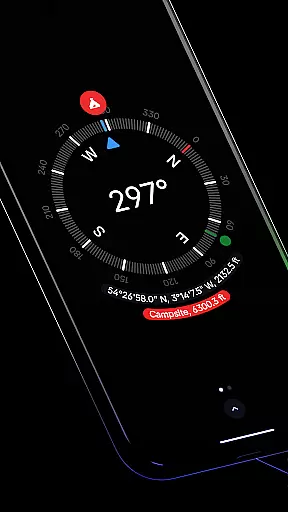
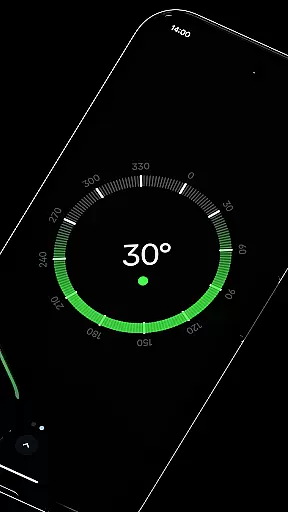
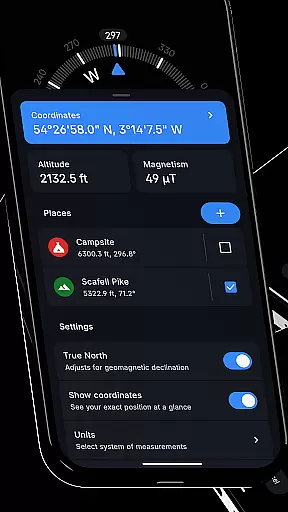
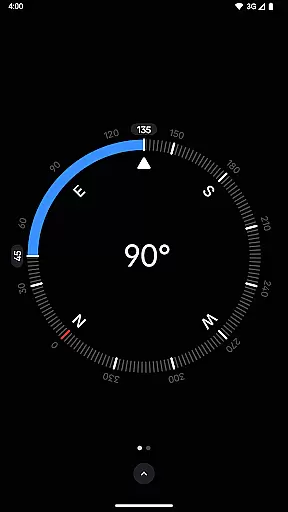
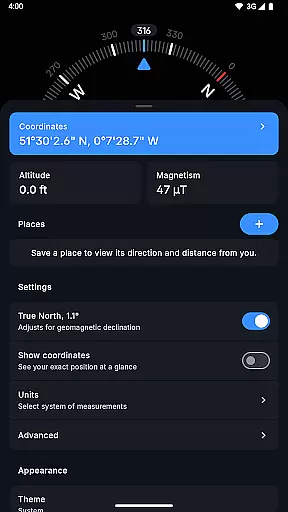
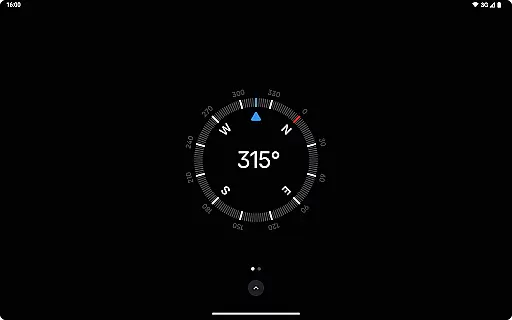
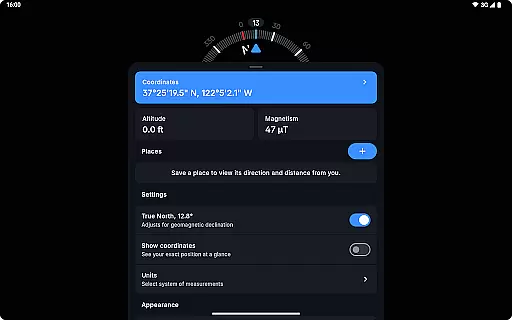
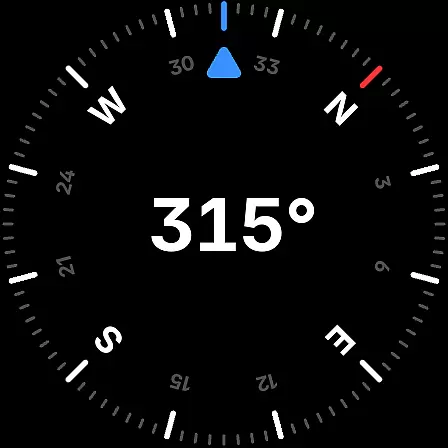
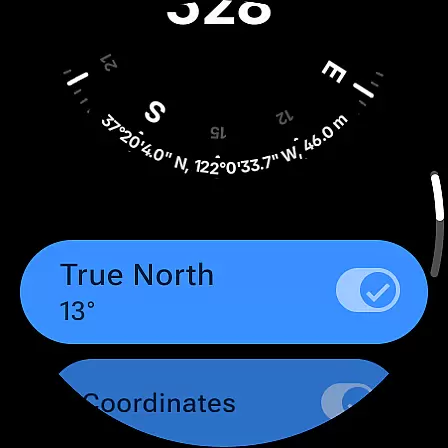
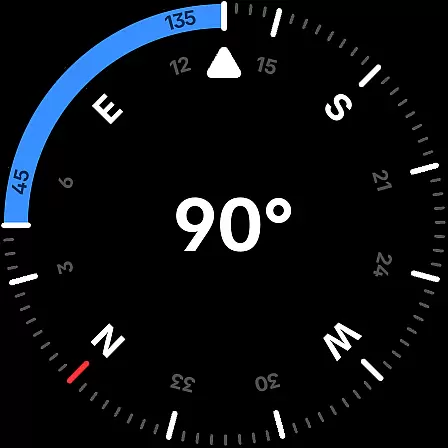
Compass is a sleek and minimalistic navigation app that combines simplicity with elegance. Designed for both Android phones and select Wear OS smartwatches, it offers users precise direction and location tracking through an intuitive dark-themed interface. The app provides essential navigational tools such as coordinates in multiple formats, altitude readings, and the ability to save places for quick reference.
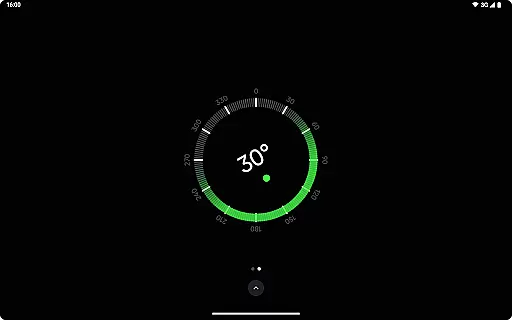
What sets Compass apart is its attention to detail and user experience. It features advanced functionalities like geomagnetic declination adjustment for true north alignment, a bubble level for surface leveling, and angle difference measurement. With support for various units of measurement and customizable themes, including dynamic colors and red screen filters, Compass ensures optimal usability in any environment. Its offline functionality and commitment to privacy make it an ideal choice for explorers, hikers, and DIY enthusiasts.
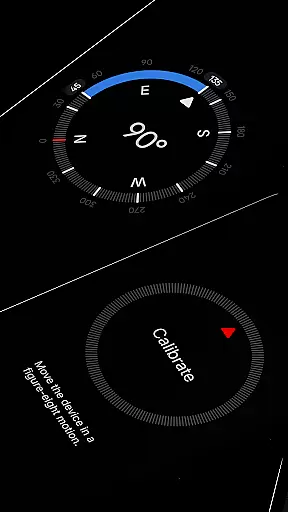
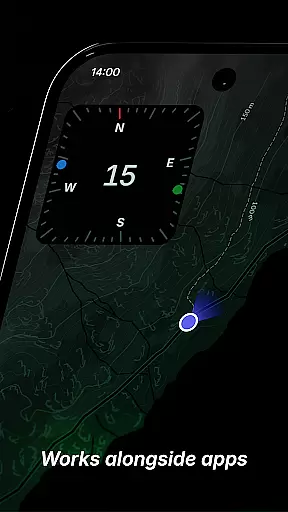
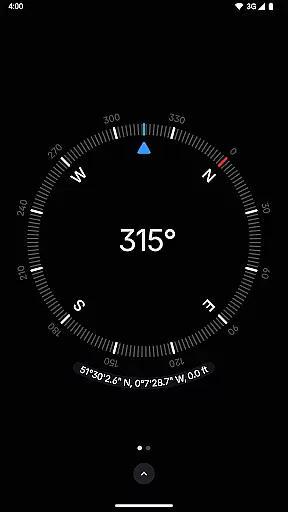
Compass stands out with its comprehensive feature set tailored for navigation enthusiasts. One of its key strengths is the ability to display exact location coordinates in multiple formats (DMS, DDM, DD, UTM, MGRS, OLC) along with altitude readings. Users can dock the compass to the edge of the screen while using other apps, ensuring uninterrupted navigation. The app also includes a calibration guide for accuracy and a bubble level feature for checking surface levels.
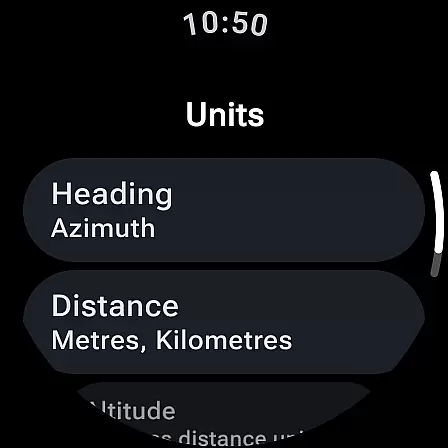
The app's customization options are impressive, allowing users to change units for angles, distances, and coordinates. It supports different themes, including high-contrast and dark/light modes, and integrates Android 12's dynamic colors feature. Additional highlights include rich haptic feedback, magnetic field magnitude display with anomaly detection, and a red screen filter for better night vision. With no need for an internet connection, no trackers or analytics, and ad-free usage, Compass prioritizes user privacy and seamless operation.
Compass stands out for its core function accuracy and effectiveness, ensuring users receive precise navigation data. The app supports multiple coordinate formats including DMS, DDM, DD, UTM, MGRS, and OLC (Plus Codes), catering to a wide range of navigational needs.
One of the key features is its ability to adjust for geomagnetic declination, aligning with true north for more accurate readings. This ensures that whether you are hiking in the wilderness or navigating urban landscapes, Compass provides reliable directional guidance.
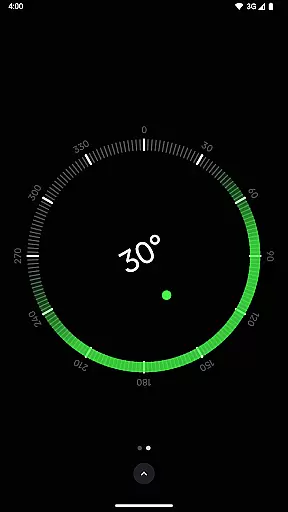
The inclusion of a bubble level and the ability to measure the angle difference between two orientations further enhance its utility. These tools are essential for carpenters, DIY enthusiasts, and anyone requiring precise measurements and alignments in their projects.
Additionally, the app offers rich haptic feedback, allowing users to feel every turn, which enhances the tactile experience during navigation. With these features, Compass not only meets but exceeds the expectations of explorers, travelers, and professionals who rely on accurate and effective navigational tools.
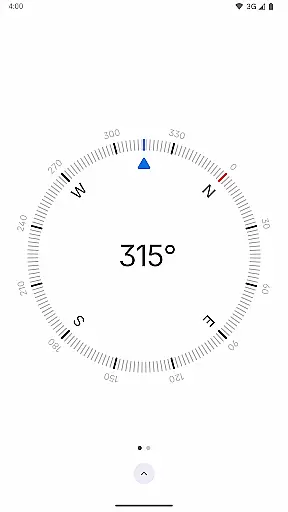
The interface simplicity and intuitiveness of Compass make it accessible to users of all technical backgrounds. Featuring a modern, dark-themed design, the app provides a clear and intuitive display that ensures ease of use without compromising on elegance.
Users can personalize the appearance by switching between dark and light themes or utilizing Android 12's dynamic colors feature, which adjusts the app's colors to match the wallpaper. This flexibility allows for a tailored experience that suits individual preferences and lighting conditions.
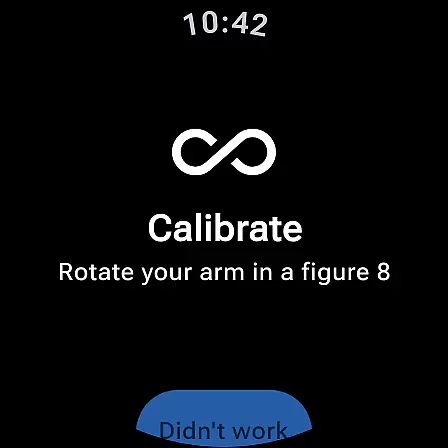
A calibration guide is integrated into the app, ensuring that users can achieve accurate readings effortlessly. This straightforward setup process eliminates confusion and allows users to start navigating with confidence right away.
Moreover, the app includes practical features like docking the compass to the edge of the screen while using other apps, enhancing multitasking capabilities. With its user-friendly design and functional layout, Compass delivers an intuitive navigation tool that simplifies the user experience without sacrificing sophistication.
User-friendly interface
Highly customizable settings
Offline functionality
Privacy-focused design
Multi-platform support
Limited Wear OS compatibility
No social sharing features
Premium features may require payment
Advanced tools might overwhelm beginners
Occasional sensor inaccuracies

Transfer Files, APK from Phone to Watch & Install.
 4.0
4.0
Fluid navigation gestures for all of us!
4.30
App that Recover your pictures, videos or files after you delete them.
4.20
card-reader app
2.20
ADB support Android 4.X-Android 13(Support wireless pair mode).No root required!
4.70
Bedrock Together: Join any bedrock server on Xbox/PS
4.80
With videos, electrical calculators, and built-in ebook, Ugly’s has your answer.
4.50
Mobile Security with Scam Protection | Malware & Virus Cleaner | Safe Browser
4.70
Clean up your phone, find files, play media, and share files offline
4.50
Planner and Tracker for Stardew Valley
4.60
Screen Mirroring for Roku Sticks, Roku TCL TV and Roku Hisense TV
4.50
Button mapper, mouse toggle, sleep timer and a lot of another features
4.50
Universal TV remote control all TVs, Roku, LG, Samsung, Fire, Vizio, Sony, TCL.
4.40
Complete kernel toolbox with features to manage and tweak your rooted device
4.30
PC precision for mobile gaming: dominate with keyboard and mouse!
4.30
Quickly check the frequency of the Earth
4.30
Amateur Radio app for APRS: Track friends, exchange messages, get tactical info.
3.90
Safely recover deleted photos, videos, and files with a single easy tap.
3.70
Clean the junk files on your device
3.40


User Reviews