
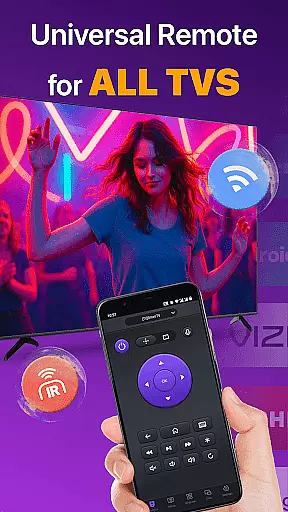
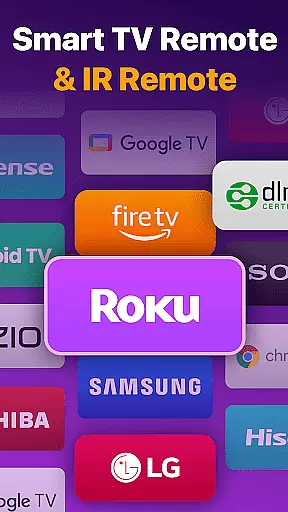
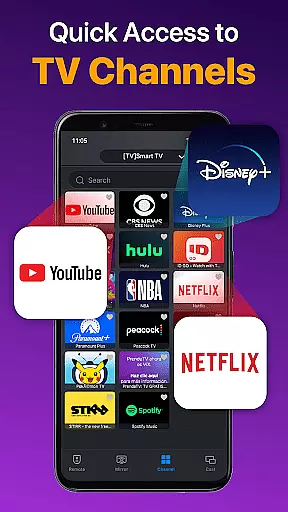
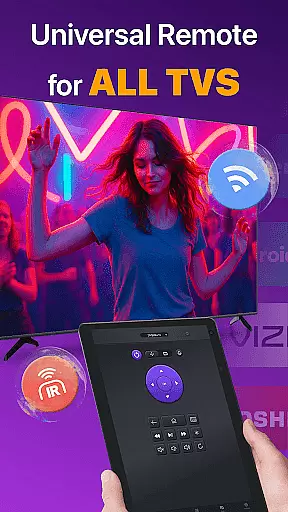
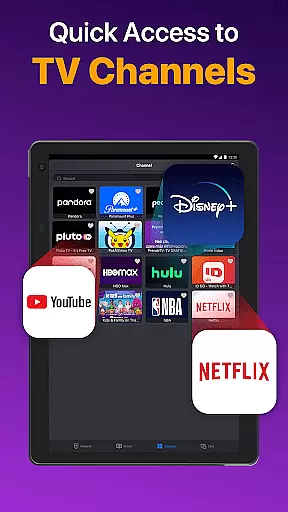
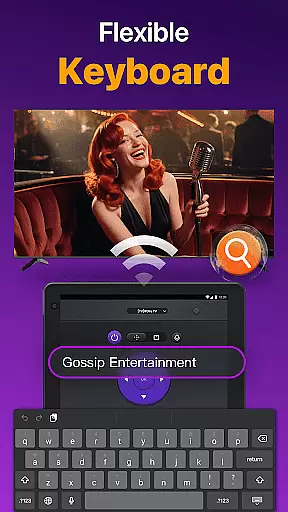
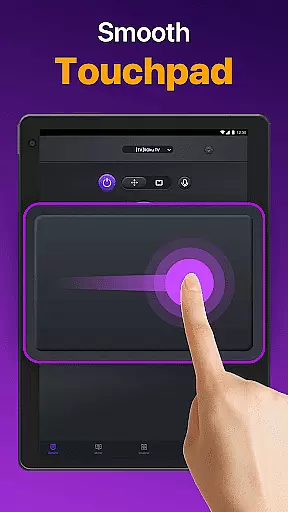
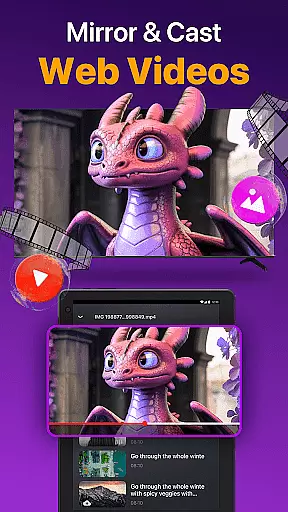
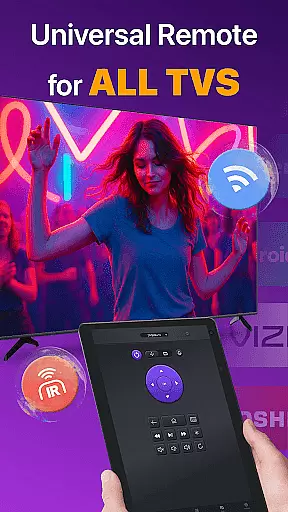
Universal TV Remote for All TV is a versatile remote control application designed to simplify the management of multiple smart TVs. This app supports major brands like Roku, LG, Samsung, and TCL, allowing users to seamlessly switch between devices without needing separate physical remotes. The app operates efficiently under the same WiFi network as your smart TV, providing essential functions such as power on/off, channel management, volume adjustment, and playback control.
In addition to WiFi connectivity, the app also supports IR mode, enabling control even when WiFi is unavailable. With features like responsive touchpad controls, quick text input for searching content, and screen mirroring with low latency, this app transforms your smartphone into a comprehensive universal remote control solution. Whether you're at home or in the office, Universal TV Remote ensures you have complete control over your entertainment setup.
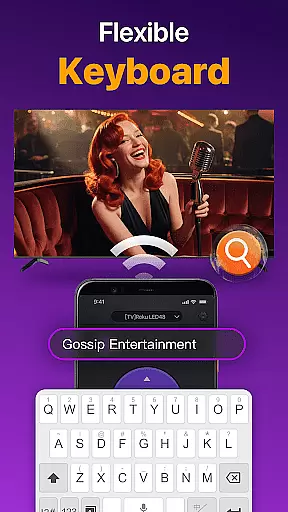
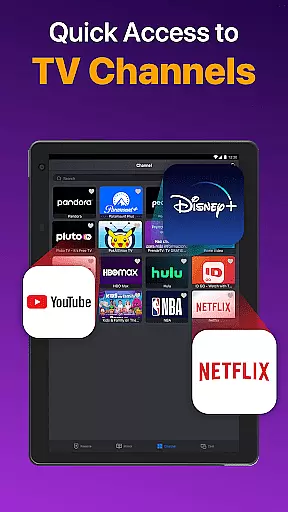
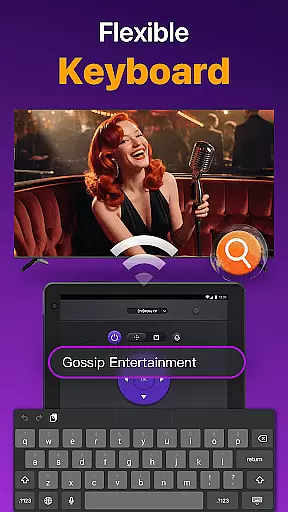
Universal TV Remote offers an impressive array of features that enhance user convenience. One standout feature is its ability to auto-detect all smart TVs on the same WiFi network, streamlining the connection process. Users can enjoy quick remote control functionalities including volume adjustments, reverse, fast forward, and efficient touchpad controls. The app also allows for easy text input, making it simple to search for favorite shows or movies directly from your phone.
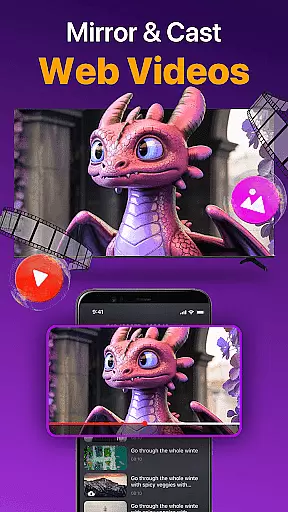
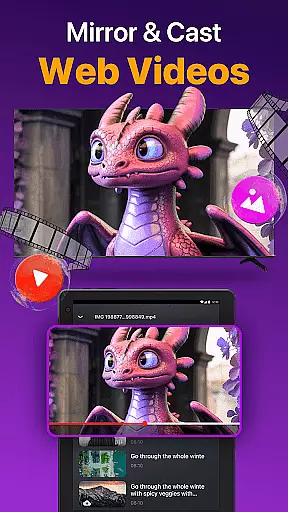
Another notable feature is the ability to cast photos and videos from your local album to your TV. Additionally, the screen mirroring functionality enables users to display their phone screens on larger TVs with minimal latency. These features collectively ensure that users have a seamless and integrated experience, whether they are managing their TV settings or sharing multimedia content with friends and family.
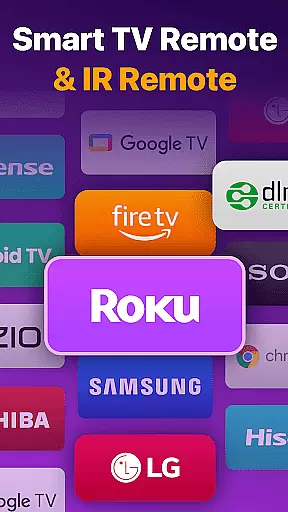
Universal TV Remote for All TV delivers exceptional core functionality by providing accurate and effective control over a wide range of smart TVs. The app supports major brands such as Roku, LG, Samsung, and more, ensuring that users can manage their television experience without the need for multiple physical remotes.
The app's auto-detection feature identifies all Smart TVs on the same WiFi network, allowing for quick and responsive interaction. With functionalities like volume adjustment, channel management, and content playback controls, it mirrors the capabilities of traditional remotes while adding the convenience of smartphone accessibility.
For scenarios where WiFi is unavailable, the app also supports IR modes, making it versatile across different environments. This dual capability ensures that whether you're looking to power your TV on/off, cast photos and videos, or mirror your phone screen to a larger display, the Universal TV Remote performs these tasks with precision and reliability.
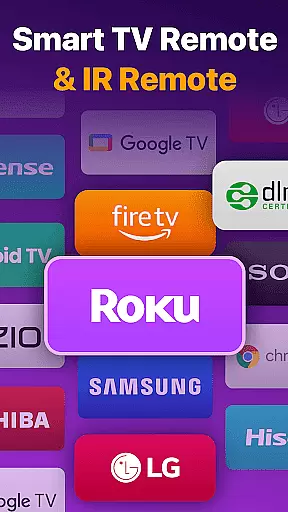
The interface of Universal TV Remote for All TV is designed with simplicity and intuitiveness in mind, ensuring users can easily navigate its features. Upon launching the app, users are greeted with a straightforward setup process that involves selecting their TV brand from a comprehensive list including Fire TV, Samsung, Roku, and others.
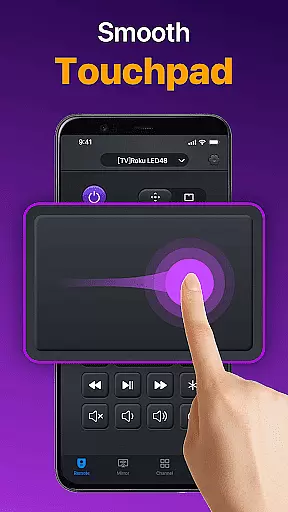
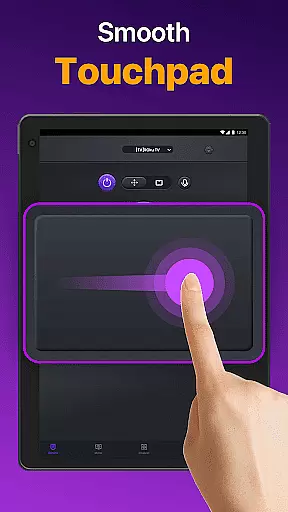
Once connected, the app provides a responsive touchpad that allows efficient control over your TV. Functions such as quick text input for searching shows or movies enhance user interaction by reducing the steps needed to achieve desired outcomes. This streamlined approach eliminates unnecessary complexity often found in other remote applications.
Moreover, regular updates and troubleshooting tips ensure any connectivity issues are swiftly resolved, maintaining an intuitive experience. By focusing on clear design principles and functional efficiency, Universal TV Remote guarantees a hassle-free operation every time you pick up your smartphone to control your television.
User-friendly interface
Wide device compatibility
Efficient WiFi and IR modes
Quick text input for searches
Low-latency screen mirroring
Limited to same WiFi networks
Occasional connectivity issues
No official brand affiliation
Dependent on TV model compatibility
Requires frequent updates

 4.50
4.50
App that Recover your pictures, videos or files after you delete them.
4.20
VESC Tool can monitor and configure VESC-compatible devices over BLE and Wifi
4.20
View detailed information about your Nissan Leaf the dealer never shows you.
4.10
Bedrock Together: Join any bedrock server on Xbox/PS
4.80
Connect wirelessly to your computer to watch movies, browse the web, play games
5.00
Screen Mirroring with sound for Samsung TV, LG TV, Sony TV, Smart TV and Browser
4.20
Remote Play with FSR upscaling, low latency & full controller support
4.80
Introducing Smart Printer, your ultimate destination for printing solutions!
4.00
Head tracking for PC sim games such as MSFS 2024 or Elite:Dangerous. No headset!
4.50
Mirror your screen to Fire TV - Super fast and simple
4.40
An easy-to-use calculator designed to save time calculating and bending conduit
4.30
Effortlessly run ADB commands directly on your device without a PC.
4.20
A simple app to back up and restore SMS & MMS messages and call logs.
4.10
A powerful, easy-to-use flight computer on your phone or tablet!
3.80
Smart and comfortable browsing experience.
3.80
Undelete and recover your lost or deleted files with DiskDigger!
3.40
Unlock your Essential Key. Create custom shortcuts to your favorite apps!
4.2
Download any file easily and quickly with Downloader
4.3


User Reviews