
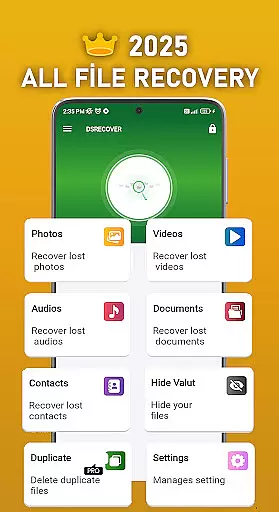
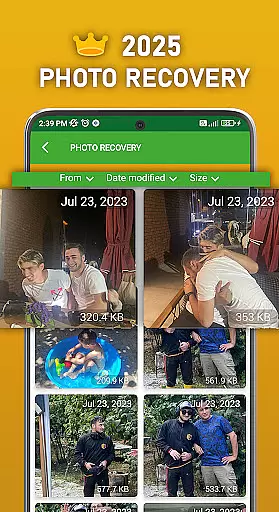
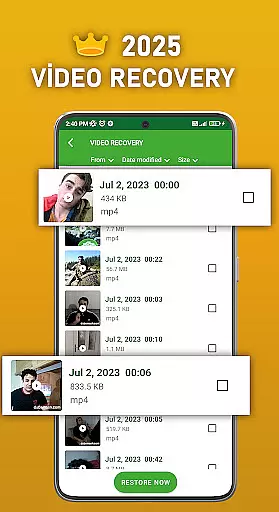
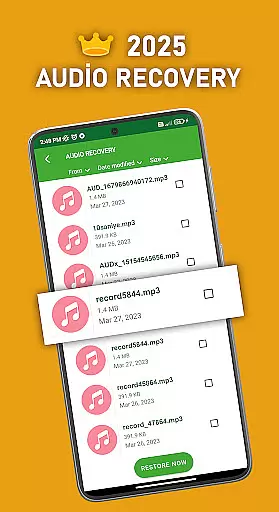
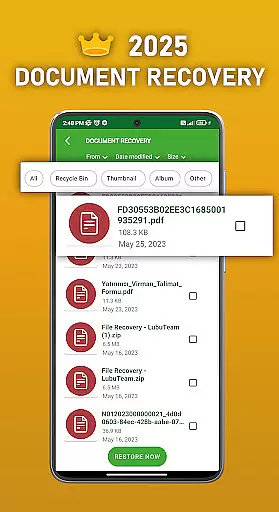
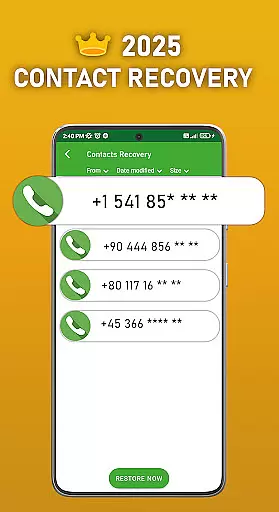
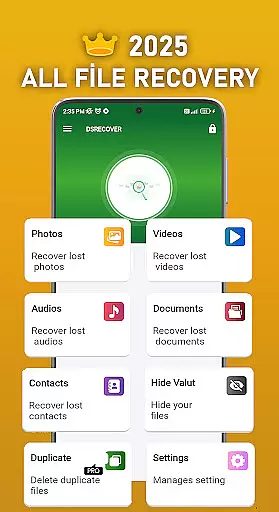
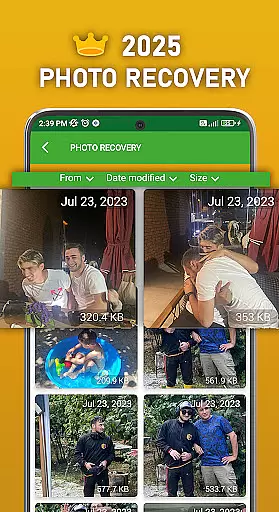
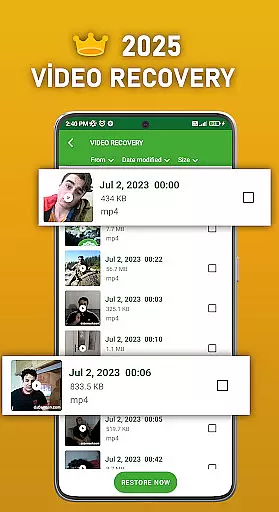
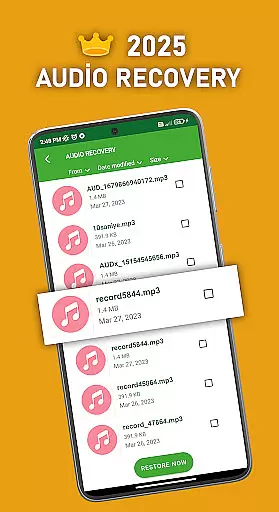
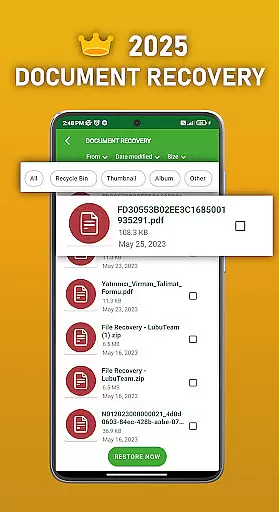
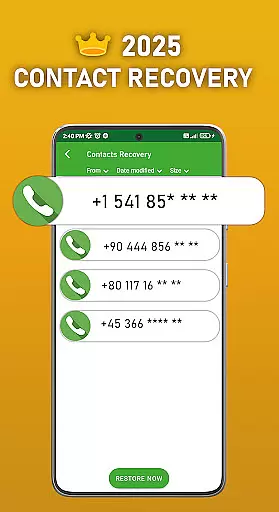
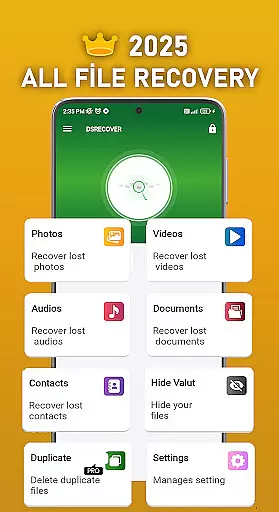
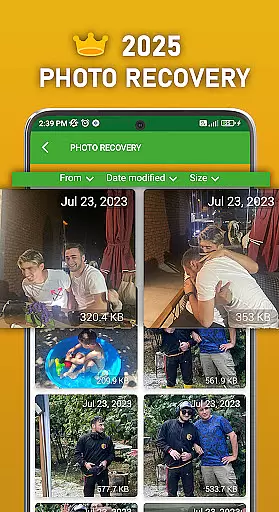
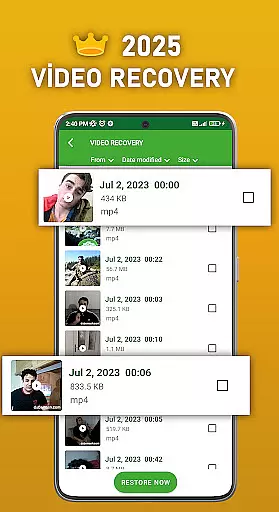
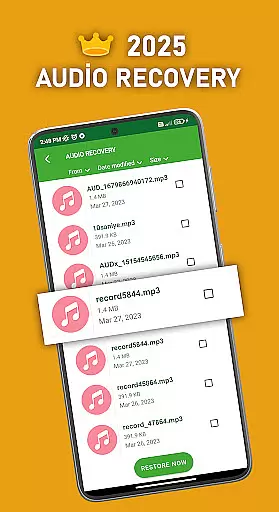
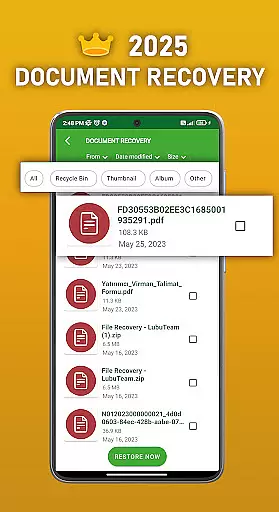
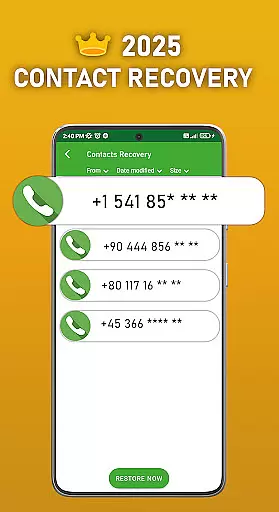
DS PRO is a comprehensive recovery tool designed specifically for Android devices, focusing on retrieving deleted files across multiple categories. The application's core functionality lies in its ability to recover lost or deleted photos, videos, audio files, contacts, and documents without requiring root access. This makes it an essential utility for users who need to restore critical data that was accidentally removed.
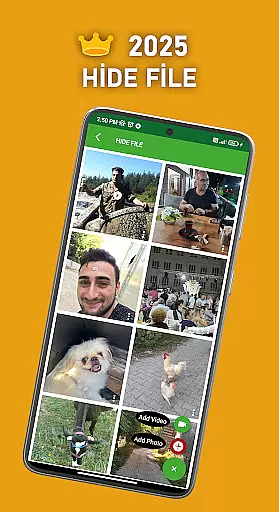
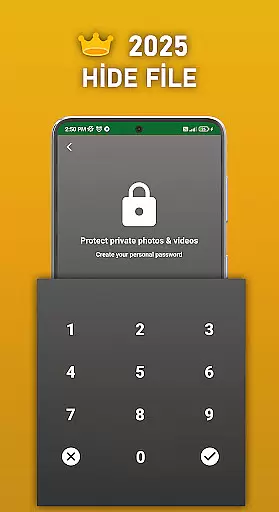
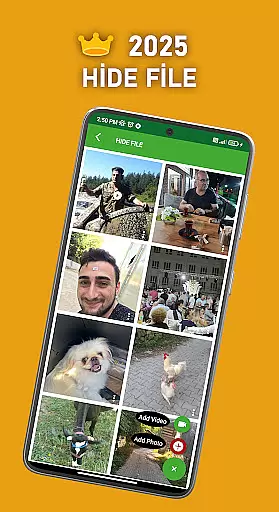
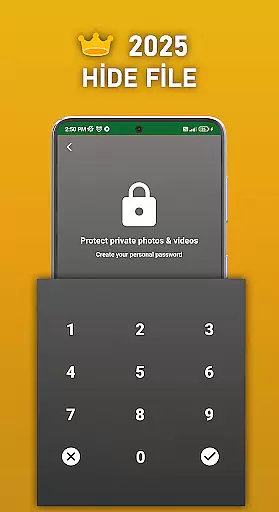
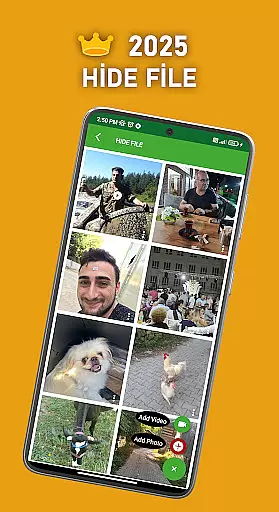
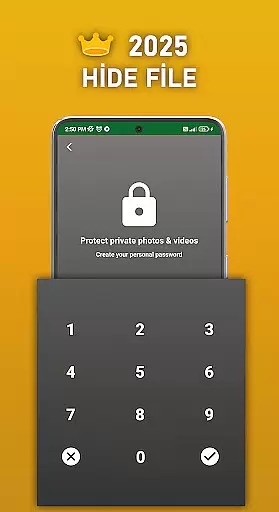
In addition to its recovery capabilities, DS PRO offers advanced features such as file hiding, which allows users to password-protect sensitive media files, ensuring privacy. The app also includes a feature to identify and remove duplicate files, helping users optimize their device storage. With its Pro version, users can enjoy an ad-free experience while benefiting from enhanced efficiency and speed during the recovery process.
This tool is particularly useful in scenarios where users accidentally delete important files or lose data due to system errors. Whether it's family photos, work documents, or contact information, DS PRO provides a reliable solution to retrieve lost data quickly and easily, making it an indispensable tool for both personal and professional use.
DS PRO stands out with its diverse range of recovery features tailored to meet various user needs. One of its primary functions is the ability to recover deleted photos, videos, and audio files in multiple formats, including MP4 and MP3. The app employs a deep scanning mechanism that thoroughly searches internal memory and SD cards to locate lost files, ensuring a high recovery success rate. Additionally, the software can restore deleted contacts and documents, providing a complete data recovery solution.
Beyond recovery, DS PRO incorporates productivity-enhancing tools such as a file-hiding feature. This functionality enables users to conceal specific images and videos from the gallery, protecting their privacy by securing these files behind a password. Another notable feature is the duplicate file finder, which helps users declutter their devices by identifying and removing identical files. These additional tools make DS PRO not just a recovery app but also a comprehensive file management solution.
The Pro version of DS PRO further enhances the user experience by eliminating ads and improving processing speed. It also includes instant restoration capabilities, allowing users to recover files directly from a recycle bin-like interface. With its intuitive design and robust feature set, DS PRO delivers both convenience and reliability, establishing itself as a top-tier recovery tool in the Tools category.
DS PRO positions itself as a comprehensive recovery tool, excelling in the accurate retrieval of deleted files across multiple categories. The app's core functionality revolves around recovering photos, videos, audio files, contacts, and documents with precision.
The effectiveness of DS PRO is evident through its ability to perform these tasks without requiring root access. This ensures that users can recover their lost data while maintaining device security and integrity. The app also supports various file formats, making it versatile for different types of media recovery.
What sets DS PRO apart is its deep scanning capability, which searches internal memory and SD cards thoroughly. This increases the likelihood of finding deleted files that other recovery tools might miss. Additionally, the app offers instant restoration from its recycle bin feature, providing users with quick access to recently deleted items.
DS PRO maintains an intuitive interface that simplifies complex recovery processes into straightforward steps. Users can easily navigate through different recovery options without technical expertise, making the app accessible to both casual and advanced users.
The application's design emphasizes clarity by organizing recovery functions into distinct categories. Whether users need to recover photos, videos, or documents, they can quickly identify and select the appropriate recovery option. Clear labels and logical grouping of features contribute to this streamlined experience.
Furthermore, DS PRO enhances user interaction with helpful recommendations and tips throughout the recovery process. These guidance cues ensure that users understand each step and can make informed decisions during file retrieval. The combination of simple navigation and informative prompts creates an overall intuitive user experience.
User-friendly interface
High recovery success rate
No root access required
Advanced file management
Ad-free Pro version
Limited free features
Requires extensive permissions
Premium version costs
Occasional slow scans
File format restrictions

Quickly switch to an encrypted DNS server on Android TV
 4.50
4.50
Extremely fast, secure, and protects your privacy
4.80
FV File Manager Pro, Fast and powerful file manager for Android
4.60
HD Video player and downloader for all formats, fast & smooth 4K video playback.
4.60
Small and simple app to Verify Root Access and BusyBox Install!
4.70
Making emulation easy for everyone!
4.30
Screen Mirroring for Roku Sticks, Roku TCL TV and Roku Hisense TV
4.50
The Ultimate Flex Drivers Utility App - Convenient Tapping & Block Filters
4.70
The ideal app to be the digital eye of your family
3.40
Optimize your WiFi network, turn your phone into Wifi Analyzer
4.70
Fast Video Downloader, Movie Downloader, Torrent Downloader & Adblock Browser
4.70
Connect instantly to a fast, encrypted VPN with one tap
4.60
With videos, electrical calculators, and built-in ebook, Ugly’s has your answer.
4.50
Quickly & easily calculate the spacing of handrail balusters
4.20
A convenient photo, video, and file recovery tool.
4.00
Unleash gamepad precision for ultimate mobile gaming dominance.
3.90
Smart and comfortable browsing experience.
3.80
A recovery soft,it features photo recovery, video recovery, file recovery.
3.40
Unlock your Essential Key. Create custom shortcuts to your favorite apps!
4.5


User Reviews