
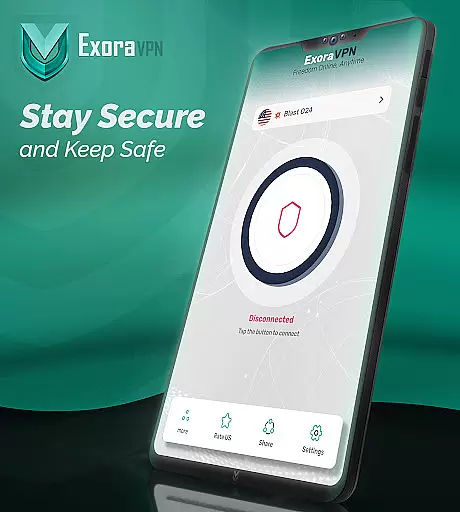
Exora VPN is a powerful virtual private network tool designed to provide users with secure, fast, and unrestricted internet access. The app offers one-tap instant connection to high-speed global servers, ensuring seamless browsing, streaming, and gaming experiences. With advanced features like an automatic kill switch and custom DNS settings, Exora VPN guarantees complete online privacy and protection.
Whether you're looking to bypass geo-restrictions, protect your data on public Wi-Fi, or simply enjoy uninterrupted internet access, Exora VPN delivers a reliable solution. Its modern V2Ray technology ensures top-notch security while maintaining optimal performance. Suitable for both casual users and tech-savvy individuals, this app provides true online freedom without compromising speed or safety.
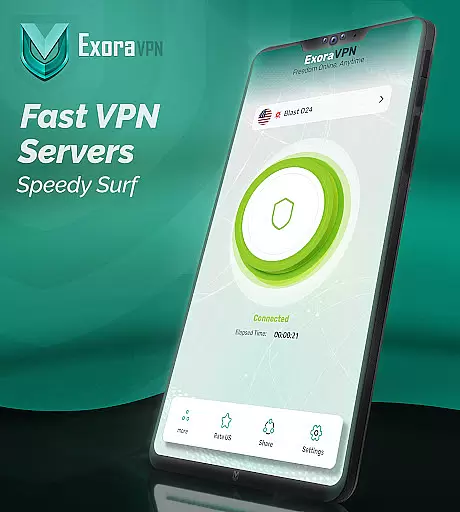
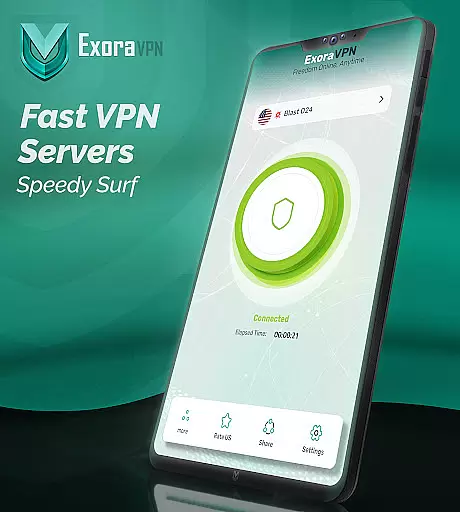
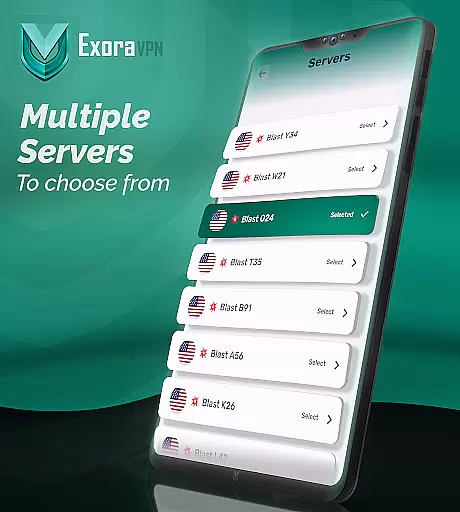
Exora VPN stands out with its comprehensive set of features tailored for various user needs. The app's lightning-fast global server network allows users to connect instantly to the nearest server or choose a specific location for personalized browsing. This flexibility makes it ideal for travelers, streamers, and gamers who require low-latency connections.
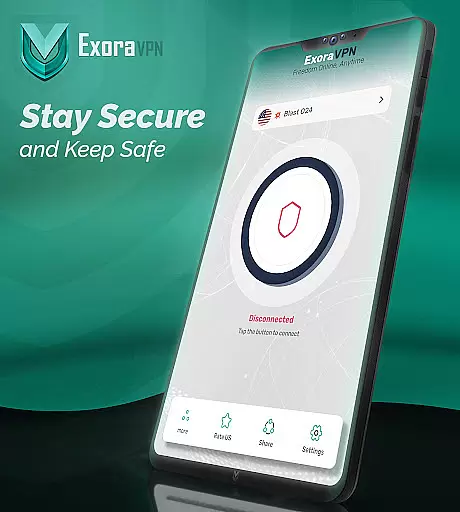
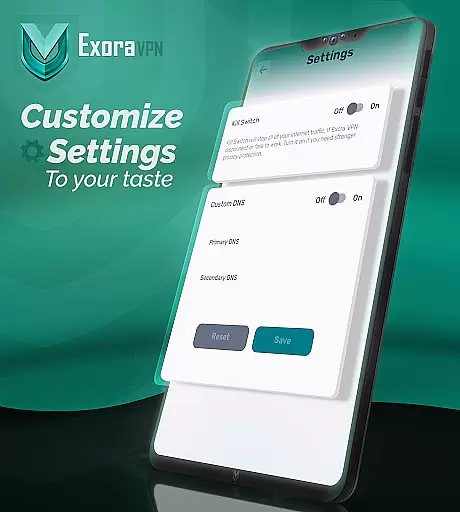
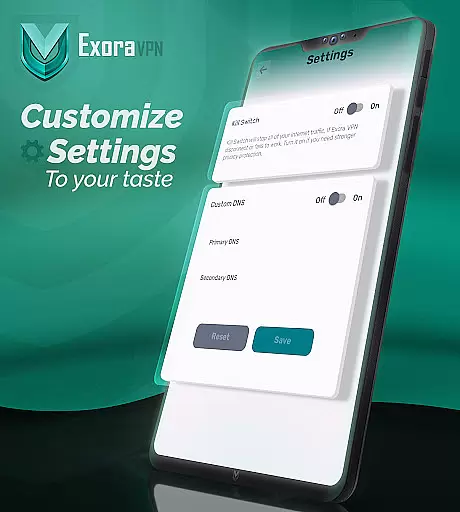
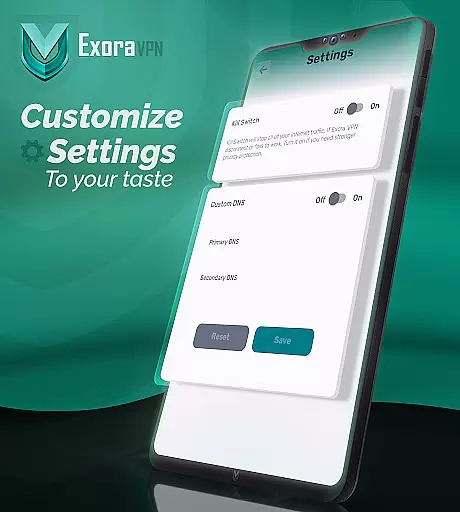
Security is at the core of Exora VPN's functionality. The automatic kill switch ensures that your data remains protected even if the VPN connection drops unexpectedly. Additionally, the app supports custom DNS settings, giving users control over their browsing experience. With a strict zero-logs policy and 24/7 reliable support, Exora VPN prioritizes user privacy and satisfaction above all else.
Exora VPN positions itself as a tool primarily designed for speed, privacy, and unrestricted internet access. The app leverages modern V2Ray technology to ensure fast and secure connections across its global servers. This ensures that whether you're traveling, streaming, or gaming, the service remains consistently reliable without compromising on speed.
The automatic kill switch is another key feature that highlights the app's commitment to security. If the VPN connection drops unexpectedly, Exora immediately blocks any unsecured traffic, preventing potential data leaks. This functionality is crucial for users who require constant protection while browsing or performing sensitive tasks online.
In addition to these core features, Exora offers custom DNS settings, allowing advanced users to tweak their browsing experience according to specific needs. These customizations, combined with real-time connection stats, provide both casual and power users with tools that enhance their overall internet experience while maintaining high levels of security and privacy.
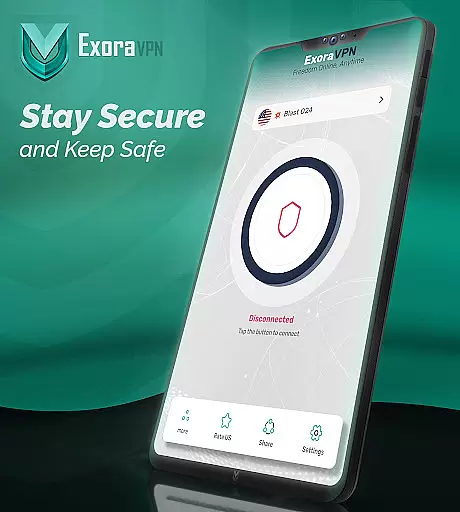
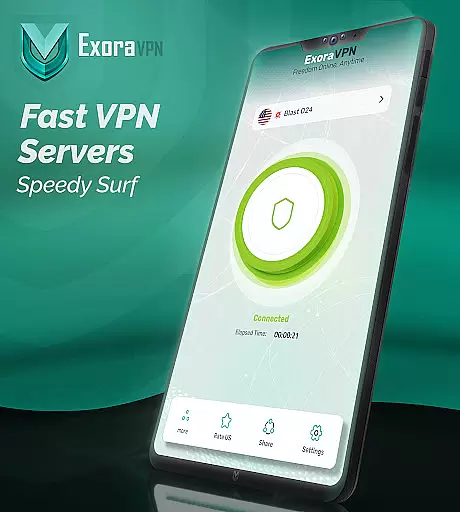
One of the standout aspects of Exora VPN is its user-friendly interface, which allows even beginners to connect to a secure network with just one tap. Thereu2019s no complicated signup or registration processu2014users can start enjoying private browsing instantly after downloading the app. This simplicity makes it accessible to a wide range of users regardless of technical expertise.
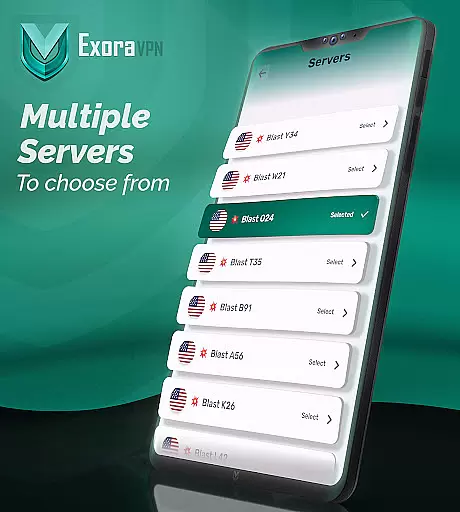
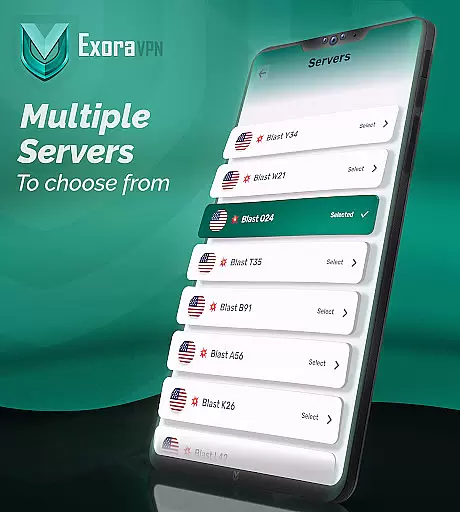
The app also provides clear options for selecting server locations, giving users full control over their connection preferences. Whether you want to connect to the nearest server for optimal speed or choose a specific country for accessing geo-restricted content, the straightforward layout ensures that all these functions are easy to navigate.
Furthermore, Exora includes 24/7 reliable support, ensuring that help is always available if users encounter issues. With an intuitive design philosophy paired with essential features like zero-log guarantees and automatic security protocols, Exora strikes an excellent balance between ease of use and robust functionality.
Fast connection speeds
Easy one-tap setup
Global server access
Automatic kill switch
No activity logging
Limited free tier
Occasional server load
Advanced settings may overwhelm beginners
Requires constant updates
Not available in all regions

Easily install aab(Android App Bundle) files on your Android device with our app
 4.80
4.80
A recovery soft,it features photo recovery, video recovery, file recovery.
3.40
Remote for Roku, Fire TV, Samsung TV, LG TV, Android TV, Chromecast and VIZIO TV
4.20
Universal TV remote control all TVs, Roku, LG, Samsung, Fire, Vizio, Sony, TCL.
4.40
ADB support Android 4.X-Android 13(Support wireless pair mode).No root required!
4.70
Excellent scientific calculator with symbolic algebra, integrals, derivatives
4.80
Making emulation easy for everyone!
4.30
Play your X-Box games remotely in 1080p with any controller and zero latency
4.60
Screen Mirroring with sound for Samsung TV, LG TV, Sony TV, Smart TV and Browser
4.20
Change your GPS location instantly. Simulate routes anywhere in the world.
4.90
Bedrock Together: Join any bedrock server on Xbox/PS
4.80
Keep track of your Palia friendships, tasks, and inventory with Palia Notebook
4.60
Quickly switch to an encrypted DNS server on Android TV
4.50
Button mapper, mouse toggle, sleep timer and a lot of another features
4.50
Fluid navigation gestures for all of us!
4.30
VESC Tool can monitor and configure VESC-compatible devices over BLE and Wifi
4.20
A convenient photo, video, and file recovery tool.
4.00
Family Locator, Share location, StayConnect with your family in real time
3.90
Download any file easily and quickly with Downloader
4.5


User Reviews