
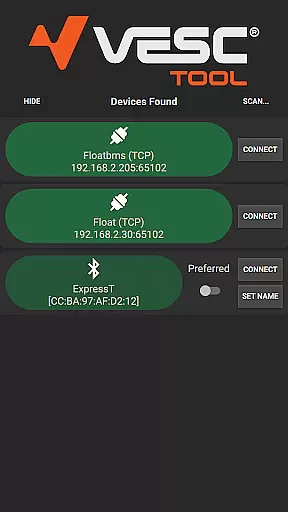
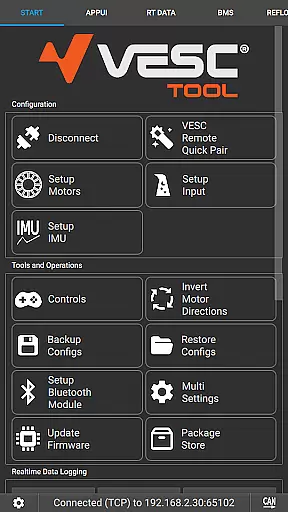
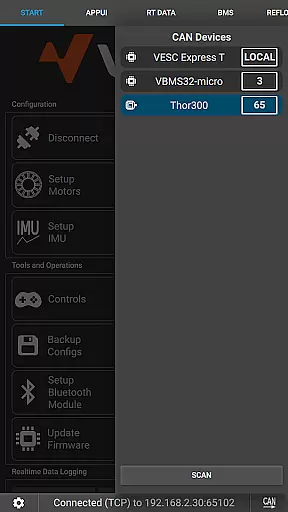
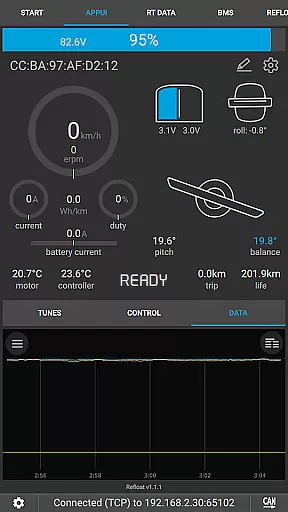
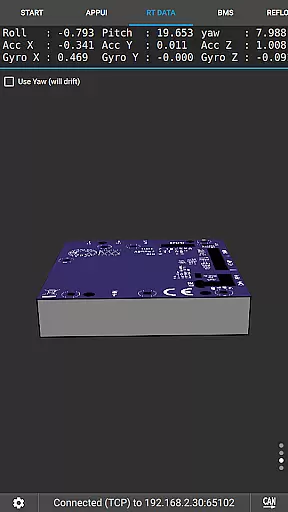
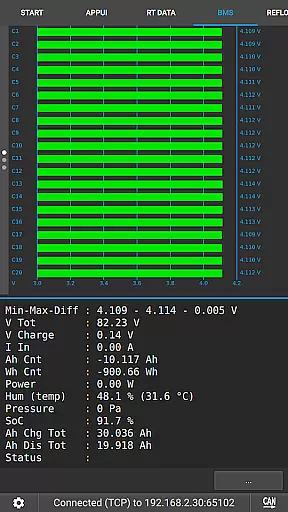
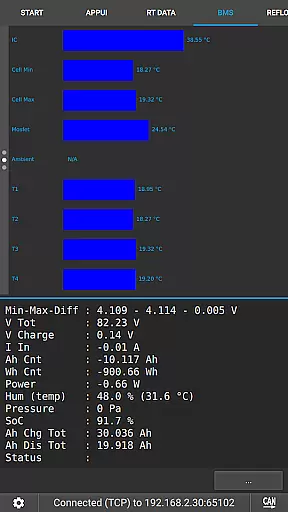
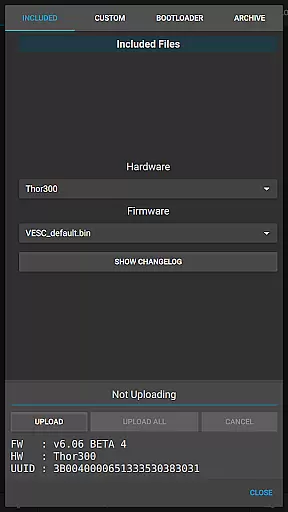
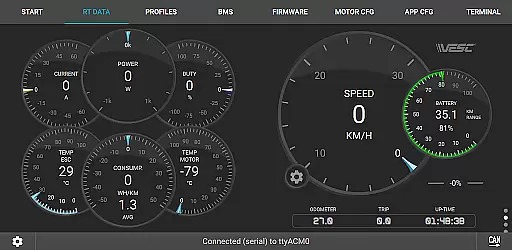
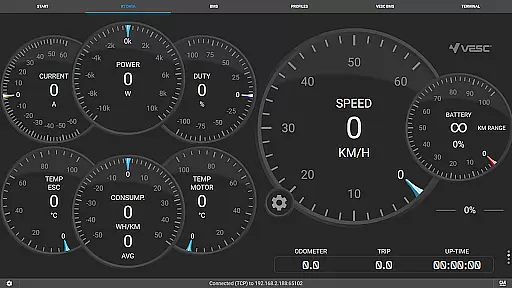
VESC Tool is a powerful mobile application designed for configuring and managing VESC-based hardware. The app supports both BLE and WiFi connections, enabling users to adjust settings, update firmware, stream live data, and log important information. Whether you are a hobbyist or a professional, this tool provides comprehensive control over your VESC devices.
With its intuitive interface, VESC Tool makes it easy to monitor and modify various parameters of your hardware. The app is particularly useful for those who use VESC Original hardware, as it is fully compatible and optimized for these devices. By visiting the official website, users can access additional resources and purchase compatible modules if needed.
VESC Tool offers a wide array of features tailored for users of VESC-based hardware. One of the standout capabilities is the ability to connect via BLE or WiFi, which allows for seamless communication with your devices. This feature is crucial for real-time data streaming and firmware updates without the need for physical connections.
In addition to connectivity options, the app provides extensive configuration settings. Users can fine-tune their hardware parameters, log data for analysis, and even build custom modules using ESP32C3 or NRF52 chipsets. These functionalities ensure that VESC Tool is not just a configuration utility but a complete management solution for VESC enthusiasts.
VESC Tool is designed to provide precise control and configuration of VESC-based hardware, ensuring that users can effectively manage their devices. The app supports both BLE and WiFi connections, enabling seamless interaction with the hardware to configure settings, stream live data, and update firmware.
With its robust functionality, VESC Tool allows users to log data and perform a variety of other tasks essential for maintaining and optimizing their VESC hardware. This ensures that all operations are executed with high accuracy, providing reliable performance and minimizing the risk of errors during configuration or data handling.
For users who require detailed control over their hardware, VESC Tool offers an intuitive interface that simplifies complex processes. Whether it's adjusting parameters or monitoring live data streams, the app delivers a level of precision that enhances the overall user experience.
The interface of VESC Tool is crafted to offer simplicity and ease of use, making it accessible even to those who may not be experts in VESC technology. By focusing on intuitive design, the app ensures that users can quickly learn how to navigate through its features without a steep learning curve.
Despite its powerful capabilities, VESC Tool maintains a straightforward layout that highlights essential functions without overwhelming the user. This approach helps users focus on their primary tasks, such as connecting to their hardware via BLE or WiFi, configuring settings, and managing firmware updates efficiently.
Overall, the app's commitment to an intuitive and simple interface significantly enhances user engagement and satisfaction. Users can easily access advanced features like live data streaming and data logging while enjoying a hassle-free experience that supports both casual and power users alike.
User-friendly interface
Comprehensive configuration options
Real-time data streaming
Firmware update capability
Wide compatibility with VESC hardware
Requires compatible module for connectivity
Limited to VESC-based hardware
No offline support for firmware updates
Advanced features may overwhelm beginners
Dependent on third-party modules for some functionalities

Quickly switch to an encrypted DNS server on Android TV
 4.50
4.50
A convenient photo, video, and file recovery tool.
4.00
Unlock your Essential Key. Create custom shortcuts to your favorite apps!
4.0
Smart and comfortable browsing experience.
3.80
Fast Video Downloader, Movie Downloader, Torrent Downloader & Adblock Browser
4.70
A simple app to back up and restore SMS & MMS messages and call logs.
4.10
Automate everything from settings to photos, SMS to speech. ADC2 prize winner.
4.10
Fun lie-detection pranks for friends and parties.
3.80
Protect your device with antivirus, storage cleanup, and system monitoring
4.70
Monitor car performance in real time and troubleshoot malfunctions.
4.80
Optimize your WiFi network, turn your phone into Wifi Analyzer
4.70 4.50
4.50 4.50
4.50
Head tracking for PC sim games such as MSFS 2024 or Elite:Dangerous. No headset!
4.50
The Ultimate Bluetooth Keyboard & Mouse. Securely control your PC, Mac, and more
4.50
Fluid navigation gestures for all of us!
4.30
pdf merge, word to pdf, jpg to pdf, edit pdf, convert to pdf and much more!
4.20
View detailed information about your Nissan Leaf the dealer never shows you.
4.10
Safely recover deleted photos, videos, and files with a single easy tap.
3.70


User Reviews