
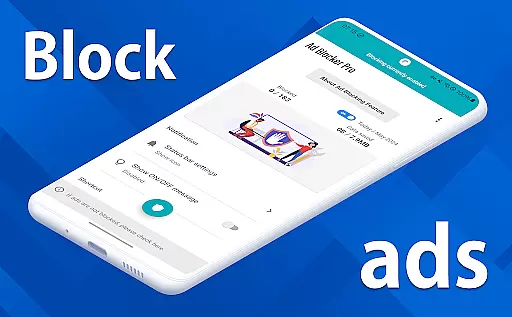
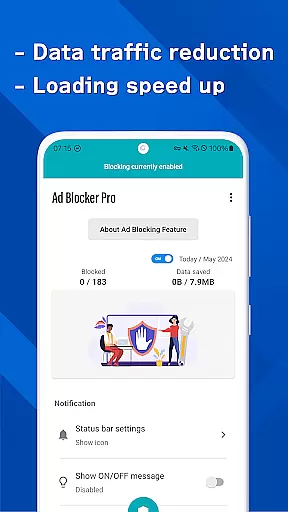
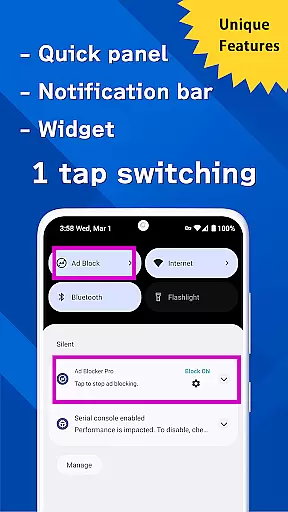
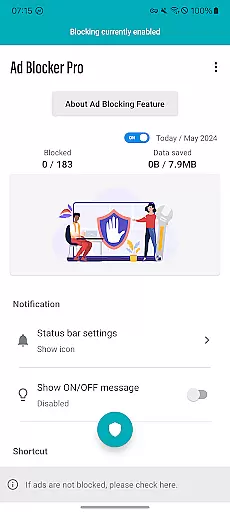
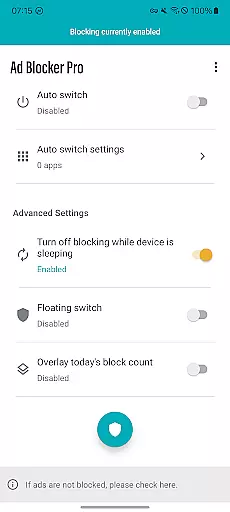
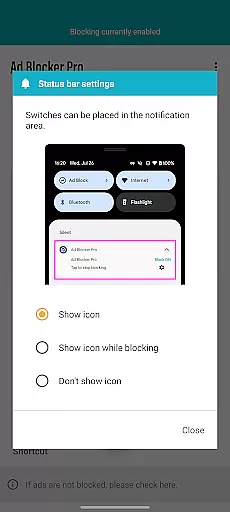
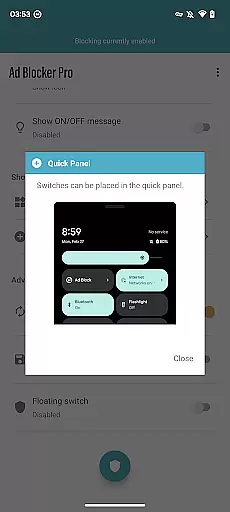
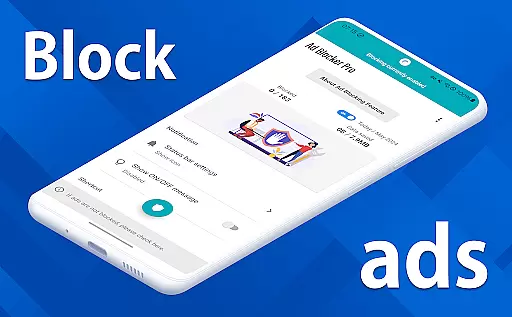
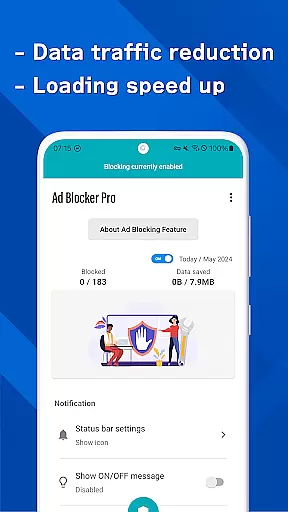
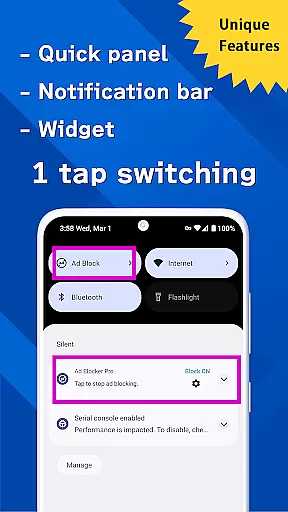
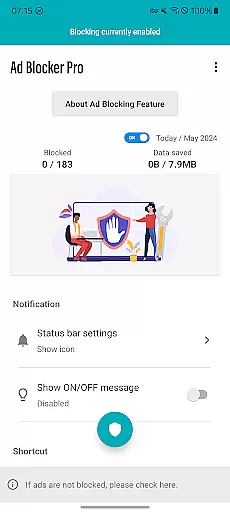
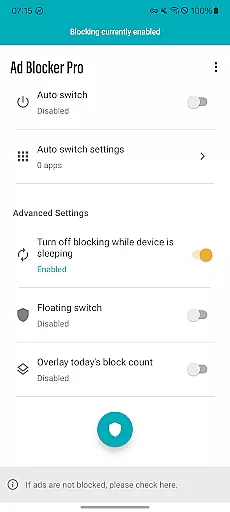
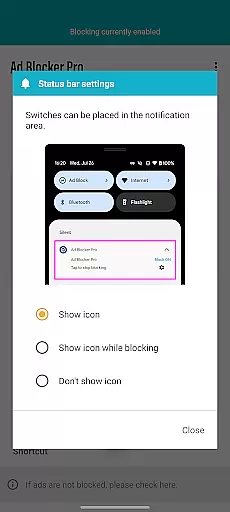
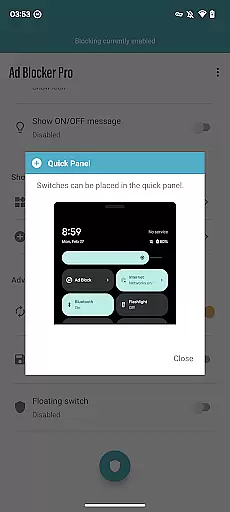
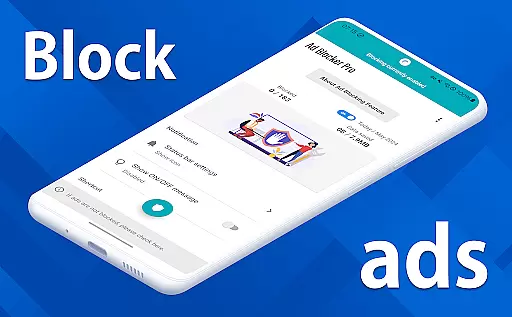
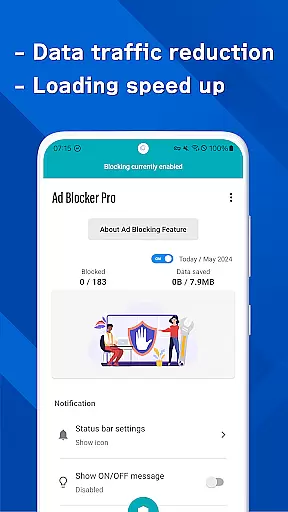

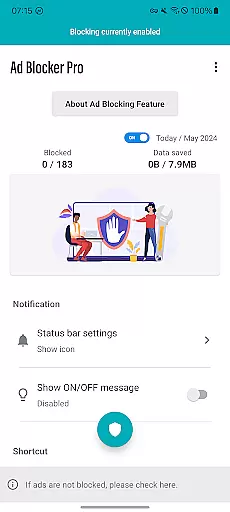
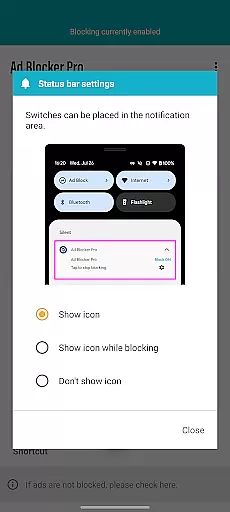
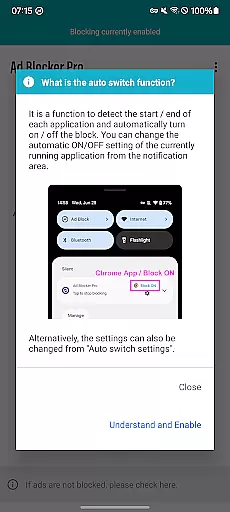
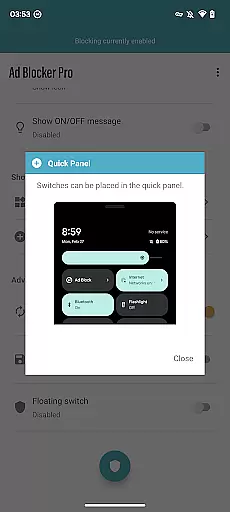
Ad Blocker Pro is a powerful ad-blocking application designed to enhance the browsing experience on Android devices. The app's core functionality revolves around blocking unwanted advertisements, malware, and trackers across all browser apps, ensuring a cleaner, faster, and more secure online environment. With its unique one-tap ON/OFF switch, users can easily toggle ad blocking from various access points such as the notification area, quick panel, or floating switch.
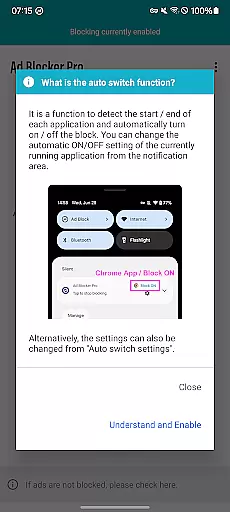
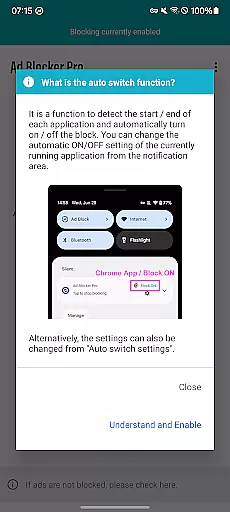
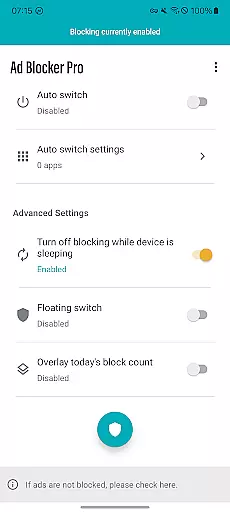
Beyond basic ad blocking, Ad Blocker Pro offers advanced features like automatic toggling during device sleep mode and app-specific blocking through its Auto Switch feature. These capabilities ensure seamless operation of other essential apps while maintaining an ad-free browsing experience. The overlay display provides real-time statistics of blocked ads, giving users tangible evidence of the app's effectiveness. This comprehensive approach to ad blocking makes the application particularly valuable for users seeking both performance optimization and privacy protection.
Ad Blocker Pro distinguishes itself through several innovative features that cater to different user needs. The app's compatibility with all browser applications ensures universal protection without limiting users to specific web browsers. Its fast browsing capability stems from efficiently blocking ads before they load, resulting in quicker webpage rendering and improved overall performance.
Security enhancement represents another crucial aspect of Ad Blocker Pro's feature set. By blocking malicious trackers and potential malware sources, the app creates a safer browsing environment while simultaneously reducing data consumption. The improved design elements contribute to a more intuitive user interface, making website navigation simpler and more enjoyable. Additionally, the app's intelligent blocking mechanism automatically detects and manages app launches, ensuring optimal performance without manual intervention. These sophisticated features collectively deliver a superior browsing experience while maintaining system efficiency and security.
Ad Blocker Pro exemplifies core function accuracy through its robust ad-blocking capabilities. The app ensures that ads are effectively blocked across all browser apps, which significantly enhances the browsing experience. This precision in blocking is achieved without affecting the normal functioning of websites, preserving the intended user experience while eliminating unwanted content.
The effectiveness of Ad Blocker Pro is further demonstrated by its ability to block malware and trackers. This not only contributes to a safer online environment but also helps in reducing data usage. Users can browse with confidence, knowing that their security and privacy are prioritized, and enjoy faster webpage loading times as the app prevents unnecessary ad data from loading.
Additionally, the app offers unique features like the Auto Switch, which intelligently toggles ad blocking on or off based on the app being used. This level of automation showcases the app's sophisticated detection and response mechanisms, ensuring that users receive an uninterrupted service tailored to their current activity.
Ad Blocker Pro boasts an interface that emphasizes simplicity and intuitiveness, making it accessible for users of all technical backgrounds. With its one-tap ON/OFF switch, available from multiple access points such as the notification area, quick panel, widget, or floating switch, users can effortlessly control their ad-blocking preferences. This straightforward approach removes any complexity from managing ad blocking, allowing for quick adjustments on the go.
The app's design is streamlined to improve usability, featuring an overlay display that shows the real-time count of blocked ads and trackers. This transparent approach keeps users informed about the app's performance and the extent of their protection against intrusive content. By providing clear feedback, Ad Blocker Pro empowers users with knowledge and control over their browsing experience.
Furthermore, the app's compatibility with all browsers adds to its intuitive nature. There's no need for users to adjust settings across different browsers, as Ad Blocker Pro seamlessly integrates into their existing setup. This universality simplifies the user journey, offering a consistent and reliable ad-blocking solution regardless of the browser choice.
Effective ad blocking
User-friendly interface
Real-time statistics
Enhanced security features
Universal browser support
Limited non-browser support
Restricted YouTube blocking
No iOS version available
One-time purchase cost
Occasional update delays

Universal TV remote control all TVs, Roku, LG, Samsung, Fire, Vizio, Sony, TCL.
 4.40
4.40
Mirror your screen to Chromecast and Android TV - Super fast and simple
4.60
Game Booster, GFX Tool is now compatible with newer game update
4.50
Fun lie-detection pranks for friends and parties.
3.80
Clean up large files and similar photos, fast and easy to use
4.40
Mobile Security with Scam Protection | Malware & Virus Cleaner | Safe Browser
4.70
A clean app.
4.50
Enhance your Beats
3.70
The ideal app to be the digital eye of your family
3.40
Connect wirelessly to your computer to watch movies, browse the web, play games
5.00
The Ultimate Flex Drivers Utility App - Convenient Tapping & Block Filters
4.70
Just swipe the edge to do something!
4.40
PC precision for mobile gaming: dominate with keyboard and mouse!
4.30
Remote for Roku, Fire TV, Samsung TV, LG TV, Android TV, Chromecast and VIZIO TV
4.20 4.10
4.10
View detailed information about your Nissan Leaf the dealer never shows you.
4.10
Safely recover deleted photos, videos, and files with a single easy tap.
3.70
Undelete and recover your lost or deleted files with DiskDigger!
3.40
PDF Reader - Document Viewer: Read, Manage & Organize Your Documents
3.10


User Reviews