
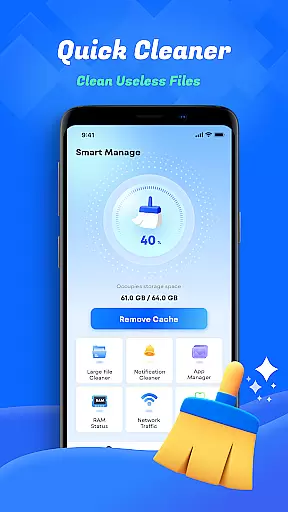
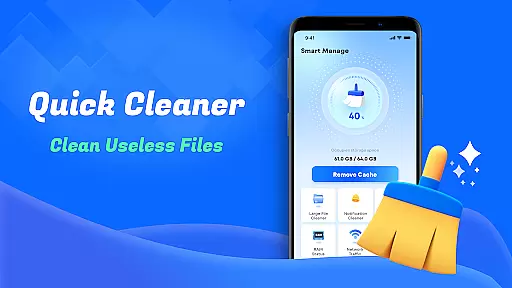
Smart Cleaner is a comprehensive phone cleaning tool designed to optimize device performance through its diverse range of features. The app focuses on helping users manage their files efficiently with minimal effort, offering solutions for unnecessary file cleanup, large file management, and photo organization.
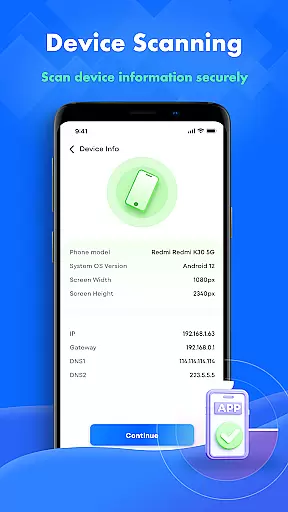
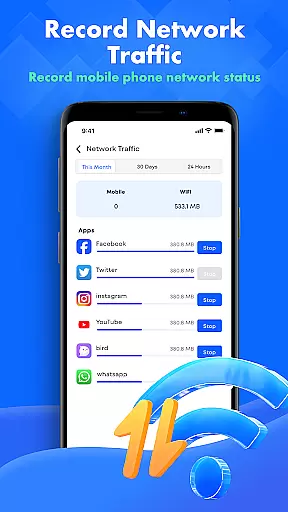
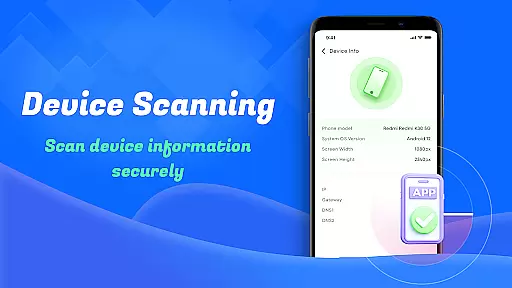
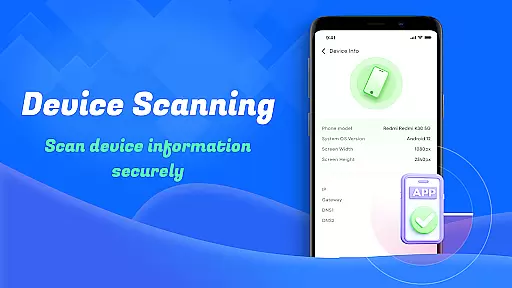
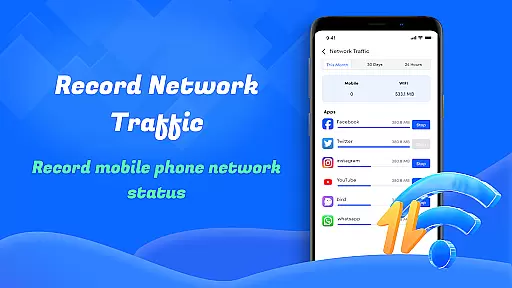
One of the standout capabilities of Smart Cleaner is its ability to scan and remove unwanted files, including redundant screenshots and similar photos, freeing up valuable storage space. Additionally, it provides detailed insights into device information and network usage, empowering users to monitor their data consumption and overall device health.
Whether you're looking to declutter your phone or gain better control over your device's resources, Smart Cleaner offers an intuitive interface that makes maintenance simple and effective. Its one-click optimization feature ensures that even non-technical users can benefit from improved device performance.
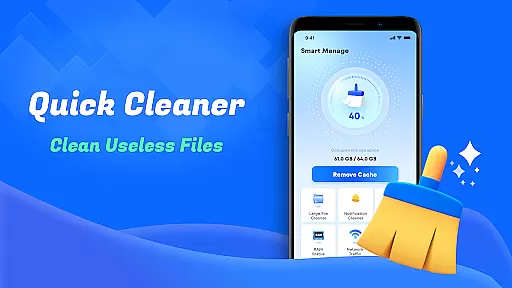
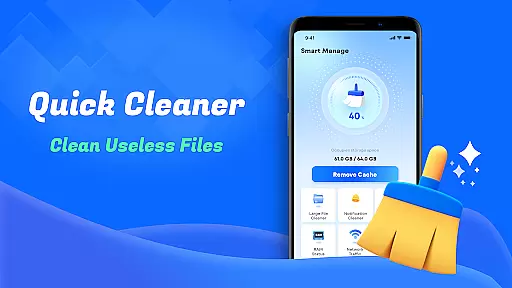
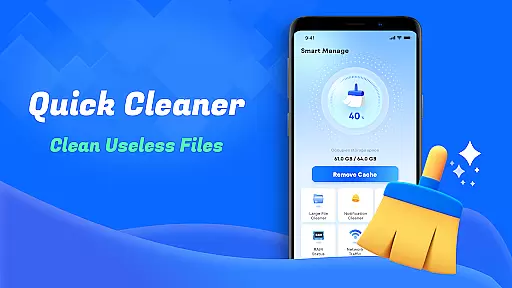
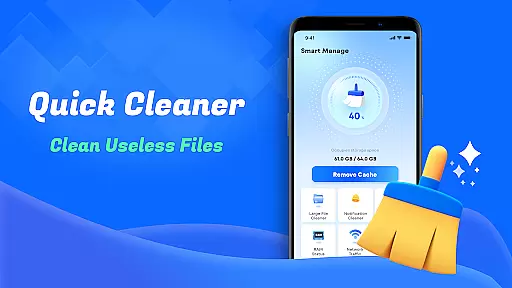
Smart Cleaner stands out due to its robust set of features tailored for device optimization. One key functionality is the Unnecessary Files Cleanup tool, which scans your device for junk files and removes them seamlessly. This helps maintain optimal device speed without requiring manual intervention.
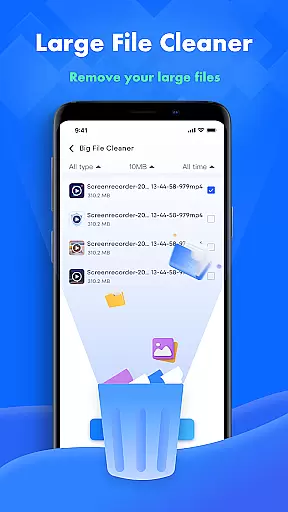
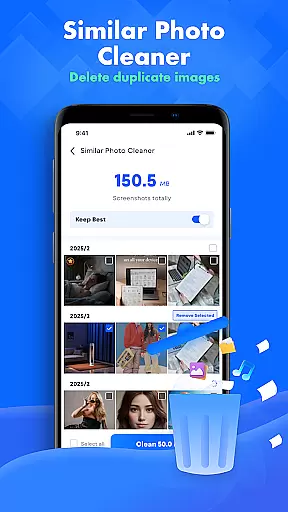
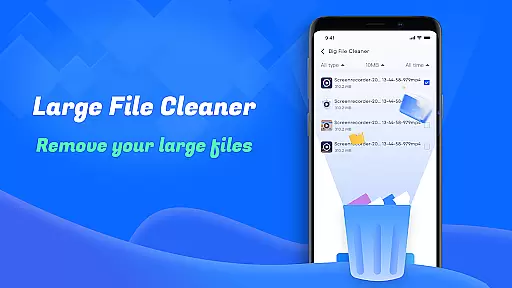
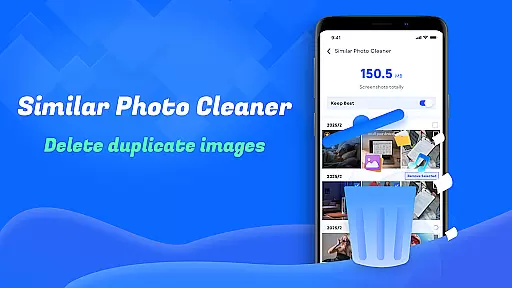
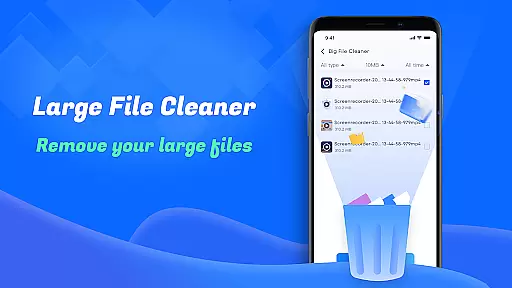
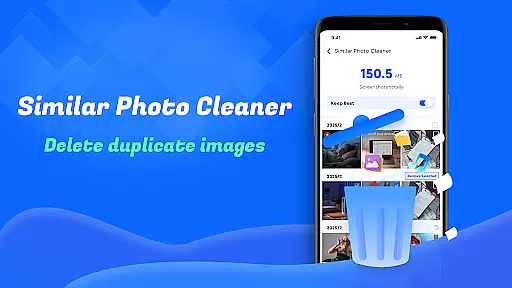
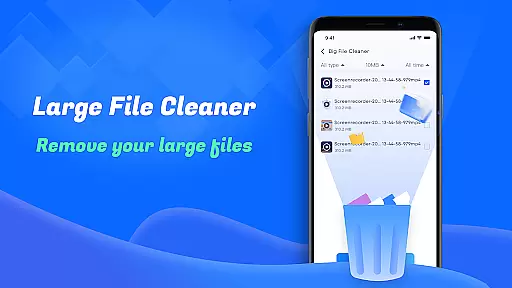
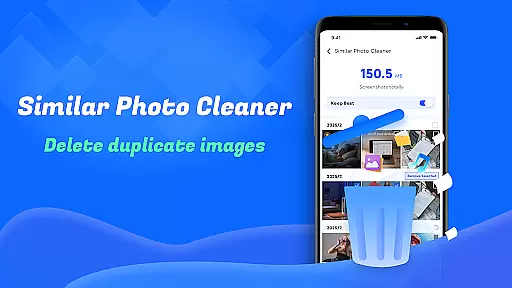
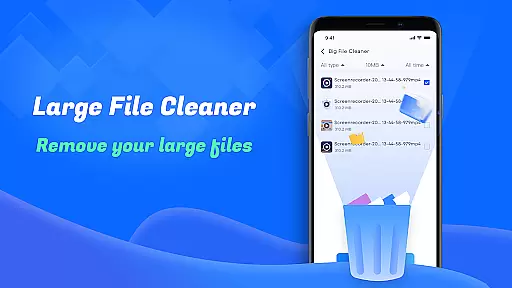
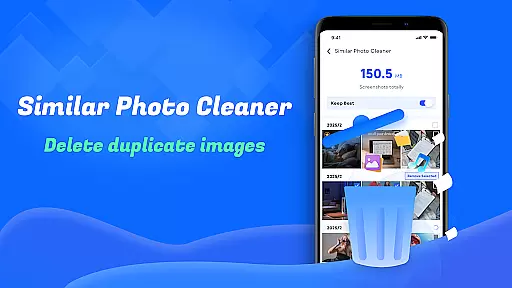
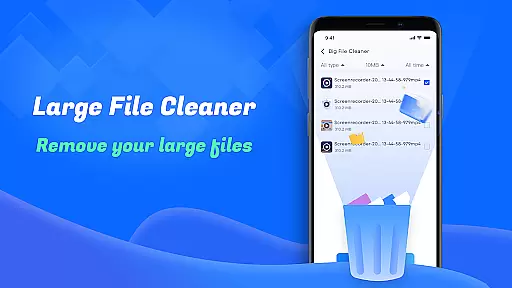
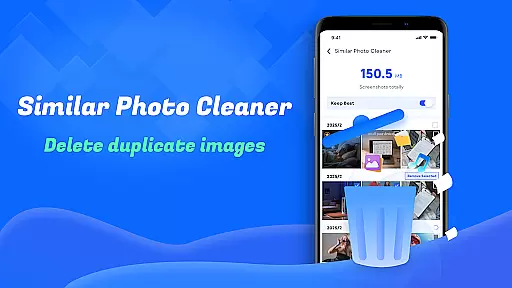
In addition to basic cleanup, the app includes specialized tools like Large File Cleanup, which identifies oversized files that may be consuming excessive storage. Users can also take advantage of the Similar Photos feature, which intelligently detects duplicate images, allowing for efficient photo library management.
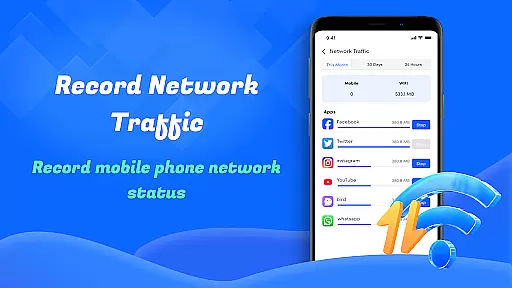
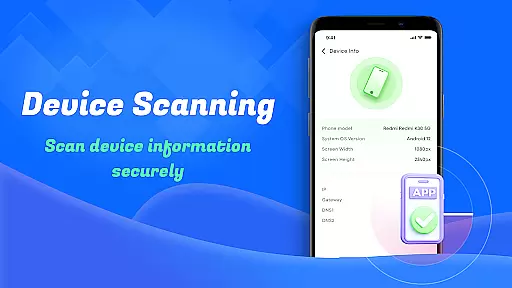
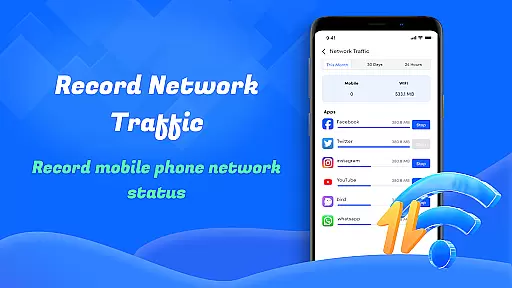
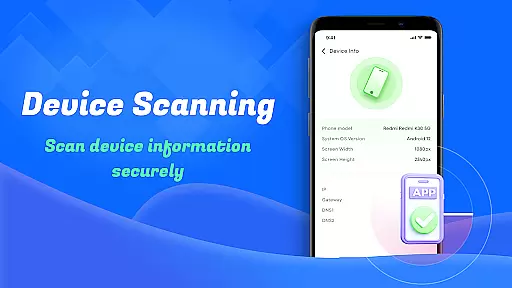
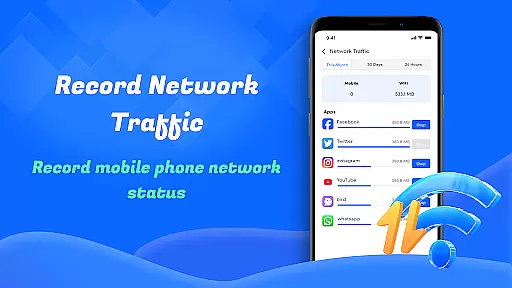
Other notable features include Screenshots Cleanup, Device Info Check, and Network Usage monitoring. These tools collectively ensure that users have complete visibility and control over their device’s performance and resource allocation. With its user-friendly design, Smart Cleaner proves to be an essential utility for anyone seeking to enhance their smartphone experience.
Smart Cleaner stands out for its precision and efficiency in managing device storage. The app's unnecessary files cleanup feature meticulously scans your device to identify and remove junk files that accumulate over time. This ensures that your device remains clutter-free without affecting important data.
The large file cleanup tool demonstrates the app's effectiveness by helping users locate sizable files that may be occupying valuable space. By providing detailed information about these files, the app empowers users to make informed decisions about which files to keep or delete. This targeted approach to storage management is both accurate and highly beneficial.
Additionally, Smart Cleaner offers a similar photos feature that uses advanced algorithms to detect duplicate or near-identical images. This functionality not only declutters your photo gallery but also preserves precious storage space. The combination of these features showcases the app's commitment to delivering precise and effective cleaning solutions.
One of Smart Cleaner's most notable attributes is its user-friendly interface, designed to provide an intuitive experience for all users. The app employs a straightforward layout with clearly labeled buttons and menus, making navigation effortless even for those who are less tech-savvy.
The one-click cleaning functionality exemplifies the app's dedication to simplicity. With just a single tap, users can initiate comprehensive scans and cleaning processes without needing to navigate through complex settings or options. This streamlined approach significantly reduces the learning curve associated with using new applications.
Furthermore, Smart Cleaner includes visual indicators and progress bars that offer real-time feedback during scanning and cleaning operations. These elements enhance the overall user experience by providing clear status updates and ensuring transparency throughout the process. Such thoughtful design choices underscore the app's focus on maintaining an accessible and intuitive interface.
User-friendly interface
Effective file cleanup
Comprehensive device info
Network usage tracking
One-click optimization
Limited advanced options
No cloud backup
Basic photo editing
Frequent notifications
Ads in free version

Extremely fast, secure, and protects your privacy
 4.80
4.80
This app unlocks the Pro features of the Central for DayZ app
3.60
ADB support Android 4.X-Android 13(Support wireless pair mode).No root required!
4.70
An easy-to-use calculator designed to save time calculating and bending conduit
4.30
Small and simple app to Verify Root Access and BusyBox Install!
4.70
MS-DOS in your pocket. Play old DOS games anywhere you are ;)
4.10
Mirror your screen to Fire TV - Super fast and simple
4.40
A simple app to back up and restore SMS & MMS messages and call logs.
4.10
Game Booster, GFX Tool is now compatible with newer game update
4.50
Learn the vast amount of system information about device and monitor it's state
4.70
Optimize your WiFi network, turn your phone into Wifi Analyzer
4.70
Fast Video Downloader, Movie Downloader, Torrent Downloader & Adblock Browser
4.70
NFC Tools can read and write NFC tags.
4.70
FV File Manager Pro, Fast and powerful file manager for Android
4.60 4.50
4.50
Screen Mirroring for Roku Sticks, Roku TCL TV and Roku Hisense TV
4.50
Complete kernel toolbox with features to manage and tweak your rooted device
4.30
VESC Tool can monitor and configure VESC-compatible devices over BLE and Wifi
4.20
A powerful, easy-to-use flight computer on your phone or tablet!
3.80


User Reviews