

ADB Shell is a comprehensive and powerful toolbox application designed for Android developers and power users. This app provides an extensive set of features to manage Android devices efficiently. With capabilities ranging from application management to system monitoring, it serves as an all-in-one solution for various device operations.
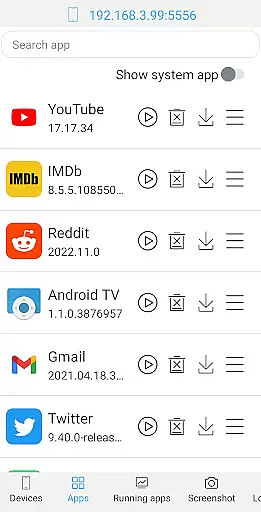
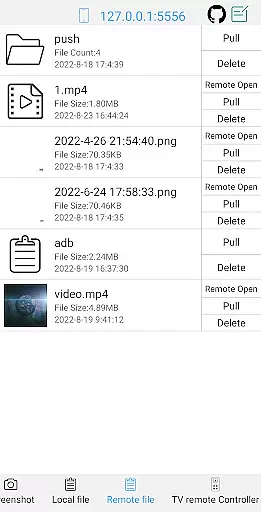
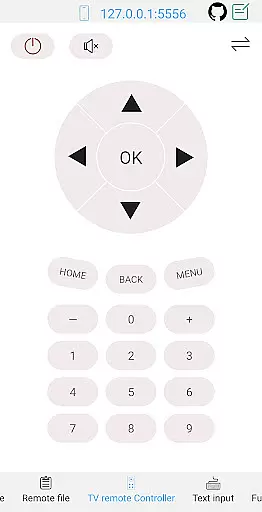
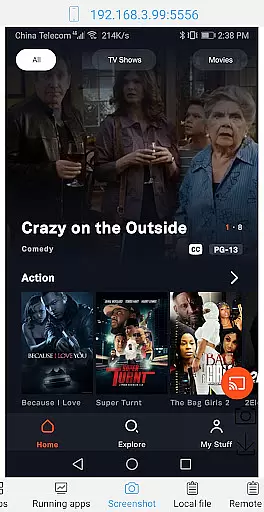
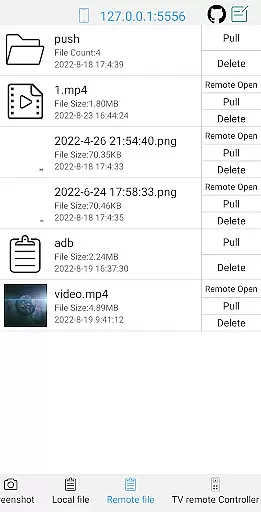
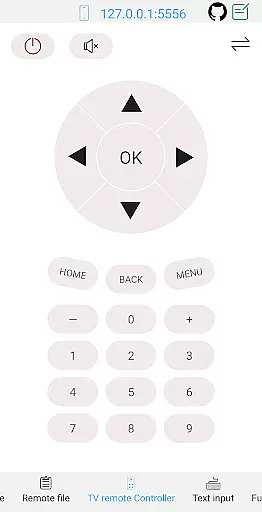
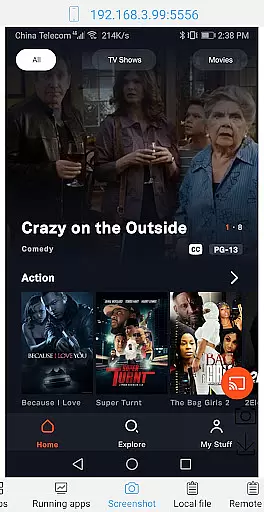
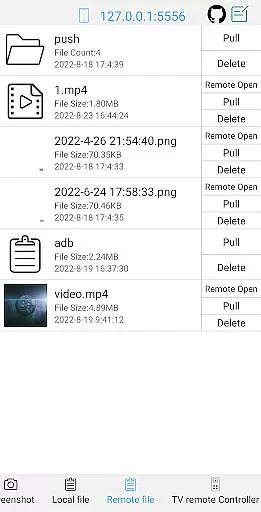
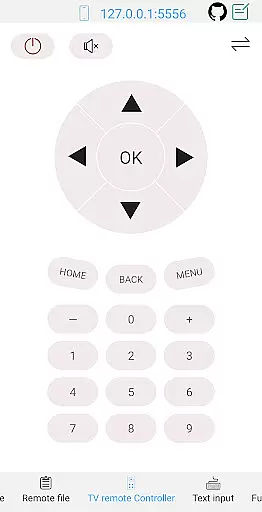
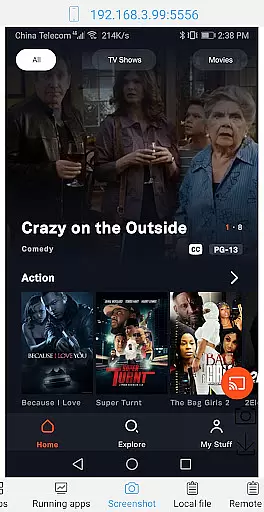
The application supports crucial functions such as launching, uninstalling, downloading, and managing applications. It also offers advanced features like taking screenshots, pushing and pulling files, installing APKs, and even controlling TV remote functions. Additionally, the shell functionality supports multiple Android versions and provides wireless ADB support, making it versatile for different development environments.
ADB Shell is particularly useful in scenarios where developers need to debug applications or perform system-level tasks on Android devices. Its ability to run commands in the background and support multi-window operations enhances productivity, offering significant value to users who require precise control over their Android systems.
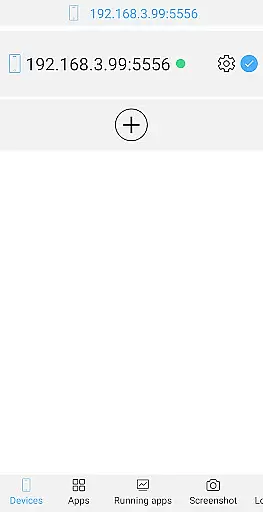
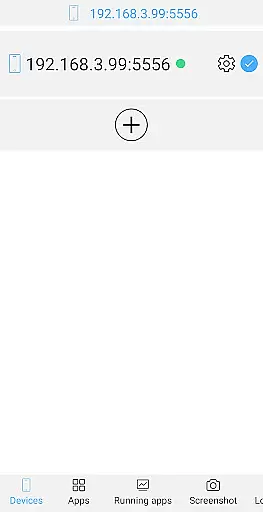
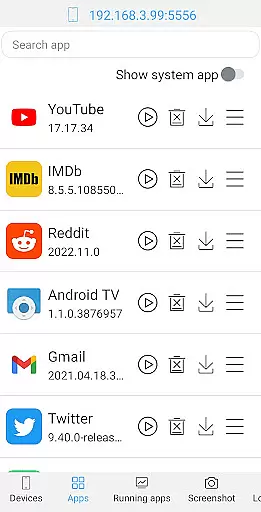
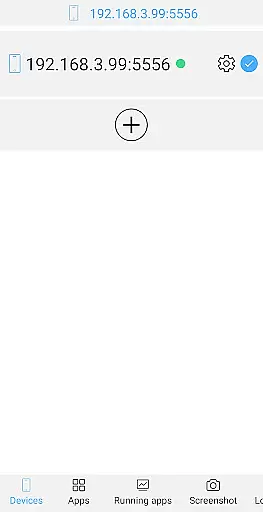
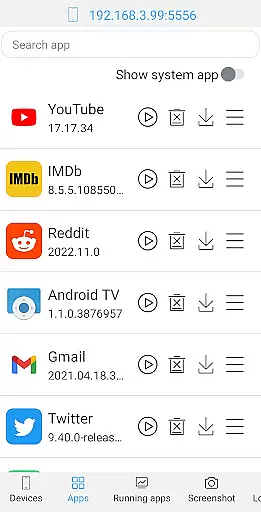
ADB Shell stands out with its rich feature set tailored for both toolbox operations and shell commands. The toolbox component allows users to manage applications effectively - from launching and uninstalling to clearing data and disabling/enabling apps. It also provides essential device management features including viewing running applications and system information.
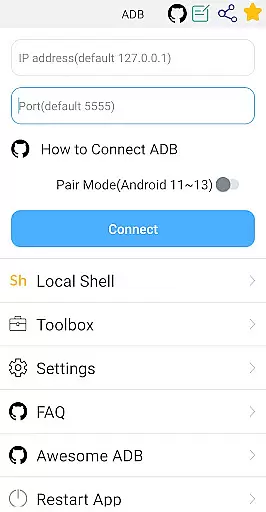
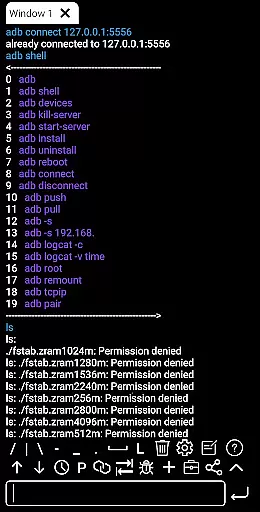
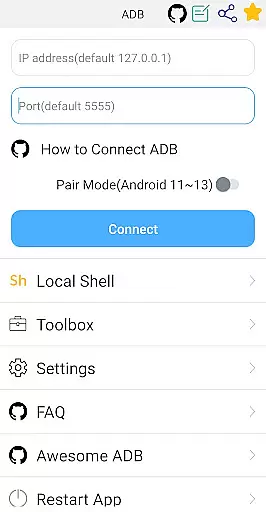
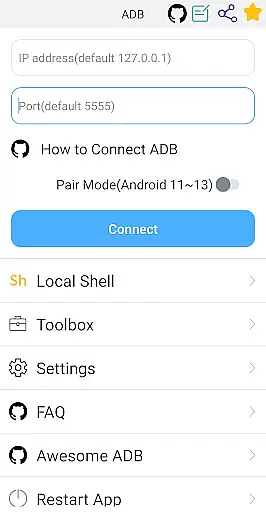
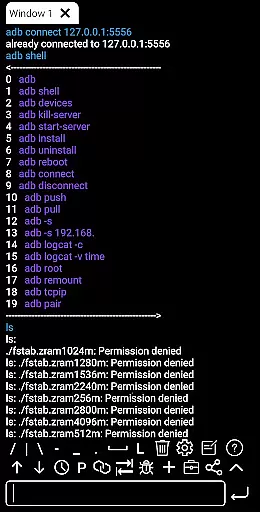
The shell features are equally impressive, supporting Android versions from 4.X to 13. It includes modern functionalities such as wireless pair mode for newer Android versions, WiFi wireless ADB, and local shell ADB. The application enhances usability with associative input, autosave output, and command sharing capabilities. Users can benefit from practical features like command history, fast copy command, and prefab commands.
These features collectively enable developers and power users to streamline their workflow. The ability to open remote media files directly and monitor system performance adds another layer of convenience. Such comprehensive tools make ADB Shell an indispensable utility for Android system management and application development.
ADB Shell stands out for its comprehensive and accurate implementation of core functions essential for Android device management. This powerful toolbox offers a wide array of features ranging from application control to system monitoring, ensuring that each tool performs its intended function with precision.
The app supports critical operations such as launching, uninstalling, downloading, and managing applications, alongside advanced capabilities like taking screenshots, pushing and pulling files, and even controlling TV remotes. These functions are executed with high reliability, making it an indispensable tool for both casual users and professionals.
For users, this means having the ability to efficiently manage their devices, troubleshoot issues, and customize their Android experience without the need for complex setups or additional tools. The accuracy and effectiveness of these functions significantly enhance productivity and convenience.
Moreover, ADB Shell's dedication to maintaining functional accuracy across different Android versions, from Android 4.X to Android 13, underscores its commitment to compatibility and performance. This ensures that users can rely on the app regardless of their device's operating system version.
A key aspect of ADB Shell is its focus on providing a simple and intuitive interface despite the complexity of the tasks it handles. The design philosophy centers around making advanced Android device management accessible to users of all skill levels.
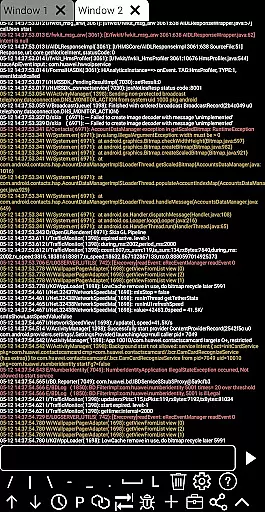
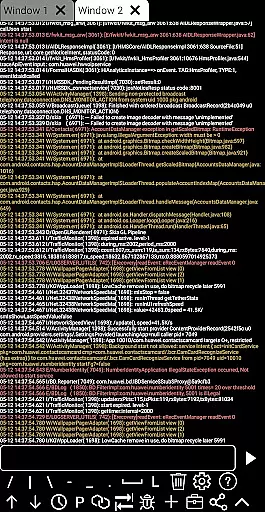
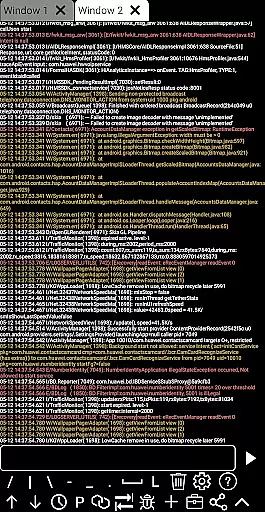
The app consolidates a vast array of functionalities into a coherent and organized interface. Users can easily navigate through various tools and features thanks to clear categorization and straightforward controls. Whether performing basic tasks like viewing running applications or engaging in more advanced operations such as using logcat, the process remains user-friendly.
This simplicity translates into tangible benefits for users, reducing the learning curve associated with mastering Android debugging and device management. By minimizing the cognitive load required to use the app, ADB Shell empowers users to focus on achieving their goals rather than struggling with the interface.
Furthermore, features like associative input, command history, and fast copy commands enhance the overall user experience by streamlining common workflows. These thoughtful additions contribute to an environment where efficiency and ease of use go hand in hand.
User-friendly interface
Comprehensive feature set
Wide Android version support
Efficient workflow tools
Wireless ADB functionality
Complex for beginners
Requires technical knowledge
Limited aesthetic customization
Advanced features may be overwhelming
Occasional connection issues

Use your phone as a webcam on your computer over WiFi or USB.
 4.40
4.40
Save any video in HD - paste the link, download fast and watch offline.
4.0
Safely recover deleted photos, videos, and files with a single easy tap.
3.70
Enjoy smooth gameplay with Game Booster
4.90
Forza Tuning Calculator App for Forza Horizon 5, Motorsport and Earlier Titles
4.40
Unleash gamepad precision for ultimate mobile gaming dominance.
3.90
Planner and Tracker for Stardew Valley
4.60
Fast Video Downloader, Movie Downloader, Torrent Downloader & Adblock Browser
4.70
Your personal health butler
3.60
Best leveling tool for your Android device. Hang paintings like a pro.
4.90
Unit and currency converter with easy and simple UI.
4.80
Monitor car performance in real time and troubleshoot malfunctions.
4.80
Small and simple app to Verify Root Access and BusyBox Install!
4.70
The one-and-only remote control for PC, Mac, and Linux
4.70
HD Video player and downloader for all formats, fast & smooth 4K video playback.
4.60
eXtended Permission Manager - a small app to manage permissions and AppOps
4.50
Remote for Roku, Fire TV, Samsung TV, LG TV, Android TV, Chromecast and VIZIO TV
4.20
Automate everything from settings to photos, SMS to speech. ADC2 prize winner.
4.10
Create your own live wallpaper or check out thousands already made presets
3.90


User Reviews