
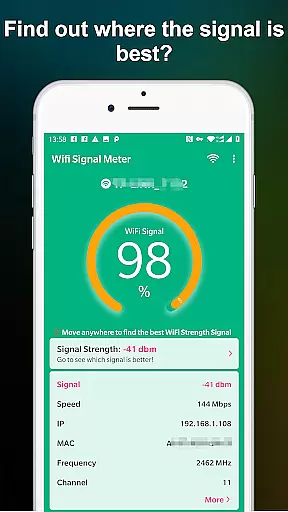
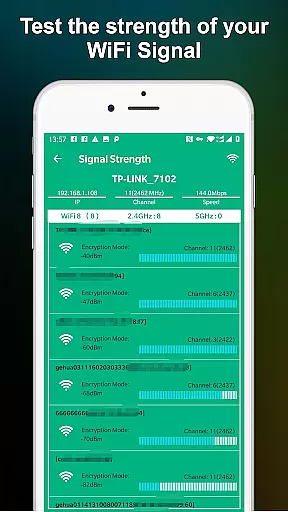
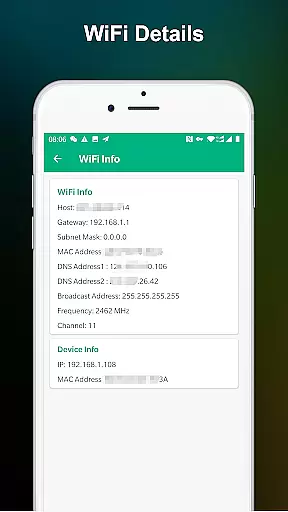
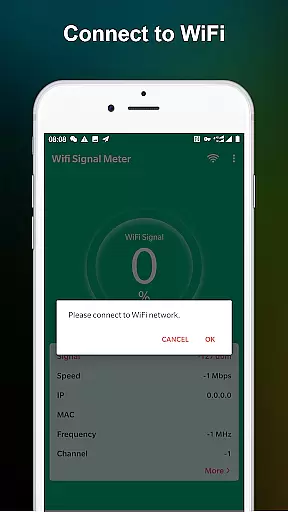
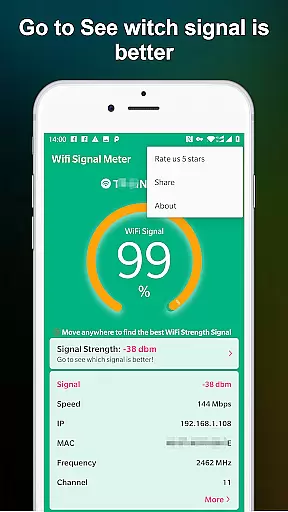
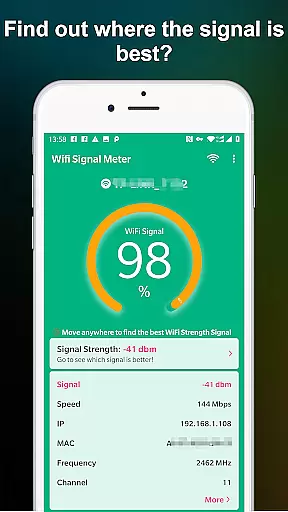
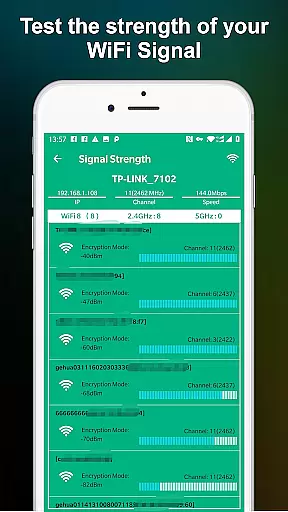
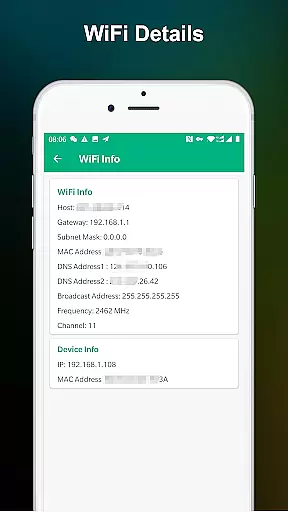
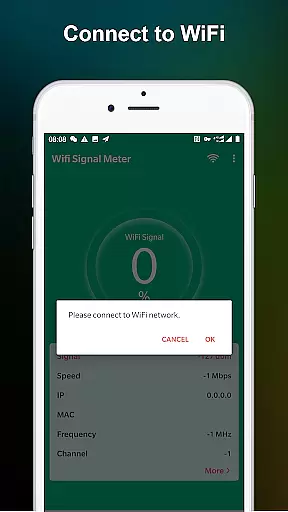
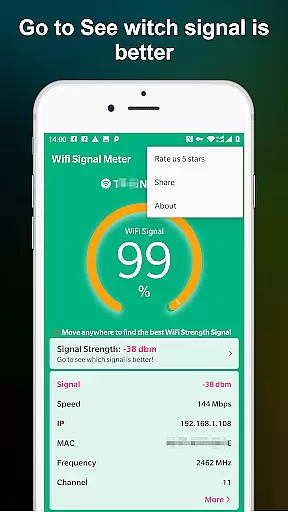
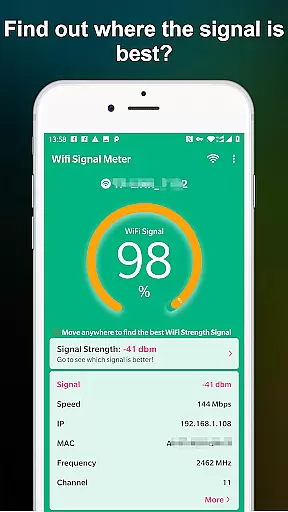
WiFi Signal Strength Meter Pro is a professional tool designed to help users optimize their WiFi network performance. The app's core function is to identify the strongest WiFi signal areas, or 'sweet spots', in real-time.
This application provides continuous monitoring of WiFi signal strength, allowing users to walk through different areas while observing signal variations. It serves as an essential utility for both home and office environments where stable internet connection is crucial.
The app's value lies in its ability to prevent connectivity issues by maintaining signal strength above recommended levels, ensuring optimal performance for streaming, gaming, and remote work activities.
WiFi Signal Strength Meter Pro stands out with its comprehensive set of features tailored for network optimization. The real-time signal strength monitoring system updates continuously, providing immediate feedback as you move through different locations.
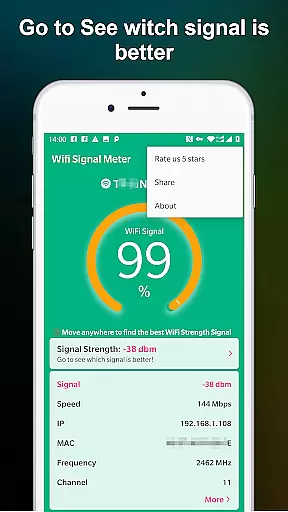
A key feature is the visual representation of signal strength through intuitive graphs and percentage indicators. This allows users to easily understand their current WiFi quality and make necessary adjustments to their network setup or physical location.
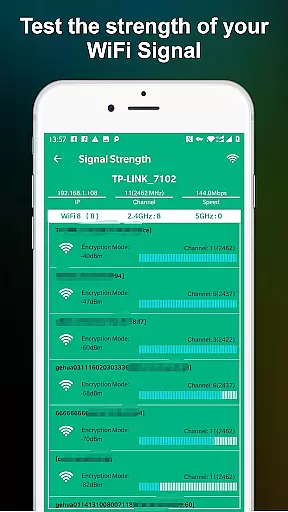
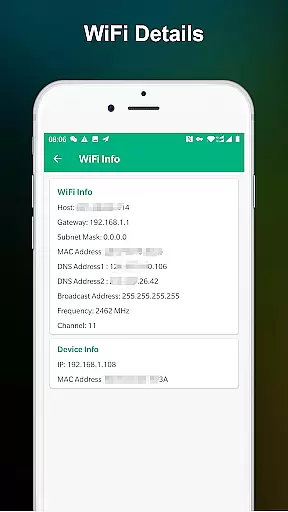
The application also includes detailed information about connected networks, including frequency bands and channel numbers, helping advanced users optimize their network configuration for best performance.
WiFi Signal Strength Meter Pro is designed to provide accurate and real-time monitoring of your WiFi signal strength. This core functionality ensures that users can precisely track their network's performance, helping them identify areas with poor connectivity.
The app achieves this through continuous signal scanning and analysis, presenting the data in an easily understandable format. By offering live updates as you move around your environment, it allows users to find optimal locations for their devices, ensuring stable connections and minimizing disconnection issues.
This level of accuracy benefits users by enabling them to troubleshoot network problems effectively. Whether at home or work, having reliable information about WiFi coverage helps optimize device placement and improves overall internet experience.
A key feature of WiFi Signal Strength Meter Pro is its simple and intuitive interface, which makes it accessible even to non-technical users. The design focuses on clarity and ease of use, presenting essential information without overwhelming the user.
Upon opening the app, users are greeted with a straightforward display showing current WiFi signal strength. Navigation is minimalistic yet effective, allowing quick access to additional features like historical data and signal trends over time.
This intuitive approach enhances user engagement by reducing learning time and increasing productivity. With clear visual indicators and responsive controls, the app ensures that anyone can efficiently manage their WiFi network settings regardless of technical expertise.
Real-time signal tracking
User-friendly interface
Continuous updates
Detailed network info
Reliable performance
Premium version cost
Advanced features locked
Occasional lags
Limited customization
No automatic reporting

pdf merge, word to pdf, jpg to pdf, edit pdf, convert to pdf and much more!
 4.20
4.20
A powerful, easy-to-use flight computer on your phone or tablet!
3.80
Transfer Files, APK from Phone to Watch & Install.
4.3
Remote for Roku, Fire TV, Samsung TV, LG TV, Android TV, Chromecast and VIZIO TV
4.20
Quickly & easily calculate the spacing of handrail balusters
4.20
Best leveling tool for your Android device. Hang paintings like a pro.
4.90
The one-and-only remote control for PC, Mac, and Linux
4.70
Support Fossify apps with a warm thank you!
5.00
Game Booster, GFX Tool is now compatible with newer game update
4.50
The ultimate tool for network analysis, wifi scanning and problem detection.
4.90
Excellent scientific calculator with symbolic algebra, integrals, derivatives
4.80
NFC Tools can read and write NFC tags.
4.70 4.50
4.50 4.50
4.50
Button mapper, mouse toggle, sleep timer and a lot of another features
4.50
Mirror your screen to Fire TV - Super fast and simple
4.40
Making emulation easy for everyone!
4.30
VESC Tool can monitor and configure VESC-compatible devices over BLE and Wifi
4.20
Signal Strength, Mobile, Wifi, Speed Test, Bad Signals, Cellular, 5G, LTE, 4G
4.20


User Reviews