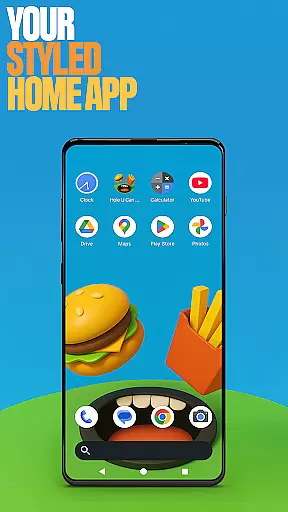
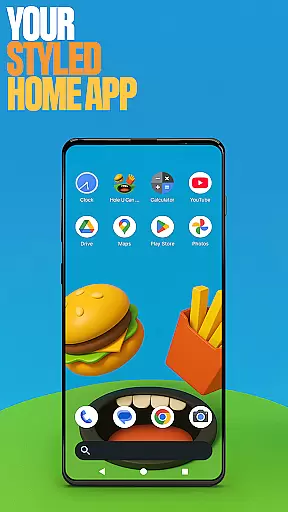
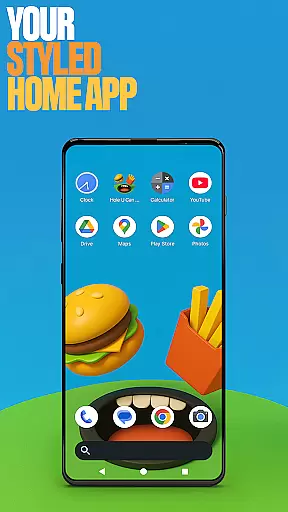
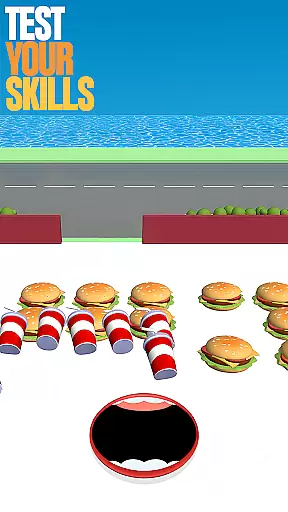
Hole U Can Eat Home App is a highly customizable launcher that transforms your device's interface with flexible layouts, unique game-style wallpapers, and personalized icon shapes. Designed for users seeking both style and functionality, this app allows you to tailor every aspect of your home screen experience.
With features like custom gestures, accent color options, and the ability to hide apps, it offers complete control over your device’s appearance and usability. Whether you’re looking to streamline your daily workflow or simply want a more playful interface, Hole U Can Eat Home App provides endless possibilities for personalization.
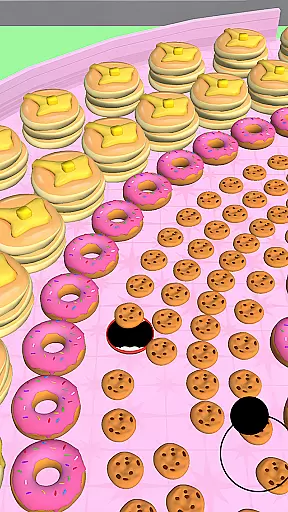
This app is perfect for gamers and creative professionals alike who value a dynamic and engaging user experience. By combining practical tools with fun design elements inspired by the popular game Hole U Can Eat, it ensures your device remains exciting and functional every day.
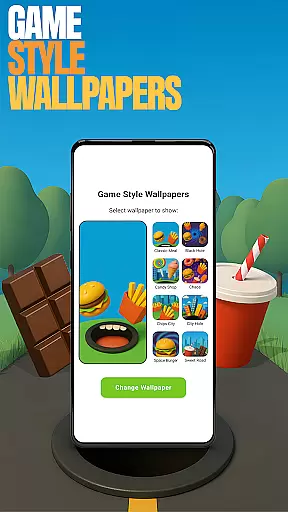
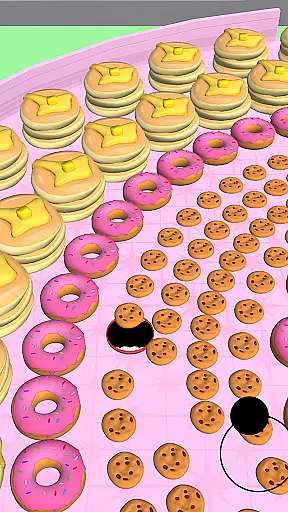
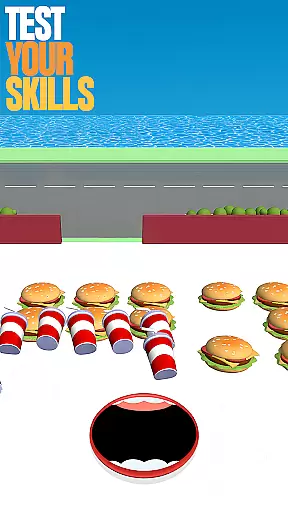
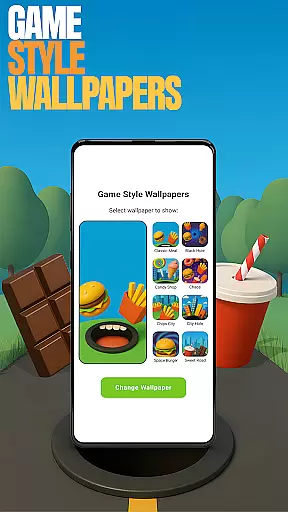
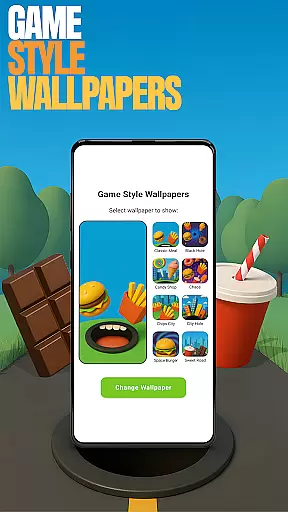
Hole U Can Eat Home App stands out with its extensive customization options. The app includes game-style wallpapers that bring a playful touch to your home screen, easily accessible by long-pressing on an empty area. These wallpapers are inspired by the fast-paced, chaotic fun of the Hole U Can Eat game, adding a unique flair to your device.
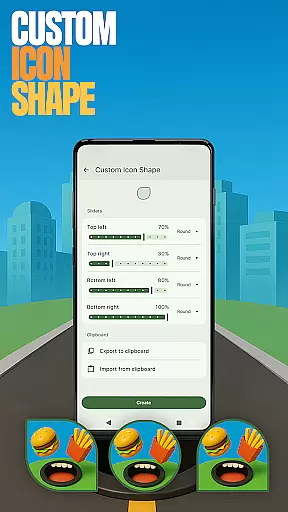
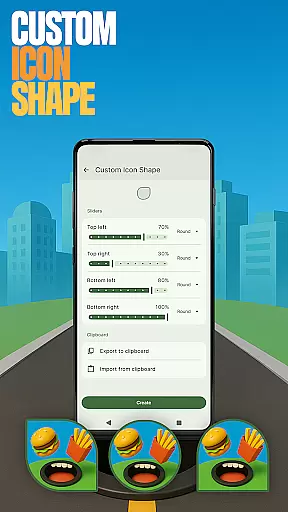
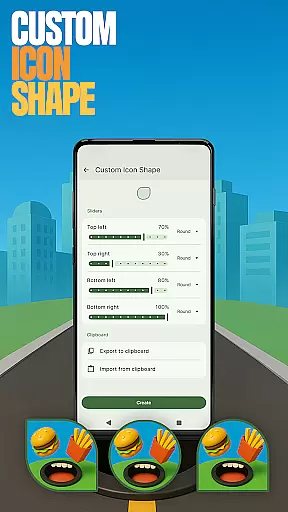
Custom icon shapes allow you to personalize your app icons, giving your home screen a distinct look. You can also set up custom gestures, such as swiping or tapping, to quickly access apps or settings. This feature enhances navigation efficiency, making daily tasks smoother and faster.
For privacy-conscious users, the app offers a 'Hide Apps' feature, allowing you to keep certain apps invisible while maintaining full control. Additionally, the accent color customization lets you choose from presets or create your own color scheme, ensuring your device matches your personal style. These robust features make Hole U Can Eat Home App a versatile tool for anyone looking to enhance their mobile experience.
Customization is at the heart of Hole U Can Eat Home App, offering users a wide array of options to personalize their device's appearance and functionality. With features like Game Style Wallpapers, Custom Icon Shapes, and Accent Color settings, users can create a unique interface that reflects their personal style.
The app allows for detailed adjustments, including custom gestures which let users define specific actions such as swiping or tapping to open apps or settings. This level of customization ensures that the user experience is not only visually appealing but also intuitive and tailored to individual preferences.
By providing these diverse customization options, Hole U Can Eat Home App empowers users to take control of their digital environment. Whether it's through aesthetic changes or functional tweaks, the app enhances user engagement by allowing a high degree of personal expression and convenience.
Hole U Can Eat Home App excels in theme compatibility, ensuring that all customizations, from wallpapers to icon shapes, integrate seamlessly with the deviceu2019s existing system. This compatibility allows for a cohesive look and feel across the user's home screen without disrupting the native design language of their device.
Users can switch between different themes and styles with ease, knowing that each choice will maintain visual consistency and operational harmony. The app supports various aesthetic modifications while preserving the integrity of the deviceu2019s original interface, thus offering peace of mind alongside aesthetic flexibility.
This commitment to compatibility means users can revert to their previous launcher anytime, with the assurance that their original settings remain intact. By prioritizing theme compatibility, Hole U Can Eat Home App delivers a reliable and versatile customization experience that respects both form and function.
Highly customizable
Unique game-style wallpapers
Efficient gesture controls
Privacy-focused app hiding
Vibrant accent color options
May overwhelm new users
Limited default layout options
Requires manual setup
Occasional performance lags
No cloud backup for settings

Classic analogue watch face. For wear os devices.
 4.60
4.60
A light in the dark, a unique style and an andless cutomization!
4.30
Glass style colourful icons with a One UI look and feel
4.60
Wear Os Watch Face - Seasonal - Animated Snow Effect - 9 Animals
4.20
⭐ OneUI inspired Fluffy Icon Pack – Soft. Stylish. Standout. ⭐
4.0
Yandex Browser — stylish and secure, with voice search and data compression
4.40
Crystal-clear, square icon provides a sleek and sophisticated visual upgrade
4.00
300+ Stunning and well-designed widgets inspired by NOTHING.
4.70
set a new experience for the Android mobile phone
4.20
Winter's Journey: digital watch face for Galaxy Watch & Wear OS
4.80
Wallpaper HD 4K Live - Thousands of high-quality Anime backgrounds for you.
4.80
Aesthetic Widgets, HD Wallpapers, Themes in Mico Widget for Home and Lock Screen
4.50
Fingerprint Lock Screen & Live Animations with 4K Wallpapers as Live Wallpaper
4.40
AI-powered Copilot. Personalized keyboard with gifs, stickers & themes
4.40
Art & Emoji Keyboard with Cool Fonts, Cute Themes and Custom Designs.
4.40
Romantic Kiss Stickers App. Start romantic messaging now!
4.30
Your home screen, just the way you like it.
4.30
Transform your phone with stunning video wallpapers and a unique, personal touch
3.80
Turn your lock screen into fun with smile live wallpapers & animated wallpapers!
2.50


User Reviews