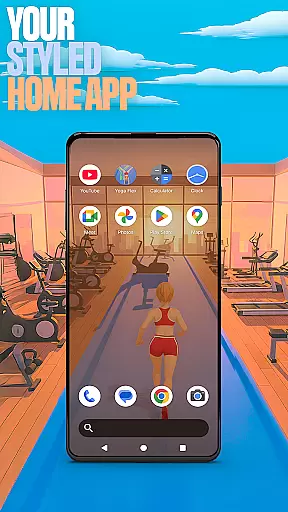

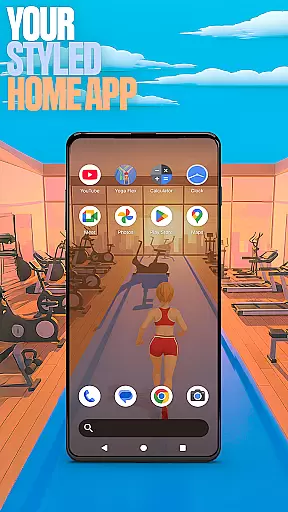

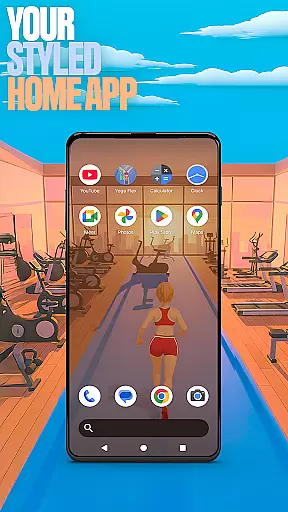

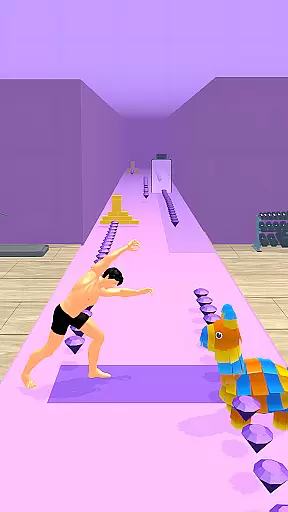
Yoga Flex Home App is a dynamic personalization tool that transforms your device's home screen into a personalized hub. This launcher allows users to customize layouts, choose from game-inspired wallpapers, and implement intuitive gestures for seamless navigation. With its fresh style and engaging features, it keeps the user experience exciting and unique.
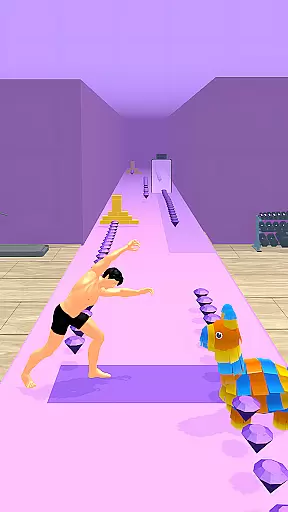
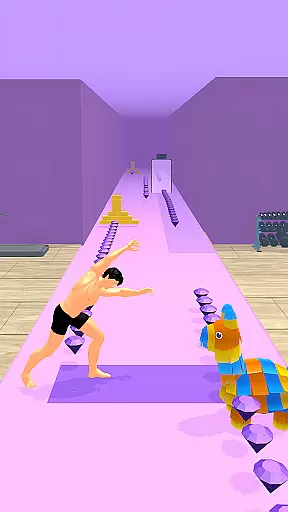
The app also integrates gamification elements through Yoga Flex Game, where users can navigate tricky obstacles by performing yoga poses. Collect rewards, unlock gear, and discover hidden levels while mastering extreme flexibility. Whether you're customizing your home screen or diving into a gaming adventure, Yoga Flex Home App offers both utility and entertainment in one package.
Perfect for those who value creativity and personal expression on their devices, this app ensures your smartphone reflects your individuality while maintaining practical functionality.
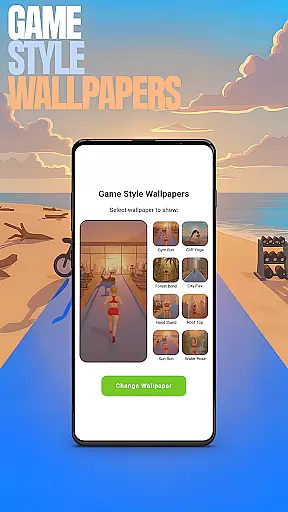
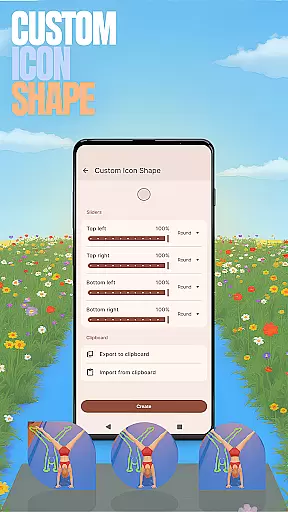
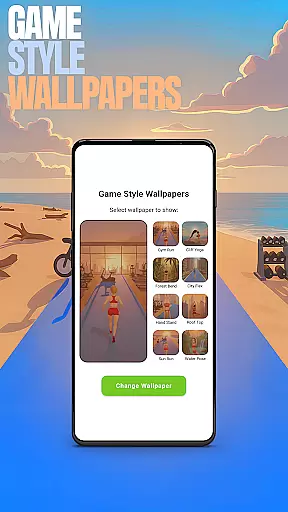
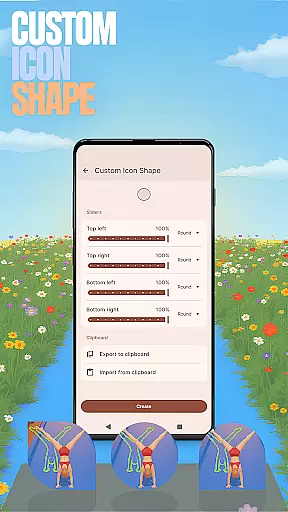
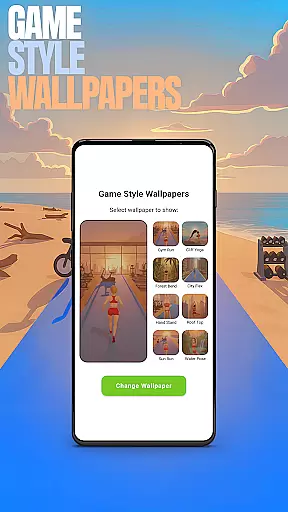
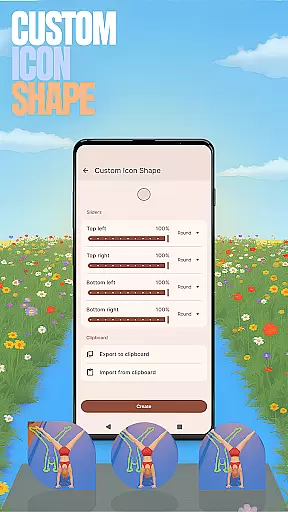
Yoga Flex Home App stands out with its diverse range of customization options. Users can personalize nearly every aspect of their home screen experience. From choosing unique game-style wallpapers inspired by the Yoga Flex game to altering icon shapes, the level of personalization is extensive.
One of the key highlights is the ability to set custom gestures, allowing quick access to apps or settings with simple swipes or taps. Additionally, privacy-conscious users will appreciate the option to hide apps, keeping sensitive applications discreetly tucked away. The accent color feature further enhances personalization by letting users adjust themes to match their preferences.
These features collectively create an engaging, tailored experience that not only enhances aesthetic appeal but also improves usability. By blending functionality with creative freedom, Yoga Flex Home App sets itself apart as a versatile personalization tool.
Customization is at the heart of Yoga Flex Home App, offering users a wide array of options to tailor their device's interface. With features like Game Style Wallpapers and Custom Icon Shapes, personalizing your home screen becomes an engaging experience.
The app allows you to express individuality through unique wallpapers inspired by the Yoga Flex game and fun icon shapes that redefine your device aesthetics. These customization options ensure that your device stands out and reflects your personal style.
Moreover, the ability to customize gestures adds another layer of personal touch. You can set up swipes or taps to open apps or settings quickly, streamlining navigation according to your preferences. This flexibility in interaction design enhances user convenience significantly.
Yoga Flex Home App excels in theme compatibility, ensuring that all customizations are visually cohesive and functionally seamless. Whether it's adjusting accent colors or hiding apps for privacy, every feature integrates smoothly into the overall theme of your device.
By allowing users to choose from preset color schemes or create their own, the app maintains a consistent look and feel across the home screen. This attention to detail in theme management elevates the user experience, making daily interactions more enjoyable.
Furthermore, when switching back to a previous launcher, the integrity of the original layout remains intact. This compatibility ensures that users can experiment with new themes without worrying about losing their preferred setup, providing both freedom and peace of mind.
Highly customizable
Intuitive gesture controls
Unique game integration
Privacy-focused features
Vibrant design options
May overwhelm new users
Limited default themes
Game ads occasionally intrusive
Advanced features require learning
Battery usage slightly higher

Adult video chat, dating, making friends, random matching
 4.20
4.20
Gun Chase - Let the chase begin.
4.80
Try creating your own keyboard with "Keyboard theme for android" app now!
4.50
Wallpaper HD 4K Live - Thousands of high-quality Anime backgrounds for you.
4.80
Customize glowing edges, wallpapers, and caller screen with EdgeAura.
3.50
Your go to Weather App & Home Screen. Get your weather at a swipe of a finger!
3.80
300+ Stunning and well-designed widgets inspired by NOTHING.
4.70
350+ widgets with a premium glass-style finish, perfect for home & lock screens.
4.70
Customize phone with anime themes, 3D icons, aesthetic widgets & wallpapers
4.80
Winter's Journey: digital watch face for Galaxy Watch & Wear OS
4.80
One 8 icons glass color version
4.80
Vertically oriented rectangular icons
4.70
Shimeji adds cute animated characters to your screen, lively and fun.
4.70
Want to make your phone more special than ever?
4.60
Customizable screen pets that play, climb, and keep you company.
4.50
Art & Emoji Keyboard with Cool Fonts, Cute Themes and Custom Designs.
4.40
The definitive Icon pack maker and editor
4.30
HappyLighting is a Bluetooth lamp control software.
3.40
Adorable pets roam and play right on your phone screen!
3.30


User Reviews