
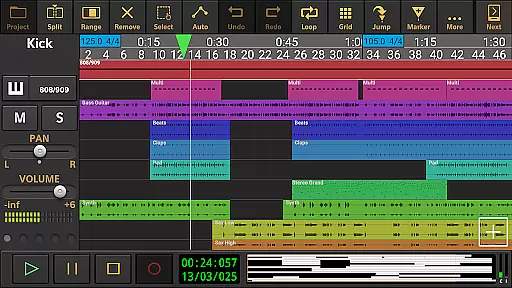
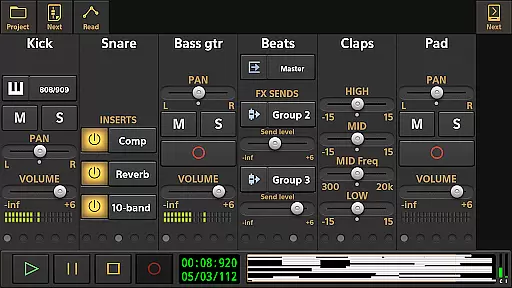
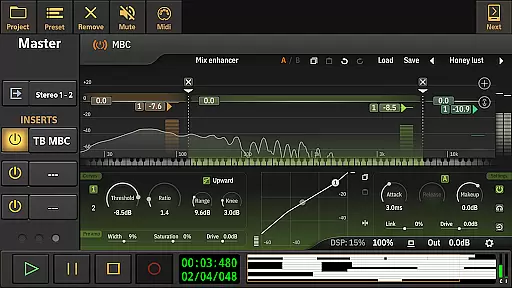
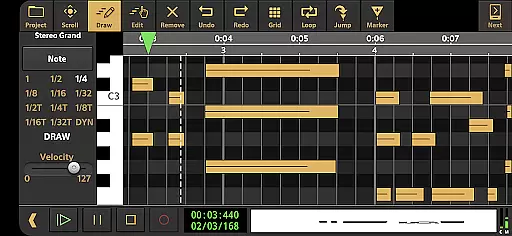
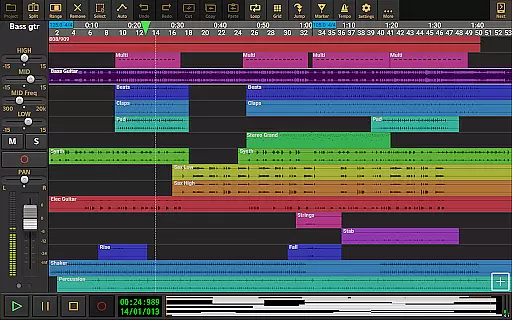
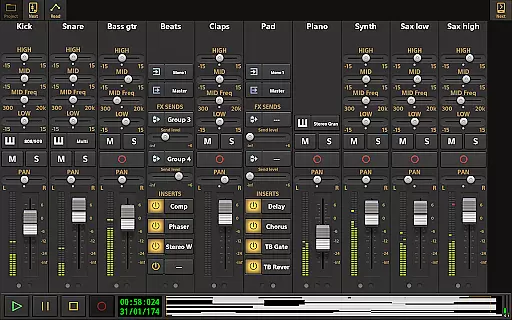
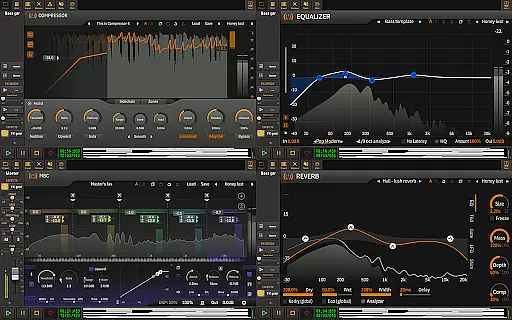
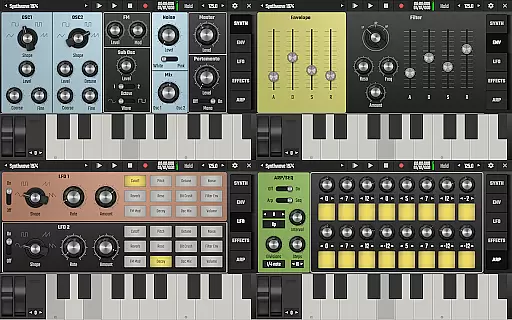
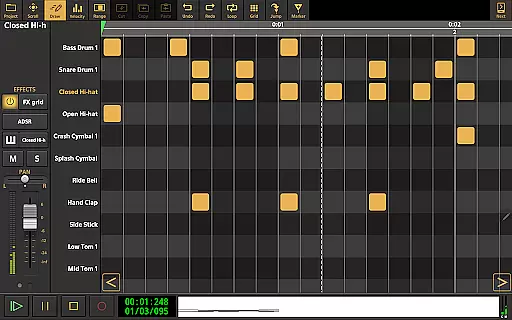
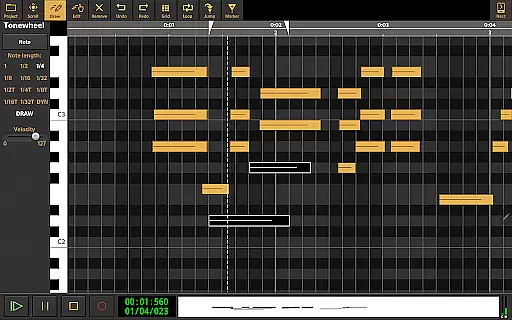
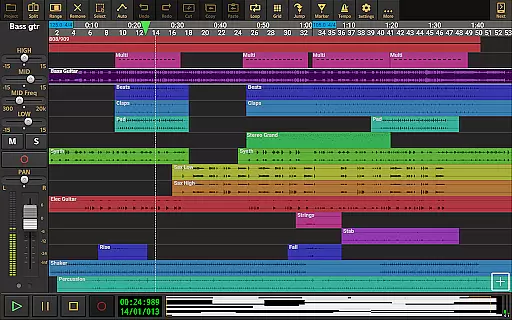
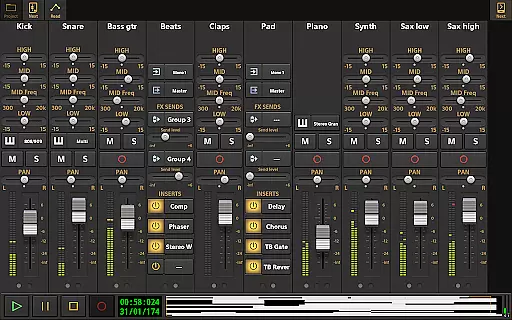
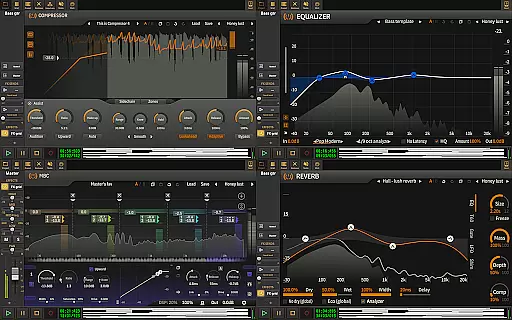
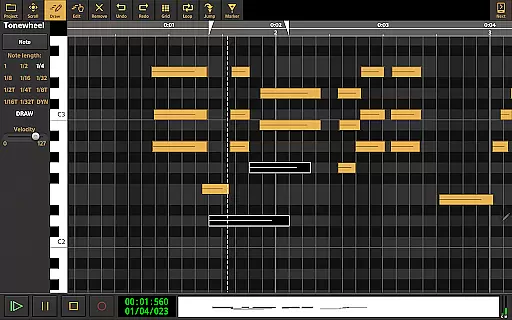
Audio Evolution Mobile Studio is a comprehensive music creation, mixing, and editing app for Android. It offers professional-grade features such as multitrack audio/MIDI recording, virtual instruments, real-time effects, and mixer automation. The app supports low-latency USB audio interfaces and MIDI devices, making it ideal for both casual users and serious musicians.
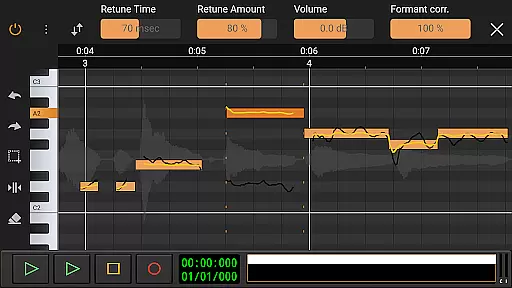
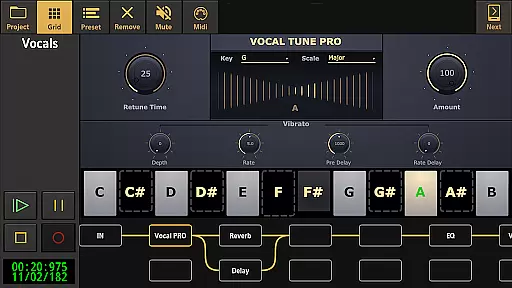
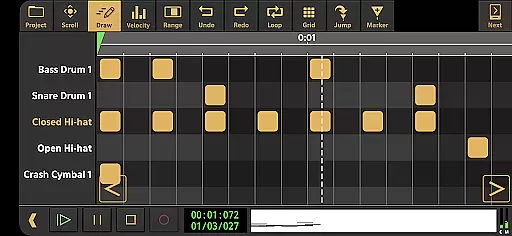
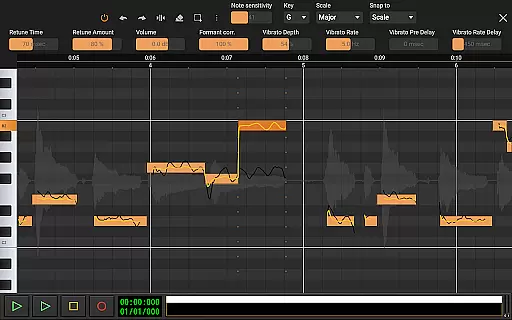
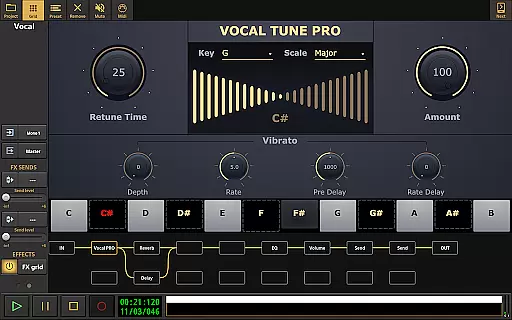
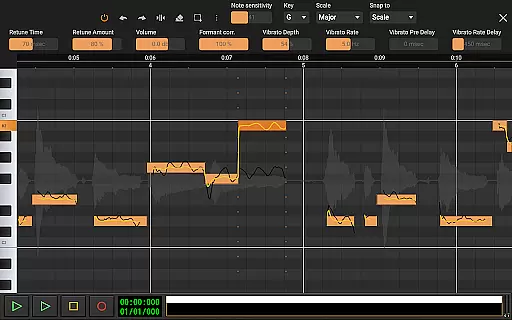
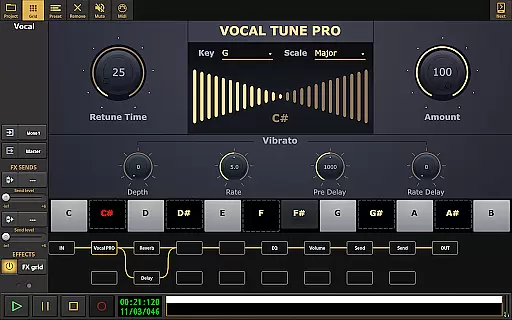
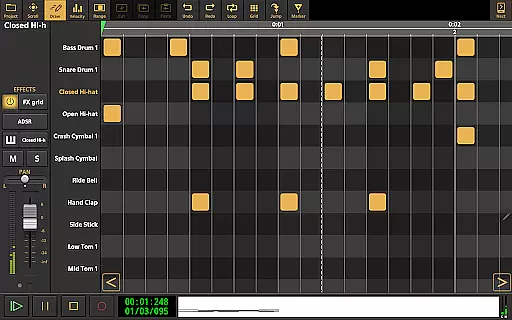
This digital audio workstation (DAW) stands out with its Vocal Tune Studio for pitch correction, drum pattern editor, and unlimited effect routing. Whether you're recording song ideas or producing full compositions, the app provides all essential tools at an affordable price. Its compatibility with iOS projects and cloud sync to Google Drive enhances workflow flexibility.
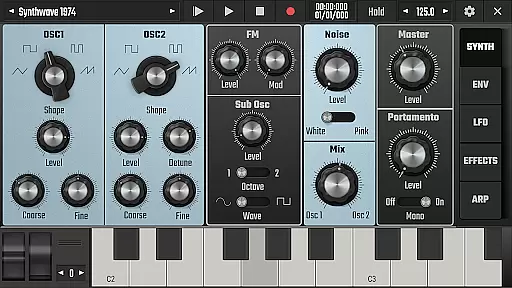
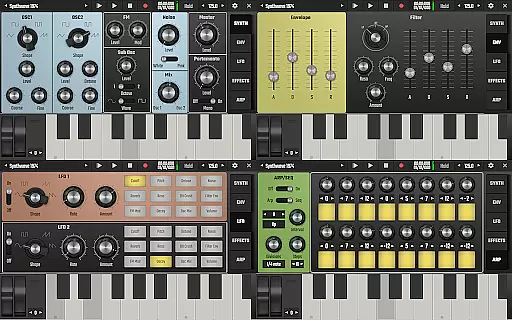
Audio Evolution Mobile Studio delivers a complete set of professional audio tools. The app features Vocal Tune Studio for precise pitch and time editing of vocal recordings, along with Evolution One - a powerful virtual analog synthesizer. Users can create complex drum patterns and utilize flexible effect routing with unlimited parallel paths.
The app supports advanced DAW functions like tempo changes, automation curves, and sidechain compression. With support for various file formats including WAV, MP3, and FLAC, plus mastering capabilities, it enables high-quality production. The optional in-app purchases extend functionality with premium effects from ToneBoosters and enhanced USB audio drivers.
Audio Evolution Mobile Studio offers an extensive music library that caters to a wide range of musical genres and styles. The app includes numerous virtual instruments, audio loops, and drum pattern editing capabilities, ensuring that users have access to a rich variety of sounds for their compositions.
The inclusion of Sample-based Soundfont instruments and the virtual analog synthesizer 'Evolution One' adds depth to the music creation process. These features provide users with high-quality, authentic sounds that can be manipulated to fit their creative vision.
Regarding copyright authenticity, Audio Evolution Mobile Studio ensures that all included content is properly licensed. This means users can create music without worrying about legal issues related to unlicensed samples or instruments, thus safeguarding their work and reputation.
By offering such a comprehensive and legally sound music library, the app empowers creators to produce professional-grade music directly from their mobile devices, rivaling desktop DAWs in functionality and quality.
Audio Evolution Mobile Studio excels in delivering top-notch audio quality options, making it a standout choice for musicians and audio engineers on the go. The app supports recording and playback using a USB audio interface, which allows for low latency and high-quality multi-channel audio at various sample rates and resolutions.
Users can import and export files in multiple formats including WAV, MP3, AIFF, FLAC, and OGG, providing flexibility in handling different audio file types. This versatility ensures that no matter the source material, the app maintains the integrity and clarity of the original recordings.
In addition to supporting high-resolution audio, the app also features mastering capabilities. Users can mix down their projects to WAV, MP3, AIFF, FLAC, or OGG files, complete with sharing options. This enables seamless integration into professional workflows and distribution across various platforms.
With these advanced audio quality options, Audio Evolution Mobile Studio not only meets but exceeds the expectations of serious music producers who demand pristine sound quality in a portable format.
Professional-grade features
Low-latency audio support
Flexible effect routing
Cross-platform compatibility
Affordable pricing model
Steep learning curve
Interface could be outdated
Additional in-app purchases
High device requirements
Limited free features

Make music anywhere. Turn your device into an instrument.
 4.3
4.3
The Music Journey in Your Hands
4.30
A synth that really lets you shape your sounds!
4.50
Full-featured, High-Quality Groovebox Workstation, perfect for Live Performance!
4.80
The only true audiophile music player with Hi-Fi audio rendering and DSP engine
3.90
Make songs with AI! Any genre, custom lyric, song generator for music creation!
4.80
The original SP-1200 experience on your iPad
4.20
Ringtone Maker is free app create ringtone from music files or your recording.
4.40
Sing, record, and create music together — enhanced by smart voice tools.
4.00
Over 100 million tracks available for high quality streaming and download
4.60
Recording studio w/ 10k beats, pro vocal FX and a network of 20M rappers & fans!
4.60
Guzheng Master supports many playing techniques as an acoustic Guzheng
4.50
Powerful 10-Band equalizer pro with sound booster improves Android audio quality
4.30
Time Trainer: accurate metronome w tools to help you develop your internal time!
4.20
Offline and always ad-free - stream in the highest quality available.
4.10
Learn to play the piano using falling notes!
3.80
Control your MIDI USB or Bluetooth devices in app and avoid some trampling
3.30
The Skullcandy App Experience
3.20
Music Streaming suite for Ampache, Nextcloud Music and compatible backends.
4.5


User Reviews