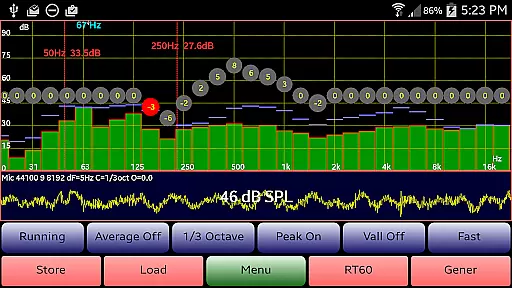
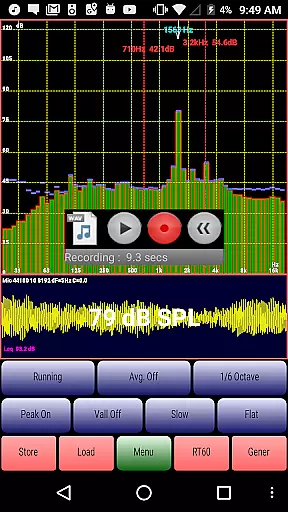
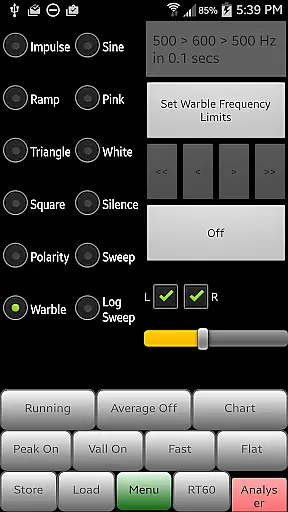
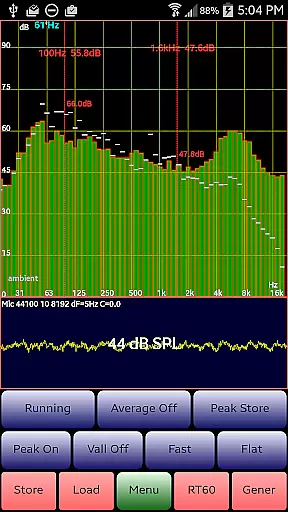
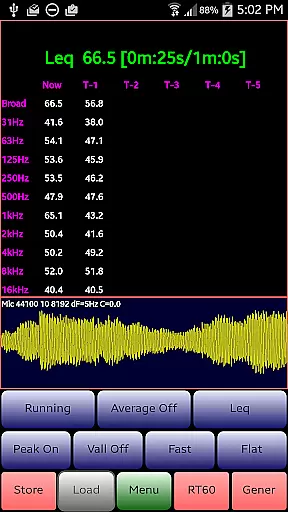
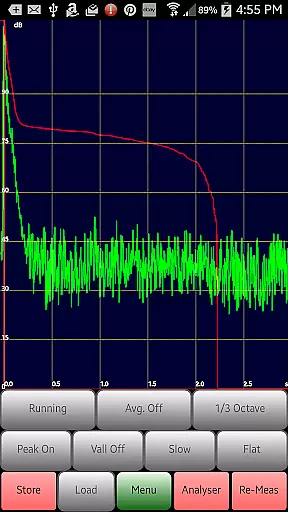
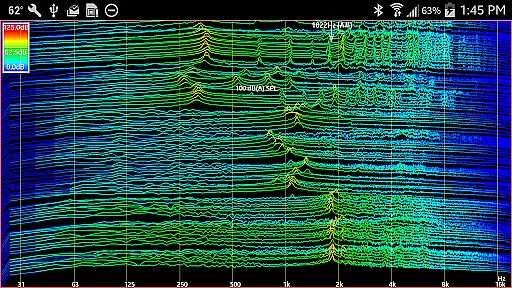
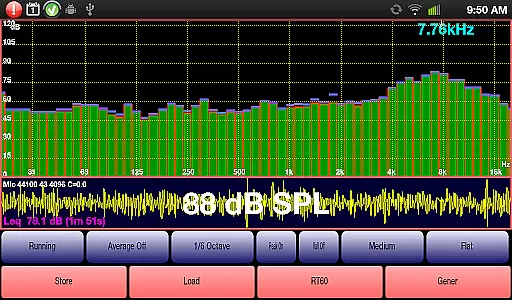
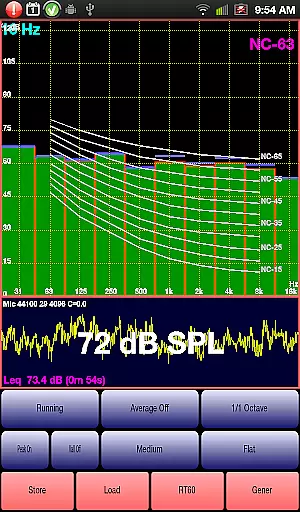
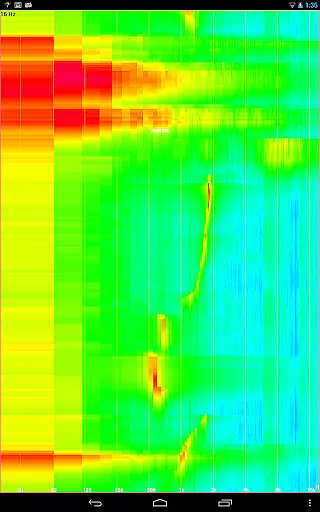
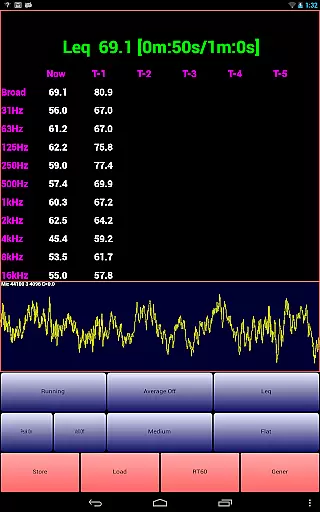
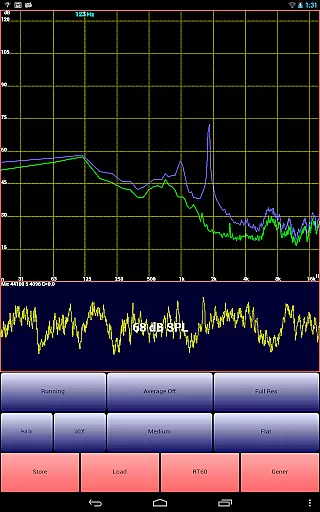
AudioTool is a comprehensive audio measurement and analysis application designed for audio engineers, acousticians, and enthusiasts. The app features an SPL (Sound Pressure Level) meter with RT60, Leq, Sone, Spectrum Analyzer, Spectrogram, Chart Recorder, Signal Generator, Polarity Checker, and Mic calibration capabilities.
This professional-grade tool offers multiple octave RTA modes, various filters, signal generators, and loudspeaker polarity checkers. It is recommended by 'Sound and Vision' magazine and widely used by audio professionals globally. With its advanced functionalities, AudioTool is suitable for gig measurements, home theater setups, acoustics testing, automotive audio tuning, and more.
The app's ISO 1/3 Octave Calibration feature allows users to correct their phone's microphone response, ensuring accurate readings. Its versatility and precision make it an invaluable tool for anyone involved in sound engineering or acoustic design.
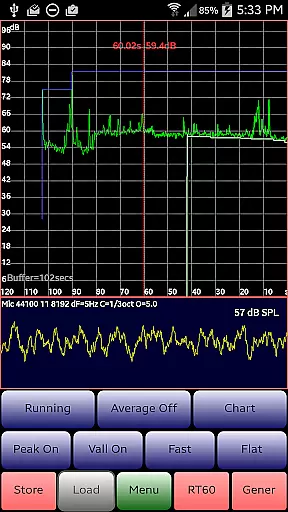
AudioTool stands out with its extensive range of features tailored for audio professionals. The app includes 1/1, 1/3, 1/6, and 1/12 octave RTA modes, Leq measurements, Sones (Loudness), RT60 calculations, Peak Store, Spectrogram, Waterfall, and Impulse responses. It also provides Fast, Medium, and Slow filters, Flat & A/C Weighting, film industry X Curve, Averaging, SPL Chart Recorder, Noise Criteria (NC and NR), and various signal generators.
Recent updates have introduced new functionalities such as the ability to load and display stored spectrum files alongside real-time data, phase swapping for stereo signals, customizable resolution settings, and a 1/12 Octave RTA mode. These features ensure that users can perform detailed and precise audio analyses.
AudioTool's innovative tools like the loudspeaker polarity checker, Noise Criteria function, Chart Recorder, and RT60 measurement provide users with the means to conduct thorough acoustic evaluations. The app's versatility and depth make it an essential tool for any audio professional seeking comprehensive audio analysis capabilities.
AudioTool offers an extensive range of audio functionalities that can be likened to a vast music library. Its features include RTA modes, signal generation, and SPL metering, which collectively form a comprehensive suite for audio engineers and enthusiasts. The application provides numerous sound signals such as White/Pink Noise, Sine, Square, Triangle, and more, akin to a diverse music library that caters to all preferences.
The authenticity of AudioTool's content is evident through its adherence to ISO standards and the option for microphone calibration. This ensures that the audio measurements are not only varied but also precise and reliable. The app supports popular external microphones, adding another layer of legitimacy and professional use.
Users benefit from access to a wide array of audio tools that are both varied and rooted in industry standards. Whether for professional audio measurement or personal acoustics exploration, AudioTool equips users with a reliable and authoritative set of features.
By providing trusted and calibrated audio outputs, AudioTool guarantees that each sound signal generated is authentic and meets the high expectations of audio professionals worldwide.
AudioTool stands out in the realm of audio applications by offering superior audio quality options. It includes multiple sample lengths and octave RTA modes, allowing users to fine-tune their audio analysis to their specific needs. With settings that range from Fast, Medium, and Slow filters to Flat & A/C Weighting, the app delivers a nuanced and detailed auditory experience.
The app's ability to perform real-time FFTs on sets of microphone samples showcases its commitment to high-quality audio processing. By reducing aliasing through Hann windowing and calculating SPL in real time, AudioTool ensures that the audio feedback is both immediate and accurate.
For users, this means an audio tool that can cater to various acoustical engineering tasks, from home theater calibration to live gig measurements. The precision offered by AudioTool's audio quality options translates into reliable data that can be used across different platforms and purposes.
With innovations like the Signal Generator, which produces truly random White and Pink noise, and the frequency accuracy of around 1%, AudioTool solidifies its reputation as a go-to solution for those who demand the highest audio fidelity in their work or projects.
Comprehensive audio tools
Real-time spectrum analysis
Wide range of RTA modes
Professional calibration options
Extensive signal generation
Complex for beginners
Requires quality microphone
Advanced features need learning
Interface can be cluttered
Some features are hardware-dependent

Time Guru will strengthen your internal sense of musical time via random muting.
 4.30
4.30
Formerly known as Spotistats! View your top tracks, artists, albums and more!
4.40
Tune in to the greatest hits on UK Radio | The home of Capital, Smooth & Heart.
4.90
Performance-Synthesizer & Multi-Track-Sequencer, polyphonic + multi timbral!
4.70
Time Trainer: accurate metronome w tools to help you develop your internal time!
4.20
Listen to live FM radio stations, sports, music and news on global radios online
4.70
USB audio recording and playback finally possible on Android 3.1 or higher!
3.90
Simple mp3 and mp4 player with advanced features.
3.40
Sheet music reader, piano & music note player. Play music score & learn to read.
3.90
Voice recorder - Audio recorder. Best recorder for recording
4.90
Music, News & Sports Radio Tuner App. Tune in Live FM & AM Radio Stations.
4.80
Taal player that lets you sing any Indian & Western song with Tabla & Tanpura
4.60
Bass Booster & Volume Equalizer Pro improves your music and video sound quality
4.60
Save hundreds of dollars for a physical strobe tuner and instead use this app.
4.50
The alternative folder based music player.
4.20
The original SP-1200 experience on your iPad
4.20
The official Sonos app
4.10
Turn your phone into a musical instrument from the future!
3.90
Make music anywhere. Turn your device into an instrument.
4.5


User Reviews