

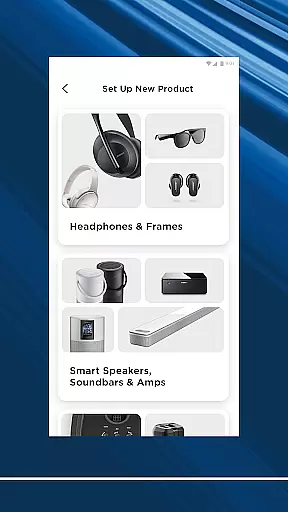
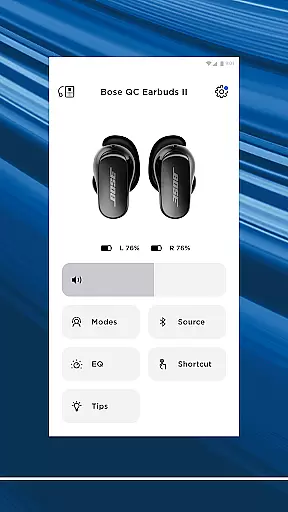
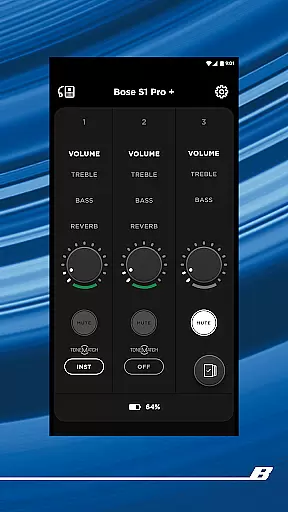

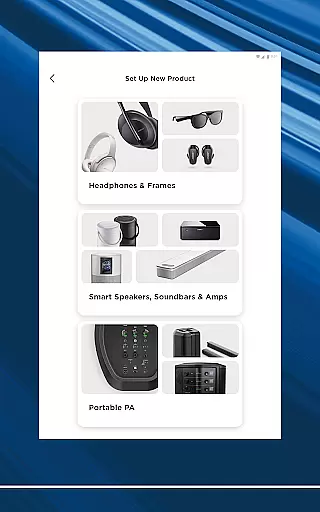

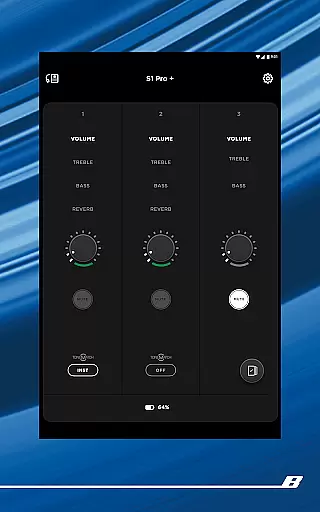

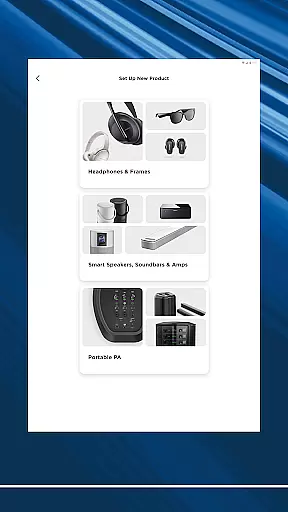
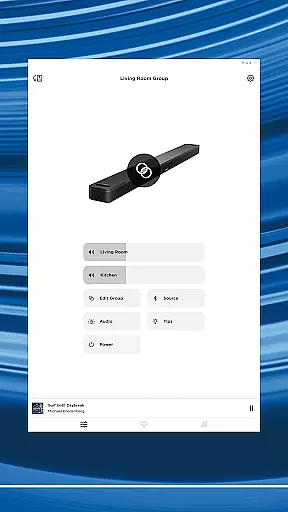
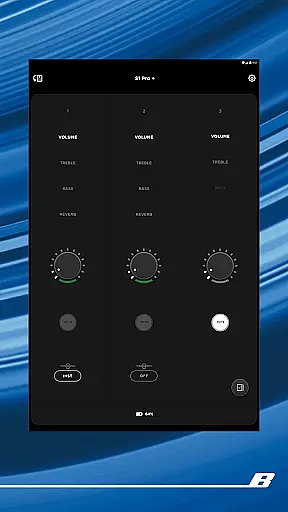
The Bose app is a comprehensive audio control center that allows users to manage all their Bose devices from a single platform. Compatible with speakers, soundbars, headphones, and more, the app creates a seamless ecosystem for an enhanced listening experience. Whether you're at home or on the go, the Bose app ensures your audio environment is fully personalized.
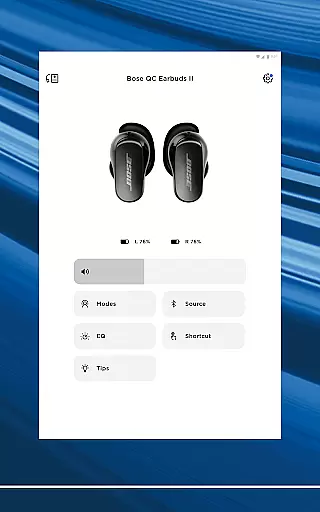
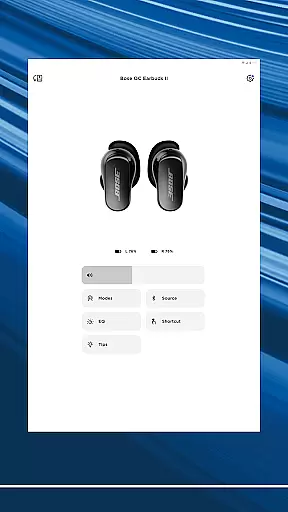
One of the standout features is its ability to customize noise cancellation settings for QuietComfort products. Users can toggle between Quiet Mode for full noise cancellation or Aware Mode to stay connected to their surroundings. The app also provides easy access to immersive audio experiences and EQ adjustments, making it simple to tailor sound profiles to individual preferences.
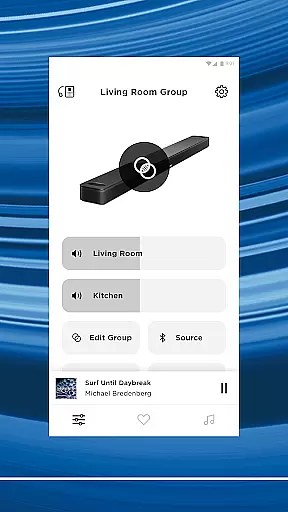
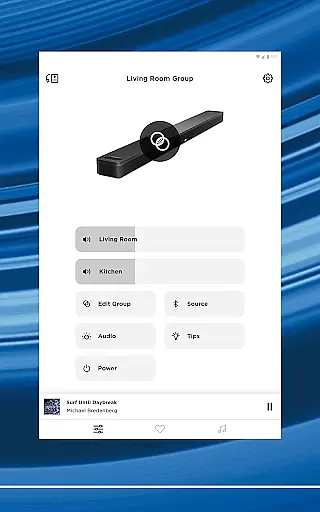
Beyond device management, the Bose app offers intuitive setup processes and multi-room audio options. You can stream different content in various rooms or synchronize music throughout your home. With one-touch presets and quick access to major streaming services, the app delivers both convenience and versatility for all your audio needs.
The Bose app stands out with its extensive feature set designed to maximize user control over Bose products. A key highlight is the advanced noise cancellation customization available for QuietComfort devices. Users can fine-tune their listening environment by selecting Quiet Mode for complete silence or Aware Mode to hear surroundings while enjoying music.
Another notable feature is the app's support for Immersive Audio technology found in the Ultra line of products. This allows users to experience richer, more dynamic soundscapes. Additionally, the app provides detailed EQ settings, enabling precise audio adjustments. Product shortcuts can be customized directly through the app interface, offering quick access to frequently used functions.
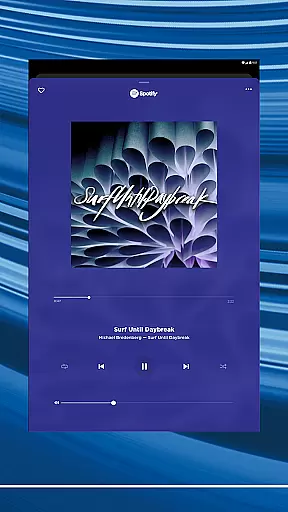
The Bose app also excels in whole-home audio management. It supports multi-room setups where different music can be played simultaneously in separate areas. Integration with popular streaming services like Spotify, Pandora, and Amazon Music ensures all your favorite content is easily accessible in one place. These features collectively create a versatile and user-friendly audio management solution.
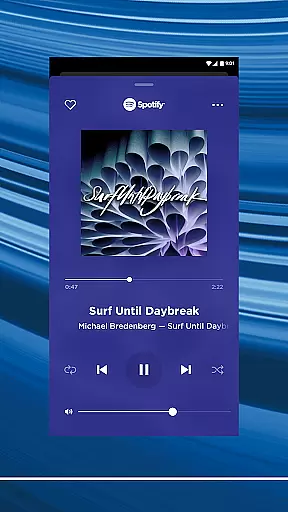
The Bose app offers seamless integration with major music streaming services like Spotify, Pandora, Amazon Music, and more, providing users access to an extensive music library. This vast selection ensures that listeners can find and enjoy their favorite tracks and discover new music without limitations.
Each music service integrated into the Bose app is fully licensed, guaranteeing copyright authenticity. Users can trust that the music they stream is legitimate and supports the artists and rights holders properly. This commitment to copyright compliance enhances the credibility of the app and provides peace of mind for users who want to enjoy their music responsibly.
Moreover, the Bose app's compatibility with various music platforms allows users to manage their subscriptions and preferences in one place. Whether you're a fan of personalized playlists on Spotify or curated stations on Pandora, the Bose app consolidates these options, making it easy to browse and play music from different sources without switching between multiple apps.
One of the standout features of the Bose app is its ability to deliver exceptional audio quality across a range of devices, including speakers, headphones, and earbuds. Bose products are renowned for their superior sound engineering, and the app enhances this experience by offering customizable EQ settings that allow users to fine-tune audio output according to their preferences.
In addition to customizable EQ settings, the Bose app supports high-quality audio formats that ensure listeners experience music as the artist intended. Whether you're using noise-canceling headphones in a bustling city or enjoying immersive audio at home, the app optimizes sound quality to match the environment and the content being played.
Furthermore, the Bose app provides users with firmware updates that continually improve audio performance and introduce new features. This dedication to maintaining and enhancing audio quality ensures that Bose products remain at the cutting edge of sound technology, delivering an unparalleled listening experience every time you use the app.
Seamless device integration
Advanced noise cancellation
Multi-room audio support
Customizable EQ settings
Intuitive user interface
Limited third-party compatibility
Occasional connectivity issues
Requires account creation
Some features need premium subscription
Large app size

Fun & Easy Voice Changer – Record, Edit & Add Hilarious Effects!
 4.50
4.50
Pay Once, no monthly payment
4.60
Walkout Song DJ is the most intuitive app to manage your sports music.
4.70
Network/Cloud Streaming, Visualization, Graphic Equalizer and Sound Effects.
4.20
Advanced 10-Band Audio Graphic Equalizer Sound Booster Pro
4.30
Guzheng Master supports many playing techniques as an acoustic Guzheng
4.50
The best music and audio player, with beautiful UI, music search and equalizer.
4.60
A complete sound package for the sound engineer or enthusiast
4.60
Uninterrupted Tunes, Unmatched Vibes
3.90
Play your hearts out on TouchTunes jukeboxes & connect with fellow music lovers.
4.80
Ultimate Sonos Controller
4.70
Unleash your creativity! Turn simple prompts into full fledged songs.
4.70
Full featured mp3 and audio player with Chromecast and Android Auto support.
4.40
Enjoy singing any song, no matter how high or low it is
4.30
Learn and play 2M+ music tabs & chords on guitar, ukulele, bass, and more
4.30
A High-Precision Audio Spectrum Analysis App
4.20
The alternative folder based music player.
4.20
Offline Tunes, Unlimited Vibes
3.90
MilkDrop for Android TV
3.00


User Reviews