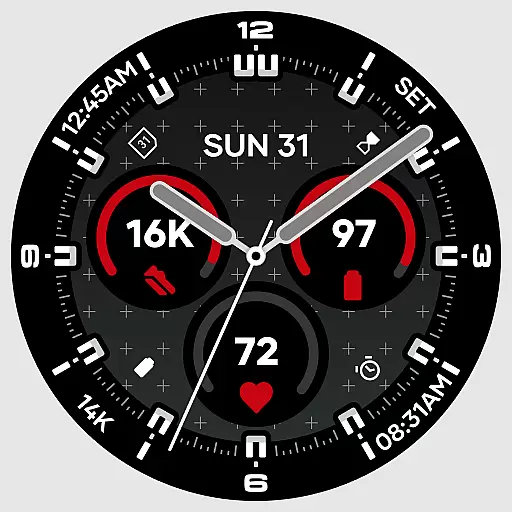
Precision analog watch face with 7 complications and style options
 4.4
4.4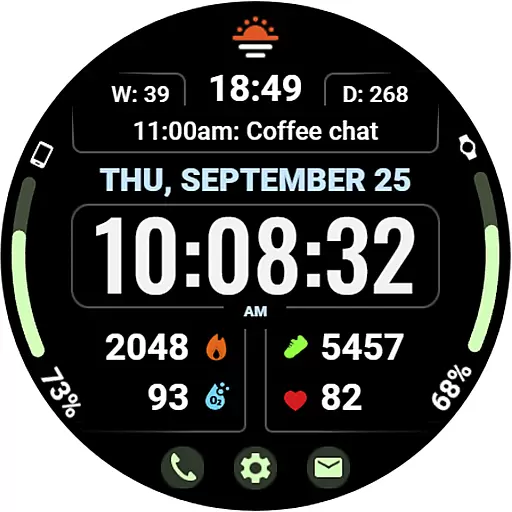
Beautiful, colorful and practical watch face. For Wear OS devices.
5.00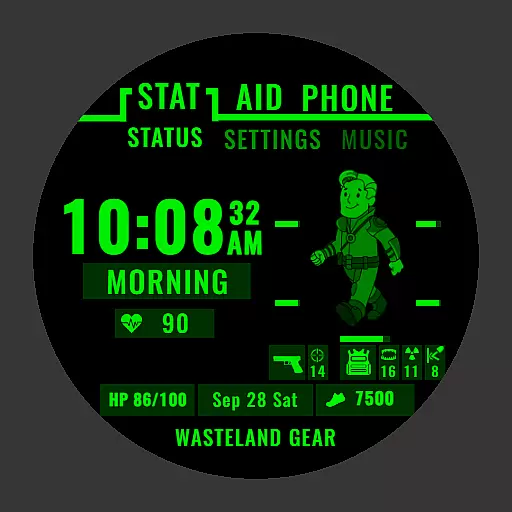
Ideal for surviving in the wasteland left after nuclear fallout
4.50
Your second brain for organizing your life: to-do, calendar, reminder.
4.70
Period, ovulation & pregnancy tracker. Fertility insights & menstrual calendar.
4.90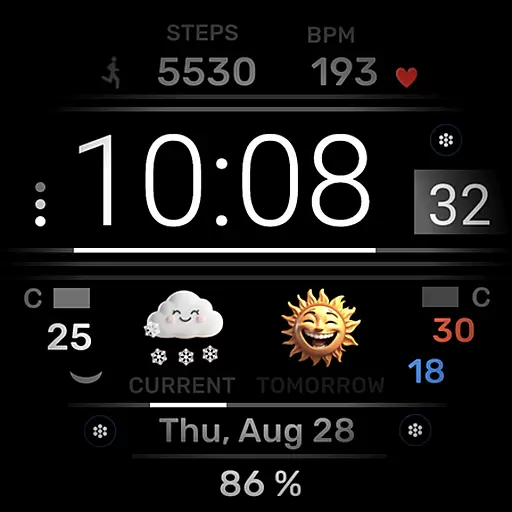
Minimalistic design modern digital watch face.
4.4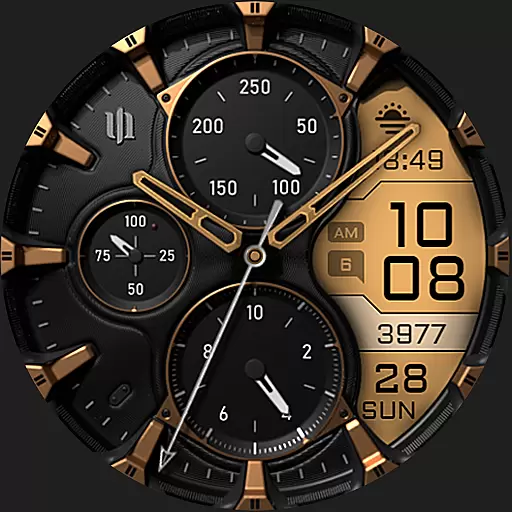
A realistic hybrid watch face with many customization options.
4.60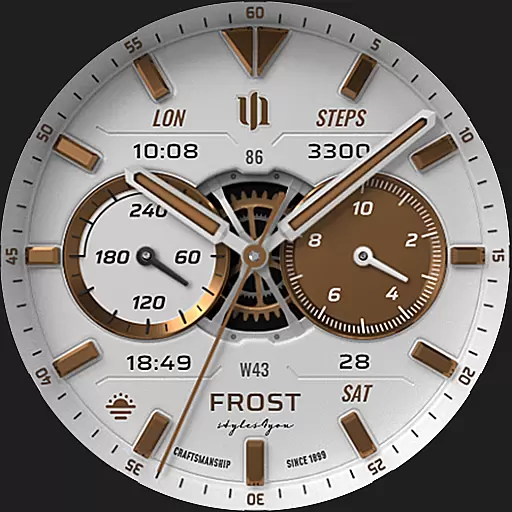
A white realistic classic analog watch face with many customization options.
4.40
Fitbit is dedicated to helping people lead healthier, more active lives.
4.10
Christmas Theme Watch Face for Wear Os
5.00
Real-time weather radar with temperatures, warnings, hurricanes, and widgets
4.80
Monitor health with the stress test and pulse checker in the heart rate app.
4.60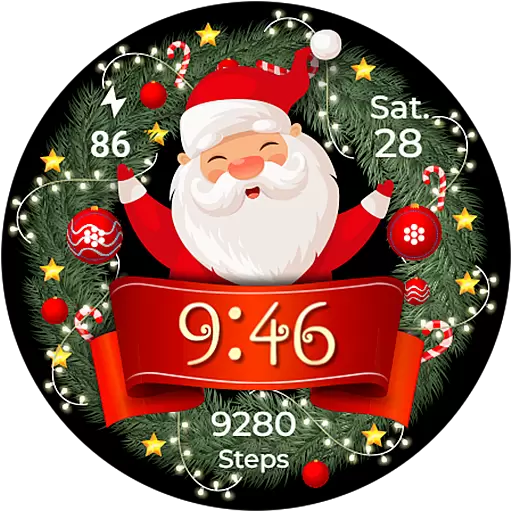
Deck out your Wear OS Watch face with a beautifully decorated pine wreath!
4.50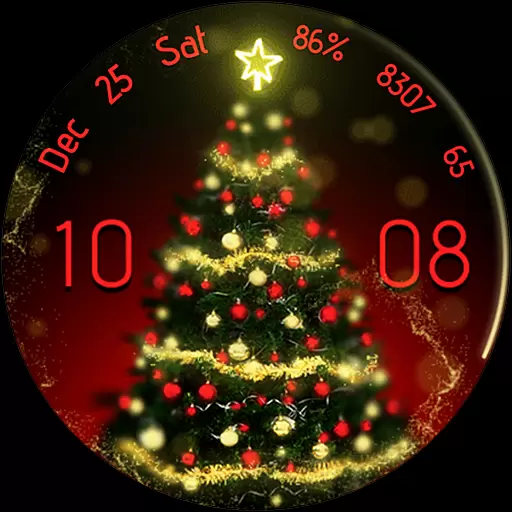
Embrace the holiday spirit with this magical animated watch face!
4.40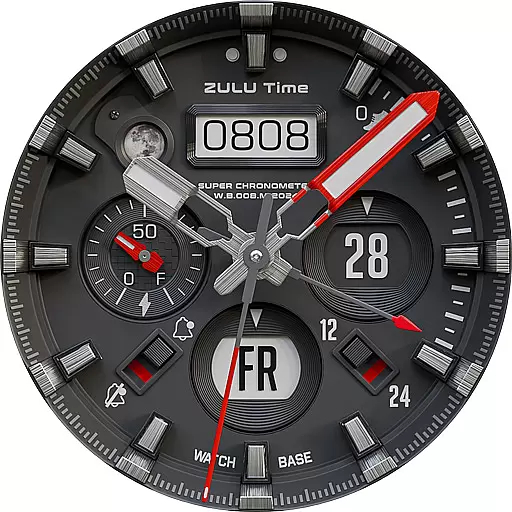
Authentic military-tactical design with ZULU time! Realistic and functional!
3.80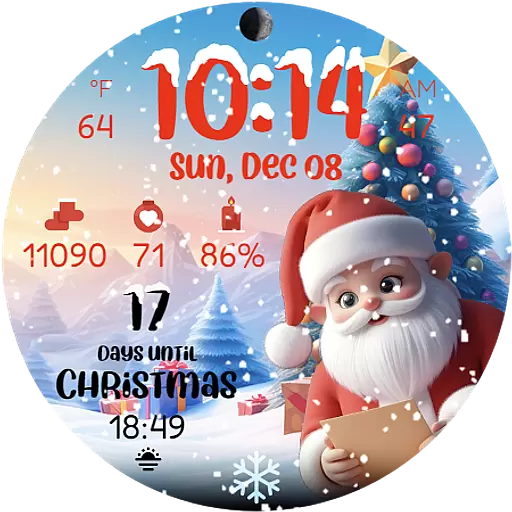
Christmas is near, let's count together the days left until Santa comes
4.3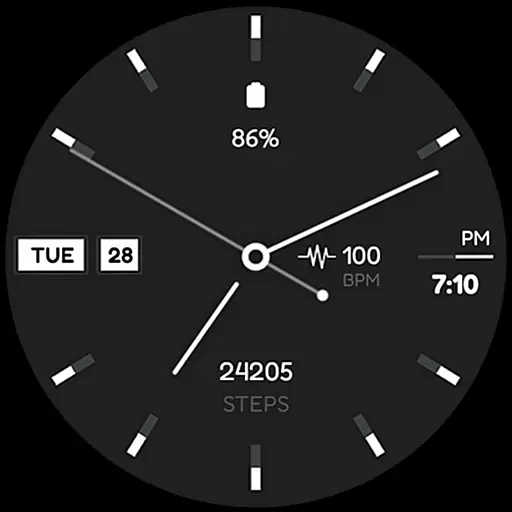
Simple Analog-Digital Watchface For Wear OS 3.0 and Up Smartwatches
4.1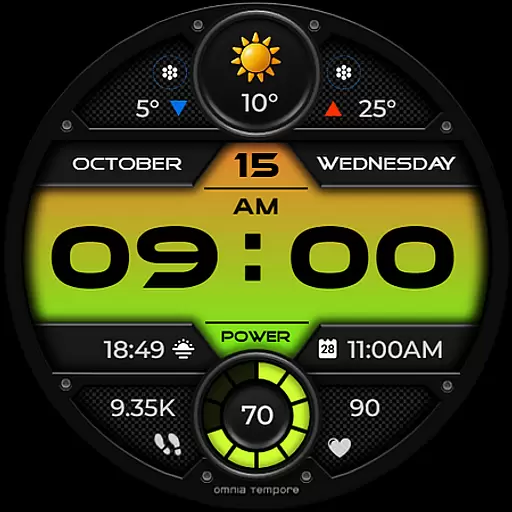
Stylish digital watch face for Wear OS devices with customizable features
4.4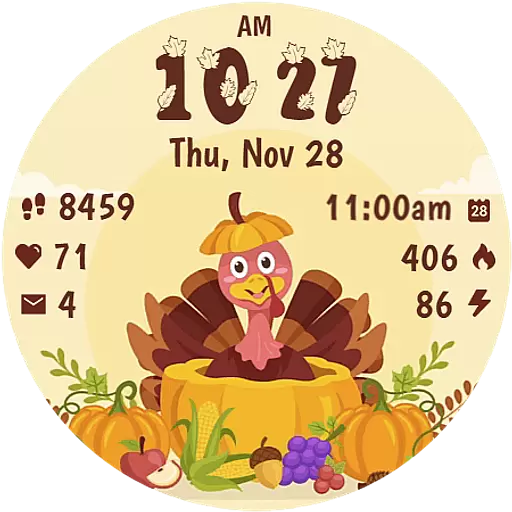
Funny animated watch face for Thanksgiving
4.4


