
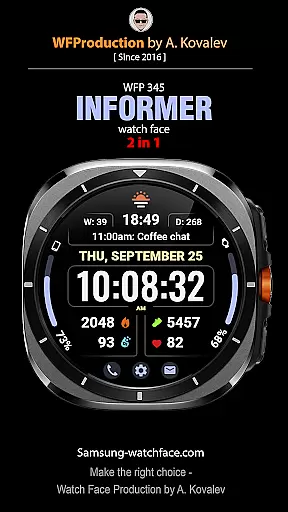
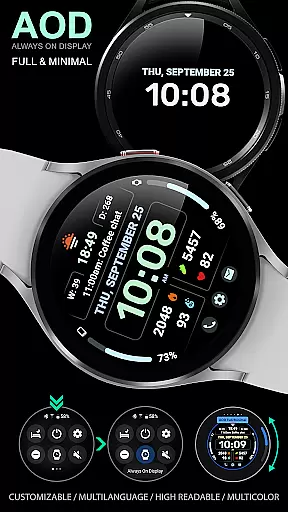
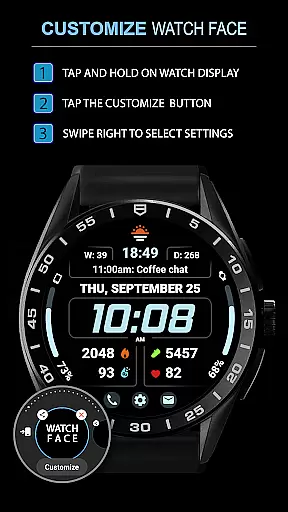
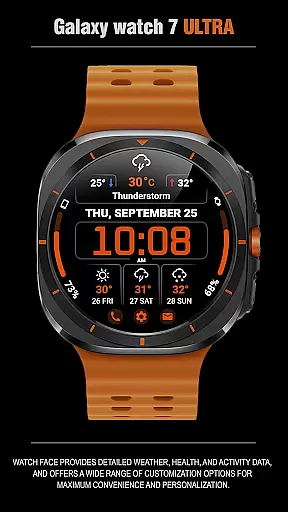
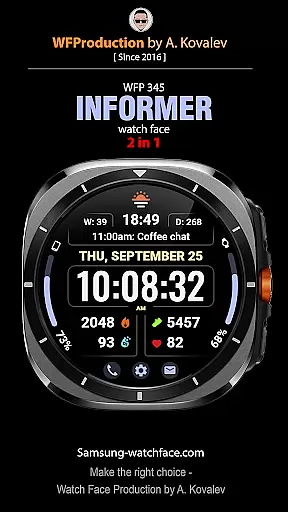
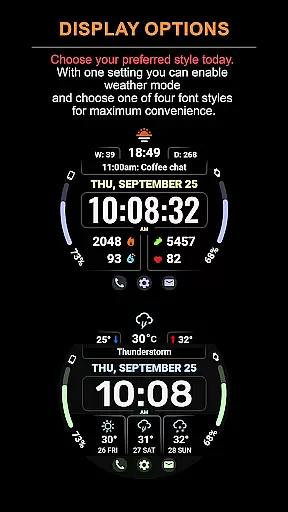
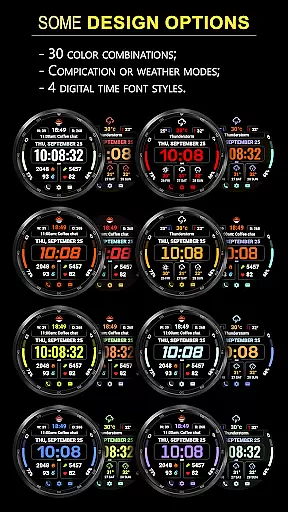
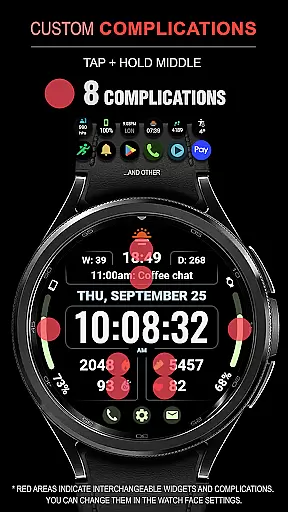
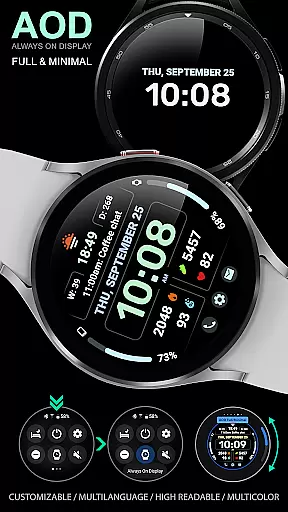
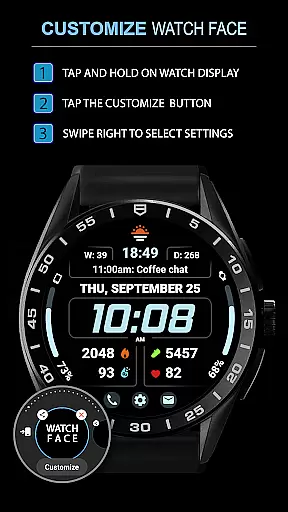
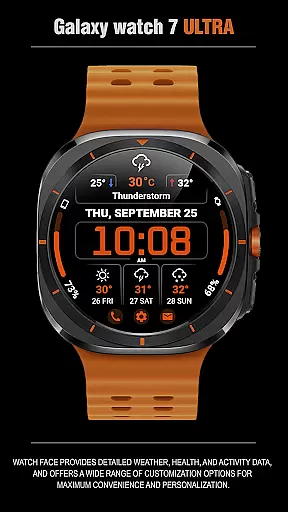
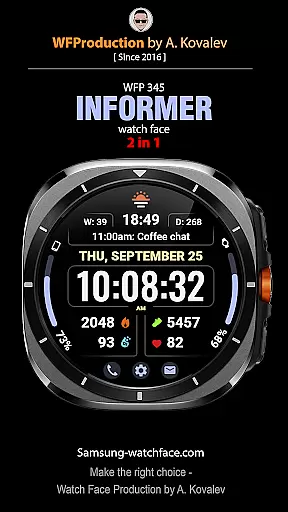
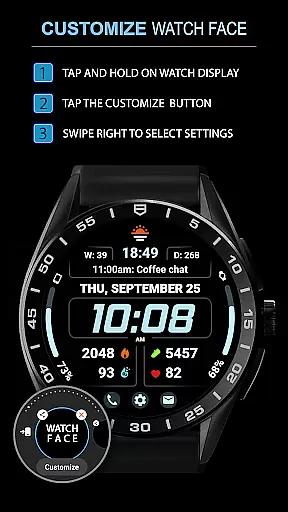
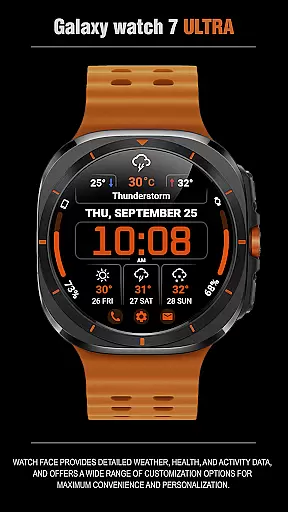
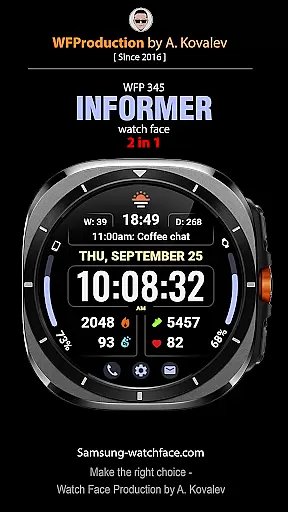
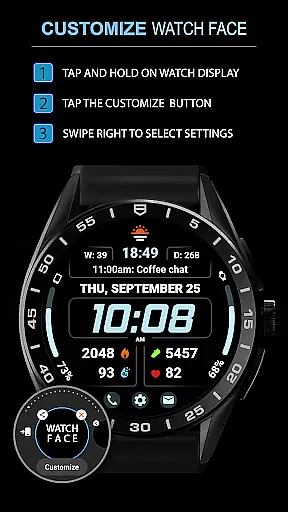
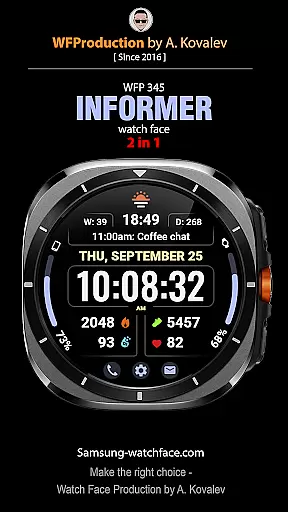
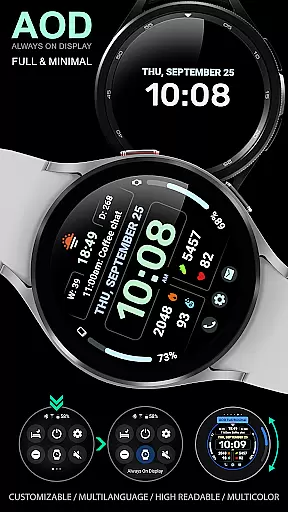
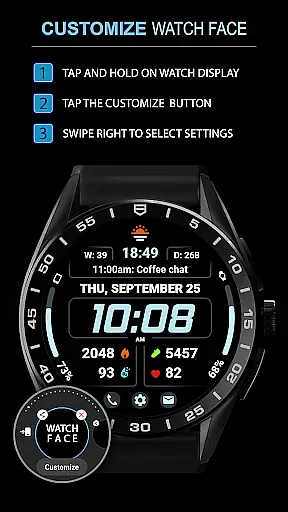
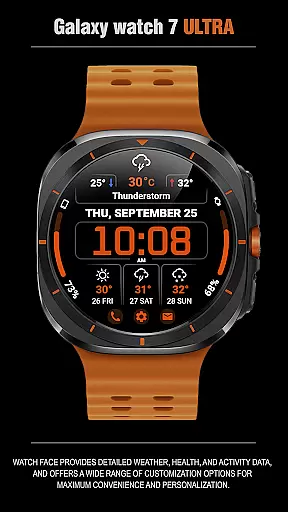
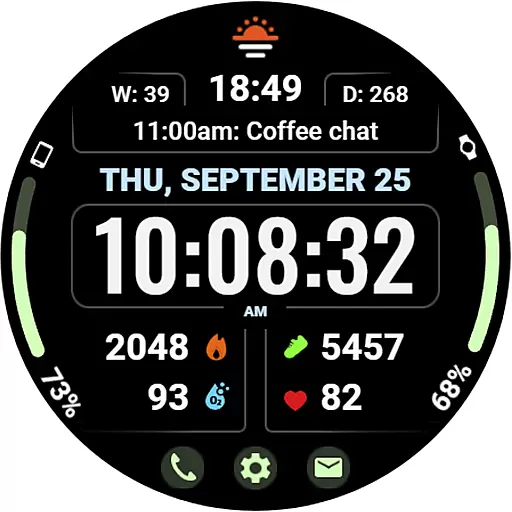
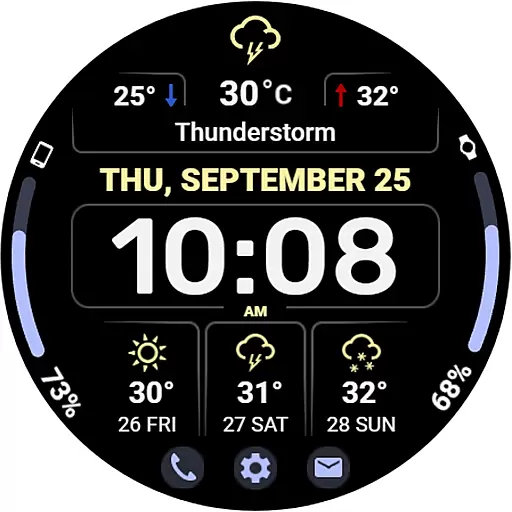
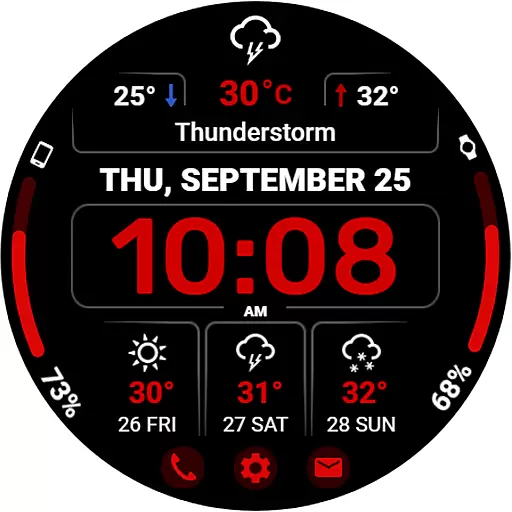
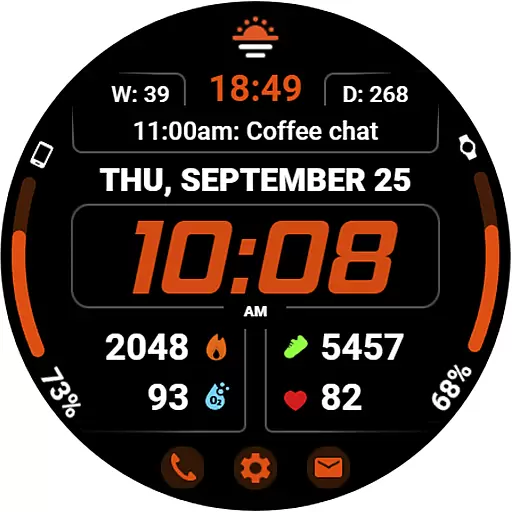
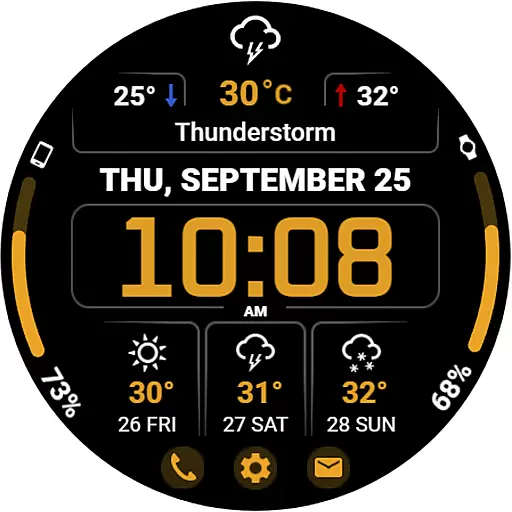
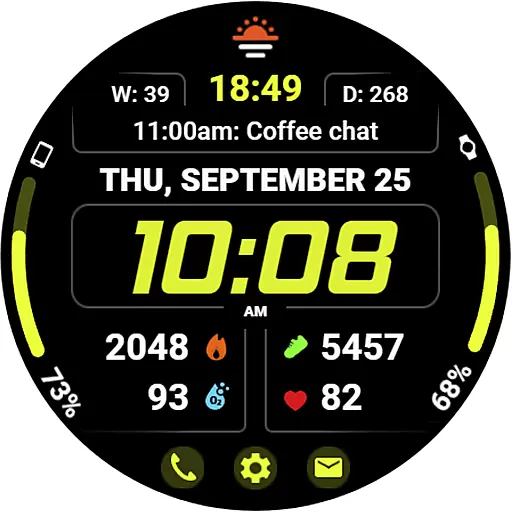
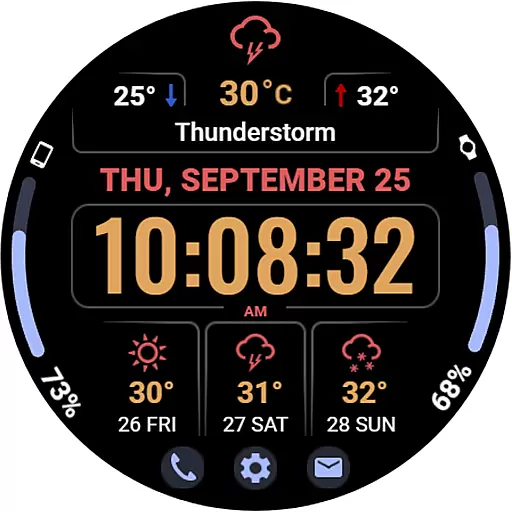
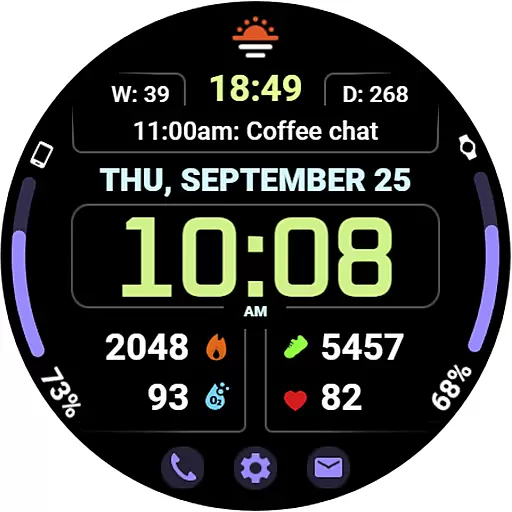
WFP 345 Informer watch face is a feature-rich Android Wear application that combines style and functionality. This digital watch face not only enhances the aesthetics of your smartwatch but also provides comprehensive details on weather, health metrics, and daily activities. With its customizable options, users can tailor their experience to suit personal preferences while enjoying the convenience of having vital information at a glance.
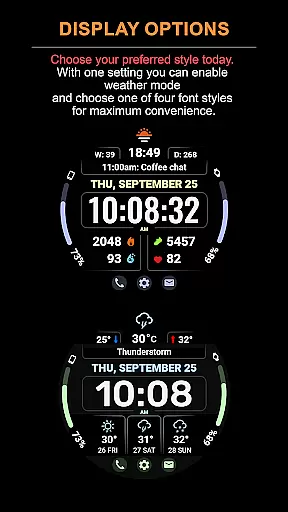
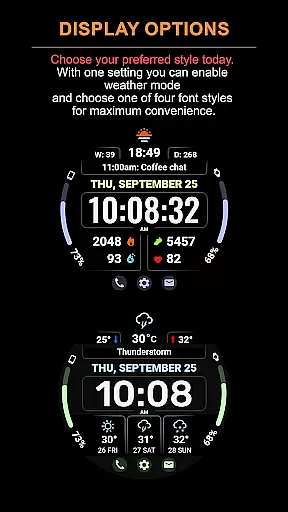
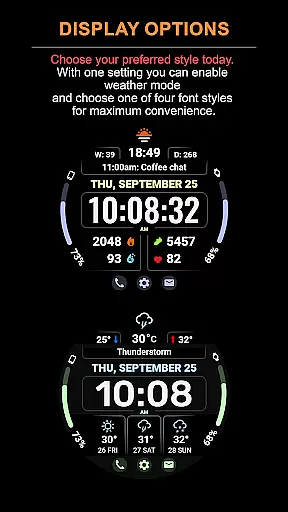
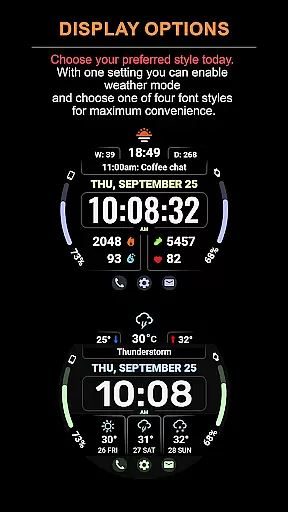
The app offers two distinct display modes - one focused on complications and another dedicated to weather forecasting. Whether you need real-time weather updates or want to track your fitness goals, WFP 345 caters to various needs. Its high-resolution design ensures clarity, while optimization techniques guarantee minimal battery consumption. Suitable for those seeking both utility and personalization in their wearable technology.
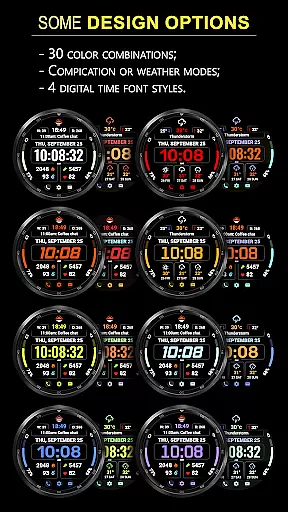
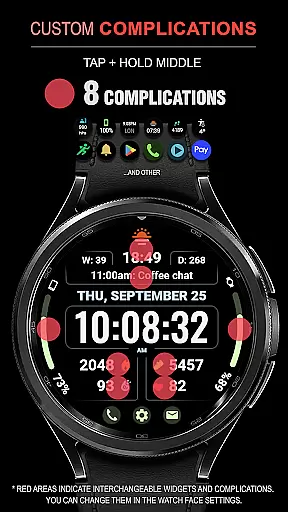
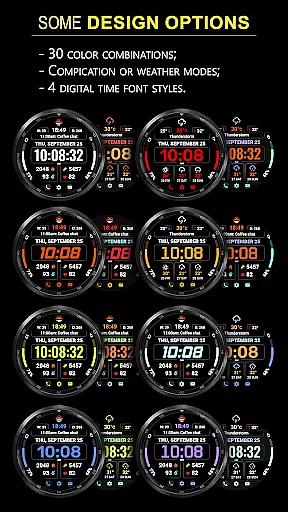
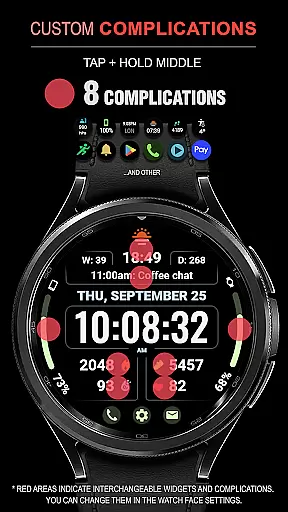
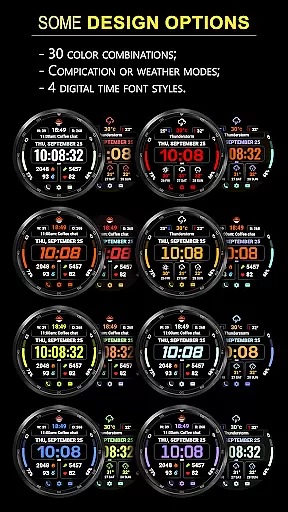
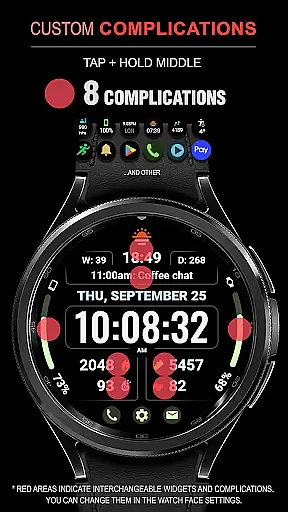
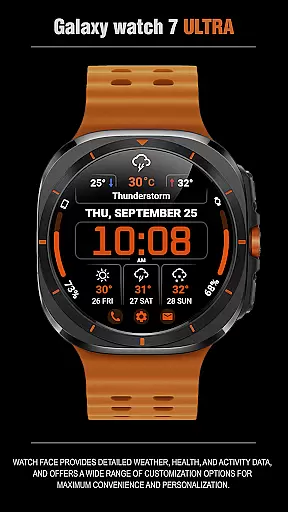
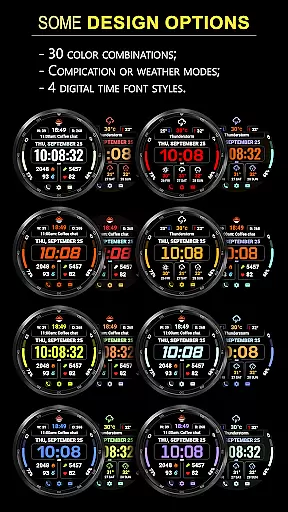
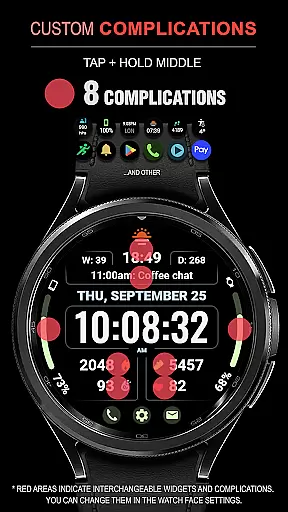
WFP 345 Informer stands out with its extensive customization capabilities. Users can choose from eight different complications, select among thirty color options, and switch between two operational modes - complications or weather forecast. The weather mode includes a three-day forecast, displaying minimum and maximum temperatures in either Fahrenheit or Celsius.
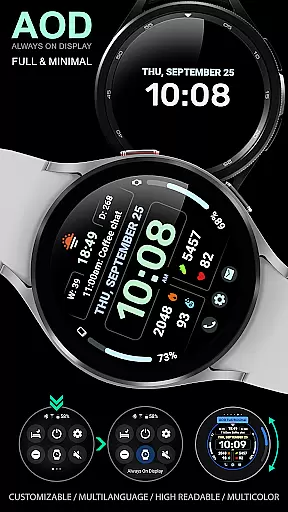
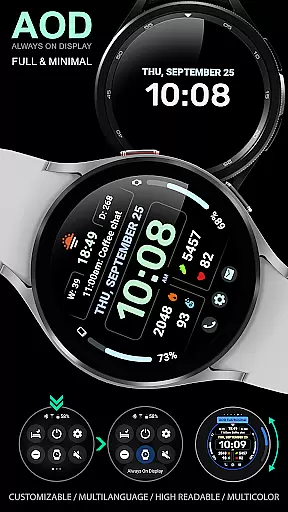
Additional features include four time font styles, three quick-access buttons, and support for multilingual interfaces. A high-resolution display ensures sharp visuals, while advanced optimization maintains low power usage. For those who prefer an always-on-display (AOD), there's a minimal AOD mode along with customizable settings. These functionalities ensure that users have a personalized yet efficient experience tailored to their lifestyle.
Companion app integration is essential for a seamless wearable experience. The WFP 345 Informer watch face excels in this area by offering users the ability to sync data between their smartphone and smartwatch effortlessly.
This application ensures that all weather, health, and activity metrics are accurately reflected on your wrist. By following simple installation instructions, users can access detailed analytics and make real-time decisions based on synchronized information.
The value of such integration is immense. Users benefit from having critical information at their fingertips without needing to reach for their phones constantly. Whether it's monitoring your daily step count or receiving instant weather updates, companion app integration enhances both convenience and functionality.
Ensuring broad device compatibility is crucial for any Wear OS application. The WFP 345 Informer watch face supports a wide range of devices, providing users with a consistent experience across different hardware models.
This compatibility extends beyond just smartwatches. With options for phone charge widgets and various health metrics like calories and floors climbed, users can enjoy a cohesive ecosystem where all their devices communicate effectively.
By maintaining high optimization and low battery consumption, this watch face guarantees smooth performance regardless of the device you're using. This commitment to compatibility ensures that every user enjoys an optimized, stylish, and functional interface tailored to their specific needs.
Highly customizable
Accurate weather forecasts
Low battery usage
Multiple color options
User-friendly interface
Complications hidden in weather mode
Limited visible settings
Requires careful setup
Premium features may cost extra
Complex for beginners

Wear Os Watch Face - Animated Snow Effect & Christmas Lights
 4.5
4.5
Highly customizable hybrid watch face for Wear OS, perfect for everyday use.
4.60
Precision analog watch face with 7 complications and style options
4.3
Digital, flexibly customizable watch face. For Wear OS 5.0, API 34+ and later.
5.00
Nutrition, Macro tracker: Food, fitness & healthy diet tracking for weight loss
4.60
Your local weather forecast, storm tracker, radar maps & live weather news
3.40
Want to take charge of your health? Let Google Fit help you reach your goals.
3.50
Fitbit is dedicated to helping people lead healthier, more active lives.
4.10
Download full tracks, listen to music offline, make unlimited playlists.
4.80
A modern premium sporty hybrid watch face for Wear OS by Ballozi
4.70
Bold weather Digital watchface with forecast & optional animated background
4.40
Christmas watch face. For Wear OS devices.
4.30
Watch face for Wear OS.
4.20
Your music, your playlists, and more—offline and unlimited.
4.20
Snowflake Rose Gold Watch Face - Digital, modern, & sleek with GYRO effect.
4.10
Wear Os Watch Face - Animated Snow - Sesonal for Christmas & Winter
4.2
A watch face that fuses motorsport precision with contemporary smartwatch design
4.2
Sleek, highly customizable watch face inspired by Galaxy Watch Circle Dashboard.
4.1
Minimalistic design modern digital watch face.
4.5


User Reviews