

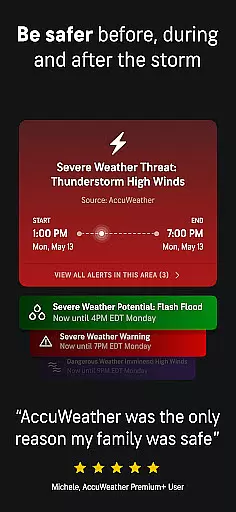
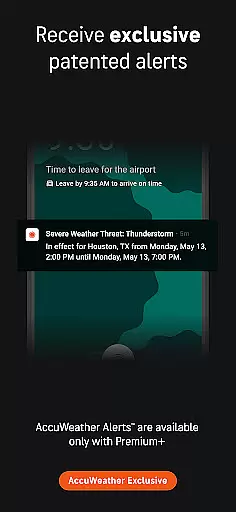
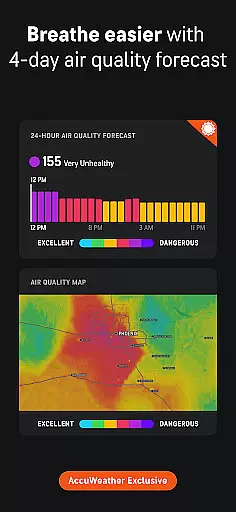
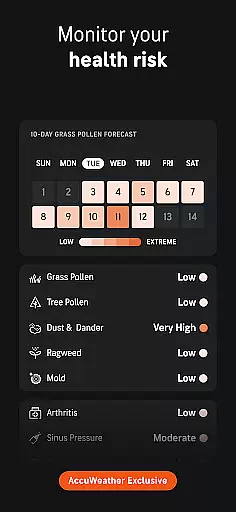
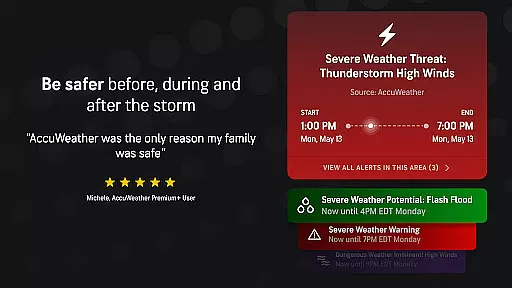
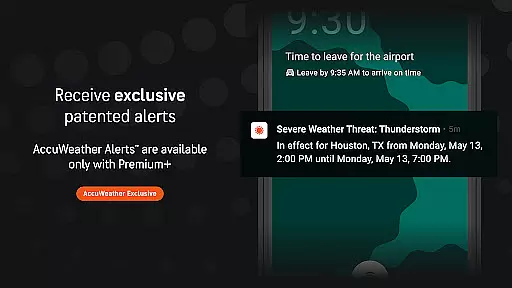
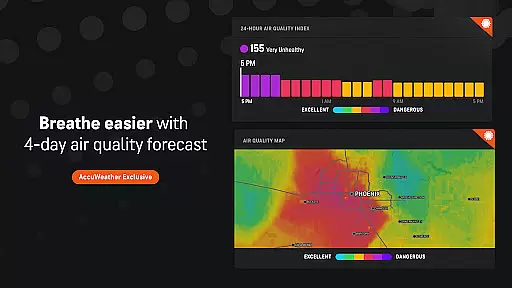
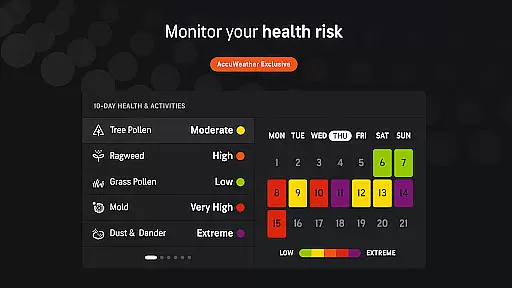
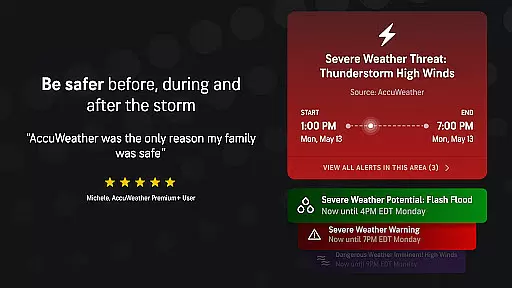
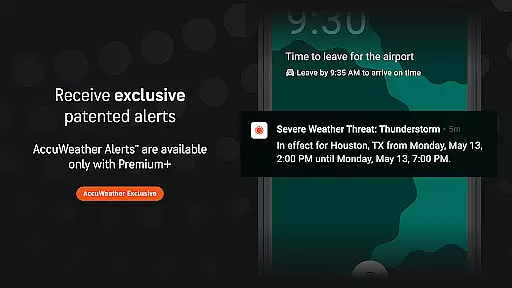
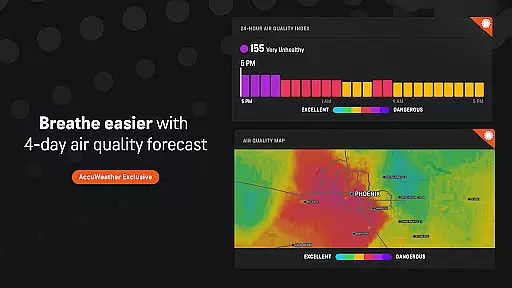
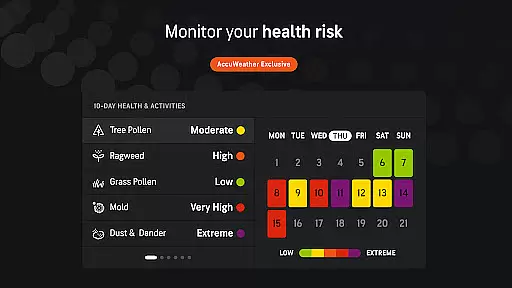
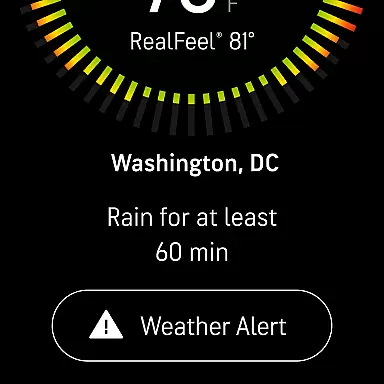
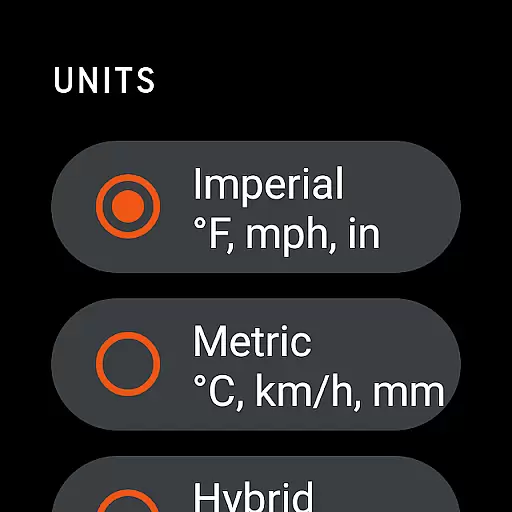
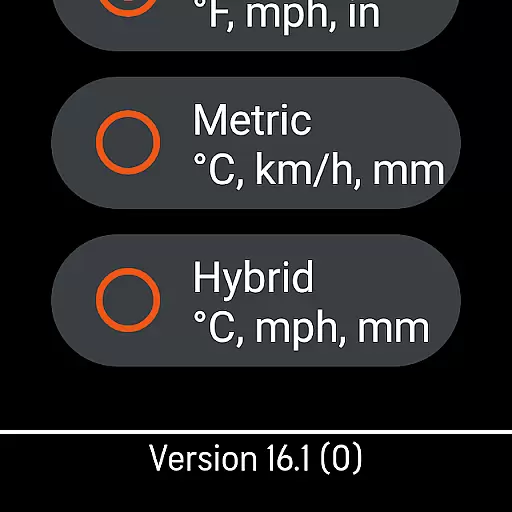
AccuWeather is the most trusted weather app, providing real-time weather alerts and hyperlocal updates with proven Superior Accuracy™. It helps users make informed decisions by offering detailed weather information for any location. The app covers various weather events including hurricanes, tornadoes, snow, flooding, and extreme temperatures.
With features like Hurricane Tracker, live radar, and storm warnings, AccuWeather provides significantly more accurate forecasts and advance notices than other sources. Available for free on Google Play Store, it offers severe weather alerts, daily forecasts, and Minute-by-Minute® updates tailored to specific locations. Users can track weather conditions with animated radar and exclusive tools like MinuteCast®, RealFeel® Temperature, and WinterCast®.
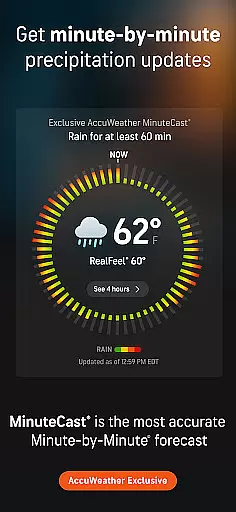
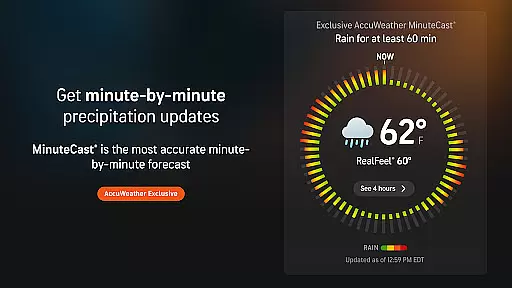
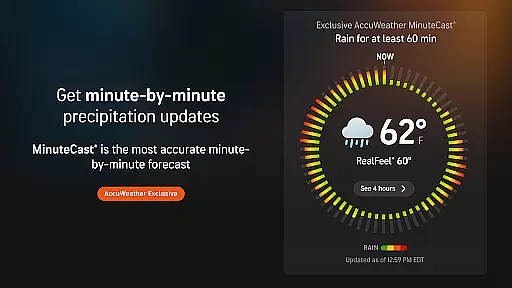
AccuWeather stands out with its unique features designed to provide the most accurate and detailed weather information. Its exclusive MinuteCast® offers hyperlocal forecasts of precipitation type and intensity for the next four hours, pinpointed to a user's exact street address or GPS location in 210 countries and territories.
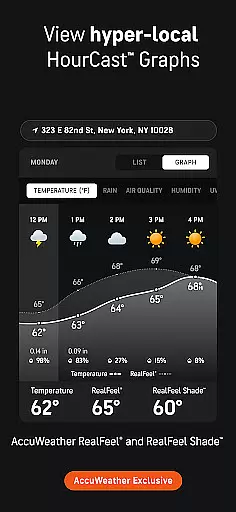
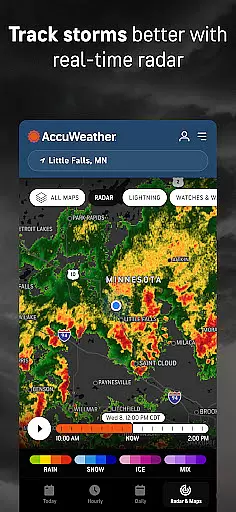
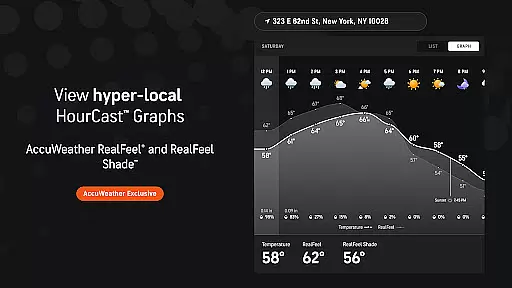
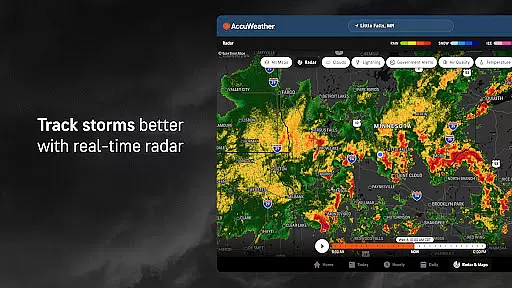
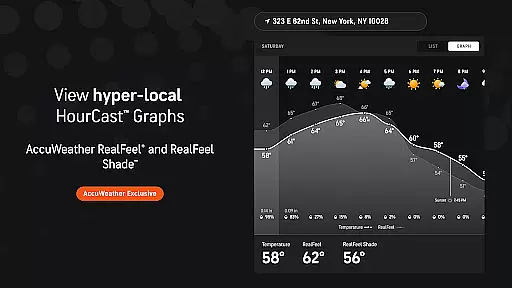
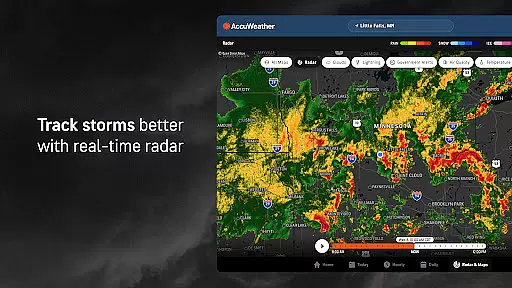
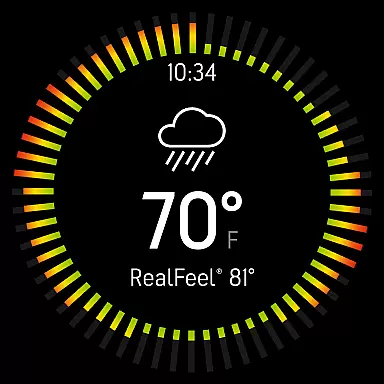
The app includes the AccuWeather RealFeel® Temperature, which considers over ten factors to describe how the temperature actually feels. Additionally, the RealFeel Shade™ shows the difference between sun and shade temperatures. AccuWeather’s live radar and Lightning Network™ help track storms and lightning proximity in real time. Other innovative features include the AccuLumen Brightness Index™ and WinterCast®, which predict snow and ice events with precision.
For those seeking more detailed insights, upgrading to Premium Plus provides extended forecasts, advanced alerts, and an ad-free experience. This ensures users stay better informed and prepared for any weather condition.
For AccuWeather, seamless companion app integration is a cornerstone of its Android Wear offering. The application ensures that users receive consistent and synchronized weather data across all their devices, from smartphones to Wear OS smartwatches. This synchronization allows for real-time updates and alerts, regardless of the device in use.
The app's architecture supports deep integration with its mobile counterpart, enabling features such as hyperlocal weather forecasts and exclusive MinuteCastu00ae on your wrist. Users can access detailed weather information, including wind speed, temperature, and severe weather notifications, without needing to carry their phone everywhere.
This level of integration provides peace of mind, ensuring that whether you're commuting, exercising, or simply out and about, critical weather information is always accessible. With data tailored to your exact location, AccuWeather empowers you to make informed decisions based on accurate and timely meteorological insights.
AccuWeather stands out in terms of Wear OS and device compatibility, ensuring that its sophisticated weather tracking capabilities are available on a wide range of Android-based smartwatches. The app is optimized to deliver a smooth and responsive experience, even on devices with limited processing power, thanks to efficient coding and resource management.
Users benefit from a tailored interface that makes full use of the Wear OS platform's unique features, such as voice commands and glanceable information displays. Whether it's receiving live radar updates or consulting the AccuWeather RealFeelu00ae Temperature, the app ensures that all functionalities are easily accessible via intuitive touch or swipe gestures.
Furthermore, AccuWeather's commitment to broad device compatibility means that whether you own a high-end smartwatch or an entry-level model, you can rely on receiving precise weather forecasts and alerts. This inclusivity enhances user convenience, allowing everyone to stay informed and prepared, irrespective of their choice of wearable technology.
Superior Accuracy™
Real-Time Alerts
Hyperlocal Updates
Exclusive Features
User-Friendly Interface
Premium Subscription Required
Ad-Supported Free Version
Limited Free Features
Occasional Data Inconsistencies
High Resource Usage

an Analog Watch Face for winter season with freeze winter background for Wear OS
 4.4
4.4
A full-featured Amazon Alexa voice assistant that can show you things.
3.70
Digital watch face. For Wear OS devices.
4.40
Structured watch face with seven complications and modular UI elements
3.90
sleep, alarm, snoring, stress, healing, focus, sound therapy, circadian rhythm
4.10
Monitor health with the stress test and pulse checker in the heart rate app.
4.60
The most customizable hybrid watch face. For Wear OS 5.0, API 34+ and later
4.70
A digital watch face that celebrates Christmas.
4.00
Back up your contacts & access them anywhere
4.30
Be an elegant and classy secret agent, with this carefully detailed watch face
4.70
The most customizable minimal watch face. For Wear OS 5.0, API 34+ and later
4.70
Your second brain for organizing your life: to-do, calendar, reminder.
4.70
Current temperature, weather hourly, weather radar by the weather forecast app
4.40
Find EV charging stations
4.30
Animated video-game inspired “secret agent” simulation, right on your wrist!
4.20
Embrace the festive spirit with our Christmas Countdown watchface for Wear OS
4.10
Christmas and New Year - Themed Watchface
4.4
A heartwarming Christmas scene featuring a cute image of Santa and Rudolf
4.0
Funny animated watch face for Thanksgiving
4.3


User Reviews