
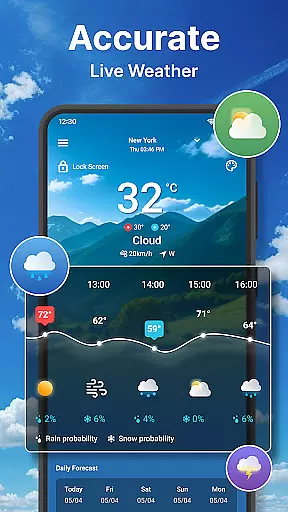
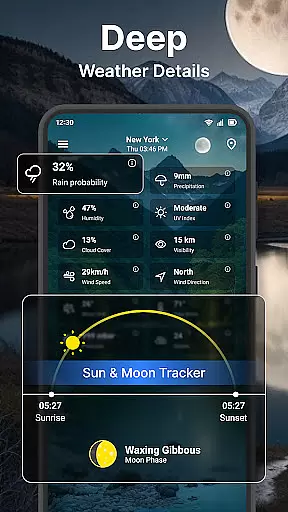
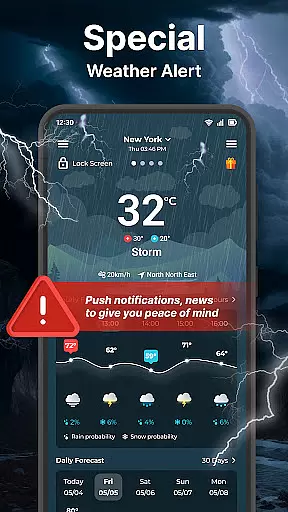
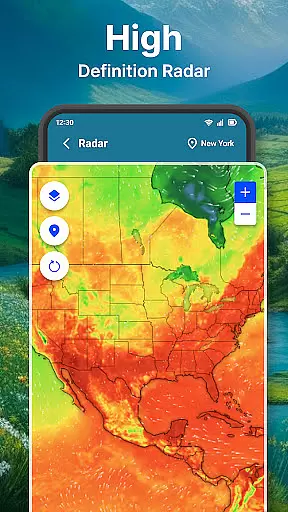
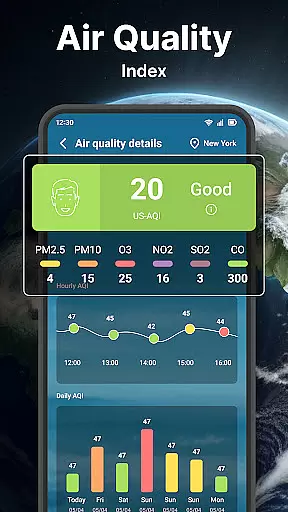
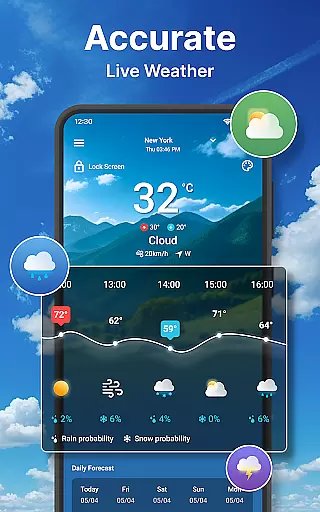
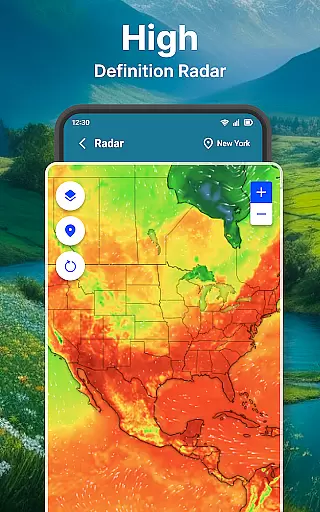
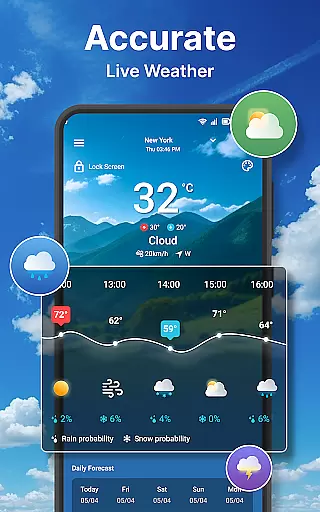
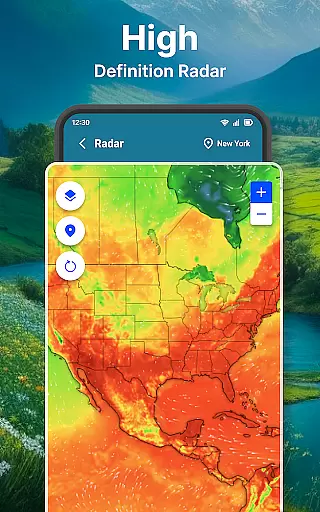
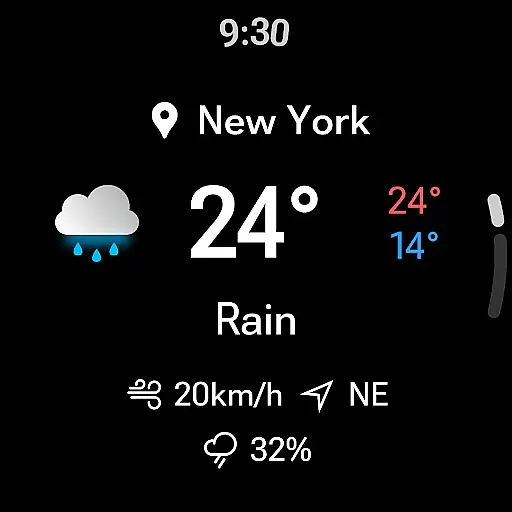
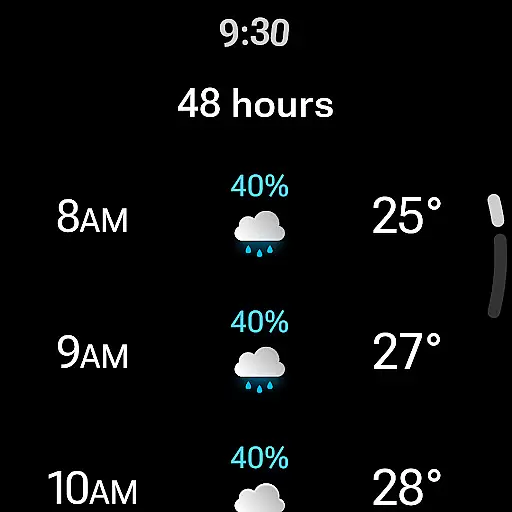
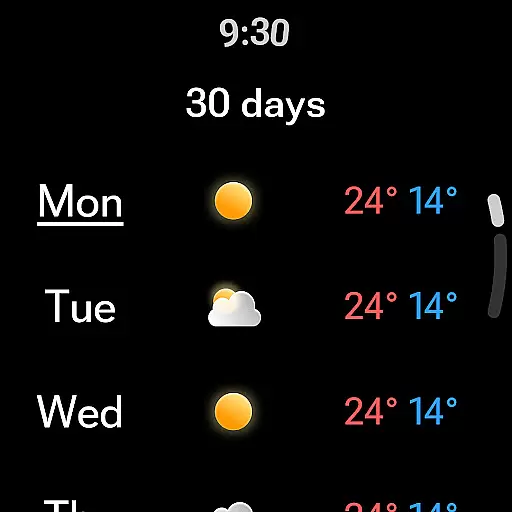
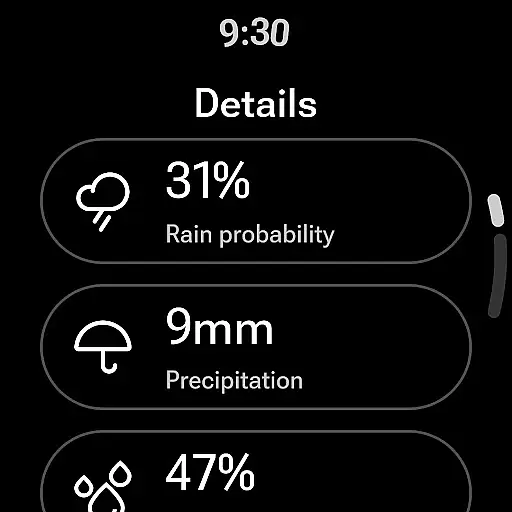
Weather forecast is a comprehensive weather application designed specifically for Android Wear users. The app provides real-time, hourly, and daily weather updates along with a 7-day forecast, ensuring you are always prepared for the weather ahead. With its intuitive weather radar feature, users can visualize temperature, wind, humidity, and more, all in an animated live radar map that can be zoomed in or out for better detail.
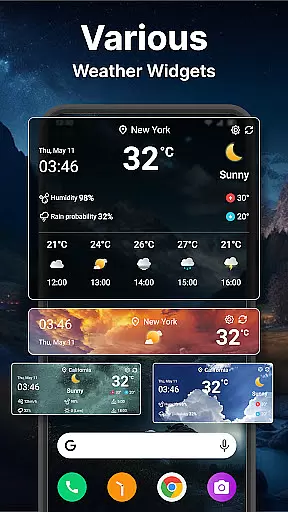
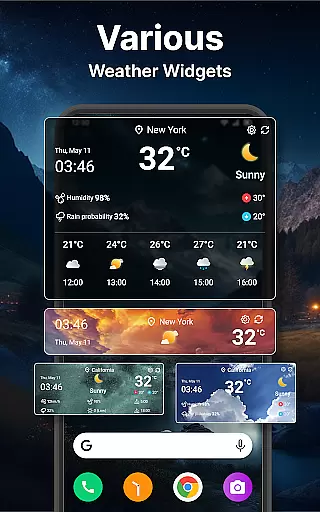
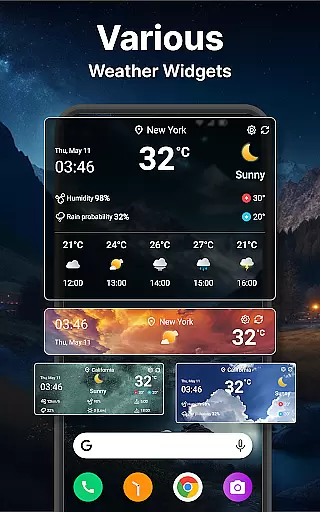
In addition to its robust forecasting capabilities, Weather forecast offers customizable widgets that display weather information directly on your home screen. Users can manage multiple locations, switch between various units of measurement, and personalize settings such as time format and background transparency. Whether you need quick access to current weather conditions or detailed insights into atmospheric changes, this app delivers both functionality and convenience tailored for smartwatch users.
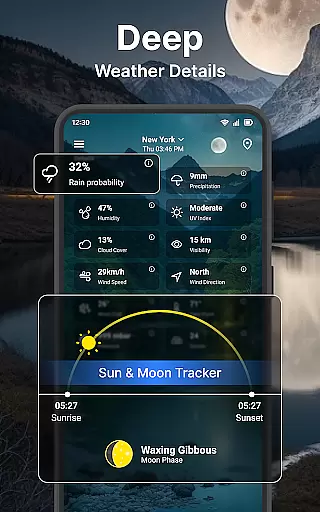
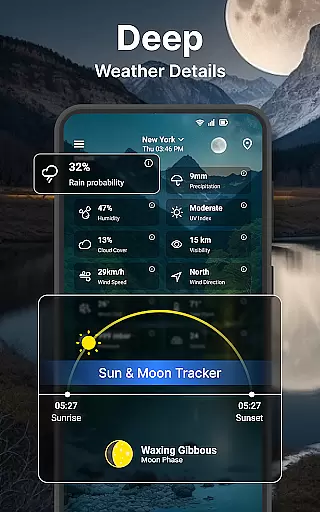
Weather forecast stands out with its diverse set of features crafted to enhance user experience. One notable feature is the detailed weather summary, which includes wind direction, speed, min-max temperatures, and even sunrise and sunset times. This allows users to plan their day effectively by having all essential weather information at their fingertips.
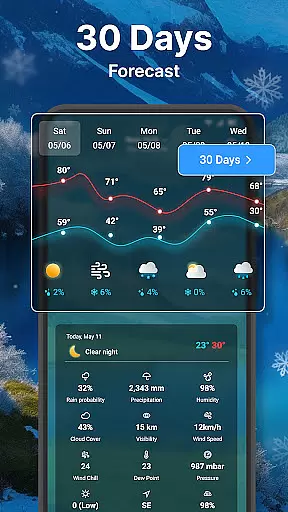
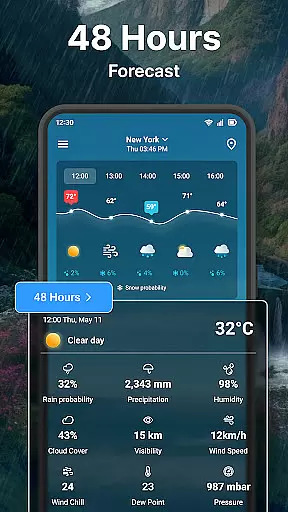
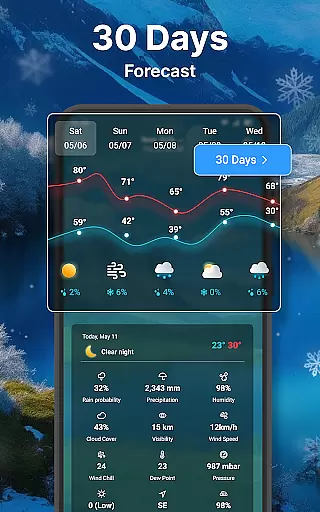
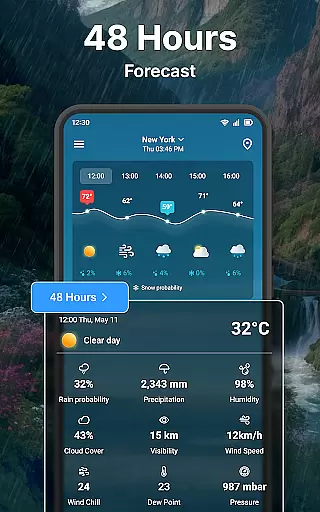
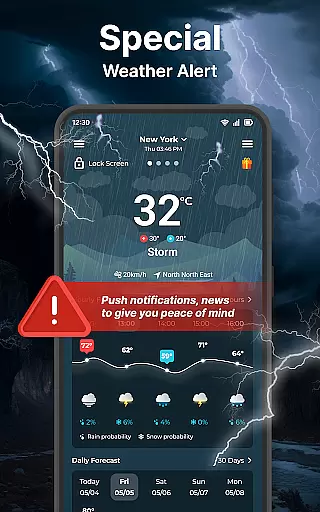
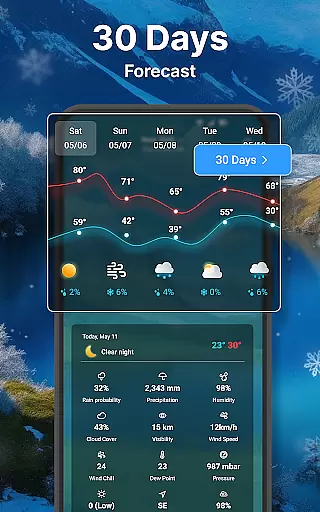
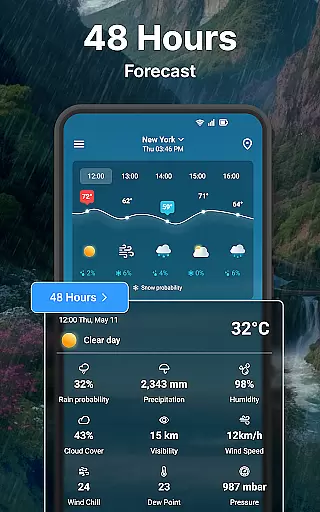
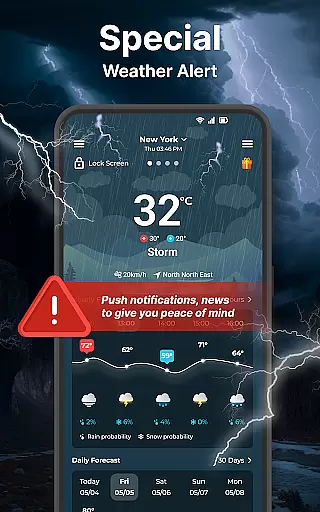
The app also excels in its advanced forecasting options. It provides an extensive hourly weather forecast for the next 24 hours and a detailed daily forecast spanning up to 7 days. Each forecast includes critical data points like humidity, precipitation, UV index, and wind details. Furthermore, the inclusion of Wear OS support enables users to access these rich features directly from their wrists, making it incredibly convenient for those on the go.
Customization is another strong suit of Weather forecast. With options to adjust unit settings, notification preferences, and widget appearances, users can tailor the app to fit their specific needs. The ability to add unlimited locations and switch between them effortlessly adds another layer of flexibility, ensuring that whether you're traveling or checking the weather at home, this app has got you covered.
Companion app integration is essential for users who want a seamless experience between their mobile devices and wearable technology. The Weather forecast app ensures that all weather data viewed on your smartphone is accurately mirrored on your Wear OS device.
This application provides real-time synchronization, ensuring that any changes in weather conditions are immediately reflected on your smartwatch. This feature allows you to receive timely updates without needing to check your phone constantly.
By integrating with Wear OS, the app offers quick access to vital weather information such as current temperature, hourly forecasts, and daily outlooks directly from your wrist. This convenience enhances your ability to plan and adapt to weather changes throughout the day.
The synchronization extends to customizable settings, allowing you to tailor notifications and display preferences across devices. This unified approach ensures that whether you're at home or on the go, your weather data remains consistent and reliable.
Ensuring compatibility with Wear OS and various devices is crucial for delivering an optimal user experience. The Weather forecast app supports a wide range of Wear OS devices, providing users with flexibility and reliability regardless of their chosen gadget.
This app's design emphasizes broad device support, ensuring that whether you own a smartwatch from Samsung, Fossil, or any other manufacturer within the Wear OS ecosystem, you will enjoy full functionality. This inclusivity maximizes accessibility for all potential users.
Device compatibility also means that features like real-time weather updates, detailed forecasts, and customizable widgets are optimized for performance on any supported device. Users can trust that their smartwatch will display accurate and relevant weather information tailored to their location.
Moreover, the app undergoes regular updates to maintain compatibility with new Wear OS devices and software versions. This commitment guarantees ongoing support and enhances the longevity of the app, making it a dependable choice for staying informed about weather conditions.
User-friendly interface
Comprehensive weather data
Highly customizable widgets
Live radar map
Wear OS compatibility
Occasional inaccuracies
Ads in free version
Complex settings
Limited language options
Drains battery

Christmas Theme Watch Face for Wear Os
 5.00
5.00
Beautiful, colorful and practical watch face. For Wear OS devices.
5.00
Reliable phone calls with spam protection, caller ID and more helpful features
4.40
Real-time weather radar with temperatures, warnings, hurricanes, and widgets
4.80
Hyper-Realistic Airplane Dashboard Watch Face With 10 Skins and Custom AOD
4.00
Retro digital watch face with customizable colors and a unique lighting effect
4.60
Connect, create, and collaborate with Gmail, part of Google Workspace.
4.10
Simple, helpful messaging by Google
4.60
Spam call blocker and caller ID for automatic call protection!
4.40
A modern hybrid informative watch face for Wear OS designed by BALLOZI
4.80
The Chevron App allows you to pay for fuel from the comfort of your car!
4.80
Rose gold watch face with festive lights & customizable features.
4.60
MyNISSAN® lets you remotely control your car from your phone.*
4.50
Digital watch face. For Wear OS devices.
4.40
Find EV charging stations
4.30
Animated video-game inspired “secret agent” simulation, right on your wrist!
4.20
Professional weather radar and more
3.90
Wear Os Watch Face - Animated Snow Effect & Christmas Lights
4.4
Fitness interactive virtual pet super fighter boy watch face
4.3


User Reviews