
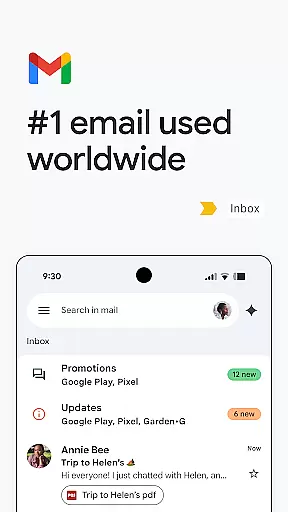
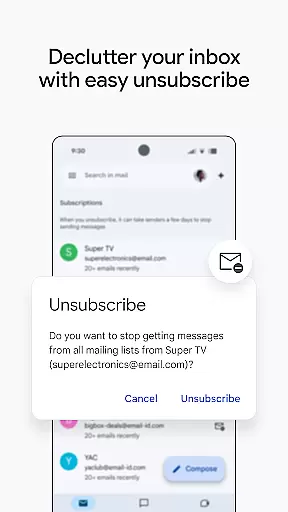
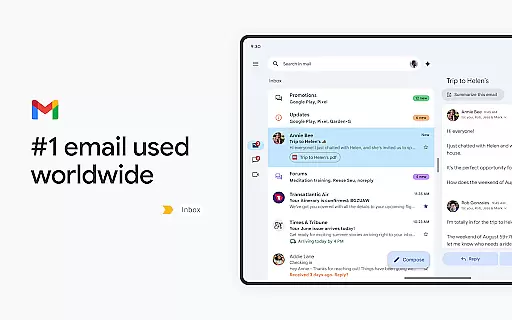
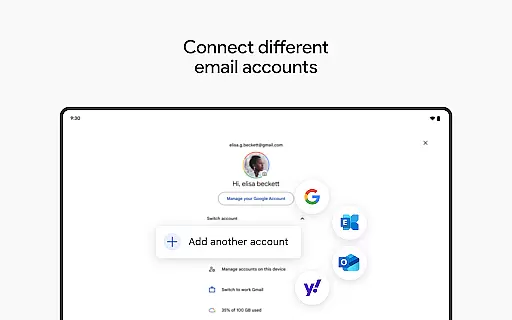
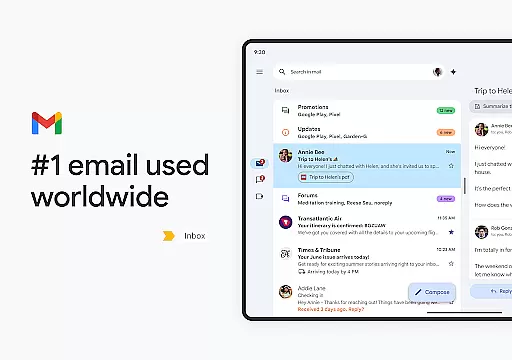
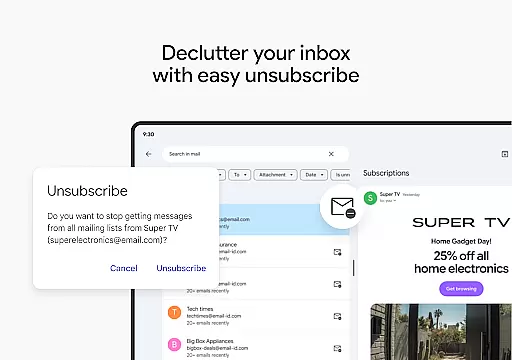
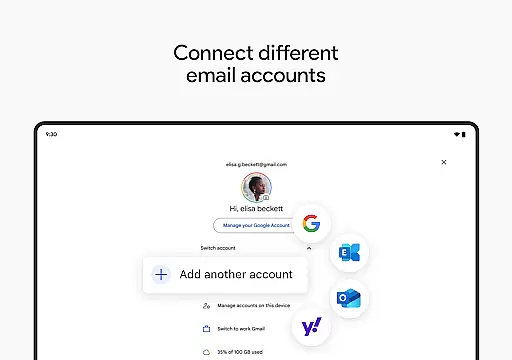
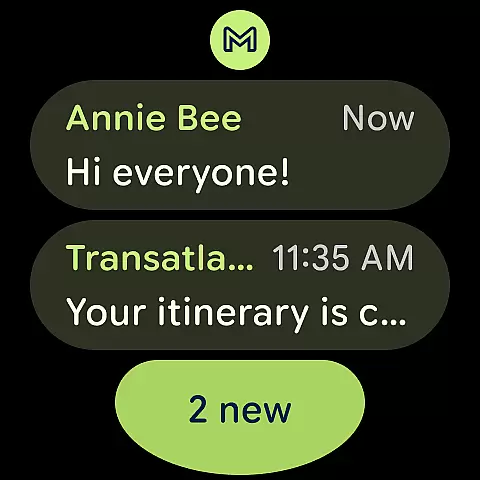
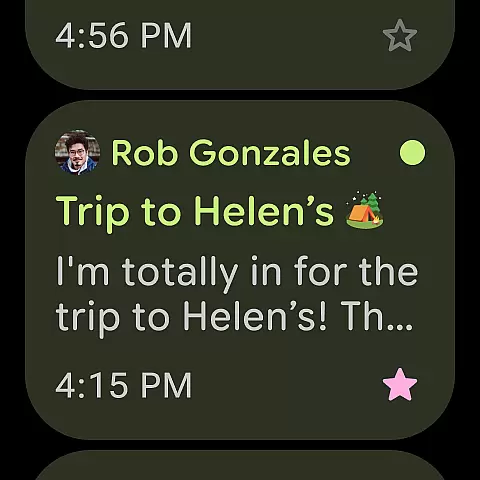
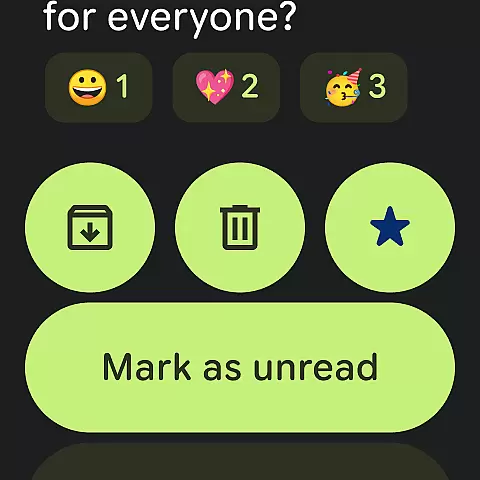
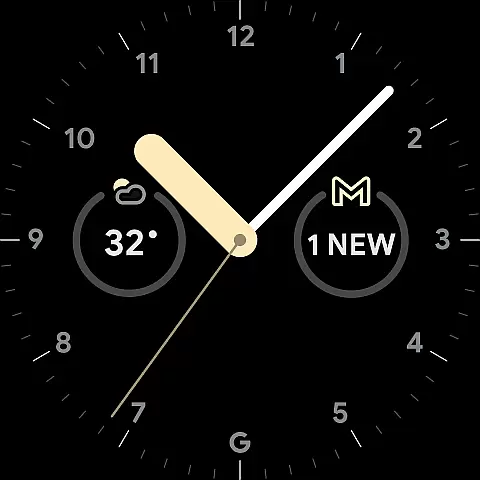
Gmail is the official email application by Google, designed to bring a seamless emailing experience to Android devices with advanced security features and AI-powered tools. The app supports multiple accounts across different providers, offers powerful search capabilities, and provides an efficient way to manage your inbox.
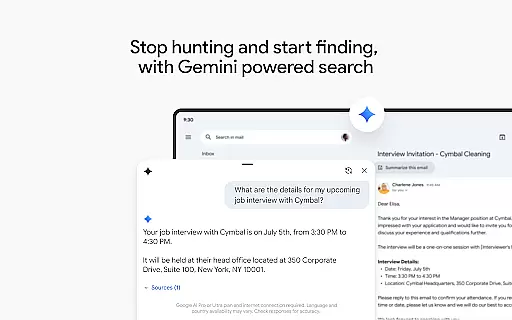
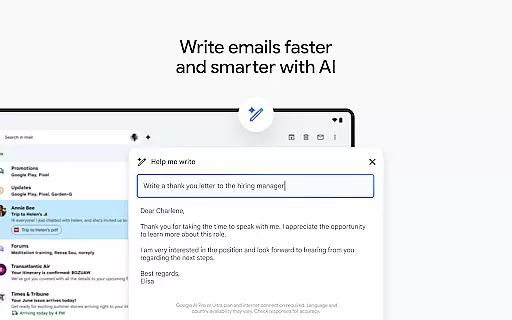
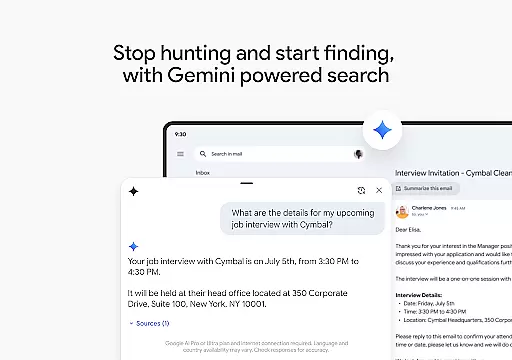
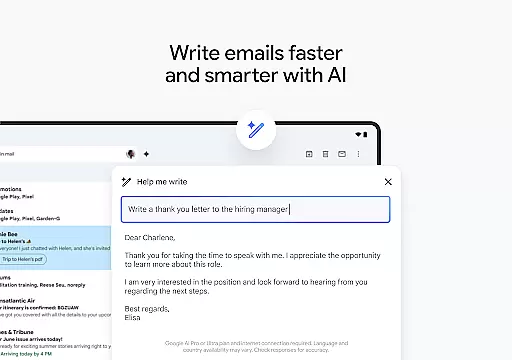
With integrated Google AI, Gmail helps users write emails faster, organize their inbox, and even search for specific details within emails or linked Google Drive files. It also extends its functionality to Wear OS, allowing users to stay connected and productive directly from their smartwatches.
This makes Gmail not only a tool for communication but also a comprehensive productivity suite that enhances both personal and professional workflows.
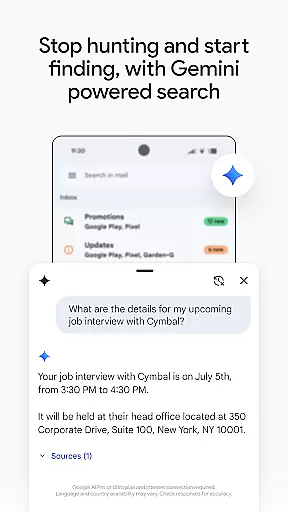
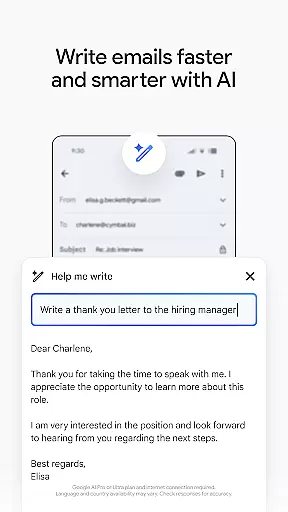
Gmail stands out with its robust feature set tailored for efficiency and security. One of its key features is the use of Google AI to assist in drafting emails, organizing content, and searching through emails using natural language queries. This AI integration includes functionalities like 'Help me write' and contextual Smart Reply options.
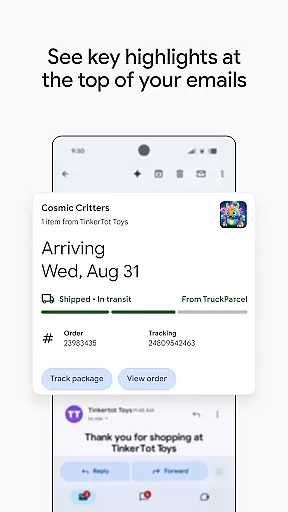
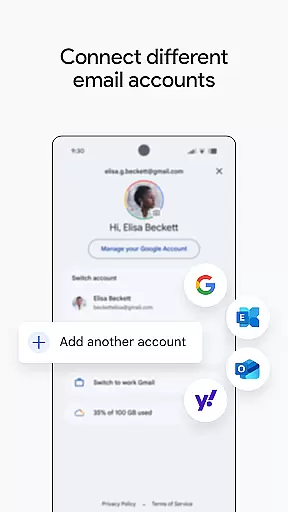
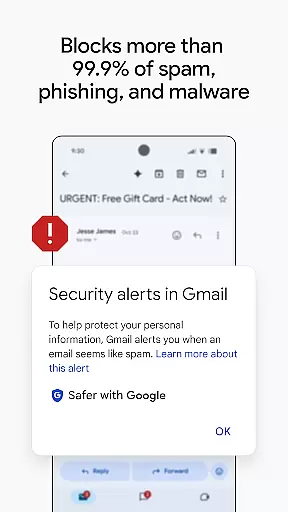
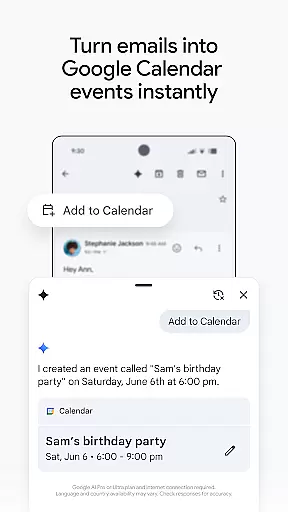
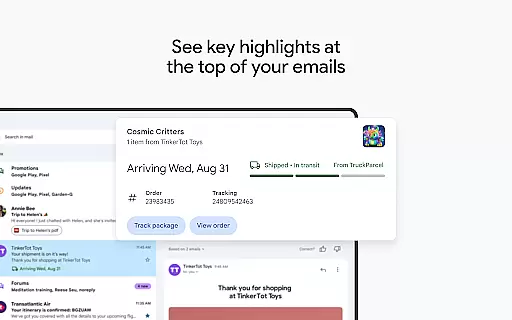
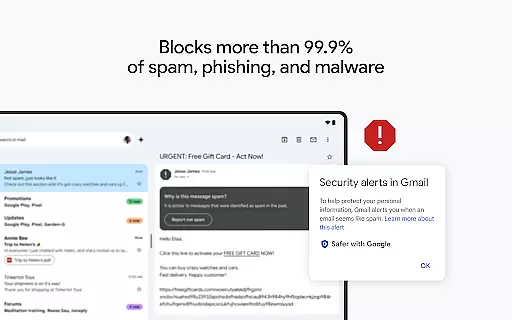
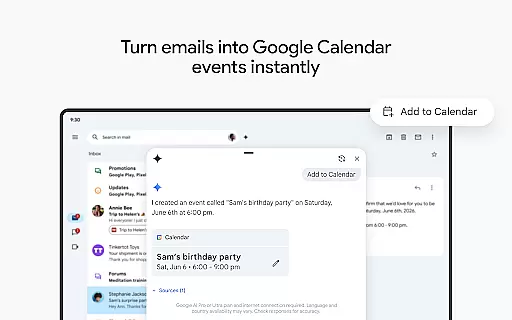
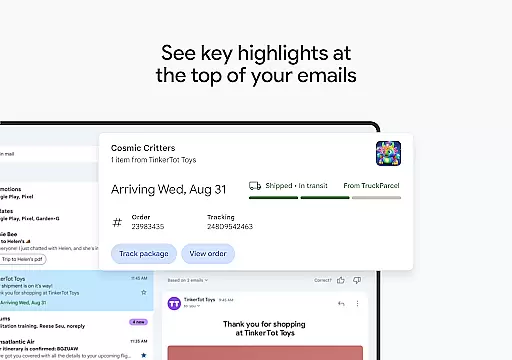
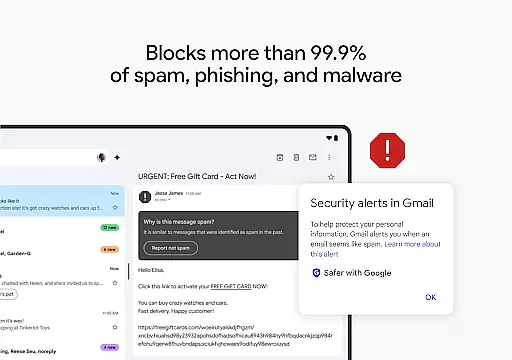
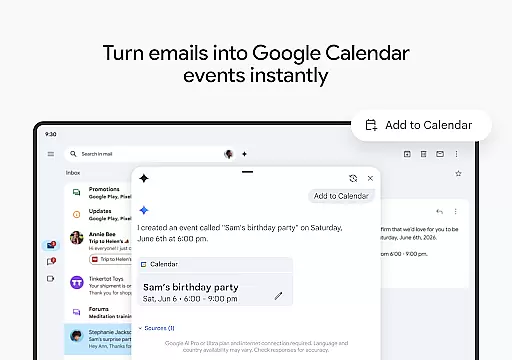
The app also excels in multi-account management, enabling users to switch between various email accounts effortlessly. Security-wise, Gmail blocks over 99.9% of spam, phishing attempts, and malware, ensuring your communications remain safe. Additionally, it offers practical tools such as summary cards at the top of emails and an 'Add to Calendar' button powered by Gemini for creating events instantly.
For business users, Gmail is part of Google Workspace, which brings premium AI features and integrates seamlessly with other Google services like Docs, Sheets, Meet, and Chat, promoting real-time collaboration and enhanced productivity.
Companion app integration is essential for a seamless experience across multiple devices. Gmail excels in this area by offering robust synchronization between your Android device and Wear OS smartwatch.
The app ensures that all your emails, labels, and folders are consistently updated across devices. This means you can start drafting an email on your phone and continue editing it on your watch without missing a beat.
Gmail's companion app integration also extends to its AI-powered features. For instance, the 'Help me write' function and contextual Smart Reply are available on both your phone and Wear OS device, maintaining a uniform user experience.
This level of integration provides users with the flexibility to manage their emails from any device at any time, significantly boosting productivity and convenience.
Device compatibility is crucial for ensuring that applications like Gmail work optimally on Wear OS devices. Gmail is designed to offer full functionality on Wear OS, providing users with a comprehensive email management solution right from their wrist.
The app supports key features such as receiving notifications, reading emails, and even composing new messages directly from a Wear OS smartwatch. This compatibility allows users to stay connected and productive without needing to reach for their phone.
In addition to basic email functions, Gmail on Wear OS includes advanced features like the 'Add to Calendar' button, which lets you create Google Calendar invites instantly. These capabilities ensure that you can manage both your schedule and communications efficiently.
By prioritizing Wear OS compatibility, Gmail delivers a versatile and reliable email experience that adapts to various devices, enhancing overall user satisfaction and engagement.
Advanced AI features
Multi-account support
Robust security measures
Seamless Wear OS integration
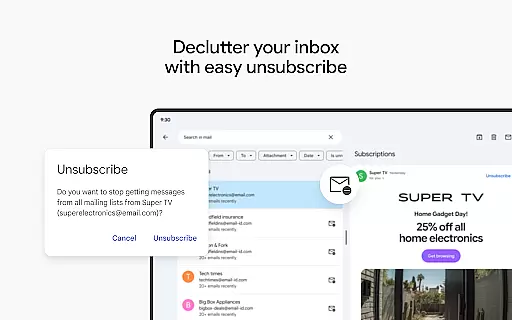
Efficient email management
Premium features require subscription
Limited offline functionality
Occasional sync issues
AI features need internet
Interface can be complex

Christmas and New Year - Themed Watchface
 4.1
4.1
Wear Os Watch Face - Animated Snow - Sesonal for Christmas & Winter
4.0
Current temperature, weather hourly, weather radar by the weather forecast app
4.40
A heartwarming Christmas scene featuring a cute image of Santa and Rudolf
4.5
Be an elegant and classy secret agent, with this carefully detailed watch face
4.70
The most customizable minimal watch face. For Wear OS 5.0, API 34+ and later
4.70
The ultimate destination for kids ages 3-8 to explore the Marvel Universe!
4.30
Control your Samsung Smart TVs, appliances, and SmartThings-compatible devices
4.60
Back up your contacts & access them anywhere
4.30
Walking app for weight loss: walk & step tracker, pedometer, indoor treadmill
4.60
Highly customizable hybrid watch face for Wear OS, perfect for everyday use.
4.60
Rose gold watch face with festive lights & customizable features.
4.60
Christmas watch face. For Wear OS devices.
4.30
Animated Watch Face and Customizable with 24 Backgrounds. Perfect for Christmas!
3.90
A full-featured Amazon Alexa voice assistant that can show you things.
3.70
Christmas is near, let's count together the days left until Santa comes
4.2
Artistic Digital Watchface
4.4
Sleek, highly customizable watch face inspired by Galaxy Watch Circle Dashboard.
4.4
Stylish digital watch face for Wear OS devices with customizable features
4.5


User Reviews