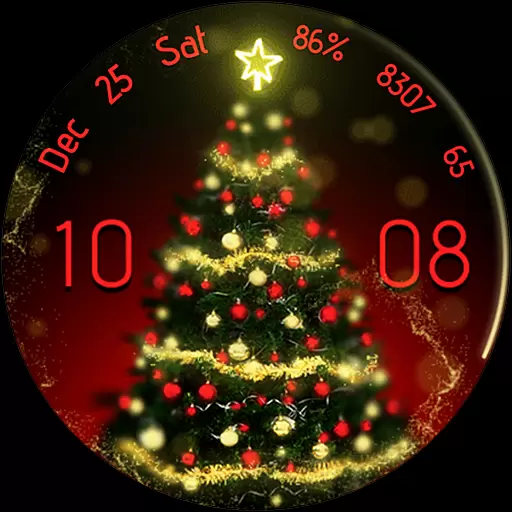
Embrace the holiday spirit with this magical animated watch face!
 4.40
4.40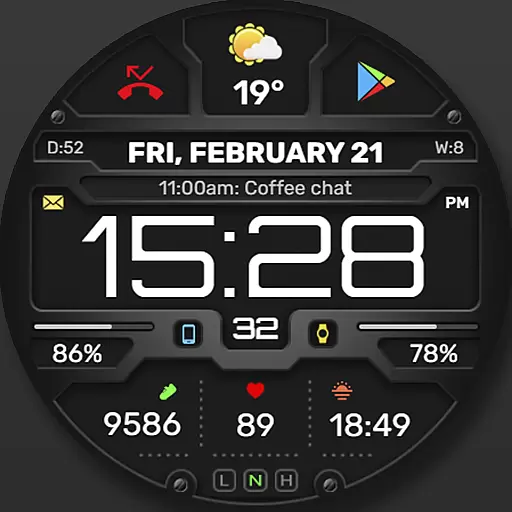
Digital, flexibly customizable watch face. For Wear OS 5.0, API 34+ and later.
5.00
Nutrition, Macro tracker: Food, fitness & healthy diet tracking for weight loss
4.60
The ultimate destination for kids ages 3-8 to explore the Marvel Universe!
4.30
Get helpful reminders, take progress photos and find answers to your questions.
3.90
Professional weather radar and more
3.90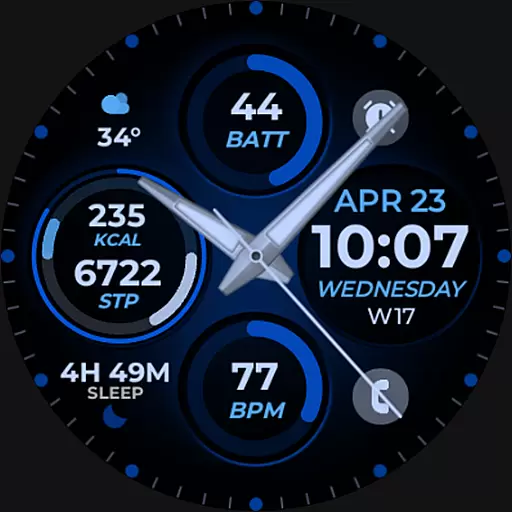
Hybrid Vibrant Health Watch Face for Wear OS
4.3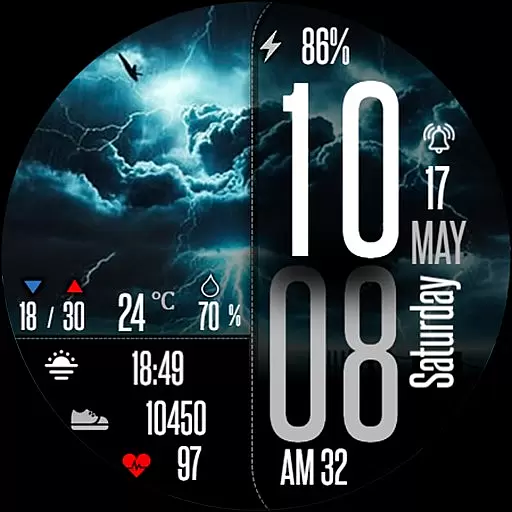
Daily Weather forecast with 15 weather images for Day & Night plus Big Bold time
4.10
From periods to pregnancy & perimenopause, Flo helps you track it all. Try now.
4.70
Period, ovulation & pregnancy tracker. Fertility insights & menstrual calendar.
4.90
Kia Access makes getting your vehicle information easier than ever
4.60
To-Do List: daily schedule planner, task organizer, to do reminder app, calendar
4.60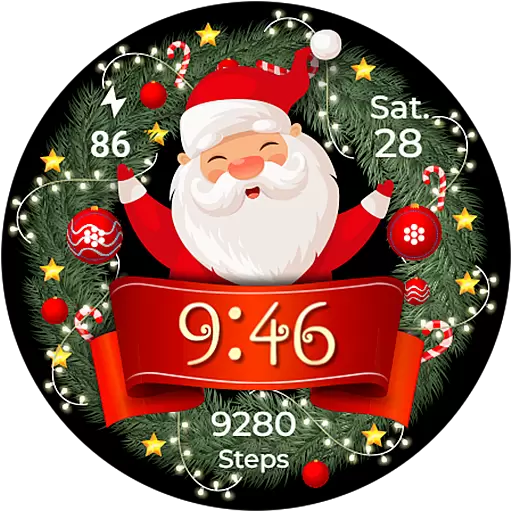
Deck out your Wear OS Watch face with a beautifully decorated pine wreath!
4.50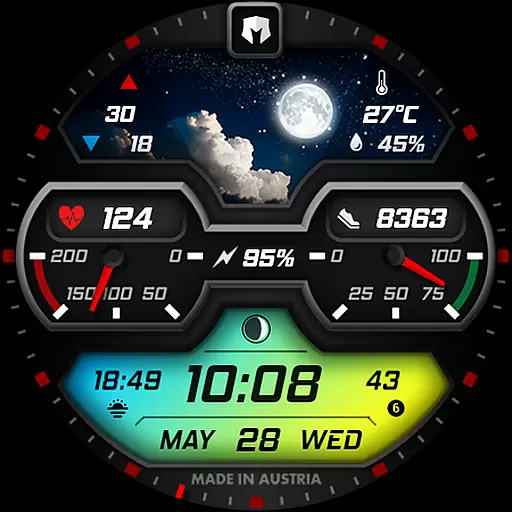
Stylish, Energizing and Modern Watch Face crafted by Dominus Mathias.
4.50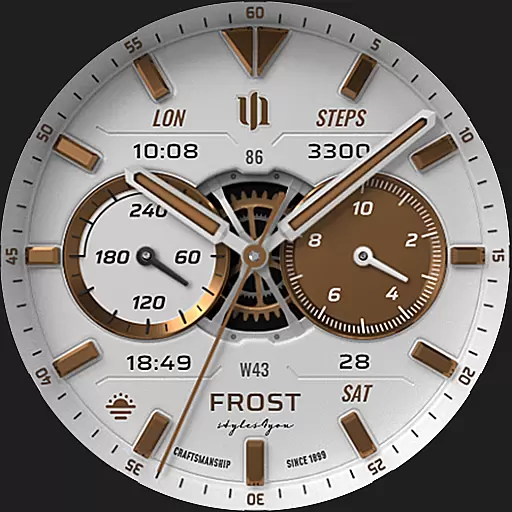
A white realistic classic analog watch face with many customization options.
4.40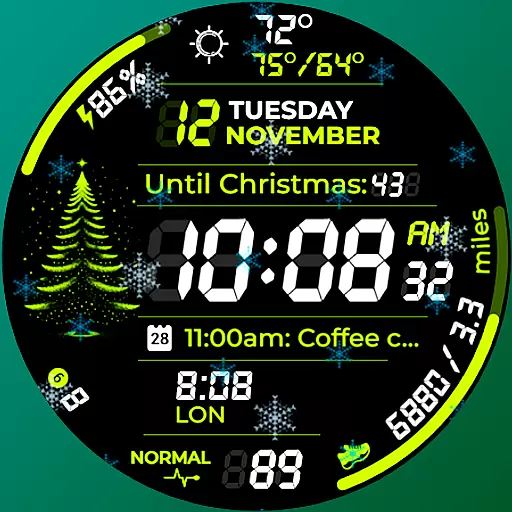
A customizable Christmas watch face for Wear OS with a countdown.
4.20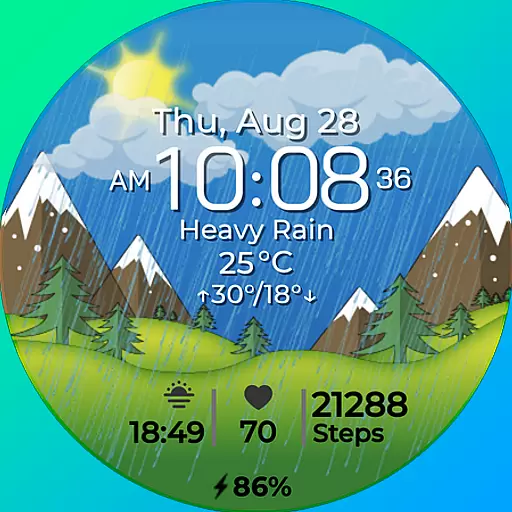
Watch face for Wear OS.
4.20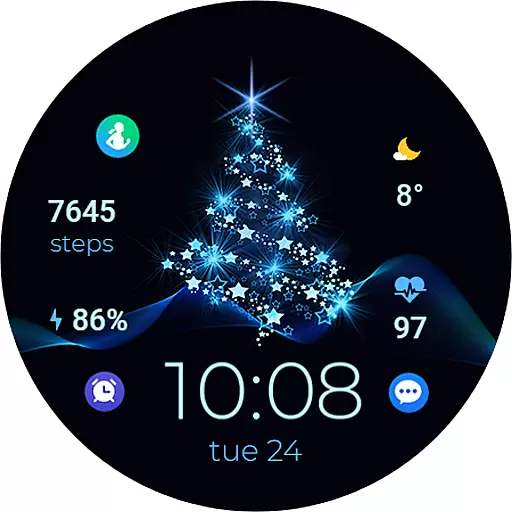
A digital watch face that celebrates Christmas.
4.00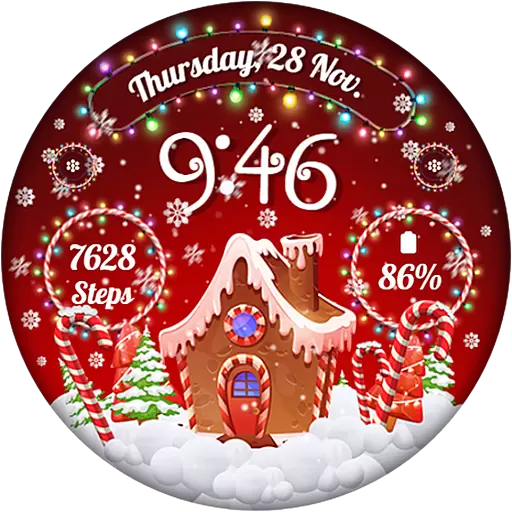
Wear Os Watch Face - Animated Snow - Sesonal for Christmas & Winter
4.2


