
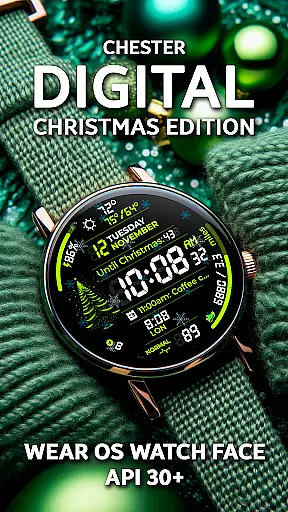
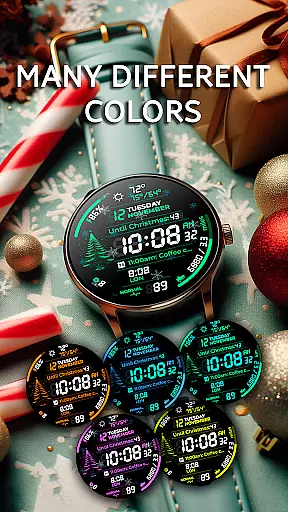
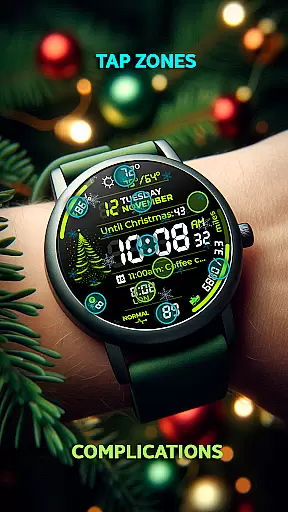
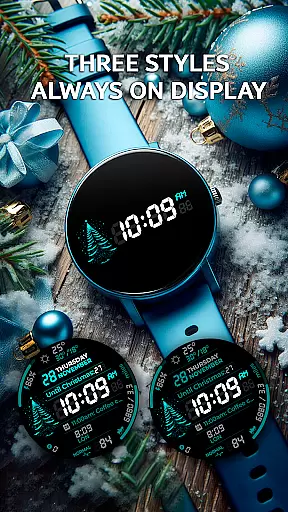
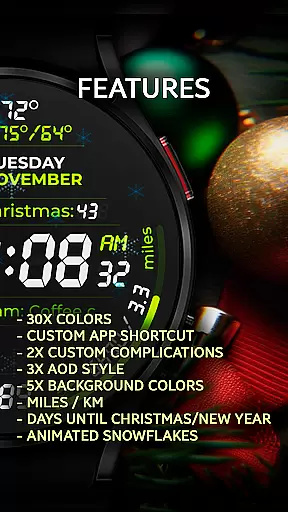
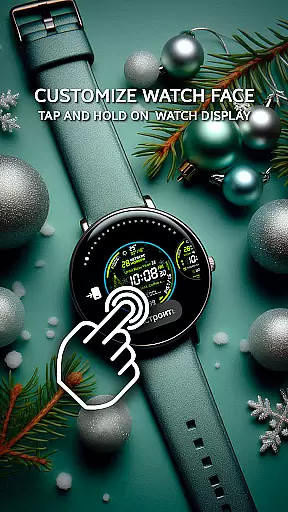
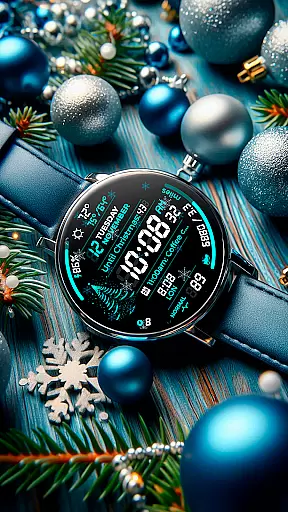
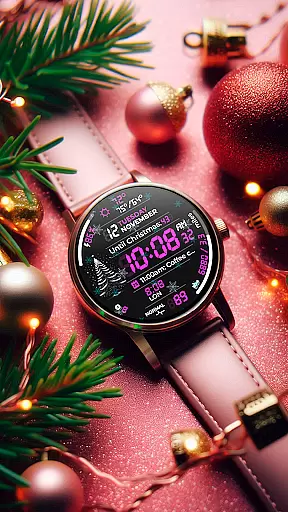
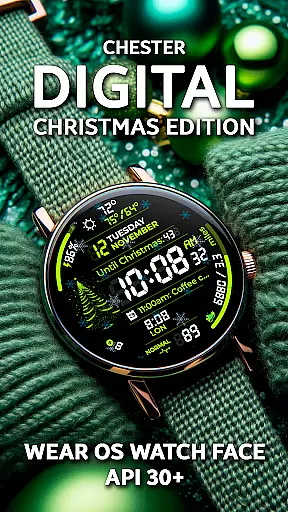
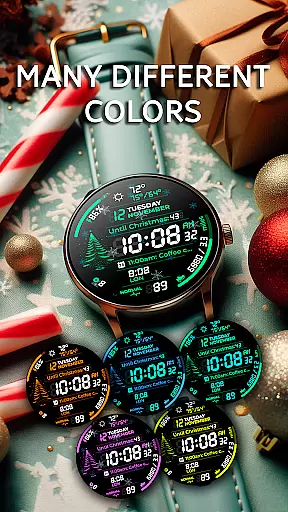
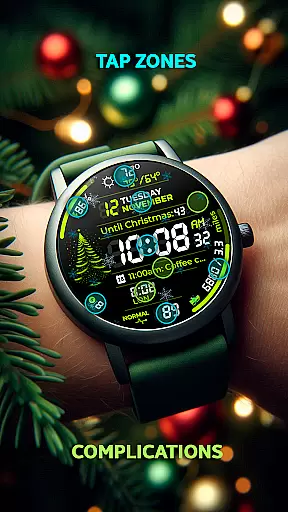
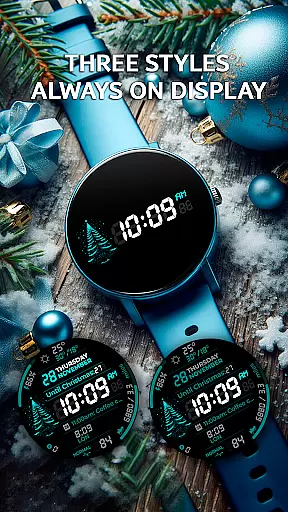
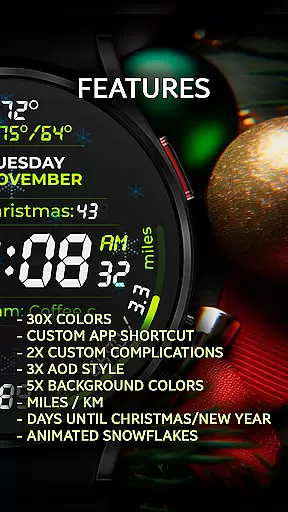
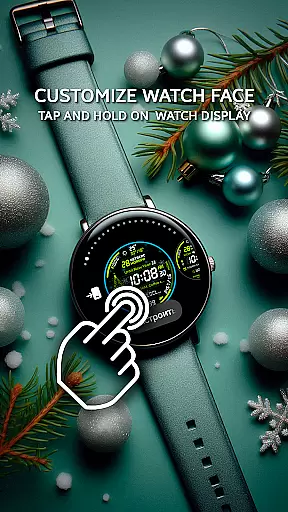
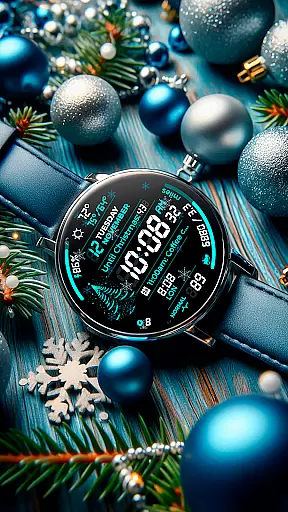
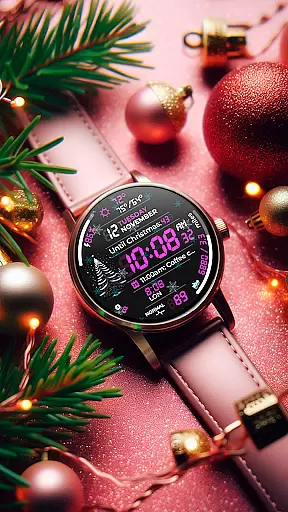
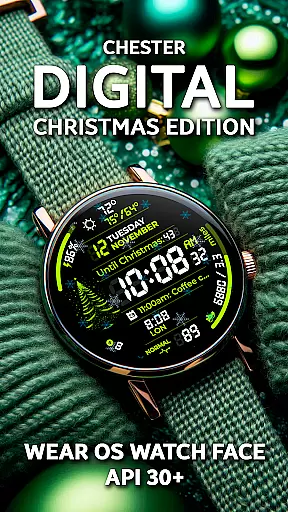
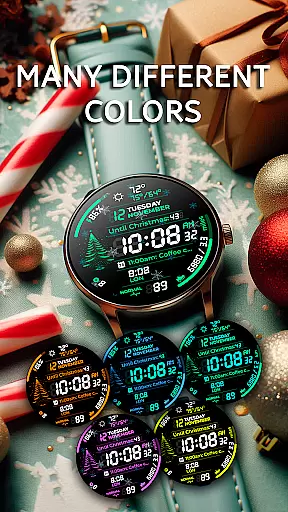
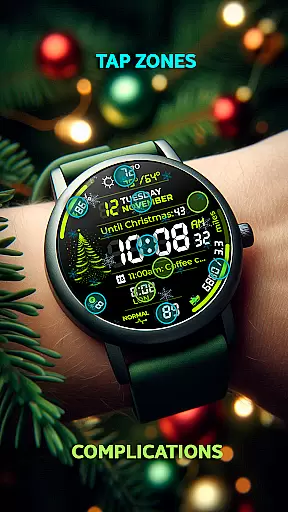
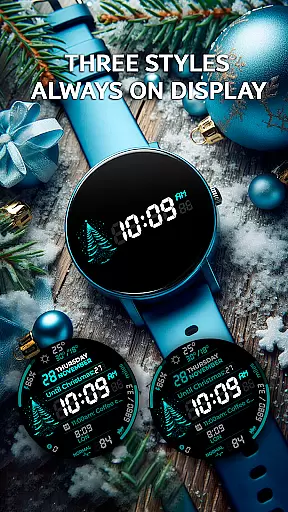
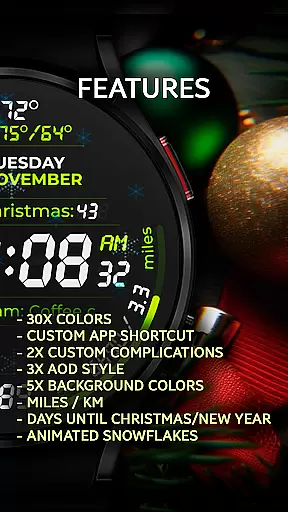
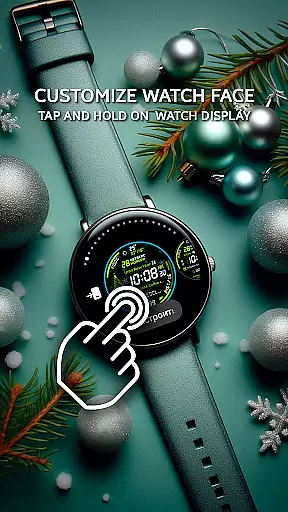
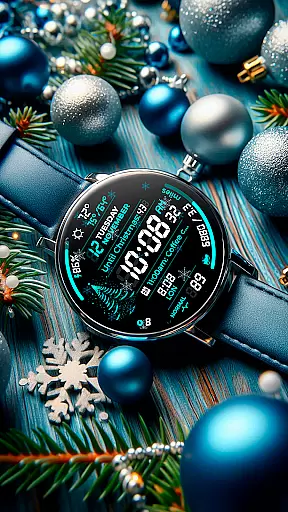
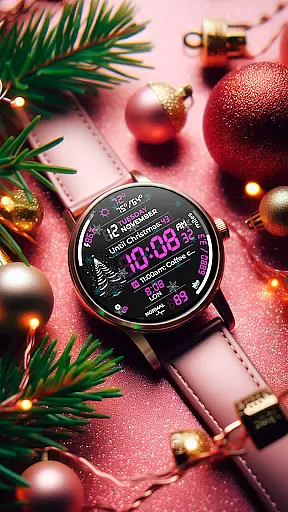
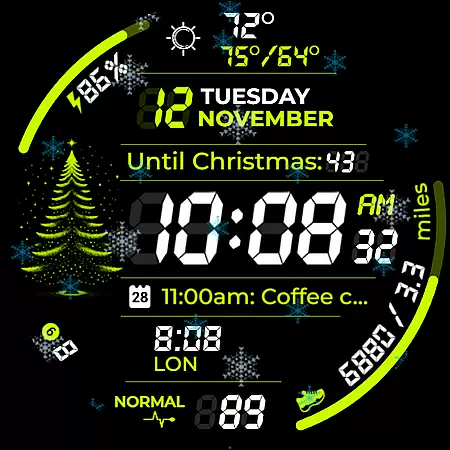
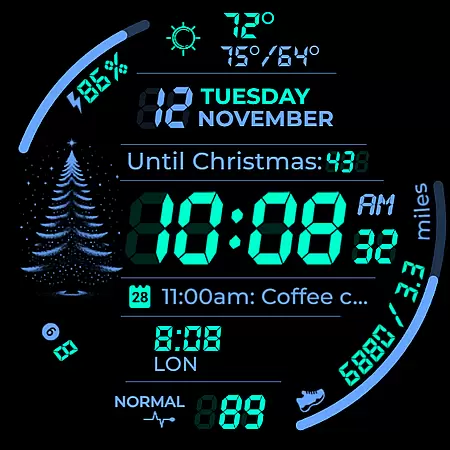
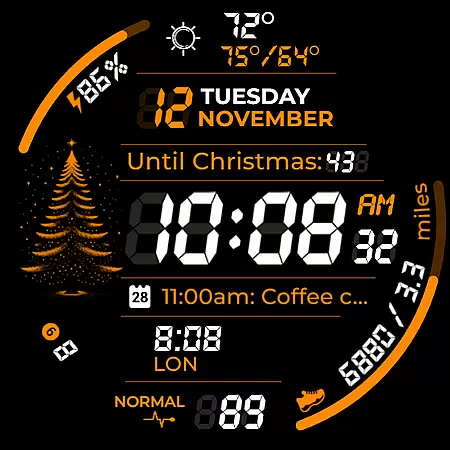
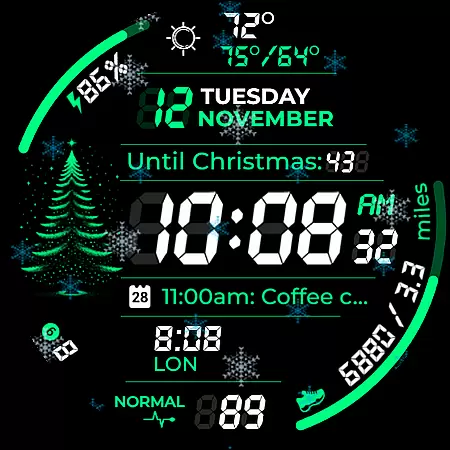
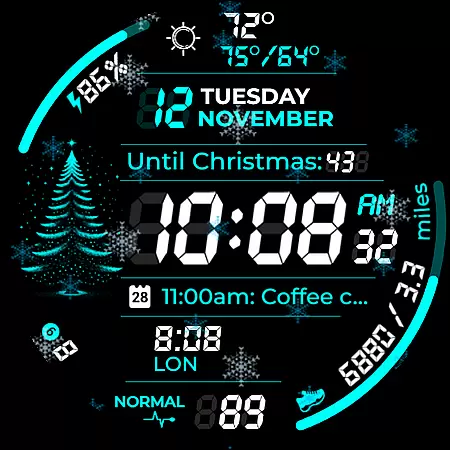
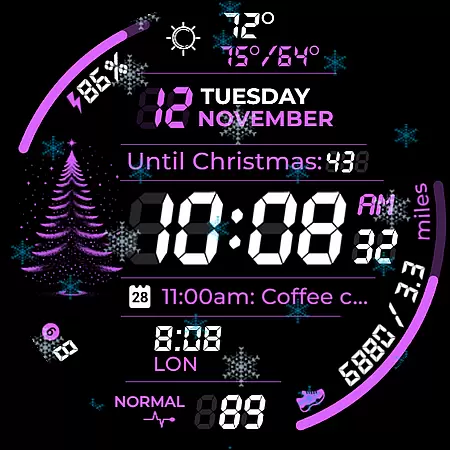
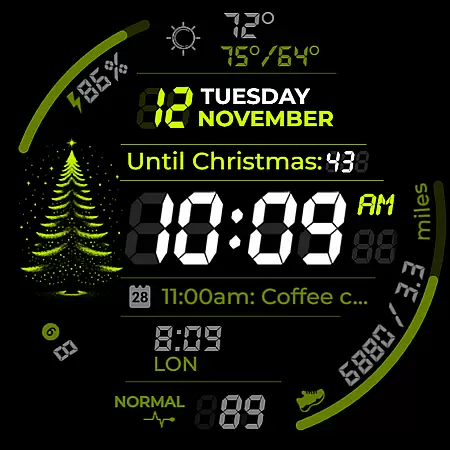
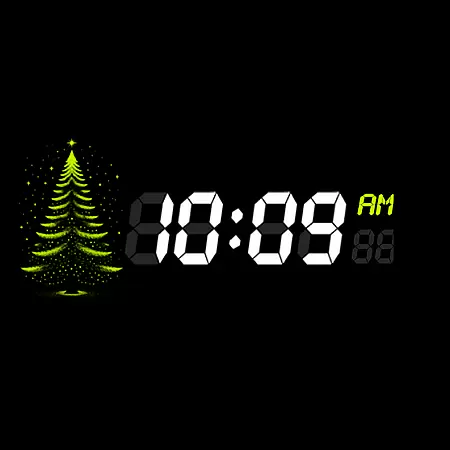
Chester Digital: Christmas is a festive watch face designed for Wear OS, bringing holiday cheer to your smartwatch. This customizable watch face offers 30 vibrant color schemes, app shortcuts, and interactive tap zones, making it both stylish and functional.
With features like countdowns to Christmas and New Year, weather updates, and full calendar reminders, it keeps users connected and prepared. Compatible with Wear OS API 30+ devices, this watch face ensures a personalized experience for all users.
This watch face stands out with its extensive customization options. Users can choose from 30 color schemes and five background colors, ensuring their watch face matches their personal style. The inclusion of app shortcuts and complication zones allows quick access to favorite functions and personalized information.
Unique features include a festive snowflake animation, distance tracking in miles or kilometers, and weekly and yearly tracking. These elements provide both utility and festivity, enhancing the overall user experience during the holiday season.
Companion app integration is essential for a seamless wearable experience. Chester Digital: Christmas offers robust companion app support, ensuring that your watch face settings and preferences are perfectly synchronized with your mobile device.
The app provides an intuitive interface where users can customize color schemes, app shortcuts, and complication zones. This synchronization allows for effortless personalization without the need to interact directly with the watch interface, streamlining the user experience.
By leveraging the Wear OS ecosystem, this watch face ensures real-time updates between devices. Whether you adjust settings via your phone or directly on the watch, all changes are instantly mirrored, providing a consistent and reliable experience across devices.
This level of integration enhances usability by centralizing control and making it easier to manage your digital life. Users benefit from having all their important information and customizations readily accessible, regardless of which device they are using at any given moment.
Device compatibility is crucial for ensuring optimal performance across various hardware platforms. Chester Digital: Christmas is designed to work seamlessly with all Wear OS API 30+ devices, including popular models like Google Pixel Watch and Galaxy Watch series.
The watch face takes full advantage of the technical specifications offered by these devices, delivering smooth animations and responsive interactions. Its compatibility extends to both circular and square watch designs, although it's not recommended for rectangular watches.
By supporting the latest Wear OS versions, this application guarantees access to advanced features such as enhanced battery optimization and improved processing power. These benefits ensure that users enjoy a high-quality experience without compromising on functionality or aesthetics.
With extensive testing across multiple devices, Chester Digital: Christmas maintains consistent performance standards. This commitment to compatibility means users can confidently choose this watch face knowing it will function reliably on their specific device model.
Highly customizable
Festive animations
Useful complications
Weather updates
Holiday countdowns
Not for rectangular watches
Limited device support
No iOS compatibility
Premium features locked
Complex setup

Highly customizable hybrid watch face for Wear OS, perfect for everyday use.
 4.60
4.60
Christmas is near, let's count together the days left until Santa comes
4.4
Digital watch face with big numbers and many customization for Wear OS devices
4.40
The #1 source of faces for your smartwatch!
4.00
Retro digital watch face with customizable colors and a unique lighting effect
4.60
Viewer for Wyze/Yi/Eufy/Arlo/ONVIF/RTSP/P2P IP cams w/ adv. features & DIY DVR
4.00
Premium hybrid watch face with many customizations for Wear OS devices.
4.40
Simple, helpful messaging by Google
4.60
Control your Samsung Smart TVs, appliances, and SmartThings-compatible devices
4.60
Beautiful, colorful and practical watch face. For Wear OS devices.
5.00
Rose gold watch face with festive lights & customizable features.
4.60
Locate your family members by GPS phone location tracker everywhere and anytime
4.30
Calming & relaxing sounds for sleeping and stress relief. Stay focused all day!
4.20
Animated video-game inspired “secret agent” simulation, right on your wrist!
4.20
Animated Watch Face and Customizable with 24 Backgrounds. Perfect for Christmas!
3.90
Get helpful reminders, take progress photos and find answers to your questions.
3.90
Authentic military-tactical design with ZULU time! Realistic and functional!
3.80
Wear Os Watch Face - Animated Snow Effect & Christmas Lights
4.0
Sleek, highly customizable watch face inspired by Galaxy Watch Circle Dashboard.
4.5


User Reviews