
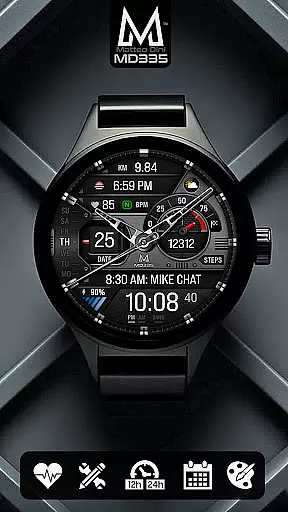
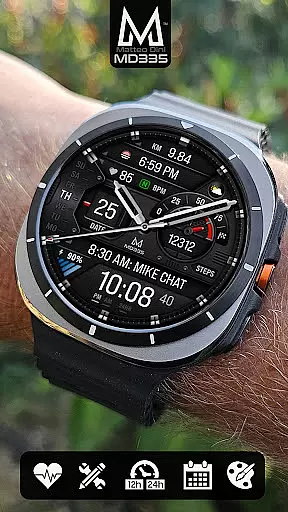
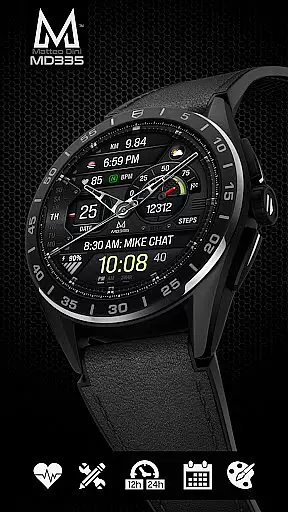
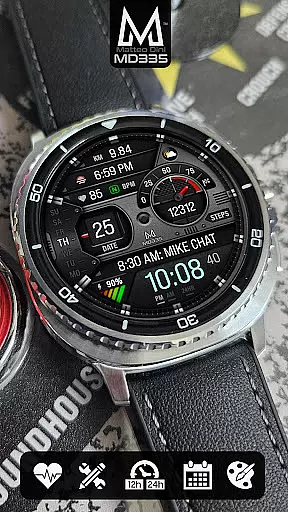
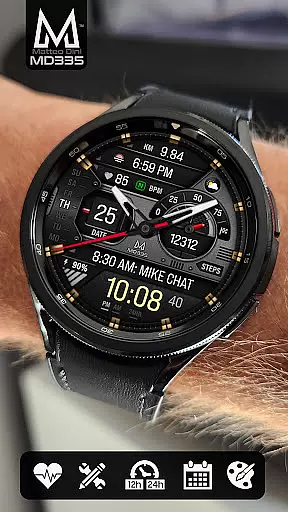
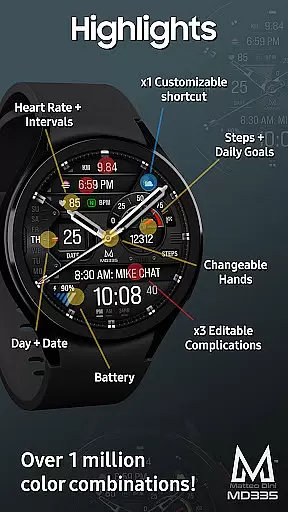
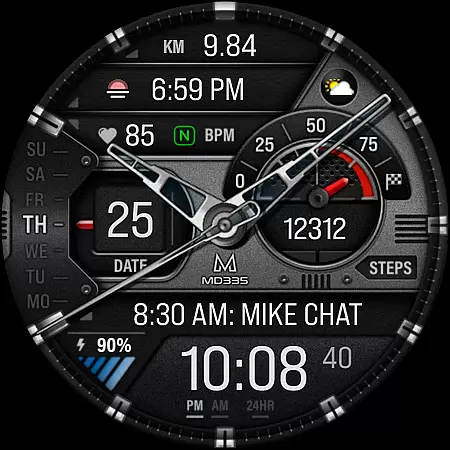
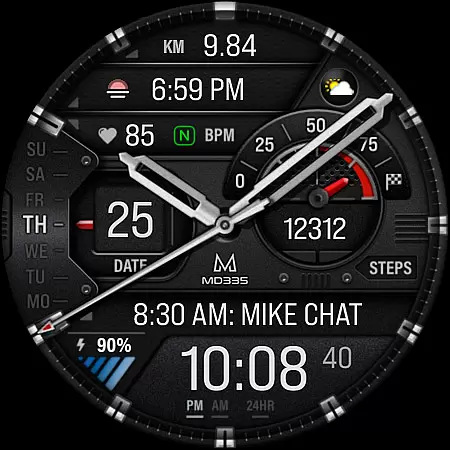
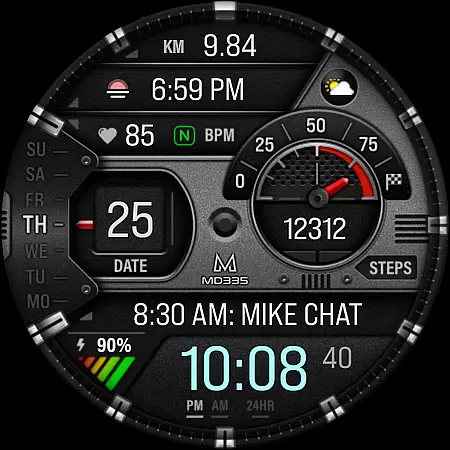
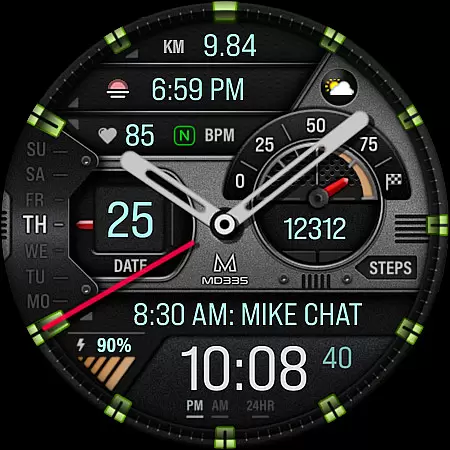
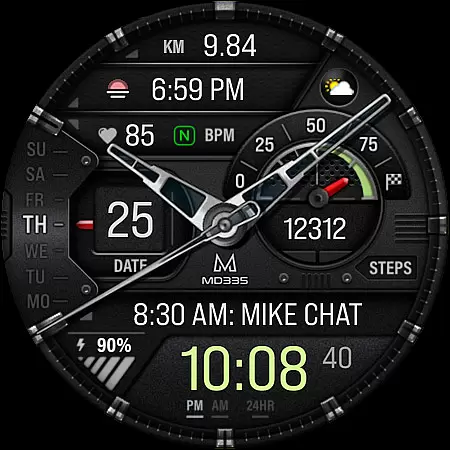
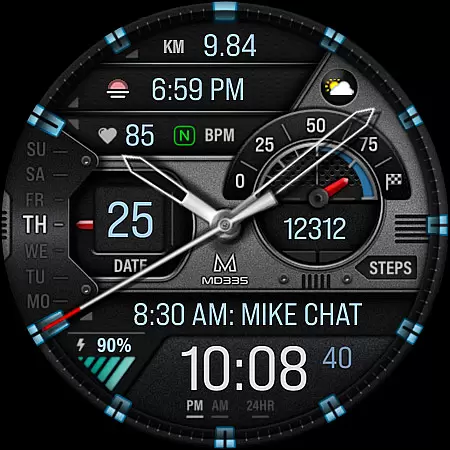
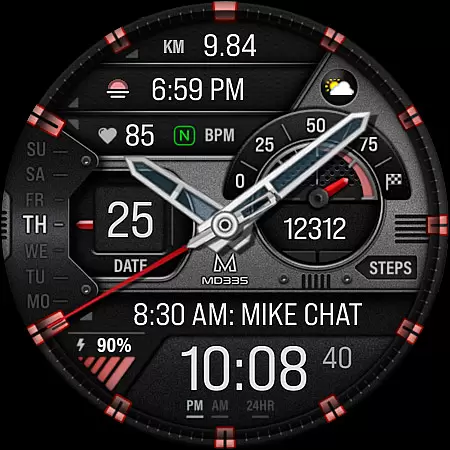
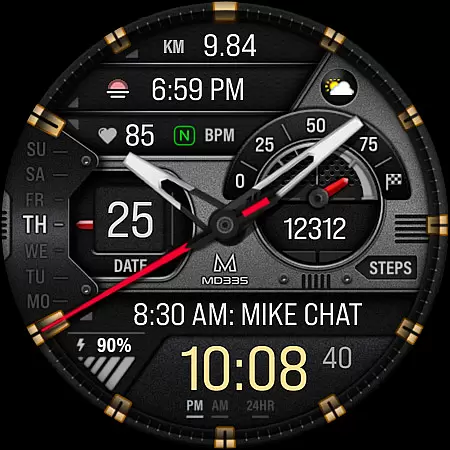
MD335 Hybrid watch face offers a sophisticated blend of traditional and digital elements, designed specifically for Wear OS devices. This versatile watch face supports all Wear OS devices with API Level 33+ and includes features like 12/24hr time display based on phone settings, hybrid design with hideable hands, and multiple customizable options.
Users can enjoy practical functionalities such as heart rate monitoring, step counting with daily goals, and various complications like weather and barometer data. The customization options allow users to tailor the appearance and data displayed, ensuring both utility and personal style are catered to.
Ideal for Galaxy Watch users who appreciate detailed and adaptable interfaces, MD335 is best customized directly on the device due to current limitations with Samsung's Wearable app editor.
MD335 Hybrid watch face stands out with its comprehensive feature set tailored for tech-savvy users. It includes 4 preset app shortcuts like Calendar and Battery, alongside 1 customizable shortcut and 3 customizable complications that support a wide array of data types including weather, health metrics, and more.
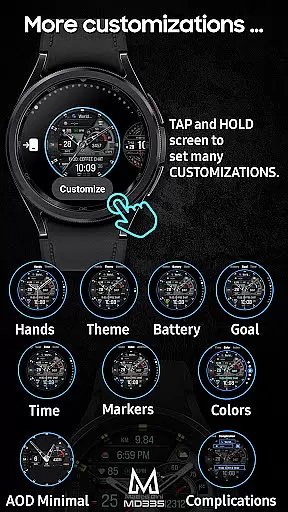
The watch face also boasts changeable themes between dark and light modes, adjustable colors for time, battery level, and other markers, and minimal and full Always-On Display (AOD) modes. These features collectively enhance user interaction and provide a personalized experience.
Additionally, the ability to customize hands and access detailed data through complications ensures that users have both aesthetic control and functional depth, making it a top choice for those seeking a fully-featured Wear OS watch face.
For the MD335 Hybrid watch face, seamless companion app integration is crucial for an optimal user experience. This feature ensures that your smartphone and wearable device work in harmony, providing real-time data synchronization and control.
The Samsung Wearable app allows users to customize their watch face directly on their phone. However, due to potential loading issues with complex designs, it's recommended to personalize the watch face directly on the device itself. This approach guarantees a smooth customization process without interruptions.
By tapping and holding the screen on your watch, you can access the customization options effortlessly. This direct interaction enhances user engagement and provides a more intuitive way to tailor the watch face according to individual preferences.
With proper companion app integration, users can enjoy features like 12/24hr time display based on phone settings, heart rate monitoring, and customizable complications. These elements collectively contribute to a cohesive and personalized wearable experience.
The MD335 Hybrid watch face boasts extensive compatibility with various Wear OS devices, ensuring a broad user base can enjoy its features. Supporting all Wear OS devices with API Level 33+ (Wear OS 4 and later), this watch face caters to models such as Samsung Galaxy Watch 4-8, Ultra, and Pixel Watch.
This wide-ranging compatibility means users across different devices can take advantage of the hybrid design, customizable shortcuts, and complications. Whether you're using a Samsung or a Pixel device, the watch face maintains consistent performance and visual appeal.
Moreover, the watch face supports both dark and light themes, changeable colors, and minimal/full Always-On Display (AOD) modes. These features are accessible regardless of the specific Wear OS device, providing a uniform experience across platforms.
Device compatibility also extends to additional functionalities like weather updates, health data tracking, and app shortcuts. By ensuring these features work seamlessly across supported devices, the MD335 Hybrid watch face delivers a versatile and reliable solution for all your wearable needs.
Highly customizable
Versatile complication options
User-friendly interface
Supports latest Wear OS
Hybrid design aesthetics
Complex setup process
Limited Samsung app support
Requires additional apps
Premium features locked
Battery consumption high

Christmas watch face. For Wear OS devices.
 4.30
4.30
A heartwarming Christmas scene featuring a cute image of Santa and Rudolf
4.0
A modern premium sporty hybrid watch face for Wear OS by Ballozi
4.70
Sleek, highly customizable watch face inspired by Galaxy Watch Circle Dashboard.
4.5
Hyperlocal rain alerts by MyRadar using patent-pending technology, radar & more
4.80
Real-time results, stats, schedules and player profiles for all leagues
4.60
Connect, create, and collaborate with Gmail, part of Google Workspace.
4.10
Simple, helpful messaging by Google
4.60
Spam call blocker and caller ID for automatic call protection!
4.40
Beautiful, colorful and practical watch face. For Wear OS devices.
5.00
Stylish, Energizing and Modern Watch Face crafted by Dominus Mathias.
4.50
Digital watch face with big numbers and many customization for Wear OS devices
4.40
Reliable phone calls with spam protection, caller ID and more helpful features
4.40
A white realistic classic analog watch face with many customization options.
4.40
Your music, your playlists, and more—offline and unlimited.
4.20
A digital watch face that celebrates Christmas.
4.00
Watch the sharpness of the sky on your wrist..
3.70
Want to take charge of your health? Let Google Fit help you reach your goals.
3.50
Wear Os Watch Face - Animated Snow Effect & Christmas Lights
4.3


User Reviews