
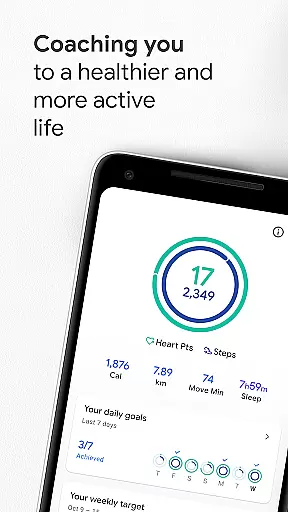
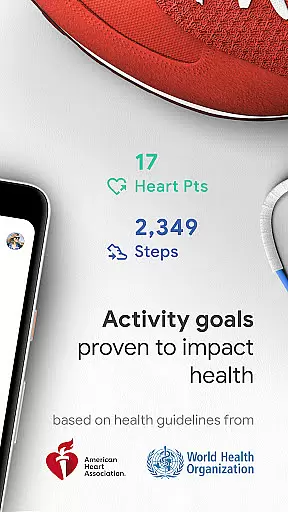
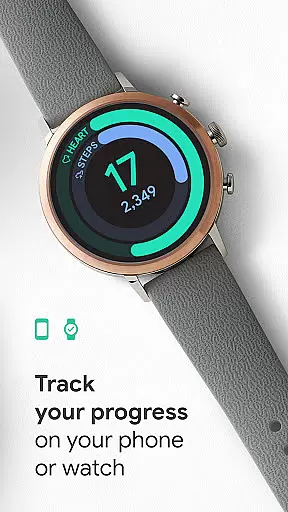
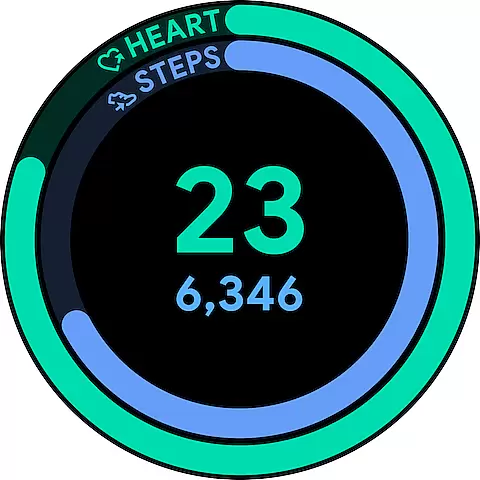
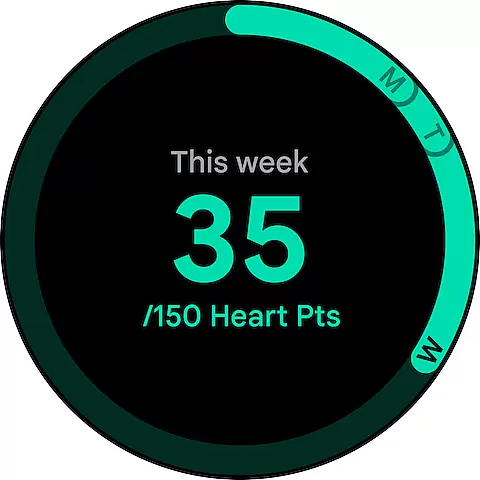
Google Fit is a comprehensive health and fitness application designed to help users achieve a healthier and more active lifestyle. Developed in collaboration with the World Health Organization (WHO) and the American Heart Association (AHA), it introduces Heart Points - an innovative activity goal system that promotes better heart and mental health. By earning points for every minute of moderate to intense physical activity, users can conveniently track their progress towards the recommended weekly physical activity levels.
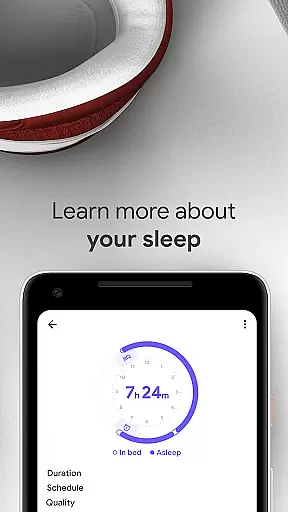
The app goes beyond basic step counting by tracking various workouts through your phone or smartwatch, monitoring goals, and integrating data from multiple fitness apps and devices. Whether you're walking, running, or engaging in specialized workouts like pilates or spinning, Google Fit ensures all your movements are accounted for. The app also features stress-reducing breathing exercises and provides at-a-glance daily stats through customizable widgets.
With its holistic approach to health tracking and integration with Android and Wear OS devices, Google Fit is particularly beneficial for individuals seeking an all-in-one solution to monitor and improve their overall wellbeing while staying connected across different fitness platforms.
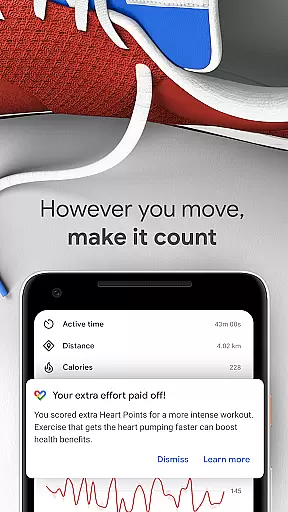
Google Fit distinguishes itself through its sophisticated feature set tailored for comprehensive health monitoring. The app's most notable feature is its Heart Points system, which scientifically measures physical activity based on intensity and duration. Using your device's sensors, it automatically detects various activities throughout the day, from brisk walking to cycling, and converts them into measurable health benefits.
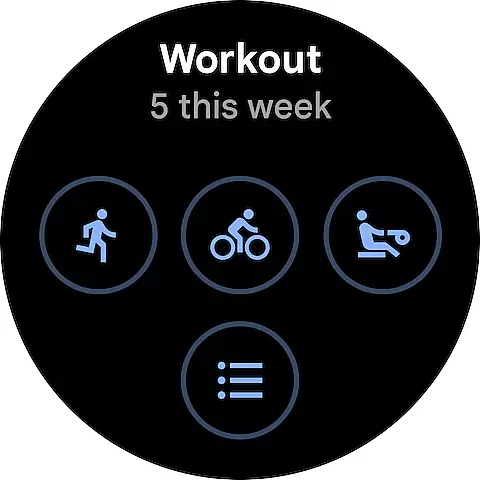
The application excels in workout tracking capabilities, providing real-time statistics for runs, walks, and bike rides. It integrates seamlessly with both Android devices and Wear OS smartwatches, offering instant exercise insights and detailed performance metrics including speed, pace, and route information. The automatic activity detection feature ensures users receive credit for all their movements, while the customizable workout selection covers numerous exercise types.
Additional features include respiratory rate measurement using just your phone camera, comprehensive health data integration from third-party apps and devices, and convenient health monitoring through home screen widgets and smartwatch complications. These features collectively create a robust ecosystem for managing personal health and fitness goals.
Companion app integration is essential for users who want a seamless experience between their mobile devices and wearables. Google Fit excels in this area by ensuring that data captured on your Android phone or Wear OS smartwatch is accurately reflected in the app.
The app uses your device's sensors to track activities such as walking, running, or biking throughout the day. This information is then automatically added to your Google Fit journal, providing a comprehensive overview of your daily movements without any manual input required from the user.
Google Fit also allows you to start workouts directly from your Wear OS watch, giving real-time stats for runs, walks, and bike rides. This means you can leave your phone at home and still have all your exercise data synced with Google Fit when you return.
By integrating with other apps and devices like Lifesum, Nike+, Runkeeper, and more, Google Fit ensures that no matter where or how you track your fitness, all your information is centralized and accessible from one place.
Device compatibility is crucial for wearable technology, ensuring that apps function correctly across different devices. Google Fit offers extensive support for Wear OS by Google, making it an ideal choice for users invested in the ecosystem.
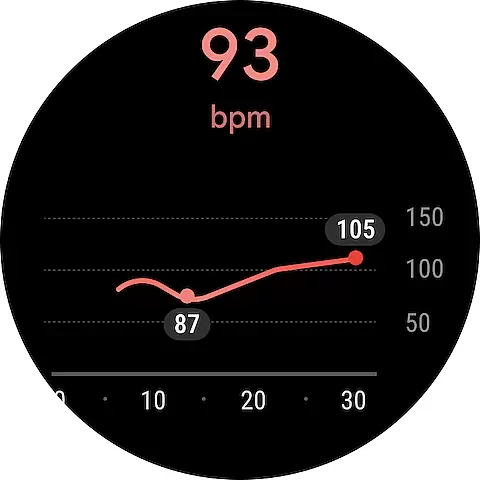
With its deep integration into Wear OS, Google Fit takes full advantage of the smartwatchu2019s capabilities. It uses heart rate sensors and GPS to provide detailed insights during workouts, such as speed, pace, and route tracking, which are displayed directly on the wearable device.
For those who prefer not to carry their phones while exercising, Google Fit's robust Wear OS compatibility allows standalone operation. Users can start and end workouts using just their smartwatches, with all data syncing back to the main app once connected again.
In addition to native Wear OS support, Google Fit also works well with other devices, including Xiaomi Mi bands and Withings products, offering a versatile solution for health tracking regardless of the specific hardware you own.
User-friendly interface
Comprehensive health tracking
Automatic activity detection
Wide device compatibility
Scientifically-backed metrics
Limited iOS functionality
Requires Google account
Battery consumption concerns
Occasional sync issues
Premium features locked

Walking app for weight loss: walk & step tracker, pedometer, indoor treadmill
 4.60
4.60
Animated Watch Face and Customizable with 24 Backgrounds. Perfect for Christmas!
3.90
Rose gold watch face with festive lights & customizable features.
4.60
A Wintery Snow Globe on Your Wrist; now celebrating Christmas!
4.2
Gym & home workout plans with strength training, exercise tracking, HIIT & more.
4.60
Get helpful reminders, take progress photos and find answers to your questions.
3.90
Simple, helpful messaging by Google
4.60
Fitbit is dedicated to helping people lead healthier, more active lives.
4.10
Spam call blocker and caller ID for automatic call protection!
4.40
The most customizable hybrid watch face. For Wear OS 5.0, API 34+ and later
4.70
To-Do List: daily schedule planner, task organizer, to do reminder app, calendar
4.60
Bold, Modern Hybrid Watch Face for Wear OS. 10 Colors, Rich Info Display.
4.30
Let's celebrate Thanksgiving - Wear Os watch face
4.20
Snowflake Rose Gold Watch Face - Digital, modern, & sleek with GYRO effect.
4.10
sleep, alarm, snoring, stress, healing, focus, sound therapy, circadian rhythm
4.10
an Analog Watch Face for winter season with freeze winter background for Wear OS
4.3
Simple Analog-Digital Watchface For Wear OS 3.0 and Up Smartwatches
4.0
Minimalistic design modern digital watch face.
4.3
Hybrid Vibrant Health Watch Face for Wear OS
4.5


User Reviews