

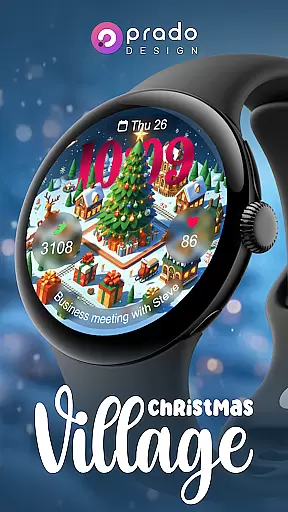
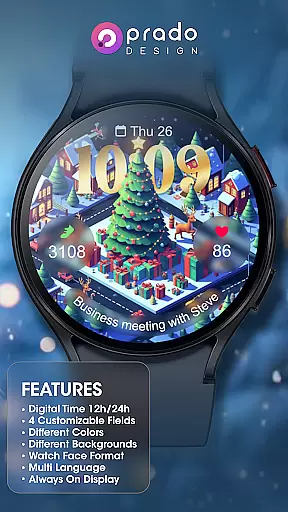


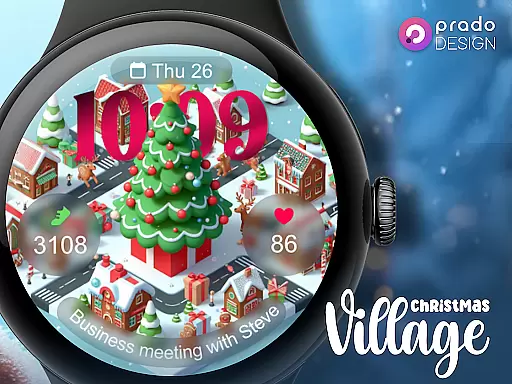
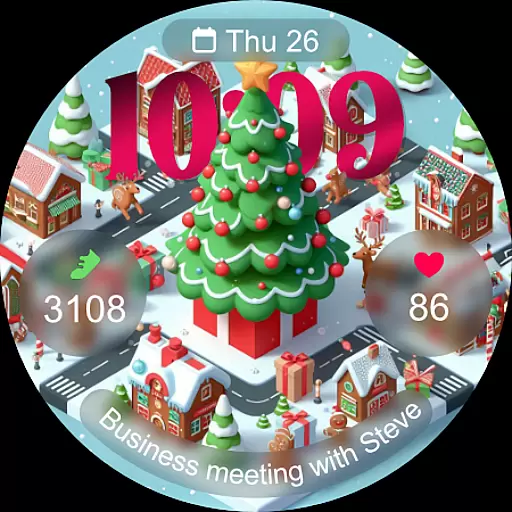
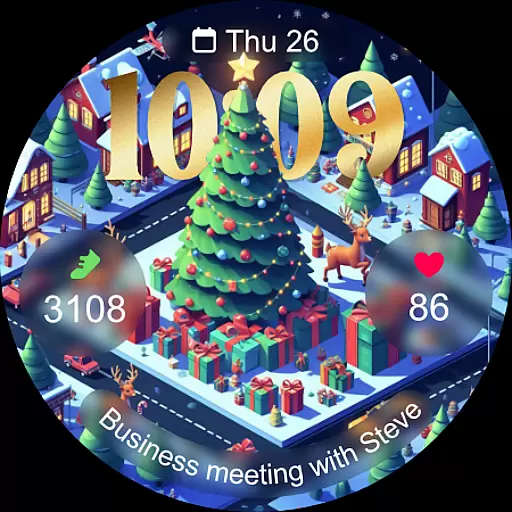
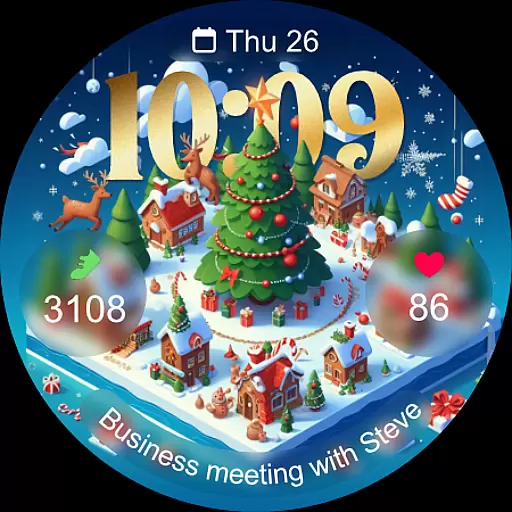
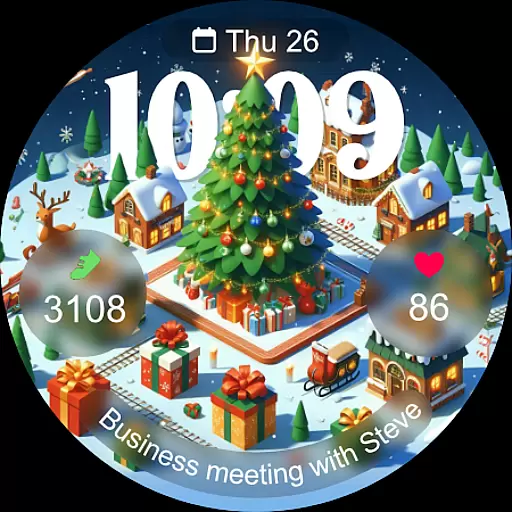
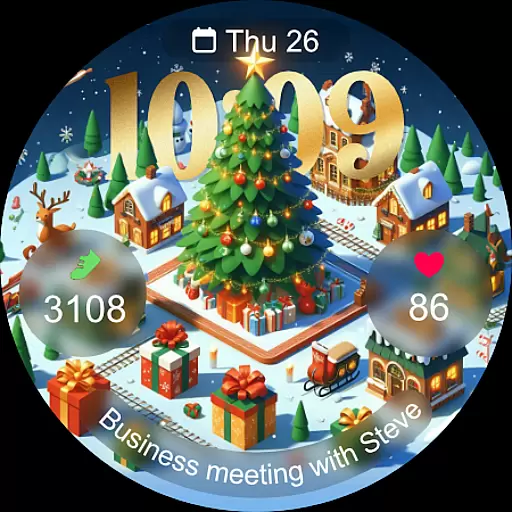
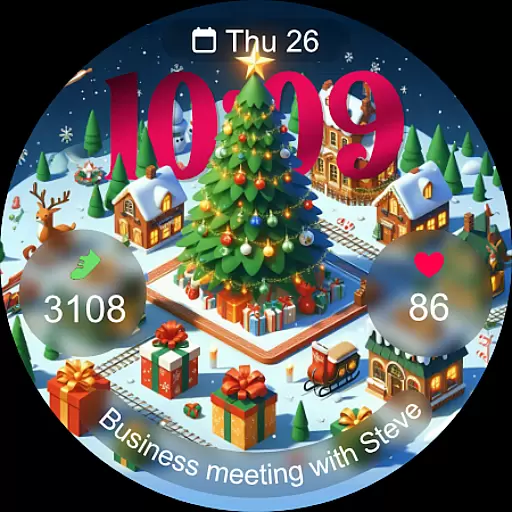
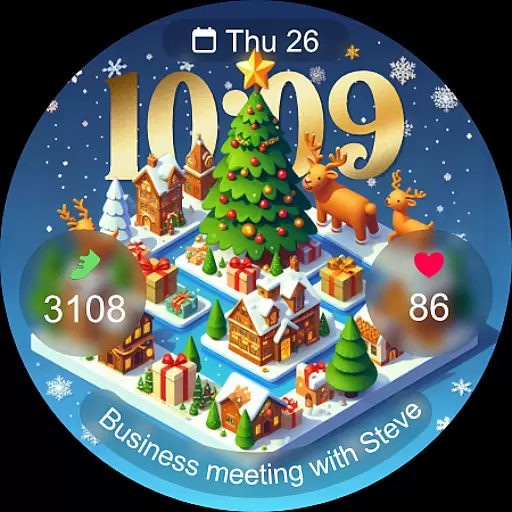
Christmas Village is a festive watch face app designed specifically for Wear OS devices, offering users a perfect way to celebrate the holiday season right on their smartwatch. The app provides a delightful Christmas-themed interface with customizable features that adapt to individual preferences.
Key functionalities include time display based on 12h/24h settings, four customizable fields, and various color options. Users can also enjoy different characters, multiple language support, and an always-on display feature. To ensure full functionality, users need to manually enable sensor permissions and allow data complications.
This app is ideal for those looking to add a touch of holiday cheer to their smartwatch while maintaining practical utility throughout the Christmas season.
Christmas Village offers a range of features that enhance the Wear OS experience during the festive period. One standout feature is its ability to display time in either 12-hour or 24-hour formats, depending on the user's phone settings. This flexibility ensures that the watch face integrates seamlessly with existing device configurations.
The app includes four customizable fields, allowing users to tailor the watch face to their specific needs. Additionally, it supports various colors and characters, providing a personalized touch. Multi-language support makes it accessible to a global audience, while the always-on display ensures that important information is always visible.
For optimal performance, users are encouraged to enable sensor permissions and data complications manually. Weather complications can be set up using recommended apps like Weather Complications or SimpleWeather, enhancing the overall utility of the watch face.
For a seamless Christmas experience, the Christmas Village watch face ensures perfect synchronization with its companion app. This integration allows users to unlock the full potential of their Wear OS devices by enabling essential features such as weather complications and customizable fields.
The companion app provides crucial permissions that enhance the watch face's functionality, including sensor activation and complication data reception. By manually enabling these settings, users can enjoy an enriched interface that reflects their personal style and preferences.
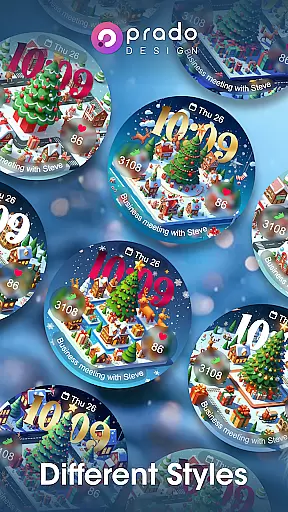
With the companion app, users can access different colors, characters, and languages, making it a versatile choice for the holiday season. The app also supports multi-language options and always-on display features, ensuring accessibility and convenience.
This robust integration between the Christmas Village watch face and its companion app offers users a cohesive and dynamic wearable experience, perfectly suited for celebrating the festive season in style.
Designed exclusively for Wear OS devices, Christmas Village ensures optimal performance across compatible smartwatches. Before purchasing, users should verify device compatibility to avoid encountering the "Your devices are not compatible" message.
If compatibility issues arise, users can resolve them by visiting the Play Store via a browser to ensure a smooth installation process. This preemptive step guarantees that all features, including 12h/24h time formats and customizable fields, function correctly.
For an enhanced user experience, Christmas Village recommends specific weather apps like Weather Complications and SimpleWeather. These apps integrate seamlessly with the watch face, providing accurate weather data when setting complications.
By focusing on Wear OS compatibility and recommending complementary apps, Christmas Village delivers a reliable and festive experience tailored to tech-savvy users who want to celebrate the holidays with a touch of digital charm.
Perfect for holidays
Fully customizable
Vibrant designs
Always-on display
Multi-language support
Wear OS only
Manual setup required
Limited compatibility
No iOS support
Additional apps needed

Watch the sharpness of the sky on your wrist..
 3.70
3.70
Christmas is near, let's count together the days left until Santa comes
4.5
A Wintery Snow Globe on Your Wrist; now celebrating Christmas!
4.1
Analog watch face with 8 complications and expedition styling
4.5
The most customizable minimal watch face. For Wear OS 5.0, API 34+ and later
4.70
Bold, Modern Hybrid Watch Face for Wear OS. 10 Colors, Rich Info Display.
4.30
Kia Access makes getting your vehicle information easier than ever
4.60
Hyperlocal rain alerts by MyRadar using patent-pending technology, radar & more
4.80
Your second brain for organizing your life: to-do, calendar, reminder.
4.70
Beautiful, colorful and practical watch face. For Wear OS devices.
5.00
Monitor health with the stress test and pulse checker in the heart rate app.
4.60
To-Do List: daily schedule planner, task organizer, to do reminder app, calendar
4.60
Deck out your Wear OS Watch face with a beautifully decorated pine wreath!
4.50
Fast and smart typing with Emojis, GIFs, and more
4.50
Hyper-Realistic Airplane Dashboard Watch Face With 10 Skins and Custom AOD
4.00
A full-featured Amazon Alexa voice assistant that can show you things.
3.70
Watch face designed for Thanksgiving Day. 7 Background Styles included.
3.20
an Analog Watch Face for winter season with freeze winter background for Wear OS
4.5
Hybrid Vibrant Health Watch Face for Wear OS
4.4


User Reviews