
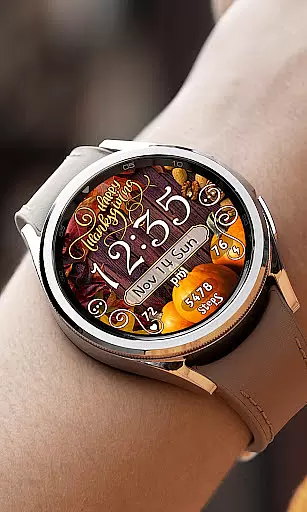

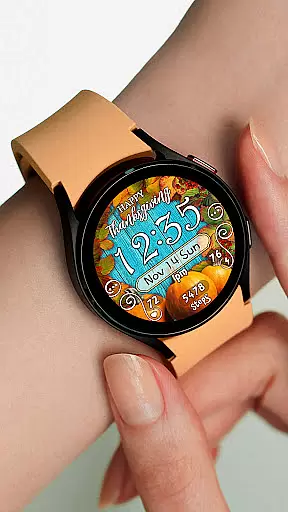
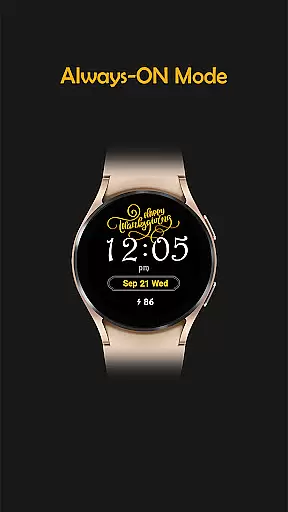
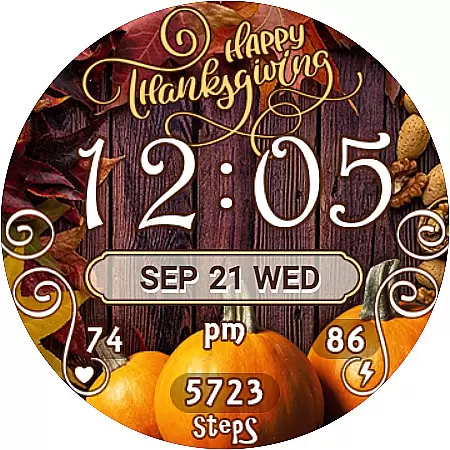
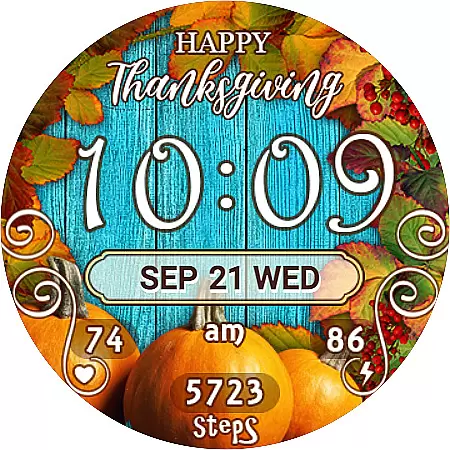
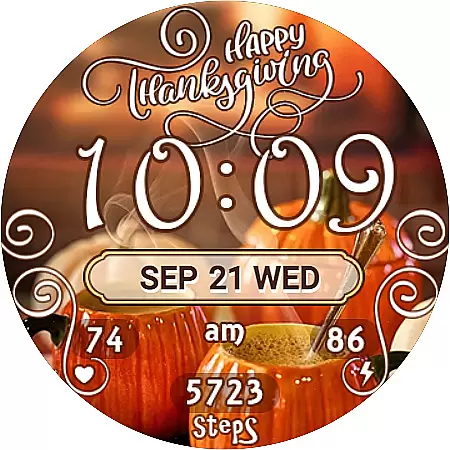
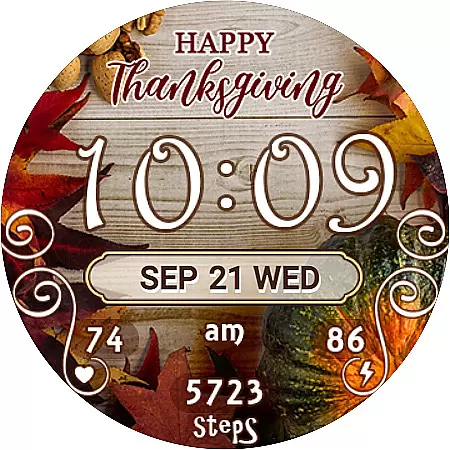
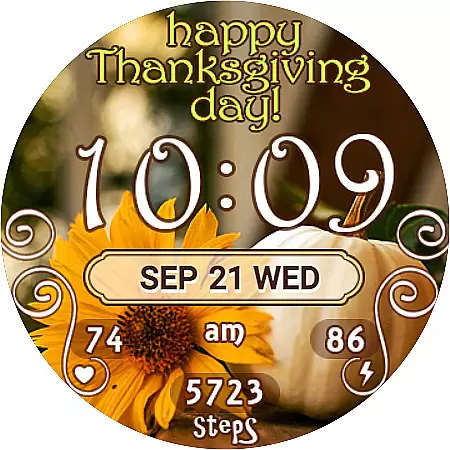
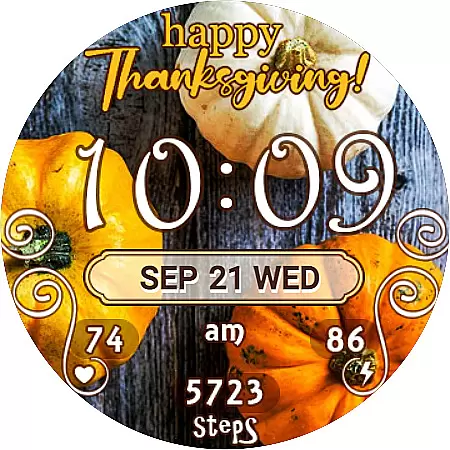
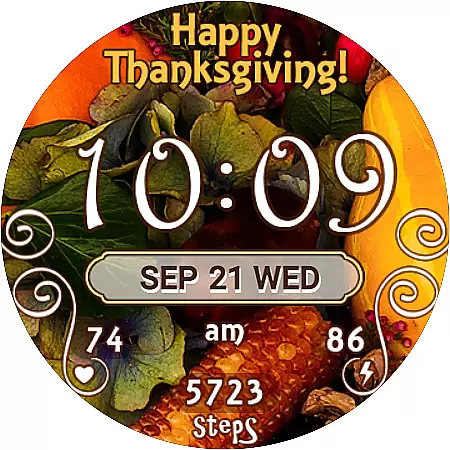
Thanksgiving Day Watch Face is a specially designed application for Wear OS devices that brings festive charm to your smartwatch while providing essential timekeeping and health tracking features. This watch face celebrates the spirit of Thanksgiving with its holiday-themed design while maintaining full functionality.
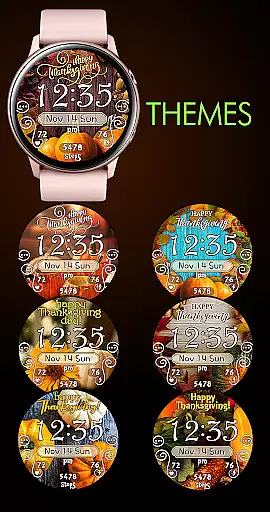
The application offers both 12-hour and 24-hour digital time displays that automatically synchronize with your paired phone's time. It features seven unique background themes allowing users to customize their watch face according to their personal preferences. The active mode showcases practical widgets including date battery percentage step counter and even integrates with Samsung Health for health monitoring.
This watch face is particularly useful for users who want to maintain their daily routines while enjoying the special occasion. With its always-on display feature users can quickly check the time date and battery status without activating the full screen making it an ideal companion for both casual wearers and fitness enthusiasts during the holiday season.
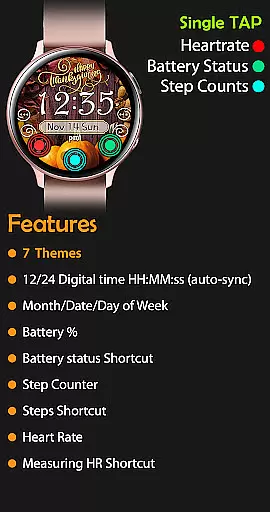
Thanksgiving Day Watch Face stands out with its comprehensive set of features designed to enhance user experience. The application provides accurate digital time display in both 12-hour and 24-hour formats ensuring universal usability. Notably the 12-hour format omits leading zeros for a cleaner appearance.
Users can choose from seven distinct background themes each carefully crafted to capture the essence of Thanksgiving. These themes are easily interchangeable through the intuitive selection interface. Beyond aesthetics the watch face incorporates practical widgets such as day-date-month display battery percentage indicator and step counter helping users stay informed about their daily activities.
For health-conscious individuals the application includes a heart rate monitor with direct shortcut access to the dedicated health application. Additionally the integration with SHealth steps provides seamless tracking of physical activity. The always-on display mode maintains essential information visibility while conserving battery life making this watch face both functional and efficient.
Companion app integration is crucial for Android Wear applications as it ensures seamless synchronization between the wearable and its smartphone counterpart. For Thanksgiving Day Watch Face, this integration allows users to automatically sync their phone's time with the watch face, ensuring accurate timekeeping.
The application achieves this through a robust connection protocol that maintains constant communication between devices. This ensures that any changes made on the smartphone, such as time adjustments or theme selections, are instantly reflected on the watch face.
Users benefit from this feature by experiencing hassle-free setup and personalization. They can enjoy perfectly synced data without manual intervention, making their interaction with the watch face intuitive and efficient.
This level of integration enhances user satisfaction by providing a cohesive ecosystem where both devices work in harmony, elevating the overall utility and convenience of the smartwatch experience.
Ensuring broad Wear OS and device compatibility is essential for maximizing user accessibility. The Thanksgiving Day Watch Face supports various devices running Wear OS, allowing a wide range of users to enjoy its festive design and features.
This compatibility is maintained through rigorous testing across multiple devices and OS versions. Developers have optimized the application to function smoothly regardless of specific hardware configurations or software updates.
Users gain peace of mind knowing they can install and use this watch face on their particular device model without compatibility concerns. This universal approach guarantees access to all featured functionalities, including digital time display, battery percentage, and step tracking.
By prioritizing extensive device support, the application delivers consistent performance and visual appeal across different smartwatches, enhancing the overall user experience during the holiday season.
Customizable themes
Accurate time sync
Health tracking
User-friendly
Festive design
Limited compatibility
Installation delay
Basic features
Premium cost
Battery usage

Calming & relaxing sounds for sleeping and stress relief. Stay focused all day!
 4.20
4.20
Walking app for weight loss: walk & step tracker, pedometer, indoor treadmill
4.60
Highly customizable hybrid watch face for Wear OS, perfect for everyday use.
4.60
an Analog Watch Face for winter season with freeze winter background for Wear OS
4.3
Elegant animated Christmas tree with multiple customization options
4.20
Digital watch face with big numbers and many customization for Wear OS devices
4.40
Ideal for surviving in the wasteland left after nuclear fallout
4.50
Nutrition, Macro tracker: Food, fitness & healthy diet tracking for weight loss
4.60
Hybrid watch face for Wear OS with customizable complications by Matteo Dini MD
4.70
Beautiful, colorful and practical watch face. For Wear OS devices.
5.00
A modern premium sporty hybrid watch face for Wear OS by Ballozi
4.70
The most customizable hybrid watch face. For Wear OS 5.0, API 34+ and later
4.70
Find EV charging stations
4.30
Locate your family members by GPS phone location tracker everywhere and anytime
4.30
Animated video-game inspired “secret agent” simulation, right on your wrist!
4.20
Get helpful reminders, take progress photos and find answers to your questions.
3.90
A full-featured Amazon Alexa voice assistant that can show you things.
3.70
Want to take charge of your health? Let Google Fit help you reach your goals.
3.50
A heartwarming Christmas scene featuring a cute image of Santa and Rudolf
4.0


User Reviews