
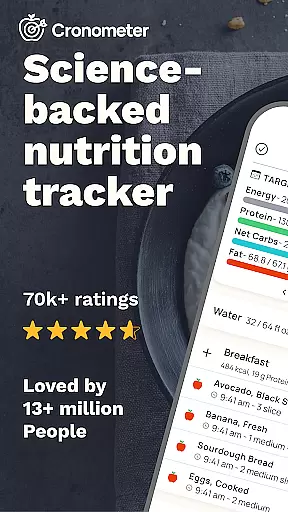
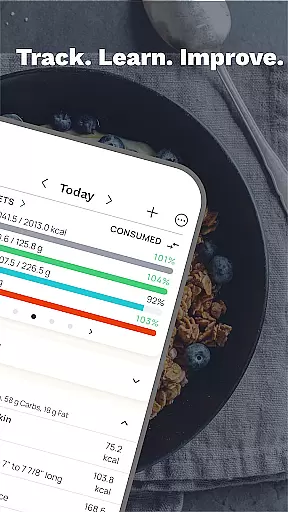
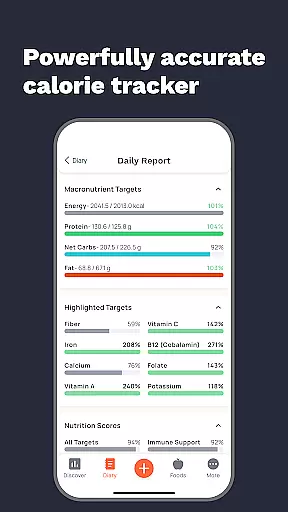
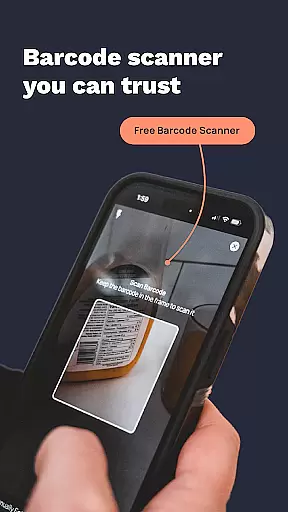
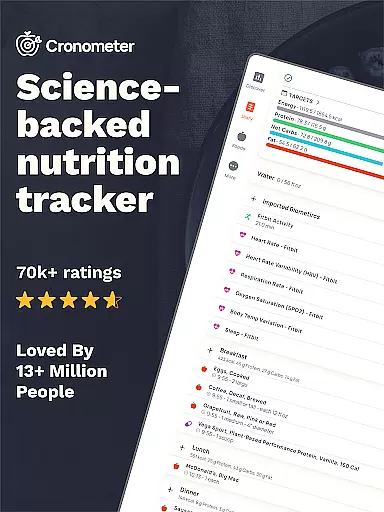
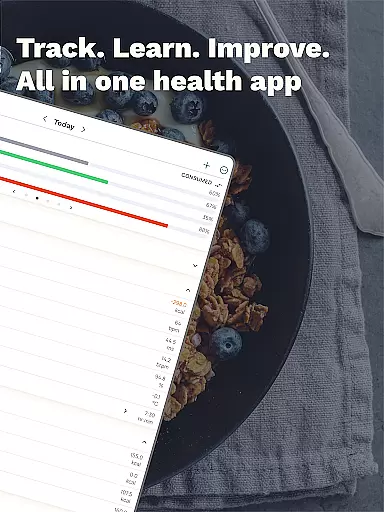
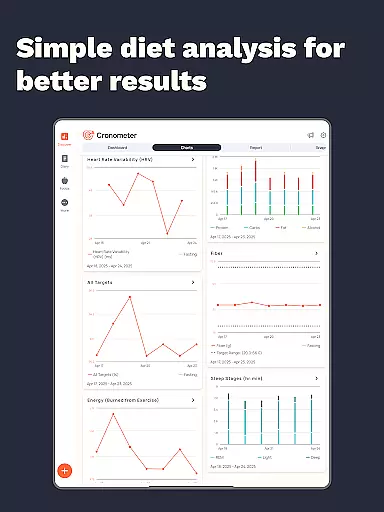
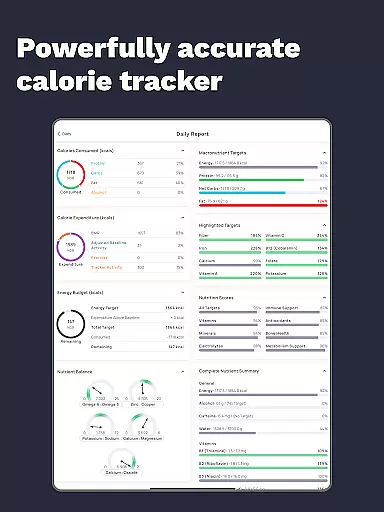
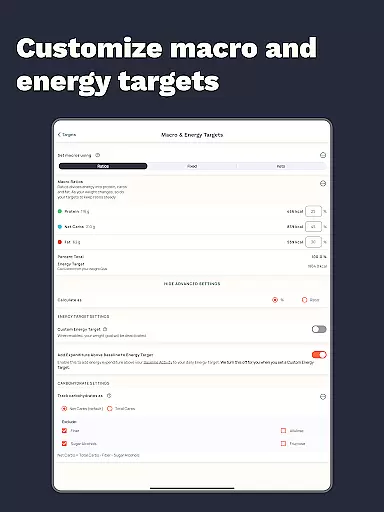
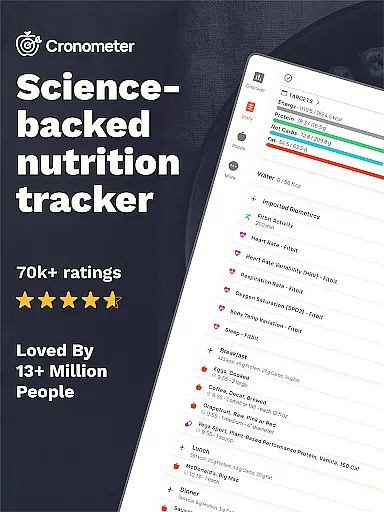
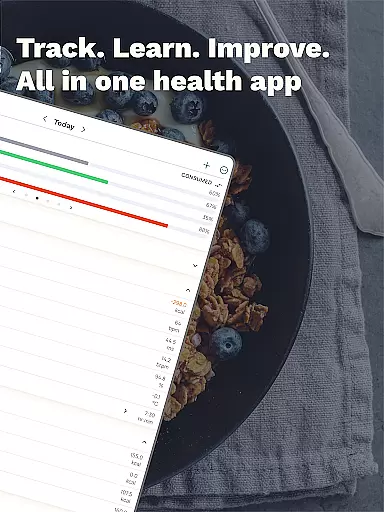
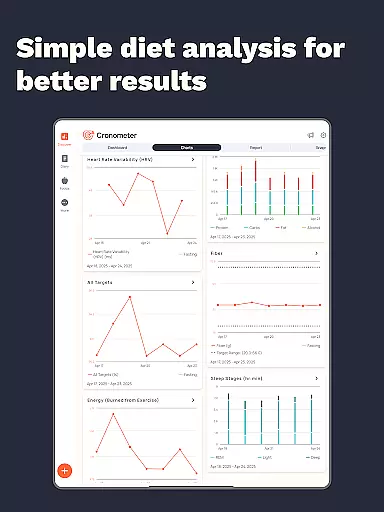
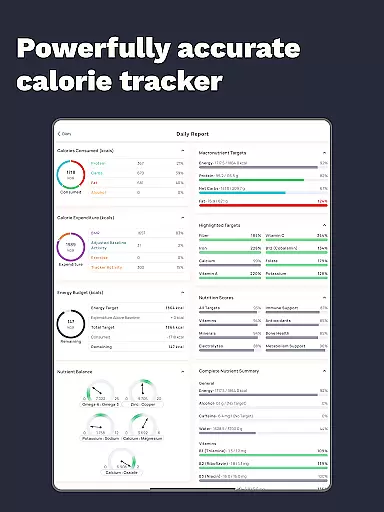
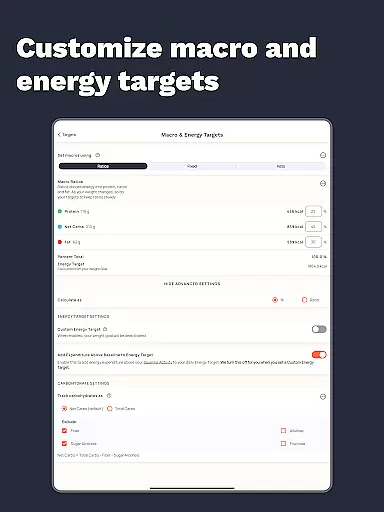
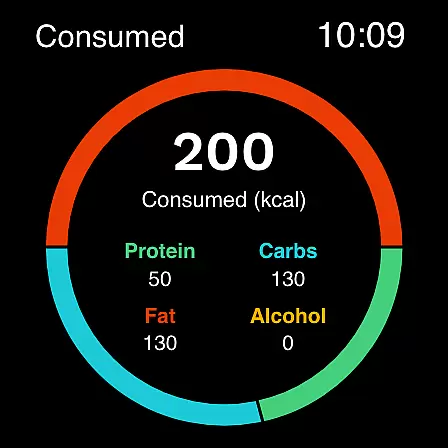
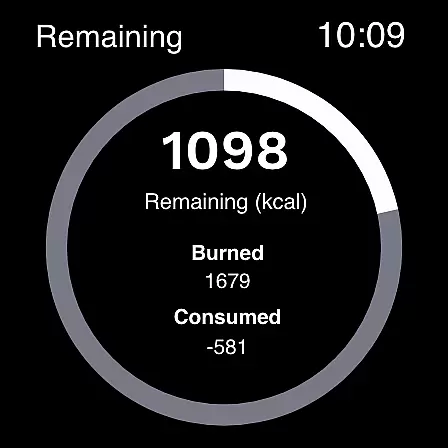
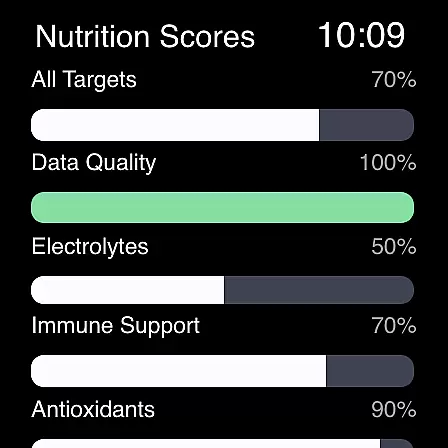
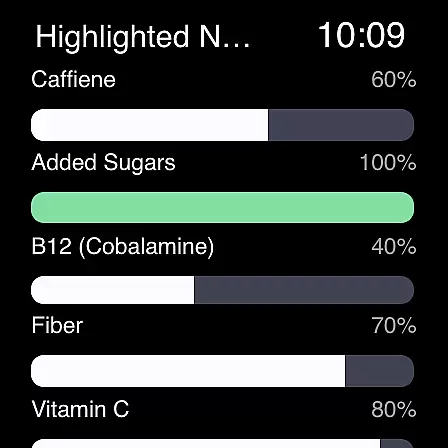
Calorie Counter by Cronometer represents a sophisticated solution for Android Wear users dedicated to managing their nutritional intake and overall health. At its core, the application functions as a precise calorie counter and comprehensive nutrition tracker, allowing users to monitor their food consumption with laboratory-verified accuracy.
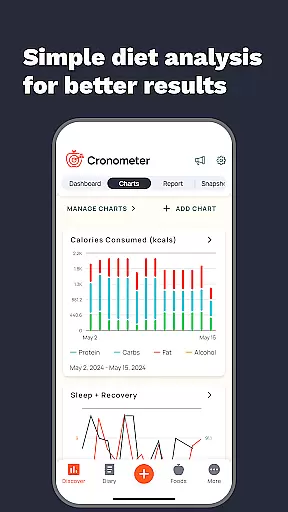
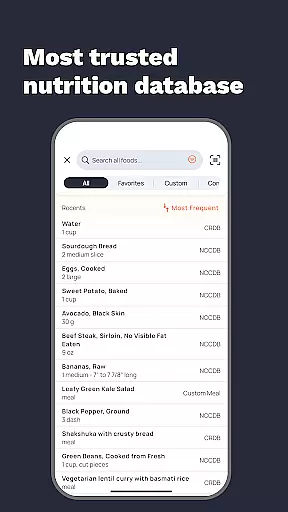
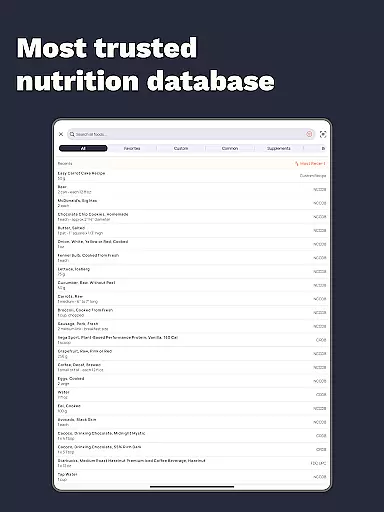
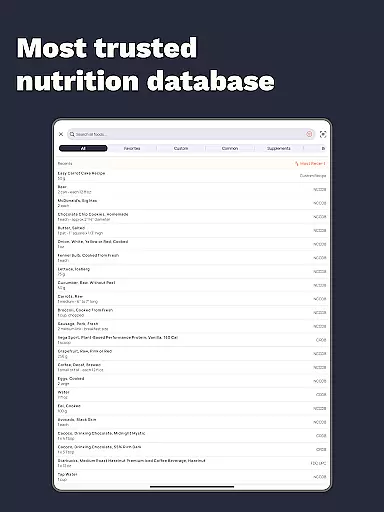
The app distinguishes itself through its extensive database of over 1.1 million verified foods and its ability to track not just calories and macronutrients, but also 84 essential micronutrients. This level of detail makes it particularly valuable for users pursuing specific health goals, whether they're focused on weight management, athletic performance, or general wellness. The inclusion of AI-driven photo logging and wearable device integration further enhances its utility.
For Android Wear users, Cronometer provides the convenience of tracking calories and macros directly from their smartwatch, creating a streamlined experience that keeps health data readily accessible throughout the day. This combination of accuracy, depth, and wearable integration establishes Cronometer as a premier choice among nutrition tracking applications.
Cronometer offers a robust suite of features designed specifically for Android Wear users seeking optimal health tracking. The app's core functionality revolves around precise calorie counting, macro tracking, and micronutrient analysis, making it an essential tool for anyone focused on improving their nutritional intake.
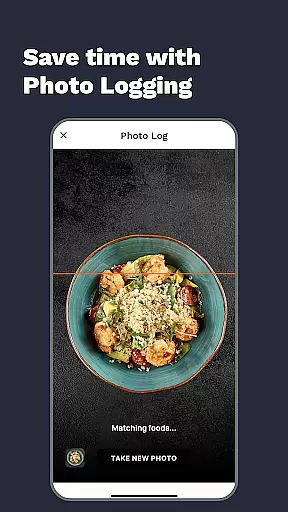
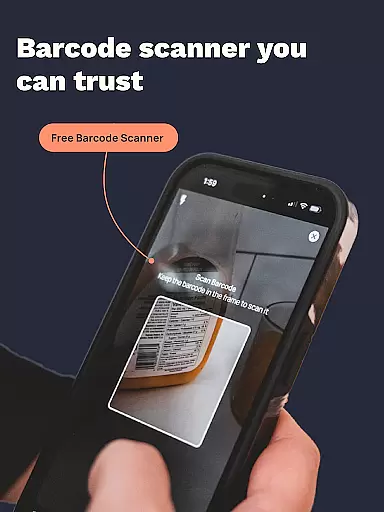
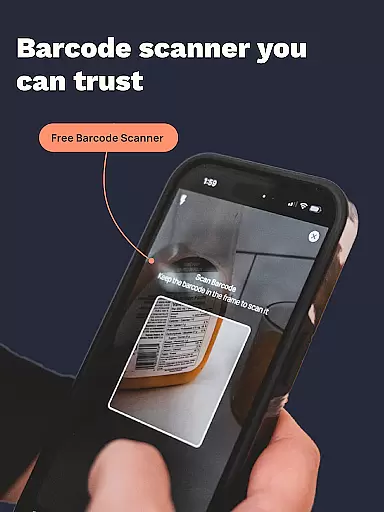
One standout feature is the AI-powered photo logging capability, which allows users to snap pictures of their meals and receive instant nutrient breakdowns. This innovative approach streamlines the tracking process while maintaining exceptional accuracy through its connection to the NCC nutrient database. Additionally, the app's integration with popular wearable devices creates a seamless ecosystem for monitoring various health metrics.
The premium version expands these capabilities further with advanced tools like custom biometric tracking, automated meal logging, and professional-grade reporting features. These elements combine to offer users unprecedented control over their health data, enabling them to make informed decisions about their dietary choices.
Companion app integration is essential for users who want a seamless experience between their mobile devices and wearables. Cronometer excels in this area by offering robust synchronization capabilities between its smartphone app and Wear OS devices.
The app allows users to track calories, macros, and other nutritional data directly from their smartwatch, ensuring that health metrics are always up-to-date across all devices. This real-time syncing ensures that whether you're logging meals via your phone or checking nutrient intake on your watch, the information remains consistent and reliable.
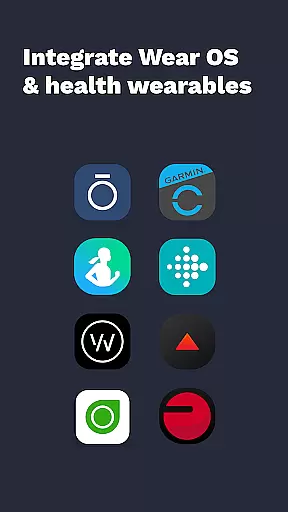
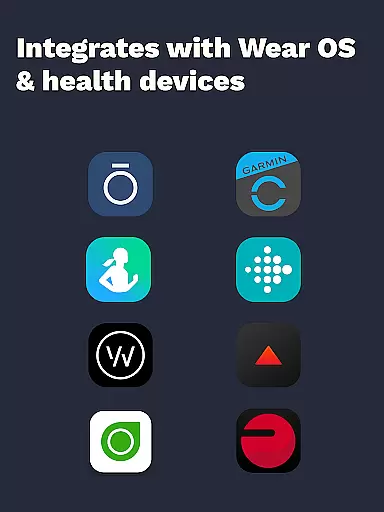
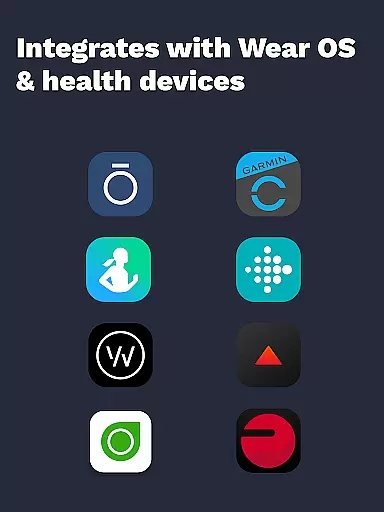
Furthermore, Cronometer's companion app integration extends to third-party wearable devices like Fitbit, Garmin, and others. By connecting these devices, users can consolidate their fitness and health data into one comprehensive platform, enhancing overall usability and convenience.
This level of integration not only simplifies the user experience but also empowers individuals to make informed decisions about their diet and exercise routines, leveraging the full potential of both mobile and wearable technology.
For users invested in the Wear OS ecosystem, device compatibility is a crucial factor when selecting health and nutrition apps. Cronometer offers extensive support for Wear OS, ensuring that users can access its powerful features directly from their smartwatches.
The app provides a dedicated interface optimized for Wear OS, allowing users to log food, track hydration, and monitor other health metrics with ease. Its intuitive design makes it simple to input data on the go, without needing to reach for a smartphone.
Cronometer's compatibility isn't limited to just Wear OS; it also integrates with a wide range of other devices such as Fitbit, Garmin, and Dexcom. This broad compatibility ensures that no matter what wearable technology you use, Cronometer can serve as a central hub for all your health tracking needs.
By prioritizing cross-device functionality, Cronometer enhances accessibility and convenience, making it easier than ever for users to maintain a consistent and accurate record of their nutritional intake and overall wellness.
Accurate nutrient tracking
Extensive food database
Wearable integrations
AI-powered photo logging
Comprehensive analytics
Limited free features
Premium subscription required
Occasional sync issues
High learning curve
Not all wearables supported

Christmas watch face. For Wear OS devices.
 4.30
4.30
Current temperature, weather hourly, weather radar by the weather forecast app
4.40
Elegant animated Christmas tree with multiple customization options
4.20
Digital, flexibly customizable watch face. For Wear OS 5.0, API 34+ and later.
5.00
Digital watch face with big numbers and many customization for Wear OS devices
4.40
Locate your family members by GPS phone location tracker everywhere and anytime
4.30
Period, ovulation & pregnancy tracker. Fertility insights & menstrual calendar.
4.90
Minimalistic design modern digital watch face.
4.2
Hybrid watch face for Wear OS with customizable complications by Matteo Dini MD
4.70
Fast and smart typing with Emojis, GIFs, and more
4.50
Premium hybrid watch face with many customizations for Wear OS devices.
4.40
Bold, Modern Hybrid Watch Face for Wear OS. 10 Colors, Rich Info Display.
4.30
Watch face for Wear OS.
4.20
Daily Weather forecast with 15 weather images for Day & Night plus Big Bold time
4.10
Structured watch face with seven complications and modular UI elements
3.90
Authentic military-tactical design with ZULU time! Realistic and functional!
3.80
Simple Analog-Digital Watchface For Wear OS 3.0 and Up Smartwatches
4.2
3 Complications. All shadow on/off. 30 Themes color palette...
4.5
Stylish digital watch face for Wear OS devices with customizable features
4.3


User Reviews