
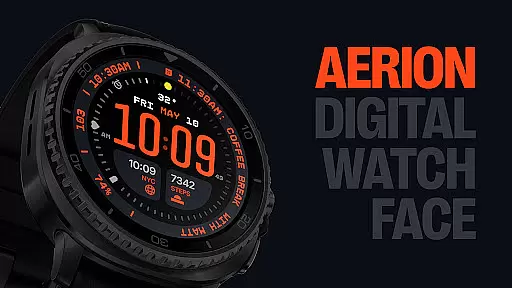
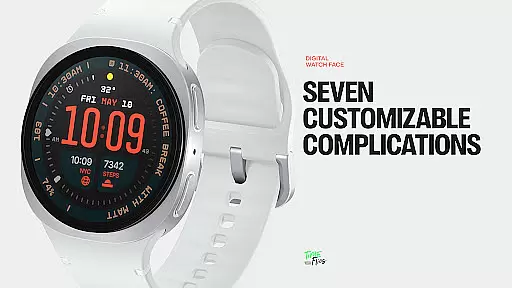
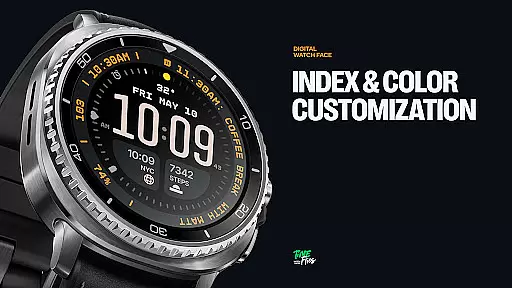
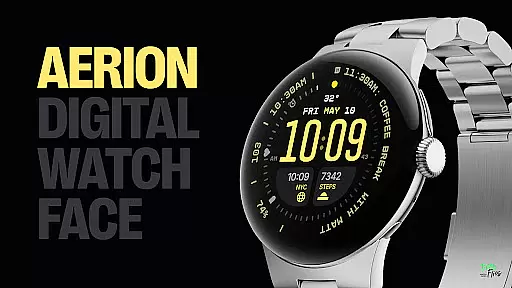
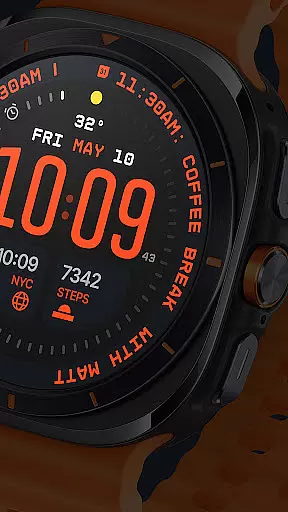
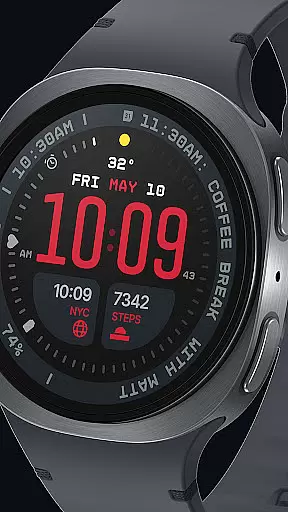
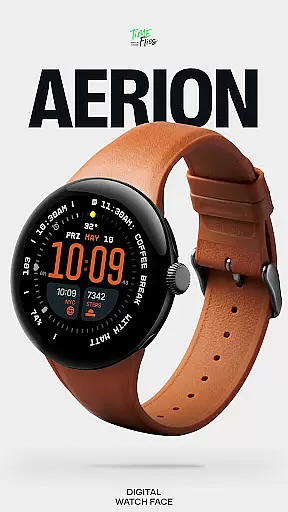
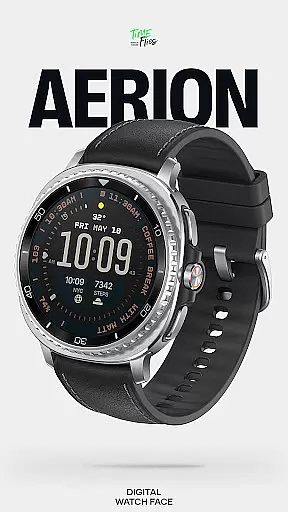
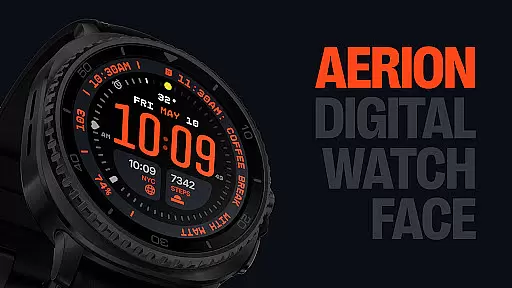
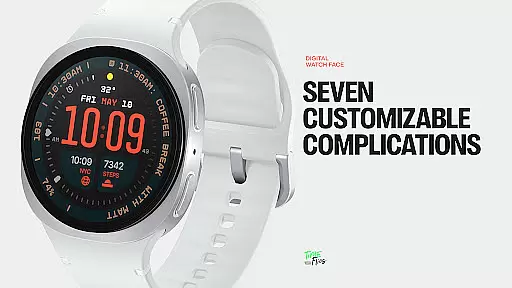
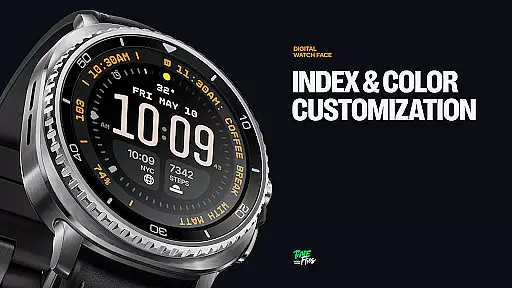
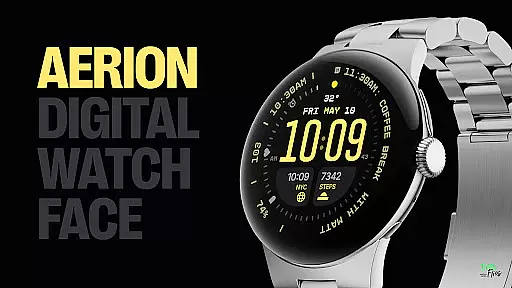
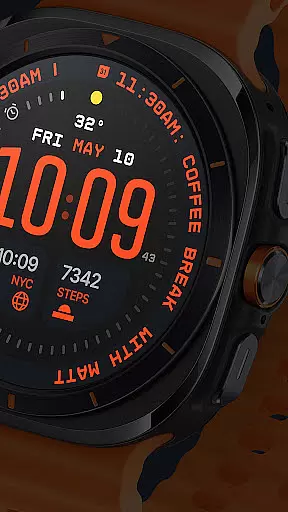
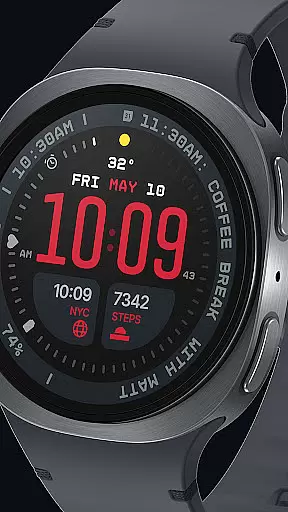
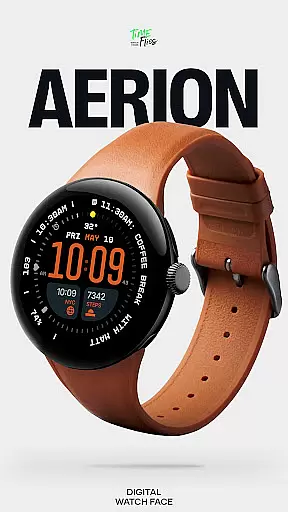
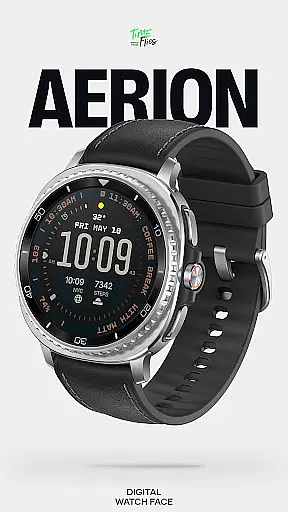
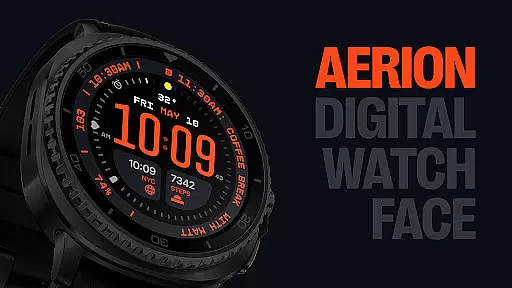
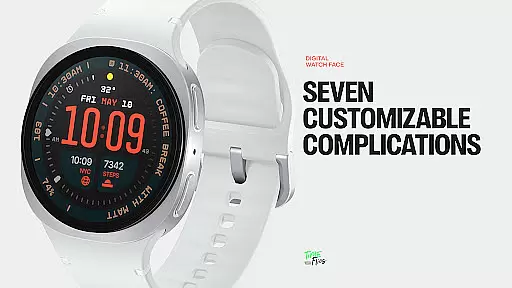
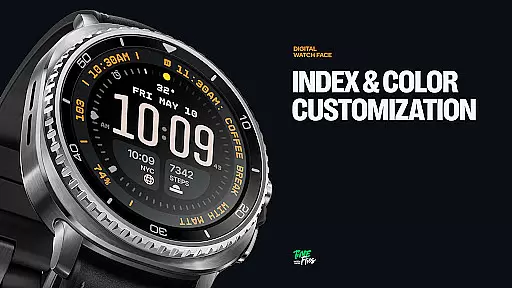
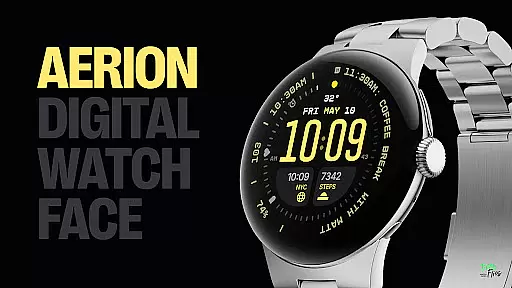
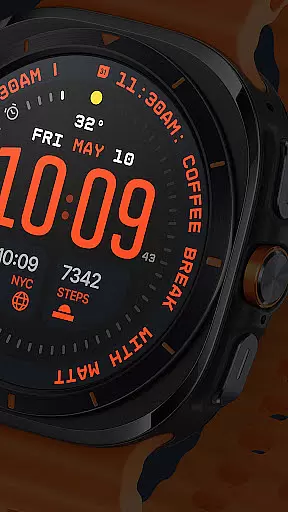
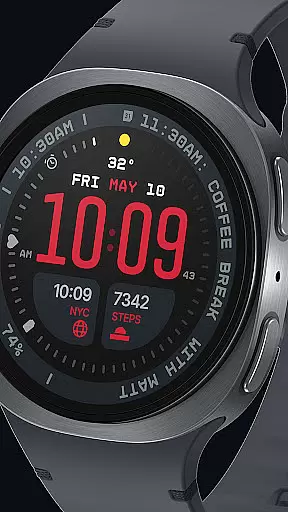
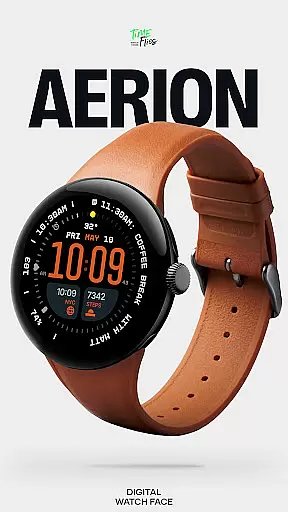
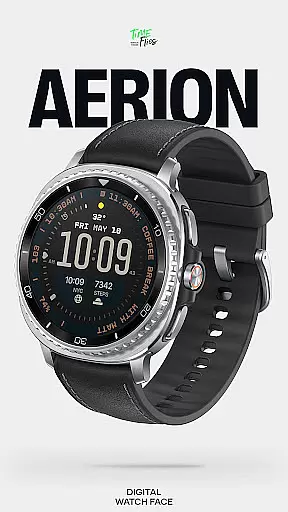
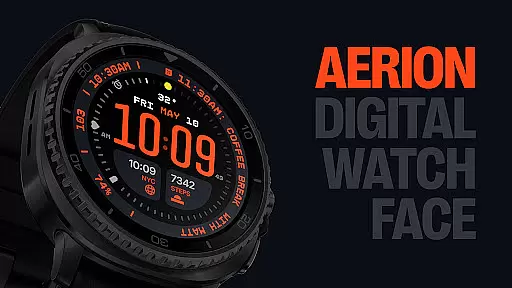
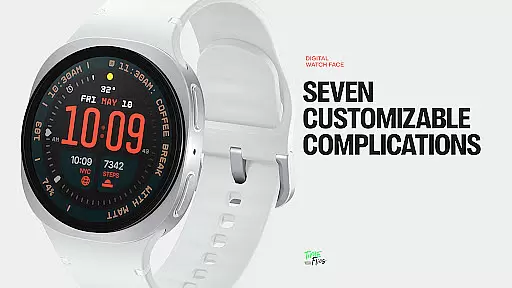
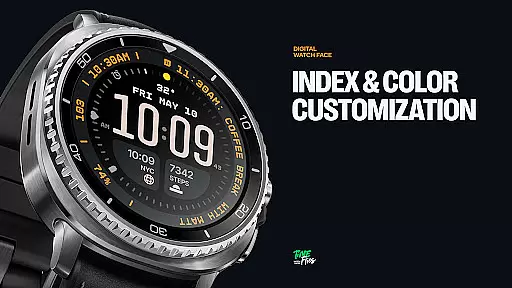
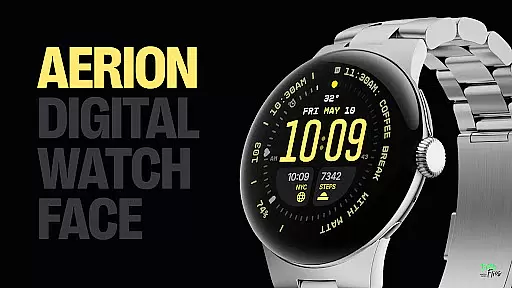
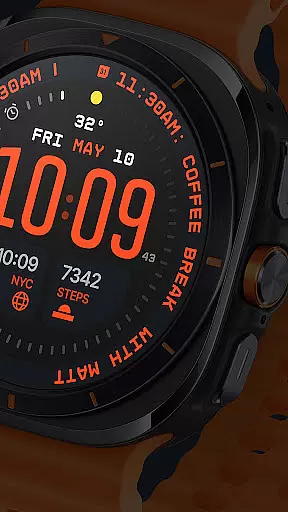
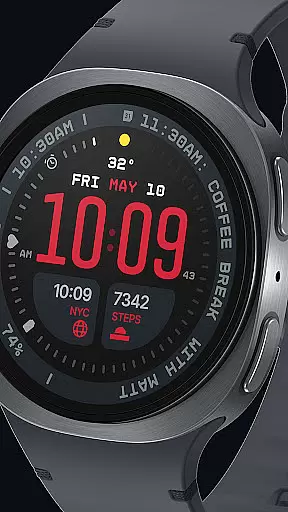
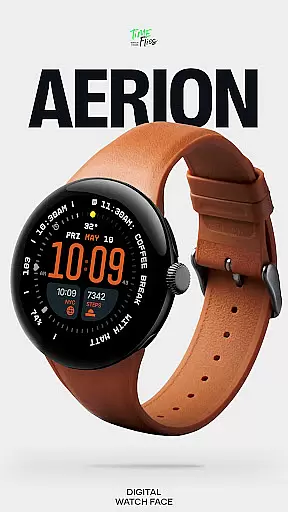
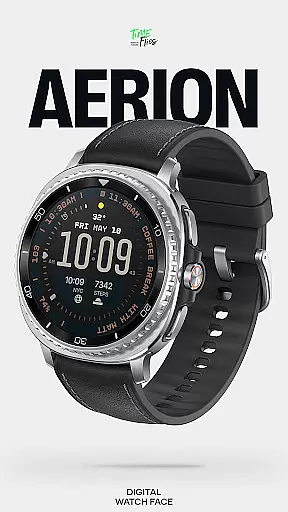
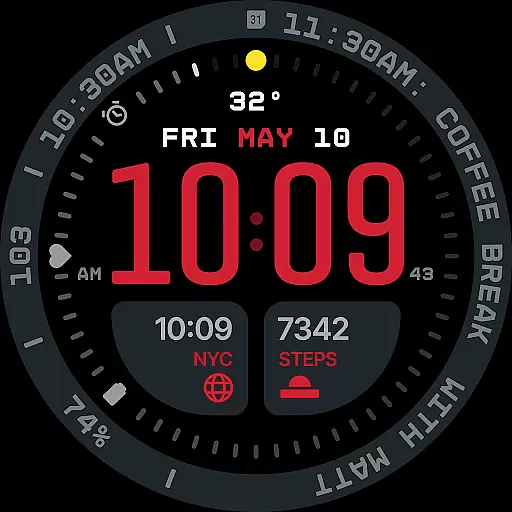
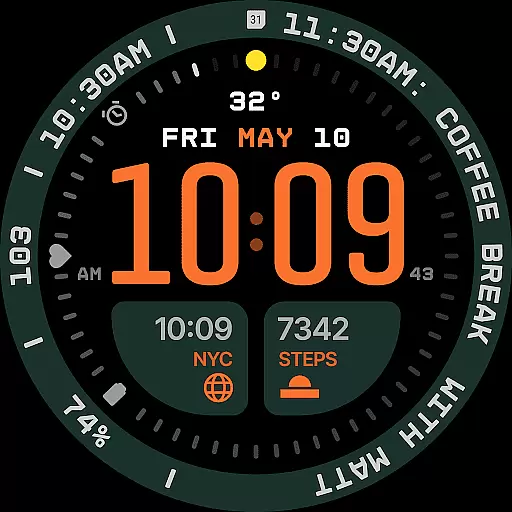
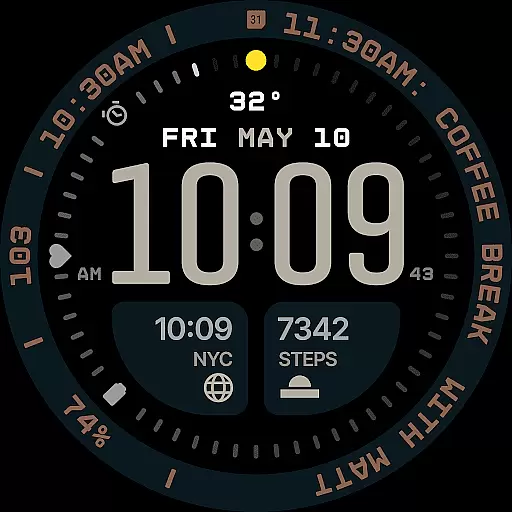
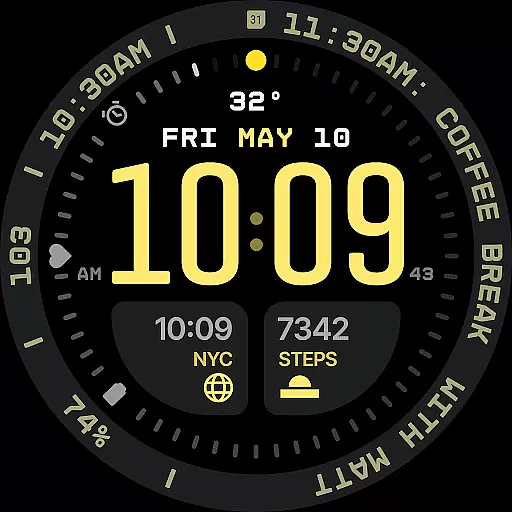
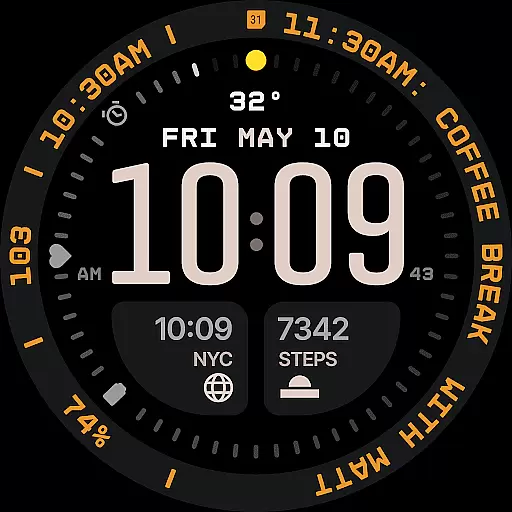
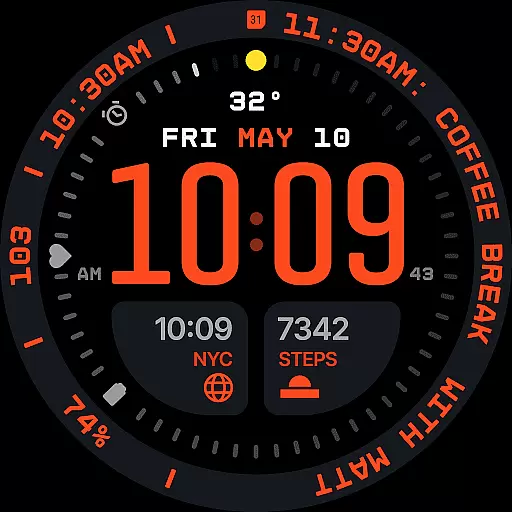
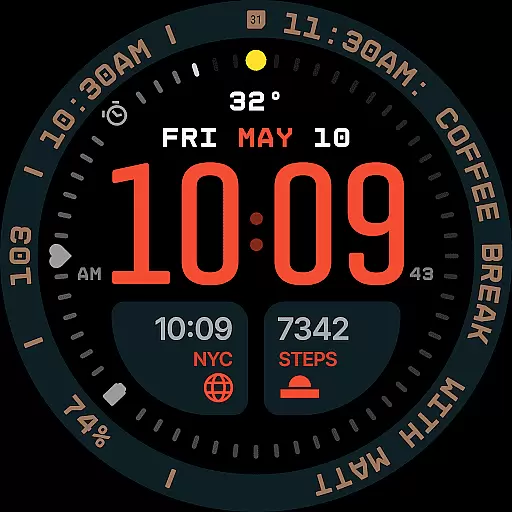
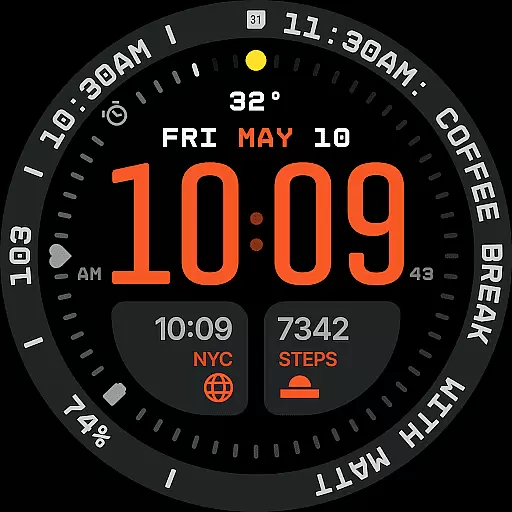
Aerion Digital Watch Face offers a modern take on digital timekeeping for Wear OS devices. Designed with precision spacing, integrated complication zones, and balanced typography, it delivers both clarity and style. The watch face features customizable complications, built-in day and date display, and optional bezel and background layers that provide personalization without compromising usability.
With support for four Always-on Display styles and 30 curated color schemes, Aerion ensures optimal readability and battery efficiency. Its intelligent design treats every data point as part of a cohesive visual system, making it ideal for users who value both functionality and aesthetics in their smartwatch experience.
Aerion stands out with its meticulously designed features tailored for smartwatch users. The watch face includes seven fully customizable complication slots, accommodating various data types such as calendar events or voice assistant content. These slots are strategically positioned around the dial to maintain visual harmony while providing essential information at a glance.
The inclusion of an integrated day and date display enhances practicality, while the optional bezel and background layer allow users to personalize their watch face. With four distinct Always-on Display modes, including full, dimmed, and minimal configurations, Aerion balances style with energy-conscious operation. Built using the modern Watch Face File format, this watch face guarantees smooth performance and efficient battery usage.
Companion app integration is crucial for enhancing the functionality of wearable devices like Wear OS smartwatches. The Aerion Digital Watch Face offers an optional Android companion app that allows users to conveniently access other watch faces from Time Flies.
This seamless integration between the main application and its wearable counterpart ensures that users can easily switch between different watch faces, adjusting settings and preferences directly from their smartphone. This not only simplifies the user experience but also enriches it by providing quick access to a variety of customization options.
By leveraging this companion app, users benefit from a more versatile and personalized smartwatch experience. They can manage their digital timekeeping with ease, ensuring that their device always reflects their personal style and meets their functional needs.
Ensuring compatibility with Wear OS and various devices is essential for any digital watch face. The Aerion Digital Watch Face is specifically engineered for Wear OS, guaranteeing smooth system performance and optimal battery efficiency across supported devices.
This compatibility means that users can enjoy a consistent and reliable experience regardless of their specific smartwatch model. With support for four Always-on Display styles, including full, dimmed, and minimal configurations, Aerion maintains both style and energy conservation on all compatible devices.
Furthermore, the watch face's design using the modern Watch Face File format ensures that it operates efficiently, maintaining high performance while minimizing battery drain. This makes it an ideal choice for users seeking a balance between aesthetics and practicality on their Wear OS devices.
Modern and clean design
Highly customizable
Battery efficient
Wide color options
Intelligent layout
Limited analog appeal
Companion app needed
Fewer widgets
Premium cost
Complex settings

Walking app for weight loss: walk & step tracker, pedometer, indoor treadmill
 4.60
4.60
Christmas Theme Watch Face for Wear Os
5.00
Rose gold watch face with festive lights & customizable features.
4.60
A full-featured Amazon Alexa voice assistant that can show you things.
3.70
A watch face that fuses motorsport precision with contemporary smartwatch design
4.4
3 Complications. All shadow on/off. 30 Themes color palette...
4.5
Ideal for surviving in the wasteland left after nuclear fallout
4.50
To-Do List: daily schedule planner, task organizer, to do reminder app, calendar
4.60
Viewer for Wyze/Yi/Eufy/Arlo/ONVIF/RTSP/P2P IP cams w/ adv. features & DIY DVR
4.00
Monitor health with the stress test and pulse checker in the heart rate app.
4.60
Real-time results, stats, schedules and player profiles for all leagues
4.60
Digital watch face with big numbers and many customization for Wear OS devices
4.40
Digital watch face. For Wear OS devices.
4.40
Bold weather Digital watchface with forecast & optional animated background
4.40
Premium hybrid watch face with many customizations for Wear OS devices.
4.40
Authentic military-tactical design with ZULU time! Realistic and functional!
3.80
Wear Os Watch Face - Animated Snow Effect & Christmas Lights
4.4
A heartwarming Christmas scene featuring a cute image of Santa and Rudolf
4.4
Contemporary digital watch face with five complications
4.2


User Reviews