
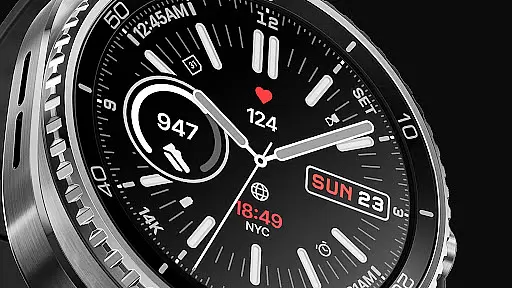
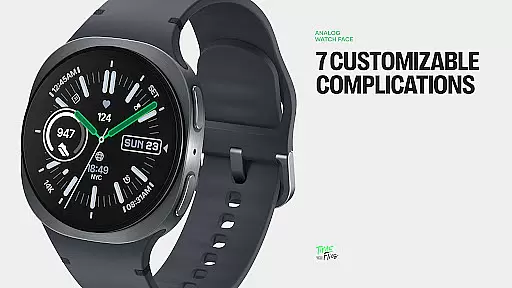
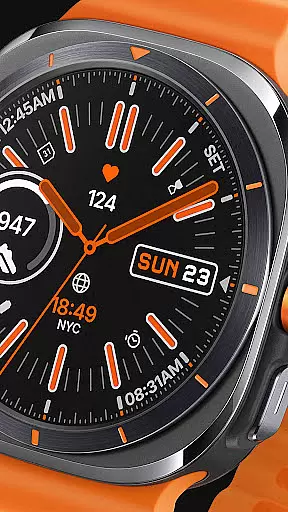
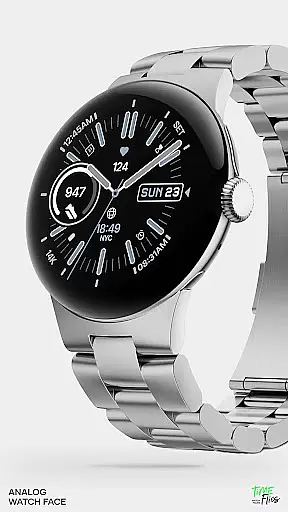
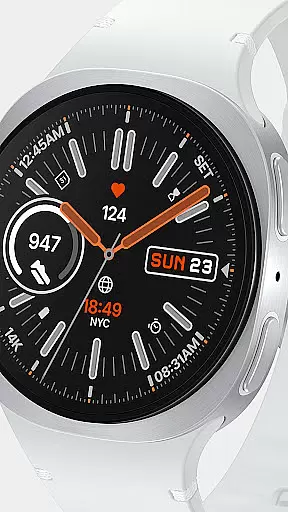
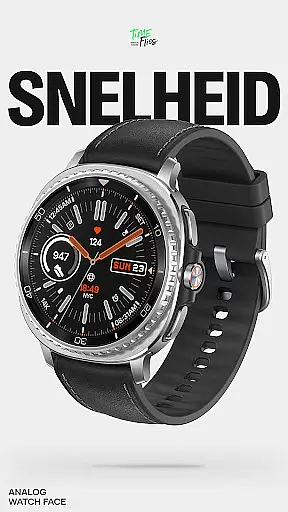
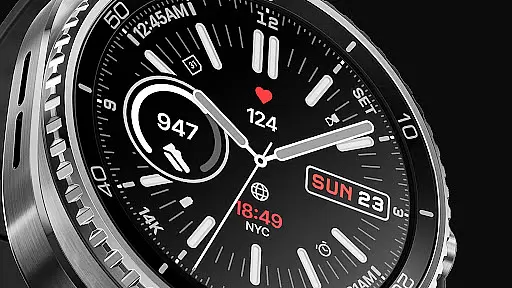
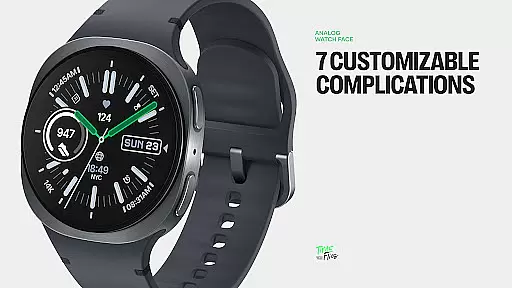
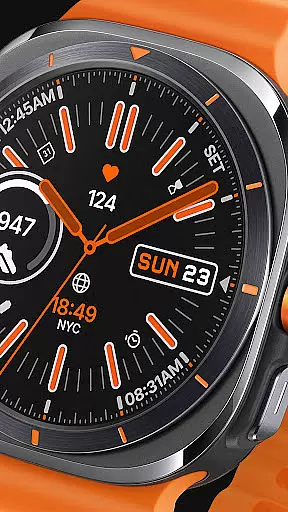
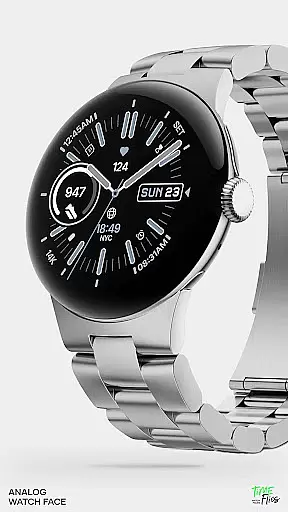
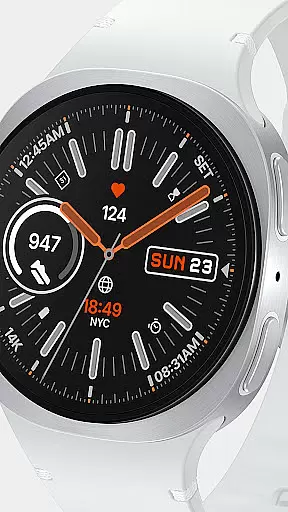
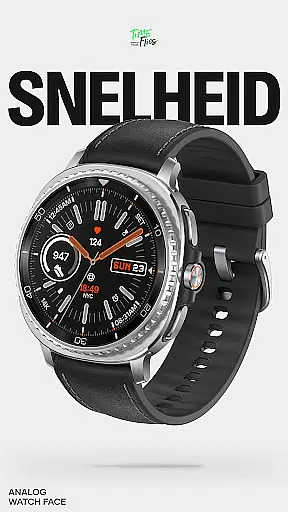
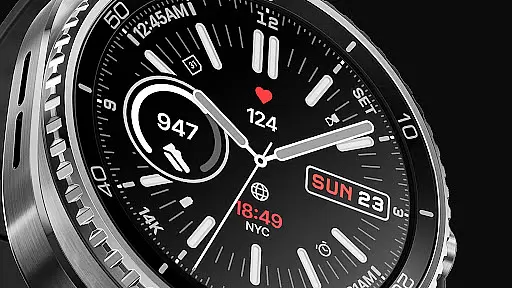
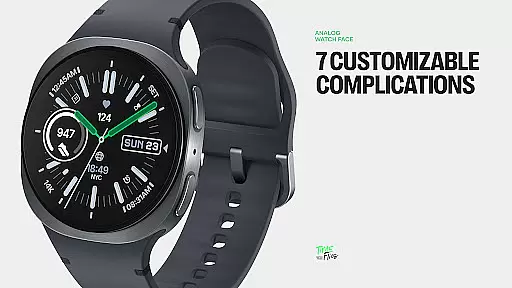
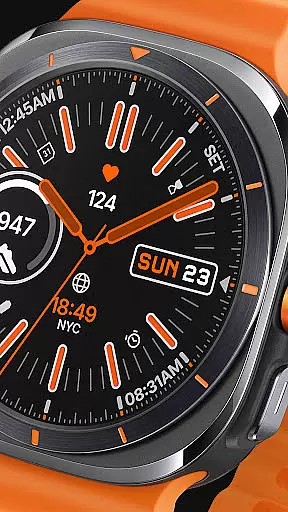
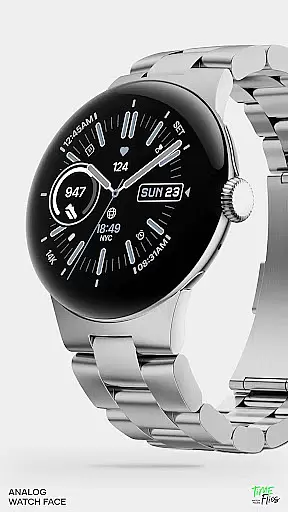
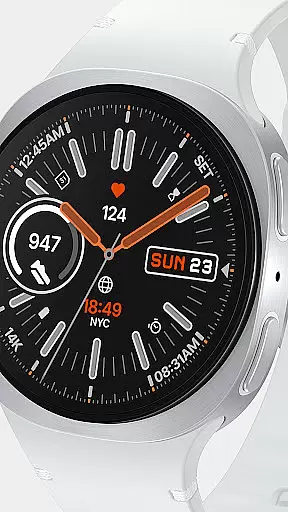
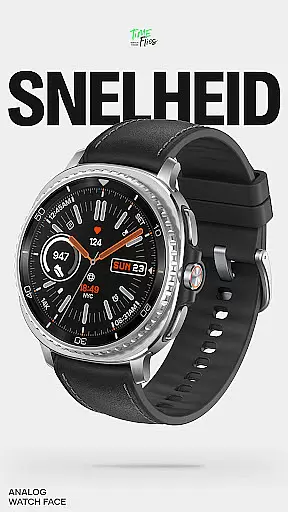
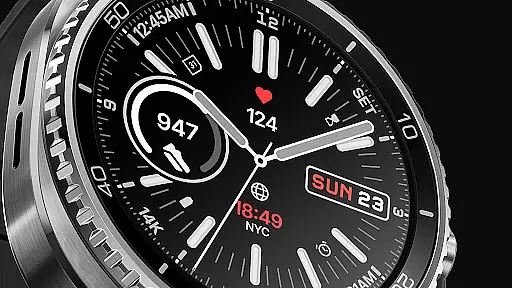
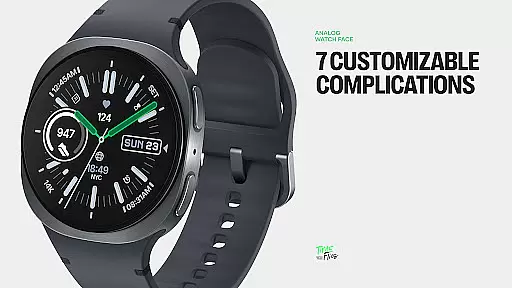
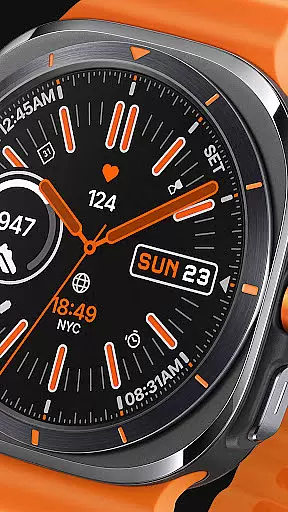
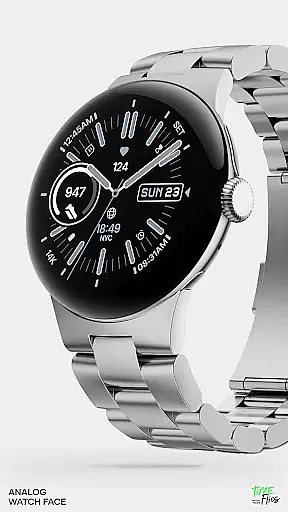
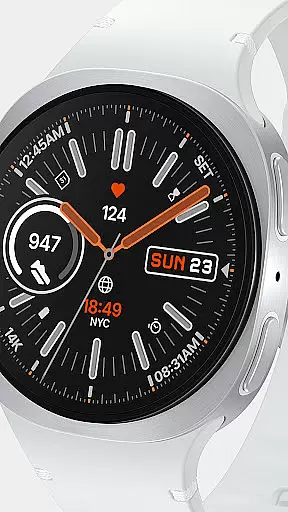
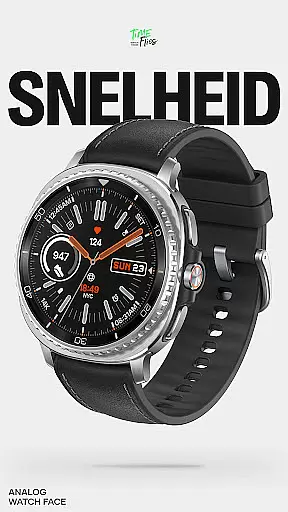
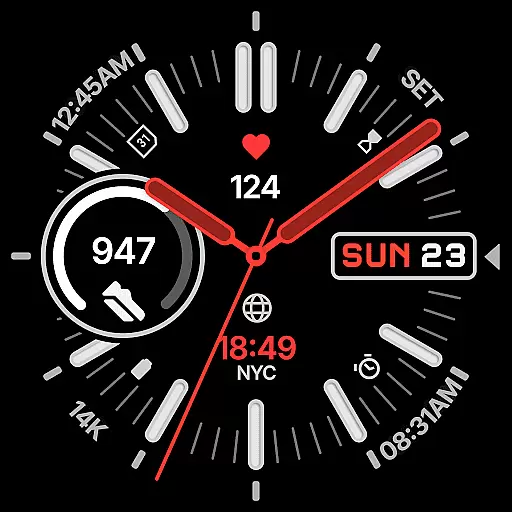
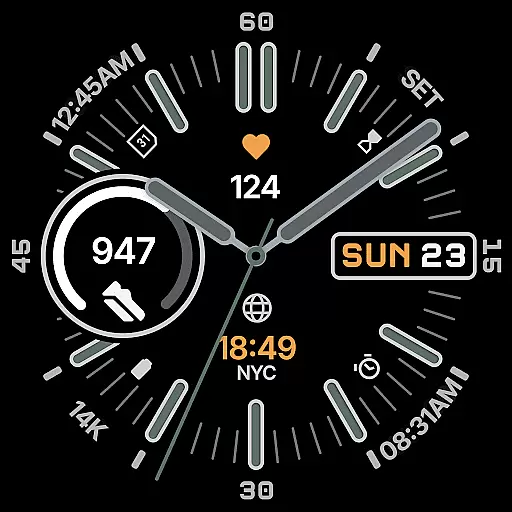
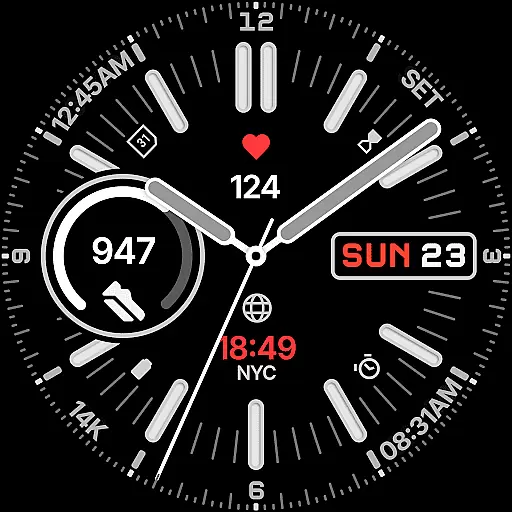
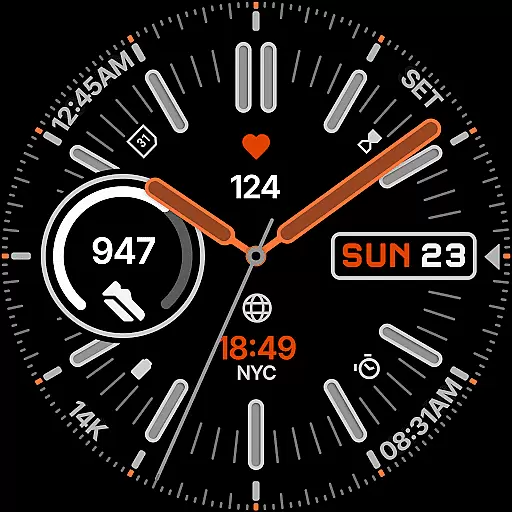
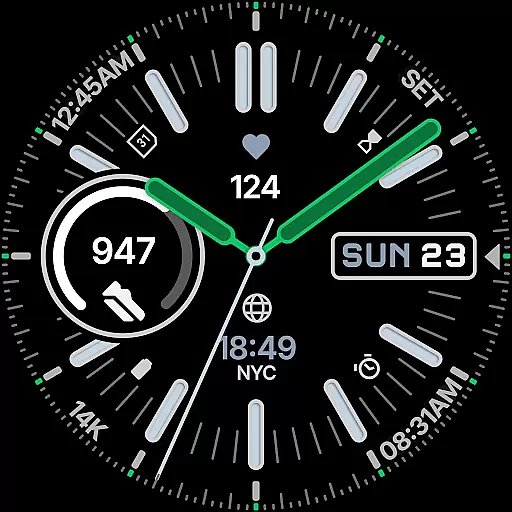
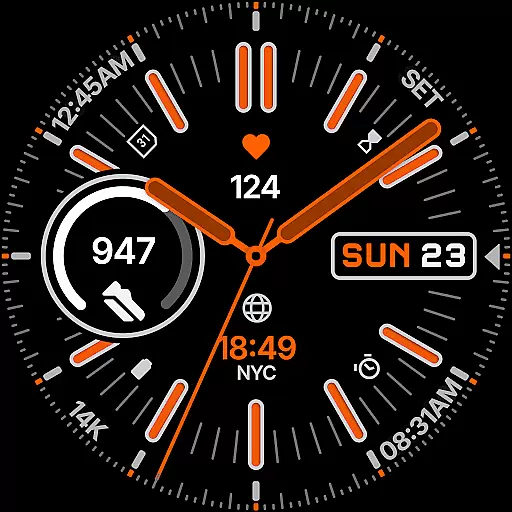
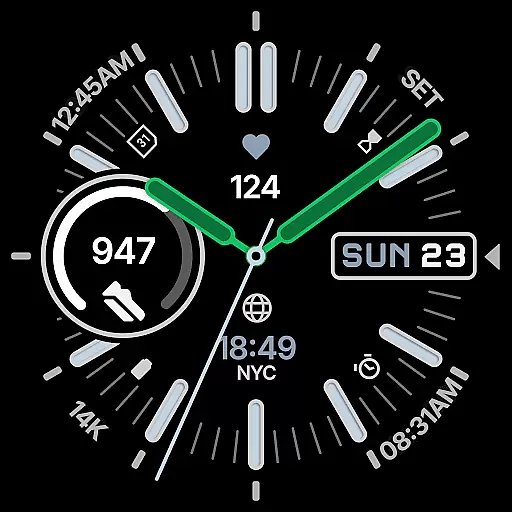
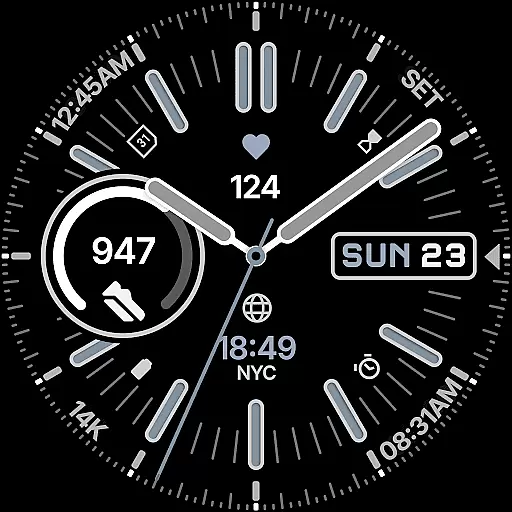
Snelheid Analog Watch Face is a Wear OS watch face that combines motorsport-inspired design with modern smartwatch functionality. Featuring bold indices, vibrant accents, and dashboard-style typography, it delivers both style and utility. The dynamic dial integrates analog timekeeping with digital intelligence, offering seven customizable complications for quick access to essential data like health metrics, weather, and more.
With 30 curated color schemes, multiple index styles, and battery-efficient Always-on Display modes, Snelheid adapts to various preferences and uses. Whether for professional settings or outdoor activities, this watch face maintains its motorsport character while providing versatility and elegance.
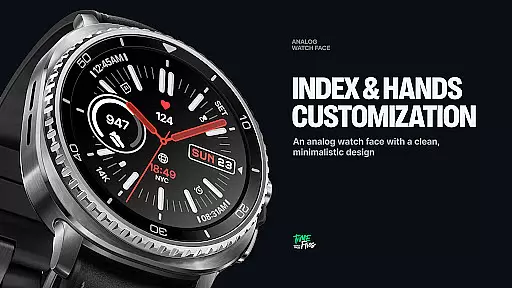
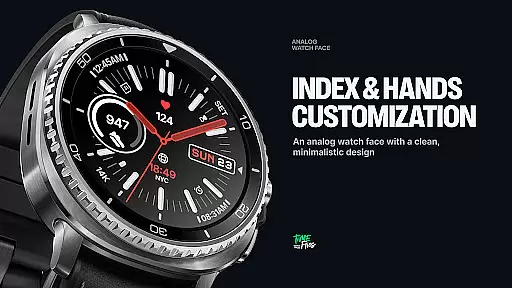
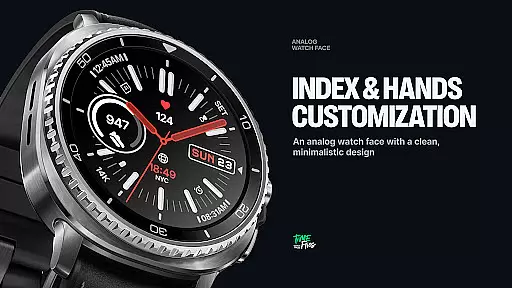
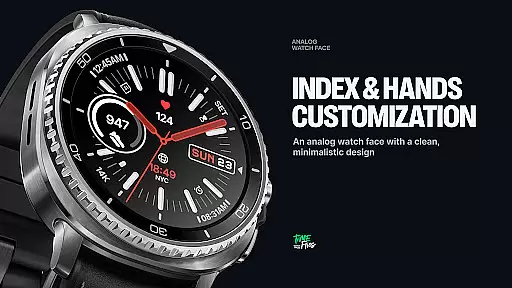
Snelheid stands out with its unique blend of aesthetics and functionality. The watch face includes seven fully customizable complications, allowing users to personalize their display with health metrics, activity trackers, weather updates, or world time. Its 30 curated color schemes and multiple index styles ensure a tailored look that suits individual tastes.
The design emphasizes clarity and usability, balancing vibrant accents with clean typography for at-a-glance readability. Additionally, the Always-on Display mode optimizes battery efficiency without sacrificing style. These features make Snelheid not just a timepiece but a versatile tool that adapts to both everyday professional environments and active outdoor scenarios.
Companion app integration is essential for a seamless wearable experience. Snelheid offers an optional Android companion app that simplifies the setup and customization process, allowing users to personalize their watch face directly from their phone.
The companion app provides an intuitive interface where users can easily adjust settings such as color schemes, complications, and index styles. This ensures that your Wear OS device reflects your personal style and meets your functional needs without hassle.
By bridging the gap between smartphone and smartwatch, Snelheid's companion app enhances user convenience. It enables quick access to advanced features and settings, making it easier than ever to maintain a personalized and efficient wearable experience.
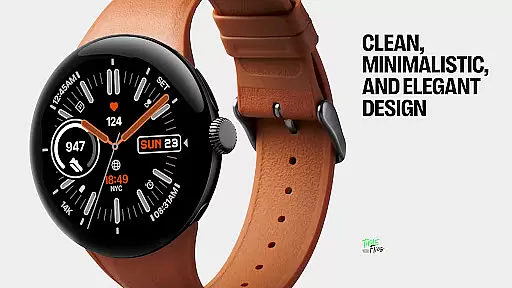
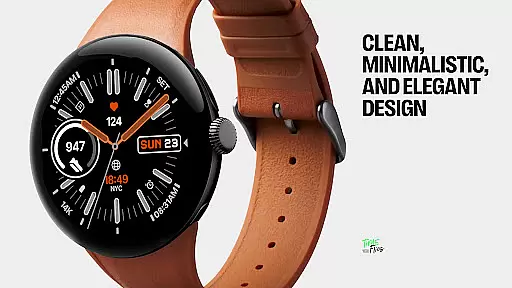
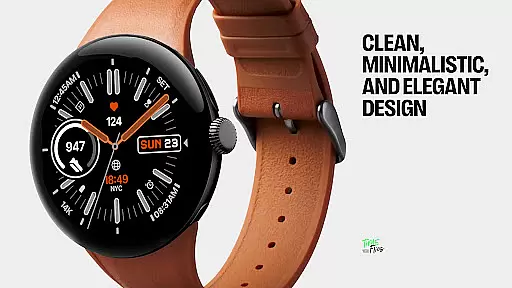
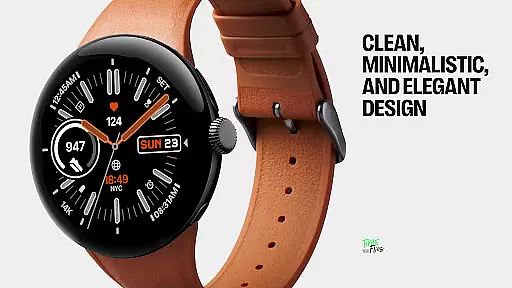
Ensuring broad device compatibility is crucial for any Wear OS application. Snelheid Analog Watch Face is designed to work seamlessly across a variety of devices, supporting both steel-bezel smartwatches and minimalist curved displays.
The watch face adapts its bold indices and vibrant accents to different screen sizes and resolutions, maintaining visual clarity and elegance on every supported device. This adaptability guarantees that users enjoy a consistent experience regardless of their specific Wear OS hardware.
With compatibility at its core, Snelheid ensures that whether you're using your smartwatch for professional settings or outdoor activities, the design remains functional, stylish, and true to its motorsport-inspired roots.
Customizable complications
Vibrant design accents
Battery-efficient modes
Multiple color schemes
Professional and sporty styles
Limited to Wear OS
Companion app needed
Premium customization cost
Complex setup process
Fewer features on older devices

Diet tracker for weight loss - track calories, food and macros. Simple and easy!
 4.70
4.70
Christmas is near, let's count together the days left until Santa comes
4.5
Watch face for Wear OS.
4.20
Gym & home workout plans with strength training, exercise tracking, HIIT & more.
4.60
The #1 source of faces for your smartwatch!
4.00
Get helpful reminders, take progress photos and find answers to your questions.
3.90
Stay in touch with your friends and family using LINE!
3.40
Track airplanes and follow flights with our real-time flight tracker
4.50
Download full tracks, listen to music offline, make unlimited playlists.
4.80
The Chevron App allows you to pay for fuel from the comfort of your car!
4.80
Walking app for weight loss: walk & step tracker, pedometer, indoor treadmill
4.60
To-Do List: daily schedule planner, task organizer, to do reminder app, calendar
4.60
Real-time results, stats, schedules and player profiles for all leagues
4.60
Ideal for surviving in the wasteland left after nuclear fallout
4.50
Fast and smart typing with Emojis, GIFs, and more
4.50
Bold weather Digital watchface with forecast & optional animated background
4.40
sleep, alarm, snoring, stress, healing, focus, sound therapy, circadian rhythm
4.10
Daily Weather forecast with 15 weather images for Day & Night plus Big Bold time
4.10
Precision analog watch face with 7 complications and style options
4.1


User Reviews