
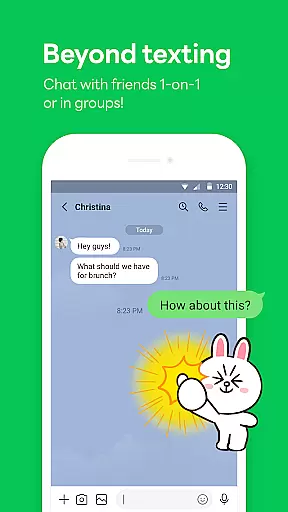
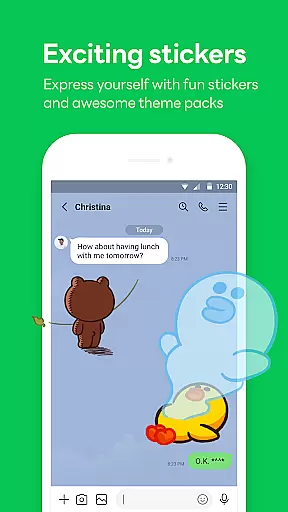
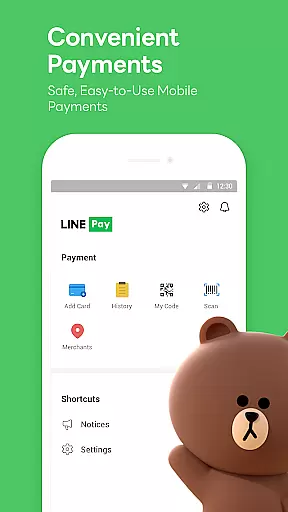

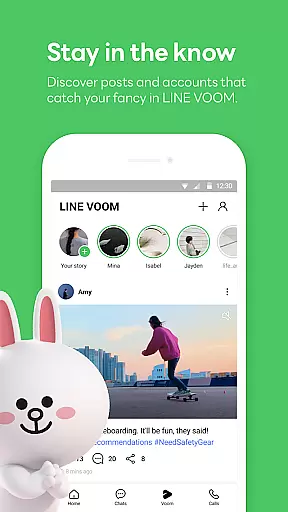
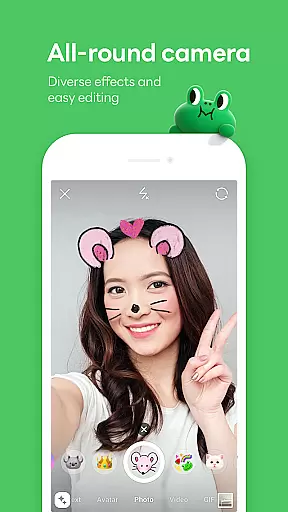
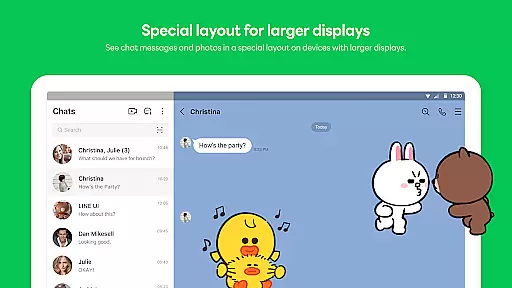
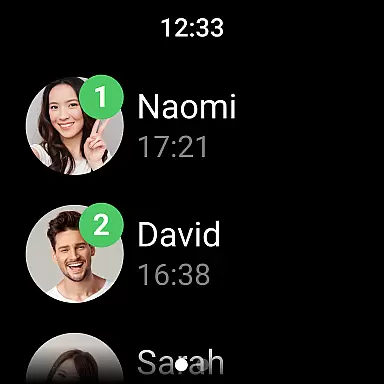
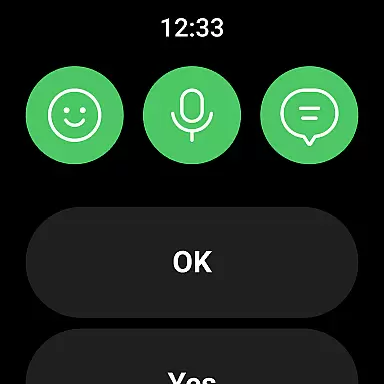
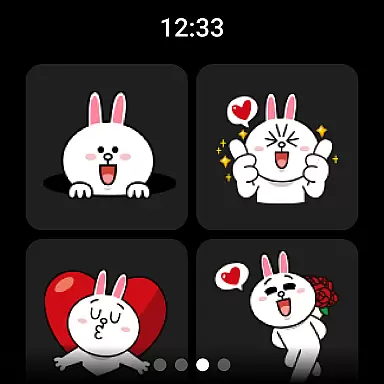
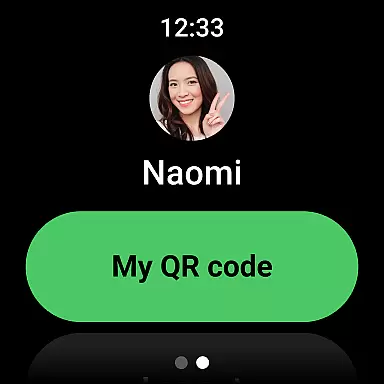


LINE is a comprehensive communication app that bridges the gap between family, friends, and loved ones through free voice and video calls, messages, and an extensive range of expressive stickers. Available on mobile, desktop, and Wear OS platforms, LINE offers users a versatile way to stay connected. With features like Home for easy access to services, Keep Memo for personal storage, and Letter Sealing for enhanced privacy, LINE ensures both convenience and security in your communications.
The app's seamless integration across devices allows you to chat anytime, anywhere—whether you're commuting, working at the office, or using a smartwatch equipped with Wear OS. LINE continues to evolve by introducing new services and features that make daily interactions more engaging and efficient.
LINE stands out with its diverse communication tools including high-quality voice and video calls, text messaging, and a vast library of creative stickers and emojis. The Home feature provides quick access to essential functions such as friend lists, birthdays, sticker shops, and various content offerings. Additionally, the Keep Memo function serves as a private chatroom where users can temporarily store messages, photos, and videos.
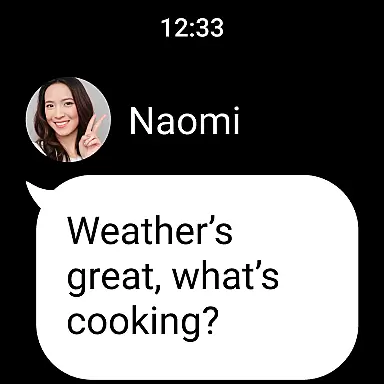
Privacy is prioritized with Letter Sealing, which encrypts messages, call history, and location data. For those who prefer wearable technology, LINE integrates smoothly with Wear OS, enabling message notifications directly on smartwatches. This multi-platform support ensures uninterrupted connectivity regardless of the device you choose to use.
Companion app integration is essential for users who want a seamless experience across multiple devices. LINE ensures that its mobile, desktop, and Wear OS versions are perfectly synchronized.
With companion app integration, users can start a conversation on their smartphone and continue it on their desktop or smartwatch without missing a beat. This interconnected ecosystem allows for real-time updates and notifications, ensuring you're always connected.
LINE's synchronization extends to features like sticker usage, chat history, and even call management. This means your personalized settings and preferences follow you wherever you go, providing a consistent user experience.
The benefit of this integration is clear: whether you're commuting, at work, or relaxing at home, your conversations and content are readily accessible, enhancing both convenience and productivity.
Wear OS/device compatibility is crucial for users who rely on smartwatches for communication and productivity. LINE offers robust support for Wear OS, ensuring smooth functionality on these devices.
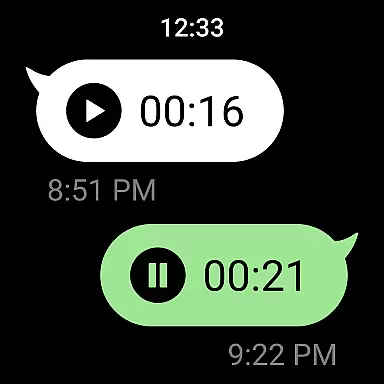
By optimizing its app for Wear OS, LINE provides users with the ability to check messages, receive notifications, and even respond to chats directly from their smartwatches. This level of compatibility enhances accessibility and keeps users engaged without needing to reach for their phones.
LINE also allows users to add complications to their watch faces, offering quick access to frequently used features. This thoughtful design consideration makes interacting with LINE on a Wear OS device intuitive and efficient.
Ultimately, strong Wear OS/device compatibility means users can stay connected in a way that feels natural and unobtrusive, making daily communication more streamlined and enjoyable.
User-friendly interface
Free voice and video calls
Extensive sticker collection
Cross-platform compatibility
Strong privacy protection
Requires significant storage space
May drain battery quickly
Limited offline functionality
Occasional connectivity issues
Some features need Wi-Fi

WTW M17 is a premium and luxurious hybrid watch face
 4.70
4.70
A Wintery Snow Globe on Your Wrist; now celebrating Christmas!
4.1
A watch face that fuses motorsport precision with contemporary smartwatch design
4.1
Beautiful, colorful and practical watch face. For Wear OS devices.
5.00
Funny animated watch face for Thanksgiving
4.2
Retro digital watch face with customizable colors and a unique lighting effect
4.60
Fitbit is dedicated to helping people lead healthier, more active lives.
4.10
Spam call blocker and caller ID for automatic call protection!
4.40
Download full tracks, listen to music offline, make unlimited playlists.
4.80
Simple, helpful messaging by Google
4.60
Stylish, Energizing and Modern Watch Face crafted by Dominus Mathias.
4.50
Embrace the holiday spirit with this magical animated watch face!
4.40
Current temperature, weather hourly, weather radar by the weather forecast app
4.40
Animated video-game inspired “secret agent” simulation, right on your wrist!
4.20
The #1 source of faces for your smartwatch!
4.00
Structured watch face with seven complications and modular UI elements
3.90
Contemporary digital watch face with five complications
4.1
Artistic Digital Watchface
4.1
3 Complications. All shadow on/off. 30 Themes color palette...
4.4


User Reviews